
Sharedrop - File Transfer
Photos & files to any device
iPhone, iPad, iPod touch向けに設計
無料 · アプリ内課金
- 対象年齢4+
- カテゴリビジネス
- 開発元NextPixel apps
- 言語英語ほか28言語
- サイズ21.1 MB
App Storeの公式ページにリンクしています
Download.orgはSharedrop - File Transferのファイルを一切ホストしていません。ボタンを押すと、NextPixel appsが公開しているApp Storeのアプリページが開きます。ページの最終確認:2026/11/21。
スクリーンショット
概要
開発元はこのテキストをお使いの言語で提供していません。
Send photos, videos and files to any nearby device
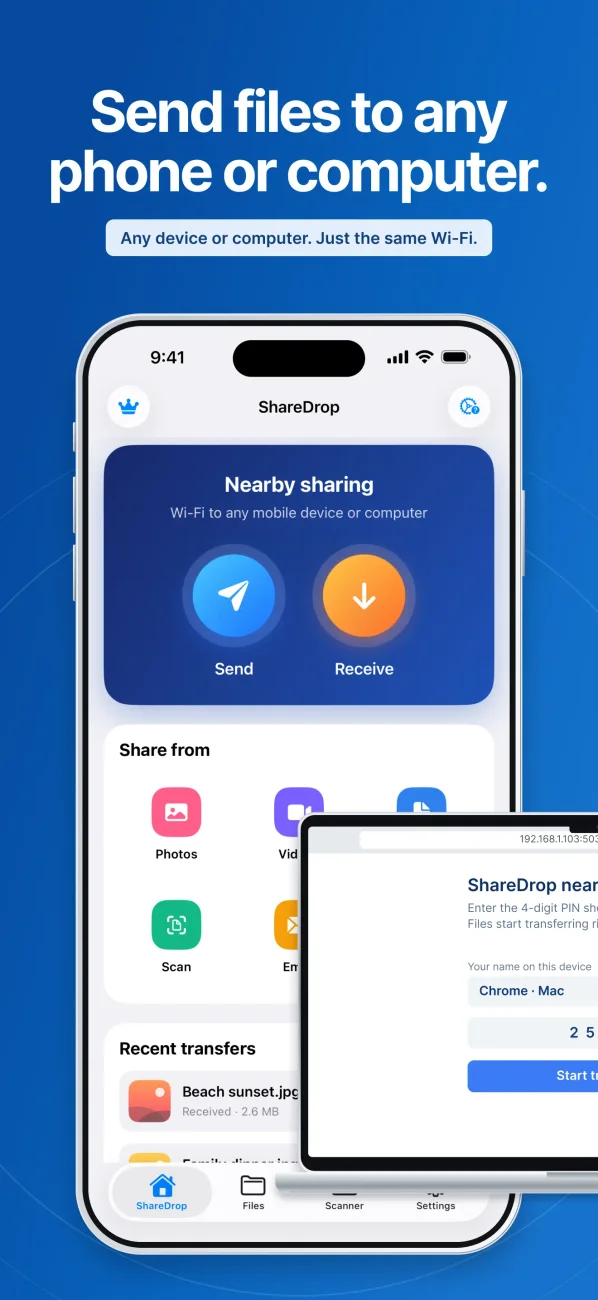
ShareDrop moves files between your iPhone or iPad and any phone, tablet or computer on the same Wi-Fi. No cables, no cloud uploads, and nothing to install on the other device. It just needs a web browser.
HOW IT WORKS
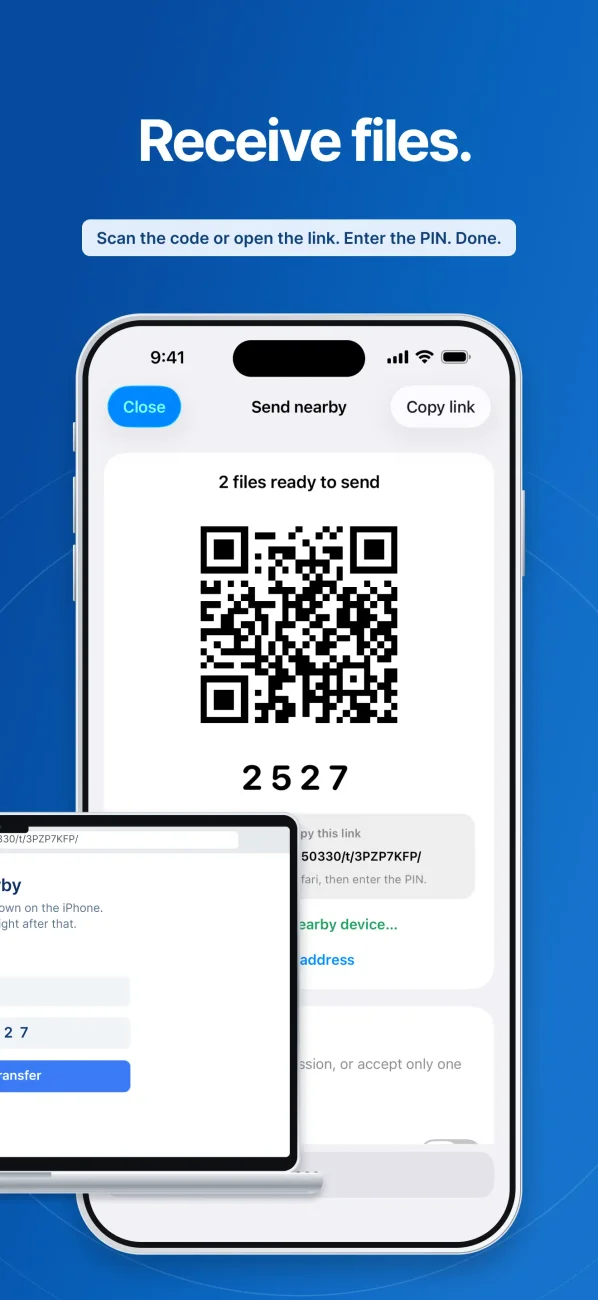
1. Choose photos, videos or files in ShareDrop.
2. On the other device, scan the QR code or open the link.
3. Enter the 4-digit PIN, and the files arrive.
Receiving works the same way: open the link on the other device and upload files straight to your iPhone.
FEATURES
• Send nearby: share photos, videos and files over your Wi-Fi or Personal Hotspot.
• Receive without an app: the other device just uses its web browser.
• Private by design: each session has its own link and PIN. Files go directly between devices and are never uploaded to our servers.
• AirDrop and share sheet: send to Apple devices with AirDrop, or to Messages, Mail and other apps.
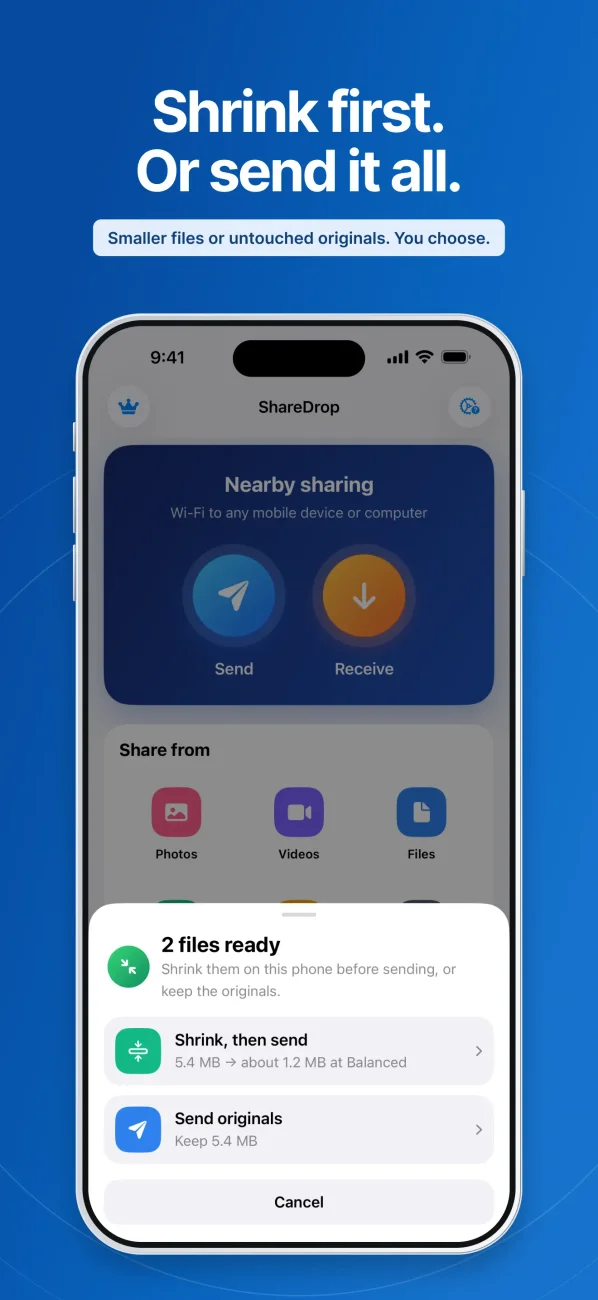
• Compress photos and videos: make files smaller before sending, or keep the originals. Location data is removed by default.
• Scan documents: turn paper into a PDF with the camera. On supported devices, Apple Intelligence suggests a clear name and a short summary.
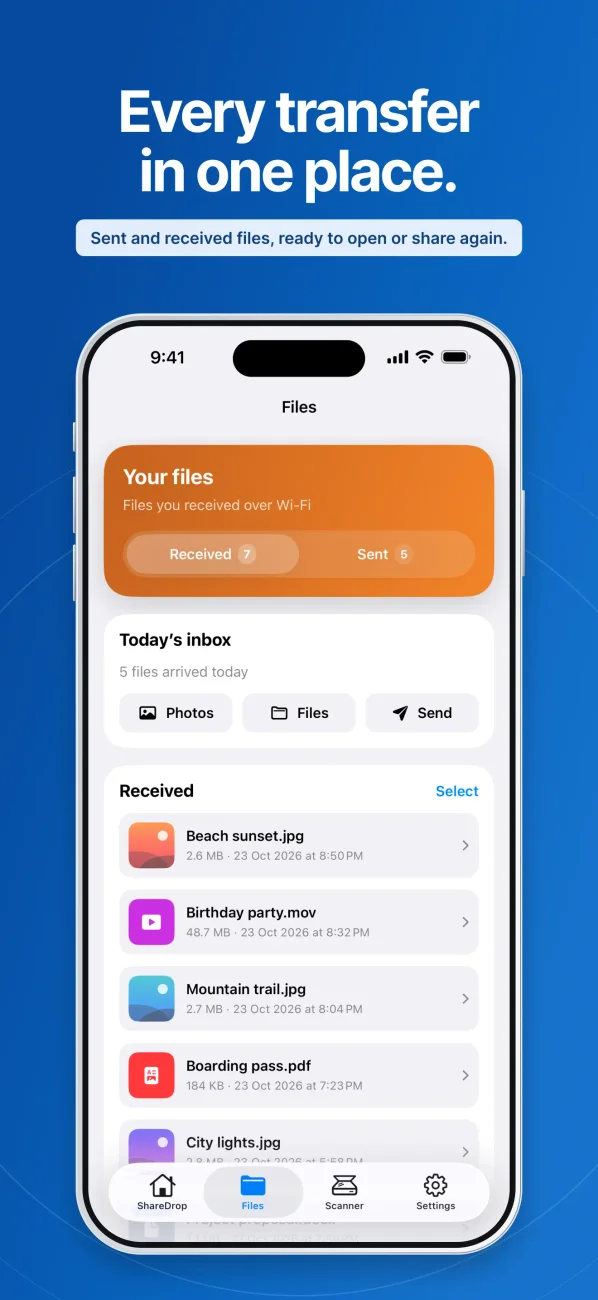
• Files and history: sent and received files in one place, ready to open, save or share again.
• Send folders: share a whole folder as a single ZIP.
• Share from other apps: send files from any app's share sheet.
FREE vs PREMIUM
• Free: send photos, receive files, scan documents, keep your history, and compress once a day.
• Premium: send videos and any file type, send folders, and compress without limits.
SUBSCRIPTION INFORMATION
• ShareDrop Premium is available as a weekly or monthly auto-renewing subscription, or as a one-time Lifetime purchase.
• Some plans include a free trial. If you don't cancel at least 24 hours before the trial ends, the subscription starts and you're charged.
• Payment is charged to your Apple ID when you confirm the purchase.
• Subscriptions renew automatically at the same price unless cancelled at least 24 hours before the end of the current period. Your account is charged for renewal within 24 hours before the period ends.
• You can manage or cancel your subscription anytime in Settings > your name > Subscriptions.
• Prices are shown in the app and may vary by country.
Privacy Policy: https://sites.google.com/view/sharedropapp/projects
Terms of Use: https://sites.google.com/view/sharedropapp/terms
Apple EULA: https://www.apple.com/legal/internet-services/itunes/dev/stdeula/
新機能
バージョン 1.37 · 2026/10/25
• New: Nearby sharing with a QR code. Scan the code on another phone or computer, enter the PIN, and files transfer over Wi-Fi. No app needed on the other device.
• New AirDrop option when sending files.
• Safer sessions: PIN entry locks after repeated wrong attempts.
• Faster folder sending that uses less memory.
• More privacy: location is removed from compressed videos, and analytics are gone.
• Restore purchases right from Settings.
• Bug fixes and support for the latest iOS.
アプリのプライバシー
このアプリのデータの取り扱いについて、NextPixel appsがApp Storeで申告している内容です。
-
ユーザーに関連付けられないデータ
収集される場合がありますが、ユーザーの識別情報には関連付けられません。
- 購入
- ID
プライバシーの取り扱いは、ご利用の機能やお客様の年齢などに応じて異なる場合があります。
情報
- 販売元
- NEXTPIXEL APPS LLP
- カテゴリ
- ビジネス
- バージョン
- 1.37
- 更新日
- 2026/10/25
- リリース
- 2022/1/26
- サイズ
- 21.1 MB
- 必要条件
- iOS 15.0以降
- 対象年齢
- 4+
- 価格
- 無料
- アプリ内課金
- あり
- 言語
- 英語, アラビア語, カタロニア語, クロアチア語, チェコ語, デンマーク語, オランダ語, フィンランド語, フランス語, ドイツ語, ギリシャ語, ヘブライ ほか17言語
- 著作権
- © NEXTPIXEL APPS LLP
こちらもおすすめ
-
 エアドロップ - えあどろっぷエアードロップ · えあーどろっぷ
-
 ファイル転送 - エアードロップエアドロップ · えあどろっぷ · えあーどろっぷ
-
 PairDrop仕事効率化
-
 AirDroid - File Transfer&Share仕事効率化
-
 ファイル転送 - ファイルマネージャーデータストレージ - コンテンツ、データ、画像の共有
-
 AirDisk: ファイル転送Wi-FiでPC・Macに送信
-
 QuickShare: ファイル転送、ファイル共有どこでも共有 - すべてのファイル転送
-
 File Manager - Exchange files仕事効率化
-
 USB Disk SE, File Manager仕事効率化
-
 Documents Pro - Files EditorSupports Dropbox, Google Drive