ShiftWave: Shift Calendar
Rotating Work Schedule Planner
iPhone, iPad, iPod touch向けに設計
無料 · アプリ内課金
- 対象年齢12+
- カテゴリ仕事効率化
- 開発元MyProjectX, Inc.
- 言語英語
- サイズ76.3 MB
App Storeの公式ページにリンクしています
Download.orgはShiftWave: Shift Calendarのファイルを一切ホストしていません。ボタンを押すと、MyProjectX, Inc.が公開しているApp Storeのアプリページが開きます。ページの最終確認:2026/11/25。
スクリーンショット

概要
開発元はこのテキストをお使いの言語で提供していません。
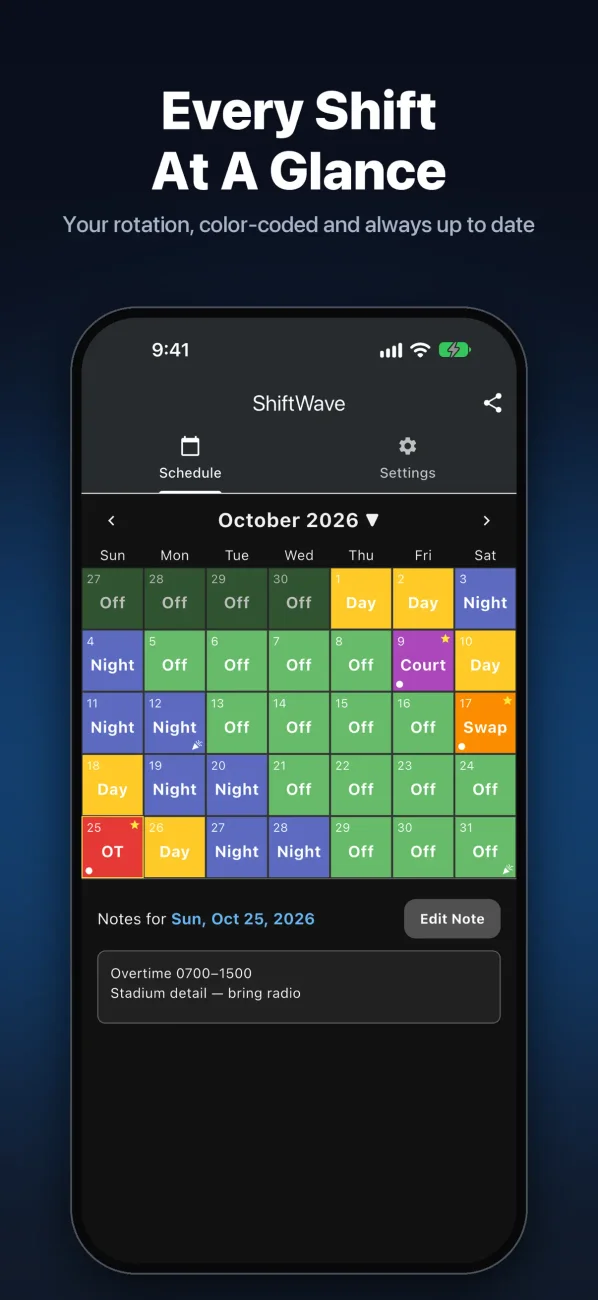
Shift Calendar - ShiftWave, the new CopApp! - Throw away your paper schedule!
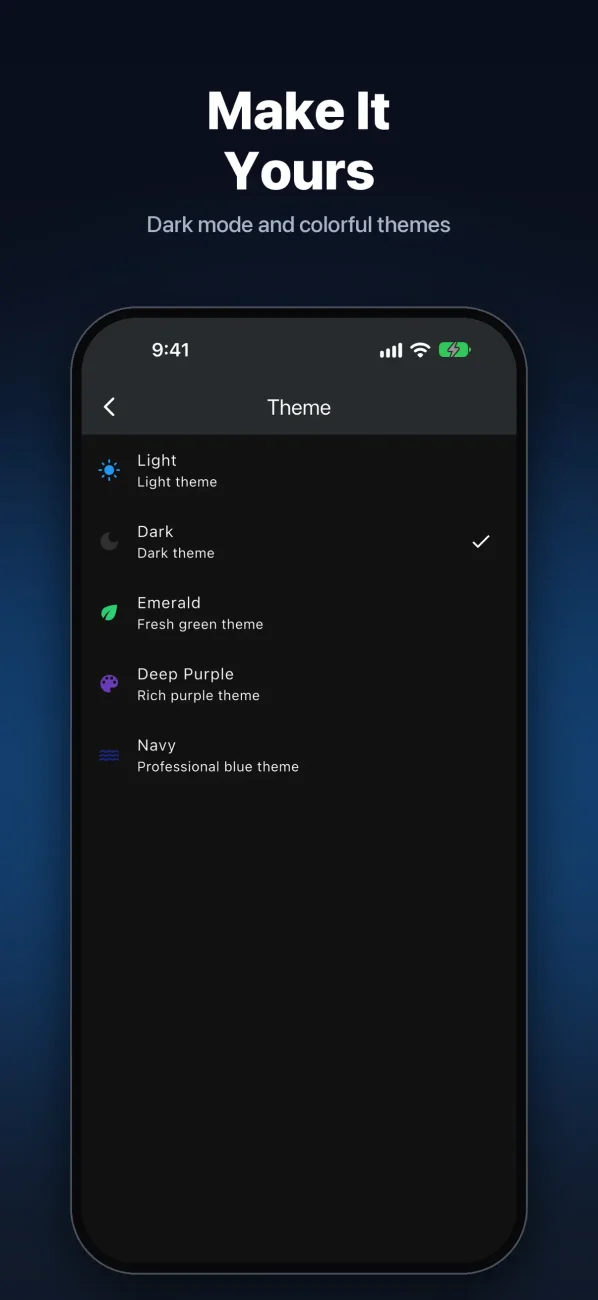
Simple Calendar App for Repeating Shift Schedules & adding notes/highlight colors for any day. Choose from color themes, and customize to your schedule. Export to other calendars, like Google Calendar and/or Apple Calendar. View Pitman Schedule, 4 On / 2 Off, 5 On / 3 Off or any custom schedule. Throw away your paper schedule!
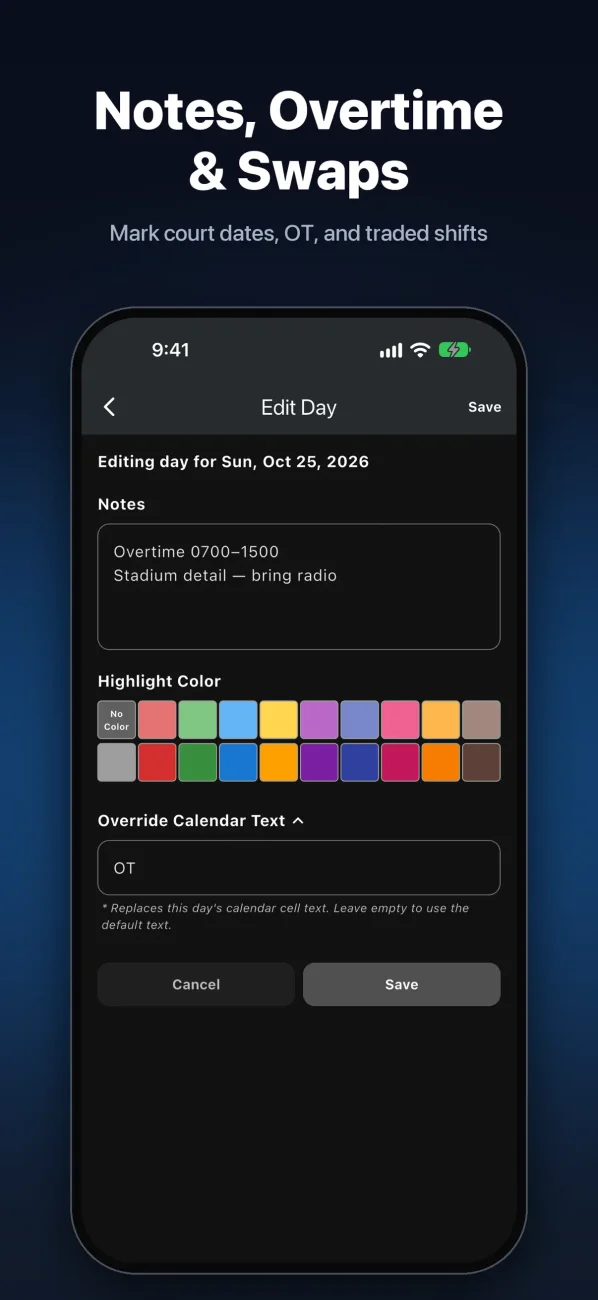
Upgrade for Pro Features like adding notes, highlight colors for any day, override a day's text on the calendar, share schedule, and more!
For anyone that has a rotating/repeating shift schedule -- Calendar/Schedule app, for example if police officers wish to view which squads work together and which squads have days off.
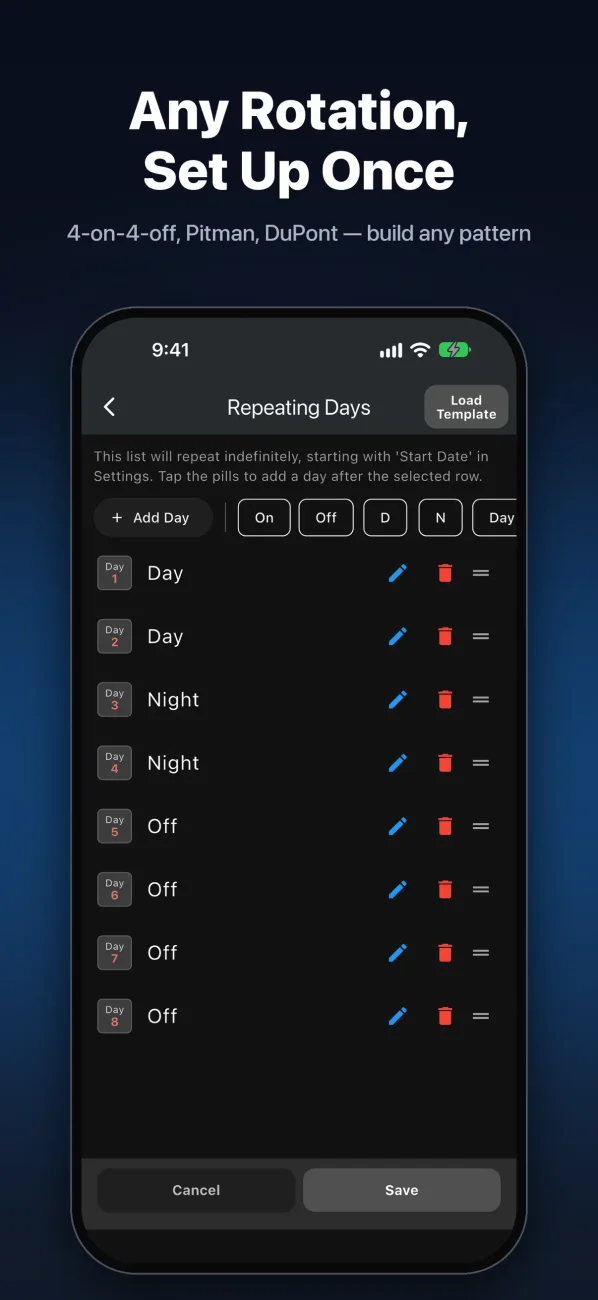
Tap Settings-->Set Rotation Days to change schedules - supports any combination of custom text.. For instance, supports 3 squads, with repeating schedules of:
• 5 days on, 2 days off, then 5 days on, 3 days off
• 4 days on, then 2 days off
• ... or make your own schedule, like: On, On, On, Off, Off, Off or AA, BB, CC, DD
Tap on Edit button for any day to view the screen and Add Notes for any day or highlight it a color for important dates.
Tap on Set Rotation Days to customize the days to rotate (add, remove, move days around) to make the schedule exactly match your own.
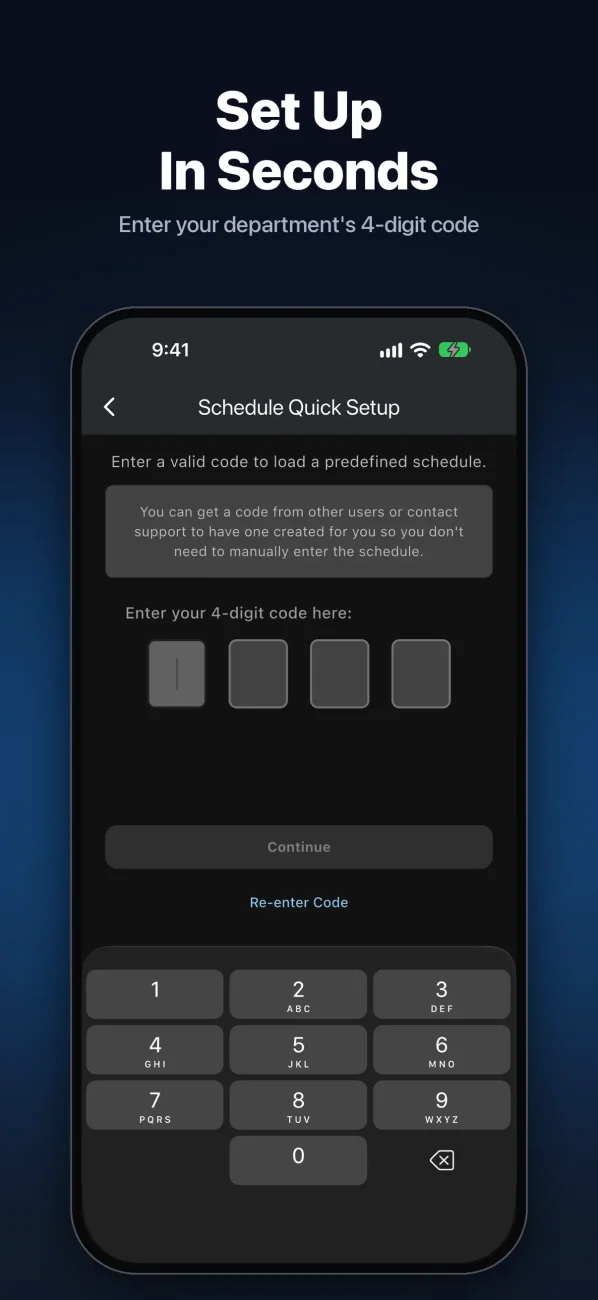
Load quick setup codes to download a predefined schedules so you don't need to enter it manually. You can enter a 4 digit code to instantly set up your schedule.
** If your schedule is similar to one of the quick setup codes, you can edit it to make it like your own. If you want to add your schedule to the list, just email support with your schedule name and the text (ie: On,On,On,On,Off,Off -- or A,A,B,B,C,C -- or D,D,D,-,-,-,N,N,N,N, etc...) **
Please contact support before leaving any negative reviews, we can almost always help.
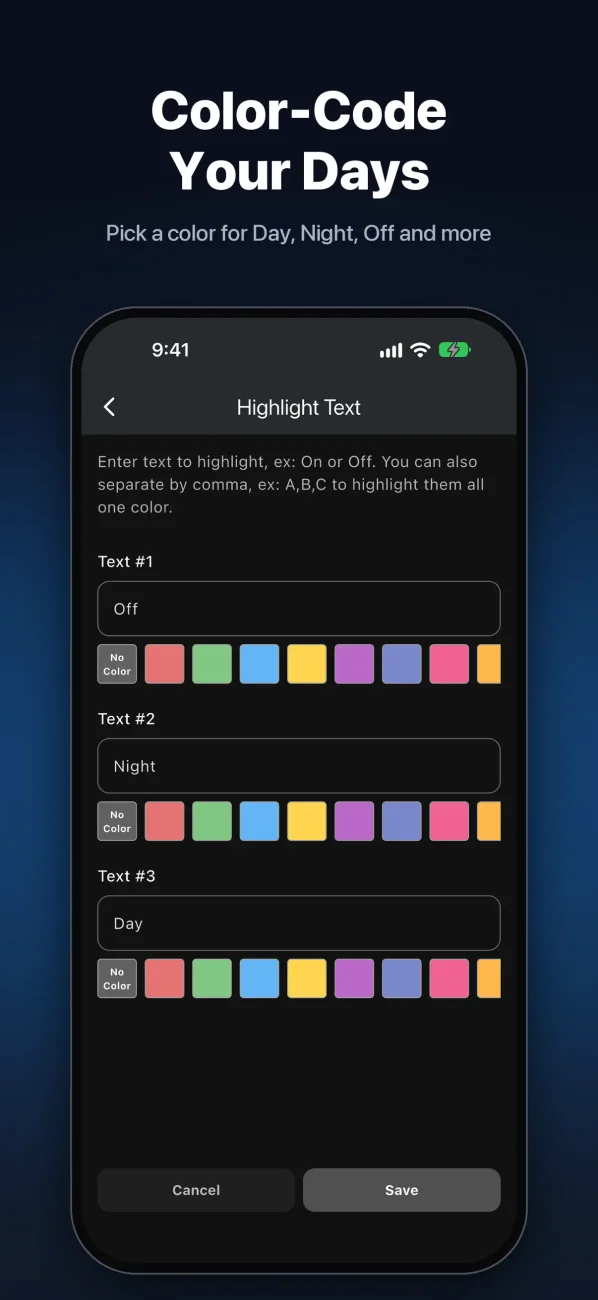
Automatically highlight a color for text string for the calendar by setting it one time in settings. Choose up to 3 different colors/string combos.
* Subscription provides access to premium features including ad removal, note editing, and quick setup codes for the duration of the subscription.
* Subscriptions will automatically renew unless canceled within 24-hours before the end of the current period. You can cancel anytime with your iTunes account settings.
For standard Terms of Use, please visit: https://www.apple.com/legal/internet-services/itunes/dev/stdeula
Feel free to contact support if you have any other questions or issues: myprojectxinc@gmail.com
新機能
バージョン 1.4.7 · 2026/11/10
Minor bug fixes
アプリのプライバシー
このアプリのデータの取り扱いについて、MyProjectX, Inc.がApp Storeで申告している内容です。
-
ユーザーのトラッキングに使用されるデータ
他社のアプリやウェブサイトを横断してユーザーをトラッキングする目的で使用される場合があります。
- ID
-
ユーザーに関連付けられないデータ
収集される場合がありますが、ユーザーの識別情報には関連付けられません。
- ID
- 使用状況データ
- 診断
プライバシーの取り扱いは、ご利用の機能やお客様の年齢などに応じて異なる場合があります。
情報
- 販売元
- MyProjectX, Inc.
- カテゴリ
- 仕事効率化
- バージョン
- 1.4.7
- 更新日
- 2026/11/10
- リリース
- 2025/6/19
- サイズ
- 76.3 MB
- 必要条件
- iOS 15.0以降
- 対象年齢
- 12+
- 価格
- 無料
- アプリ内課金
- あり
- 言語
- 英語
- 著作権
- © (C) 2026, MyProjectX, Inc.