ShiftWave: Shift Calendar
Rotating Work Schedule Planner
Designed for iPhone, iPad, iPod touch
Free · In-app purchases
- Age rating12+
- CategoryProductivity
- DeveloperMyProjectX, Inc.
- LanguagesEnglish
- Size76.3 MB
Links to the official App Store page
Download.org hosts no file of ShiftWave: Shift Calendar. The button opens its official App Store page, published by MyProjectX, Inc. Listing last checked on Nov 18, 2026.
Screenshots

About
Shift Calendar - ShiftWave, the new CopApp! - Throw away your paper schedule!
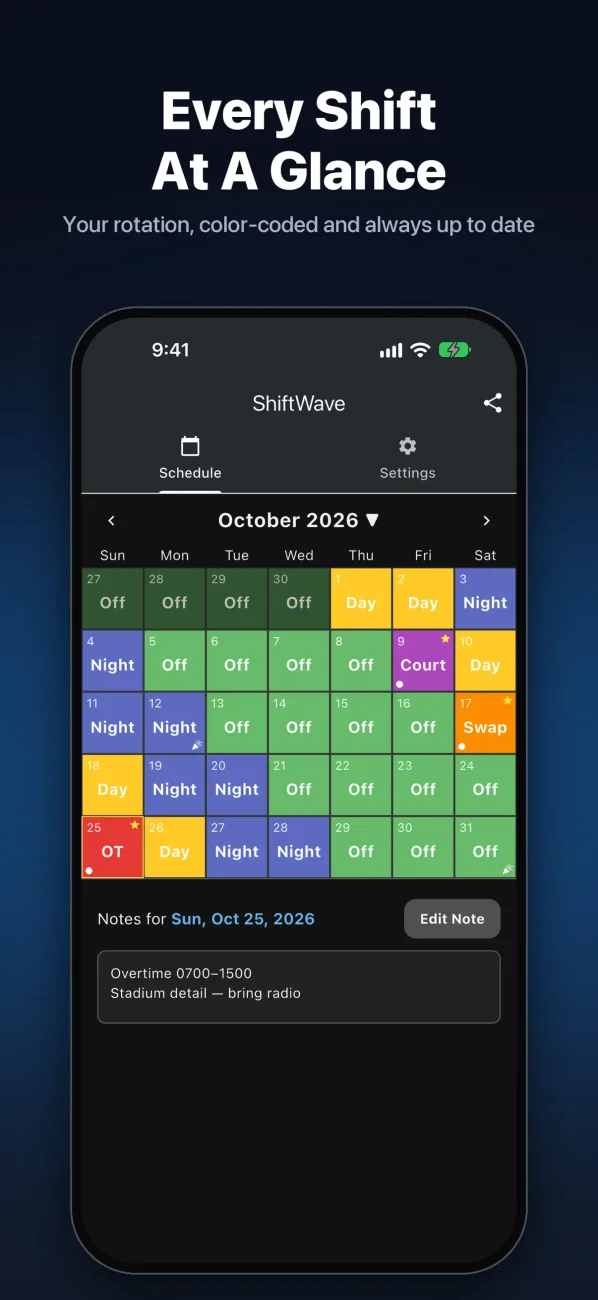
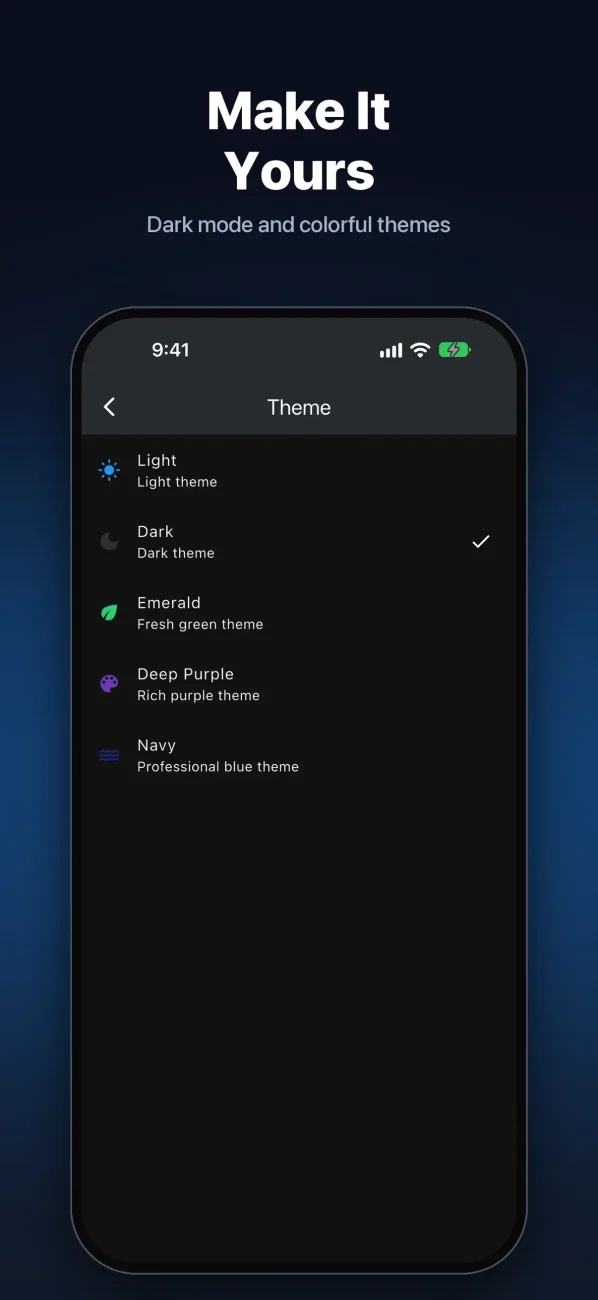
Simple Calendar App for Repeating Shift Schedules & adding notes/highlight colors for any day. Choose from color themes, and customize to your schedule. Export to other calendars, like Google Calendar and/or Apple Calendar. View Pitman Schedule, 4 On / 2 Off, 5 On / 3 Off or any custom schedule. Throw away your paper schedule!
Upgrade for Pro Features like adding notes, highlight colors for any day, override a day's text on the calendar, share schedule, and more!
For anyone that has a rotating/repeating shift schedule -- Calendar/Schedule app, for example if police officers wish to view which squads work together and which squads have days off.
Tap Settings-->Set Rotation Days to change schedules - supports any combination of custom text.. For instance, supports 3 squads, with repeating schedules of:
• 5 days on, 2 days off, then 5 days on, 3 days off
• 4 days on, then 2 days off
• ... or make your own schedule, like: On, On, On, Off, Off, Off or AA, BB, CC, DD
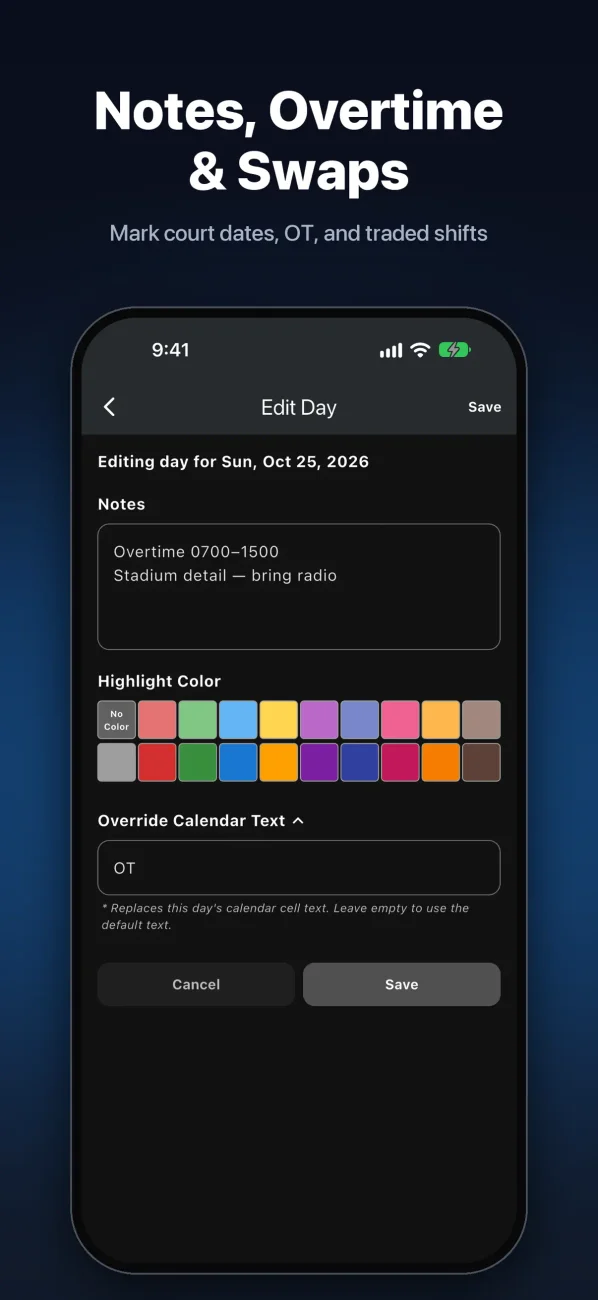
Tap on Edit button for any day to view the screen and Add Notes for any day or highlight it a color for important dates.
Tap on Set Rotation Days to customize the days to rotate (add, remove, move days around) to make the schedule exactly match your own.
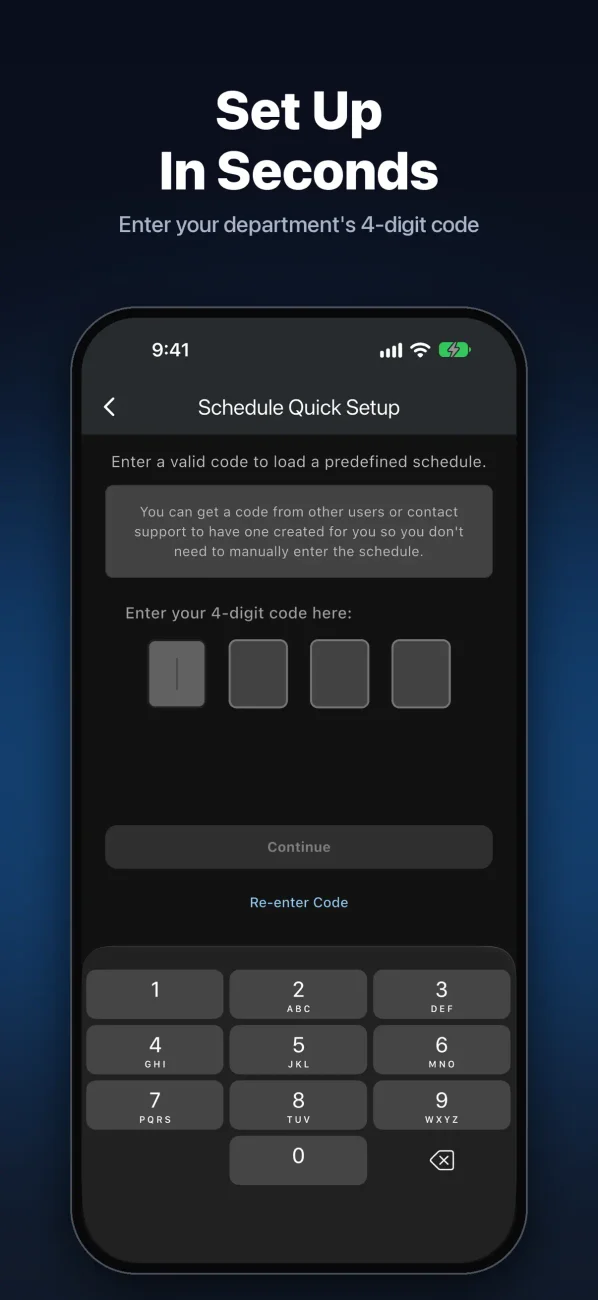
Load quick setup codes to download a predefined schedules so you don't need to enter it manually. You can enter a 4 digit code to instantly set up your schedule.
** If your schedule is similar to one of the quick setup codes, you can edit it to make it like your own. If you want to add your schedule to the list, just email support with your schedule name and the text (ie: On,On,On,On,Off,Off -- or A,A,B,B,C,C -- or D,D,D,-,-,-,N,N,N,N, etc...) **
Please contact support before leaving any negative reviews, we can almost always help.
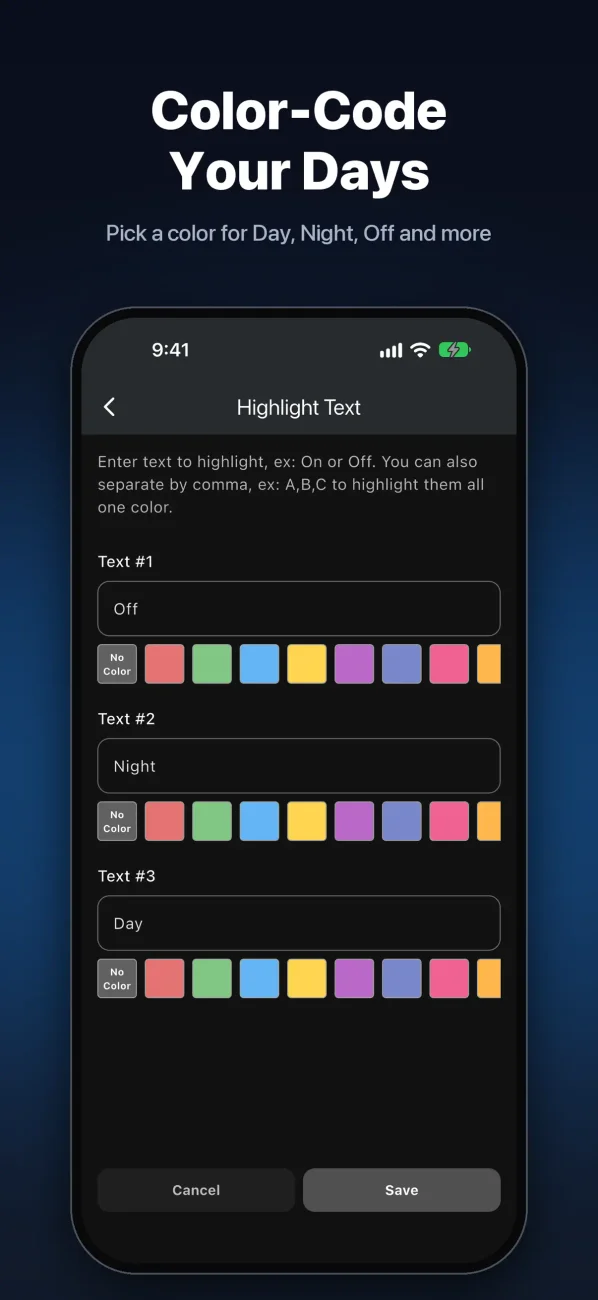
Automatically highlight a color for text string for the calendar by setting it one time in settings. Choose up to 3 different colors/string combos.
* Subscription provides access to premium features including ad removal, note editing, and quick setup codes for the duration of the subscription.
* Subscriptions will automatically renew unless canceled within 24-hours before the end of the current period. You can cancel anytime with your iTunes account settings.
For standard Terms of Use, please visit: https://www.apple.com/legal/internet-services/itunes/dev/stdeula
Feel free to contact support if you have any other questions or issues: myprojectxinc@gmail.com
What’s new
Version 1.4.7 · Nov 10, 2026
Minor bug fixes
App privacy
What MyProjectX, Inc. declares on the App Store about how this app handles data.
-
Data used to track you
May be used to track you across apps and websites owned by other companies.
- Identifiers
-
Data not linked to you
May be collected but is not linked to your identity.
- Identifiers
- Usage data
- Diagnostics
Privacy practices may vary, for example with the features you use or your age.
Information
- Seller
- MyProjectX, Inc.
- Category
- Productivity
- Version
- 1.4.7
- Updated
- Nov 10, 2026
- Released
- Jun 19, 2025
- Size
- 76.3 MB
- Requires
- iOS 15.0 or later
- Age rating
- 12+
- Price
- Free
- In-app purchases
- Yes
- Languages
- English
- Copyright
- © (C) 2026, MyProjectX, Inc.
You might also like
-
 BlueShifts Police CalendarOff-Duty & Shift Organizer
-
 RotaFlow: Shift Rota CalendarOvertime & Work Hour Tracker
-
 Police ShiftSchedule, Calendar, OT Tracker
-
 DutyWire Police Shift CalendarTools for First Responder Life
-
 Frontline - Shift CalendarFirefighters, EMS & Police
-
 Spark - Shift CalendarCustomize, Organize, Plan Life
-
 Rota Calendar: Shift PlannerRotating Work Schedule Maker
-
 PMAM HCMProductivity
-
 Blue Voice AppLaw Enforcement Reference Tool
-
 ResponderAppProductivity