- 対象年齢4+
- カテゴリ教育
- 開発元Bratislav Ljubisic
- 言語英語
- サイズ2.5 MB
App Storeの公式ページにリンクしています
Download.orgはSimple Orbit Simulatorのファイルを一切ホストしていません。ボタンを押すと、Bratislav Ljubisicが公開しているApp Storeのアプリページが開きます。ページの最終確認:2026/11/18。
スクリーンショット


概要
開発元はこのテキストをお使いの言語で提供していません。
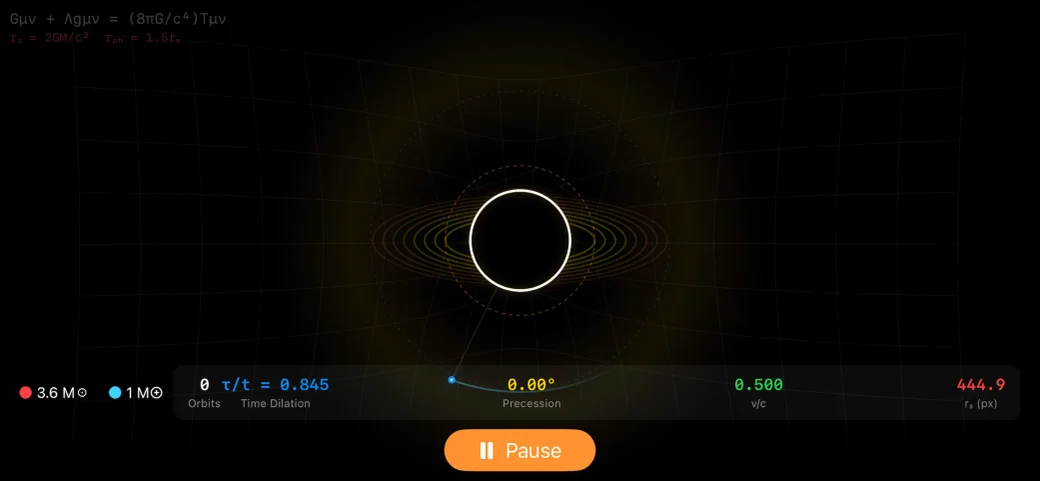
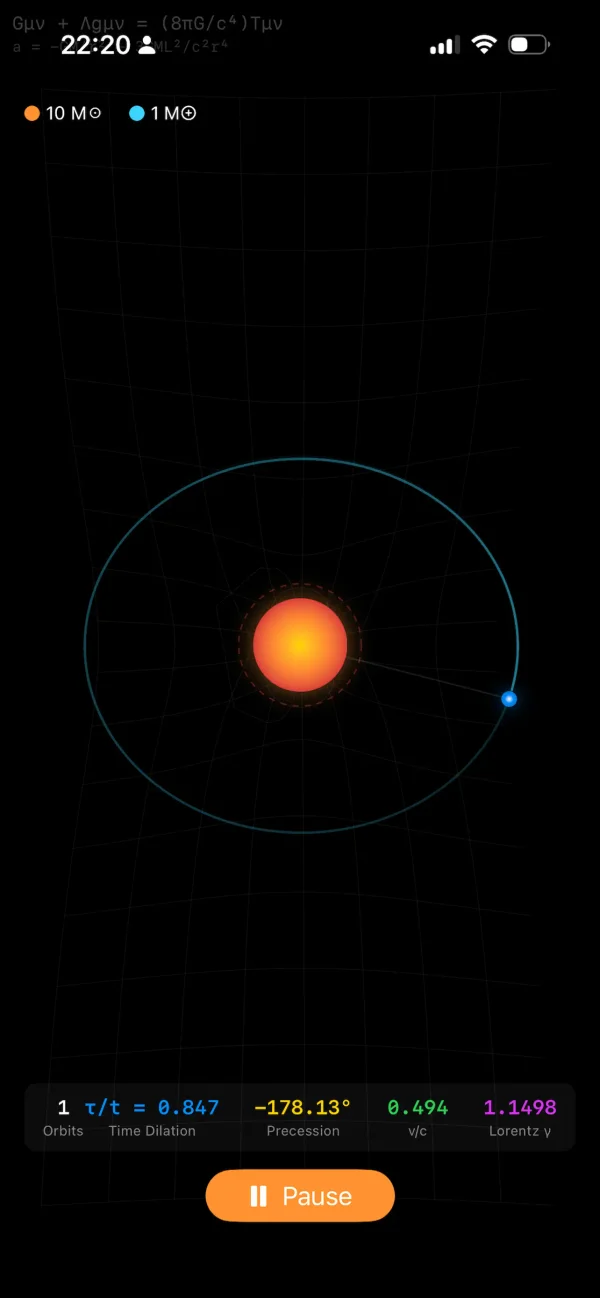
Simple Orbit Simulator brings the elegance of Einstein's general relativity to your fingertips. Watch two celestial bodies dance under the influence of gravity — not as a textbook approximation, but as a true Schwarzschild geodesic simulation — the same physics that governs real planets, stars, and black holes.
Real Physics, Visually Beautiful
Unlike typical orbit simulators that use Newtonian gravity, Simple Orbit Simulator traces actual curved-spacetime paths. Every orbit is a genuine geodesic of the Schwarzschild metric. The result: Mercury-style perihelion precession that slowly paints a rosette pattern on screen, gravitational time dilation that deepens as the planet plunges toward the star, and event horizon dynamics that are physically meaningful — not just decorative.
Black Hole Mode
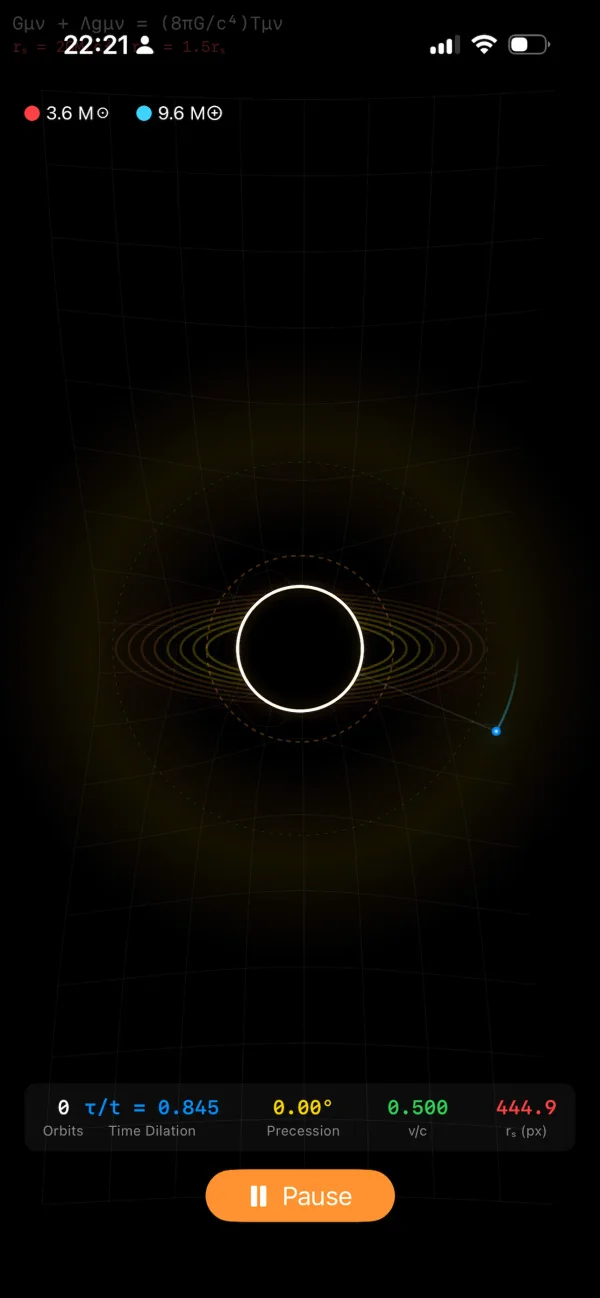
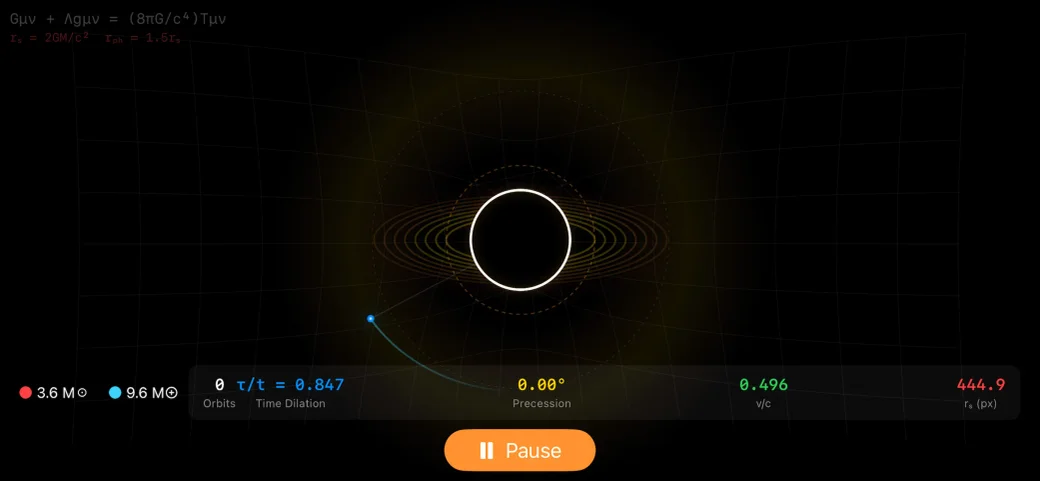
Switch to Black Hole Mode and watch a supermassive compact object warp the simulation. The event horizon, photon sphere, and innermost stable circular orbit (ISCO) become visible boundaries. Push the planet too close and it crosses the point of no return. Accretion disk glow and a dynamically warped spacetime grid make the physics viscerally tangible.
Full 3D Orbits
Tilt the orbital plane with the inclination slider and drag the canvas to rotate the camera freely. Horizontal drag changes the azimuth — spinning the scene left and right. Vertical drag changes the elevation — from a top-down view to edge-on. A circular orbit becomes an ellipse, a line, or a spiral rosette depending on your viewpoint. Physics is computed in full three-dimensional space.
Live Relativistic Metrics
Track real-time data as the simulation runs:
• Gravitational time dilation factor
• Accumulated proper time of the orbiting body
• Lorentz gamma factor
• Orbital velocity as a fraction of the speed of light
• Perihelion precession angle in degrees
• Orbits completed
Explore and Experiment
Adjust star mass, planet mass, and orbital distance with intuitive logarithmic sliders. See how increasing the star's mass deepens the gravitational well. Increase separation and watch relativistic precession shrink as GR effects fade with distance. Combine an inclined orbit with Black Hole Mode for a dramatic 3D plunge trajectory.
Built for Clarity
Every design decision prioritises understanding over complexity. The simulation uses scaled constants so relativistic effects are visible at screen scale — preserving all qualitative behaviour predicted by general relativity in a form humans can actually see.
Simple Orbit Simulator is for students, educators, curious minds, and anyone who has ever looked up at the night sky and wondered what holds it all together.
新機能
バージョン 2026.5 · 2026/11/13
A NEW ICON
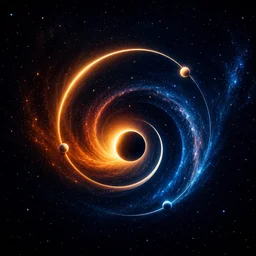
Simple Orbit Simulator has a fresh new icon: a planet orbiting a black hole deep in a well of curved spacetime. It comes in light, dark and tinted versions to match your Home Screen.
WHAT AM I LOOKING AT?
Tap the new ⓘ button, while paused or running, for a guide to everything on screen:
• The scene and what's happening in it.
• What's drawn to scale, and what's enlarged so you can see it.
• Each body: its mass, size and orbit.
• The black hole: its event horizon, photon sphere and innermost stable orbit, and what each one means.
• The habitable zone: where liquid water could exist, and the planet's temperature.
• The rings, trails, arrows and grid on screen.
• Every number in the metrics panel, explained.
The guide always matches what you're looking at, using the same numbers as the screen.
OPEN SCENES STRAIGHT FROM LINKS
Links on the App Store and the web now open the app on a matching scene: a planet torn apart by a black hole, a probe orbiting near the event horizon, the star S2 circling Sagittarius A*, the figure-8 orbit, the chaotic Pythagorean three-body problem and more.
FIXES
• The orbit counter now says "1 orbit" instead of "1 orbits".
• Turning on Black Hole Mode while paused now shows the black hole straight away.
アプリのプライバシー
このアプリのデータの取り扱いについて、Bratislav LjubisicがApp Storeで申告している内容です。
-
データの収集なし
開発元はこのアプリからデータを収集しません。
プライバシーの取り扱いは、ご利用の機能やお客様の年齢などに応じて異なる場合があります。
情報
- 販売元
- Bratislav Ljubisic
- カテゴリ
- 教育
- バージョン
- 2026.5
- 更新日
- 2026/11/13
- リリース
- 2026/4/21
- サイズ
- 2.5 MB
- 必要条件
- iOS 18.2以降
- 対象年齢
- 4+
- 価格
- ¥150
- 言語
- 英語
- 著作権
- © Bratislav Ljubisic