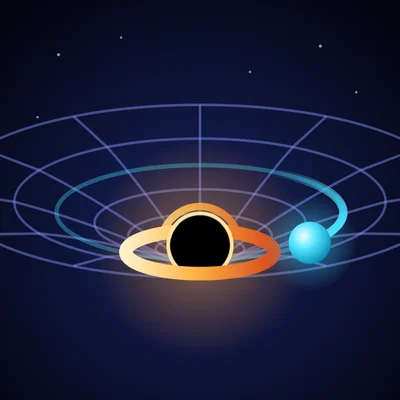
Simple Orbit Simulator
Einstein’s Gravity in Motion
Projetado para iPhone, iPad
R$ 6,90
- Classificação etária4+
- CategoriaEducação
- DesenvolvedorBratislav Ljubisic
- IdiomasInglês
- Tamanho2,6 MB
Leva à página oficial na App Store
O Download.org não hospeda nenhum arquivo de Simple Orbit Simulator. O botão abre a página do app na App Store, onde Bratislav Ljubisic o publica. Página verificada pela última vez em 28/11/2026.
Capturas de tela


Sobre
O desenvolvedor não forneceu este texto no seu idioma.
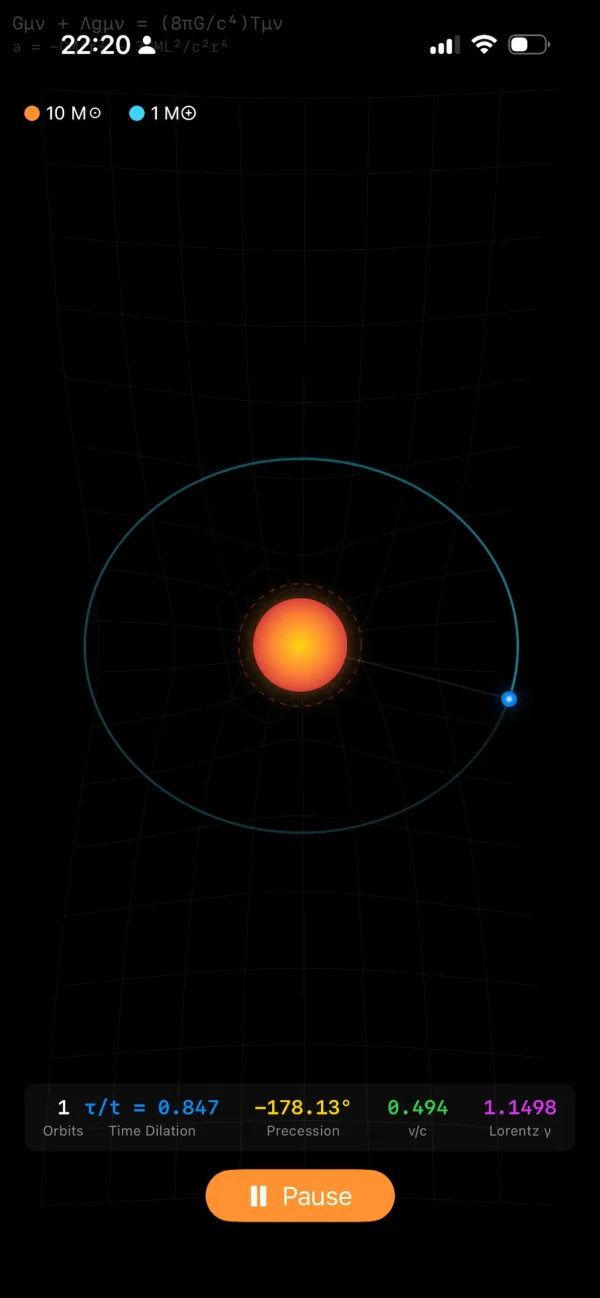
Simple Orbit Simulator brings the elegance of Einstein's general relativity to your fingertips. Watch two celestial bodies dance under the influence of gravity — not as a textbook approximation, but as a true Schwarzschild geodesic simulation — the same physics that governs real planets, stars, and black holes.
Real Physics, Visually Beautiful
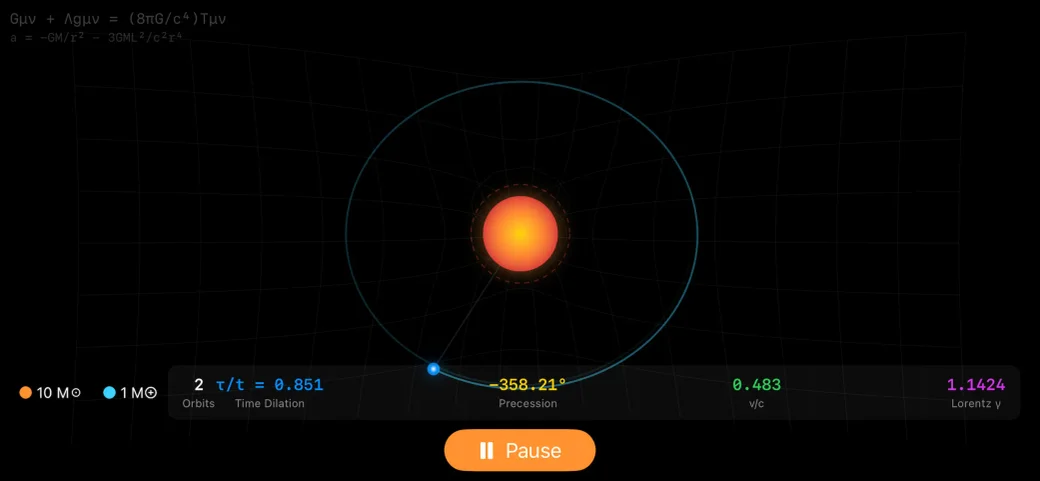
Unlike typical orbit simulators that use Newtonian gravity, Simple Orbit Simulator traces actual curved-spacetime paths. Every orbit is a genuine geodesic of the Schwarzschild metric. The result: Mercury-style perihelion precession that slowly paints a rosette pattern on screen, gravitational time dilation that deepens as the planet plunges toward the star, and event horizon dynamics that are physically meaningful — not just decorative.
Black Hole Mode
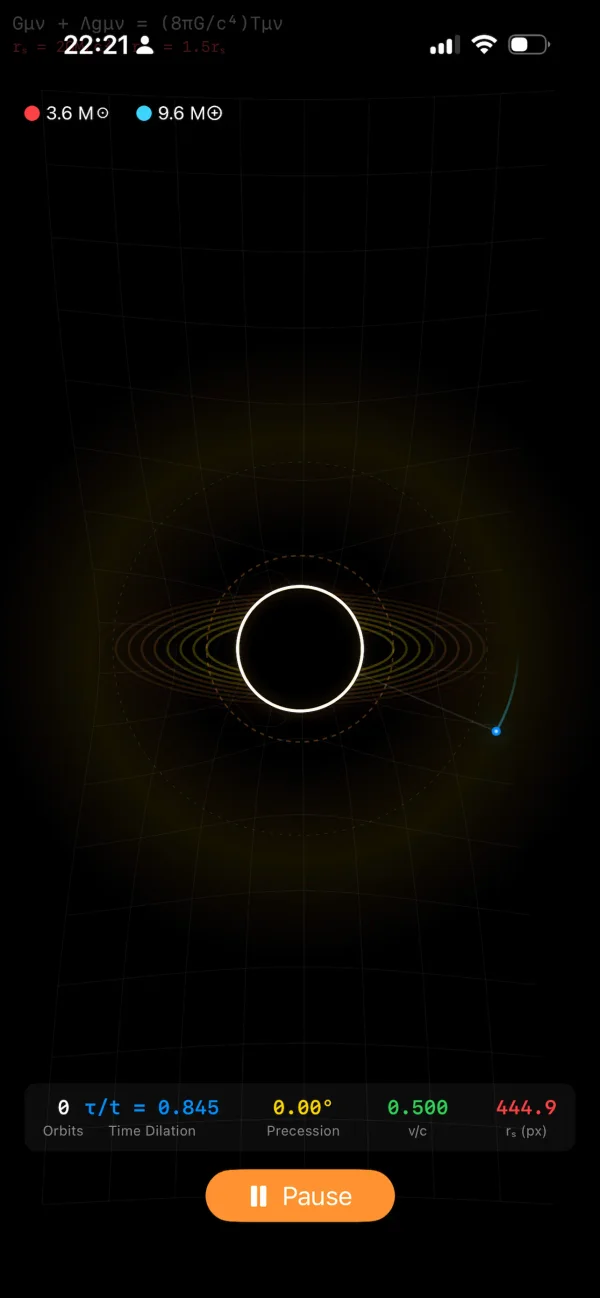
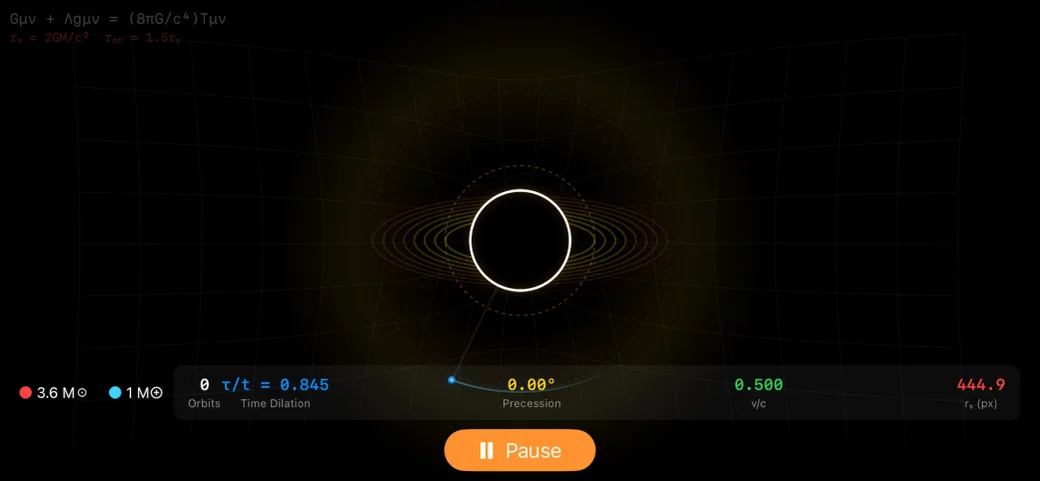
Switch to Black Hole Mode and watch a supermassive compact object warp the simulation. The event horizon, photon sphere, and innermost stable circular orbit (ISCO) become visible boundaries. Push the planet too close and it crosses the point of no return. Accretion disk glow and a dynamically warped spacetime grid make the physics viscerally tangible.
Full 3D Orbits
Tilt the orbital plane with the inclination slider and drag the canvas to rotate the camera freely. Horizontal drag changes the azimuth — spinning the scene left and right. Vertical drag changes the elevation — from a top-down view to edge-on. A circular orbit becomes an ellipse, a line, or a spiral rosette depending on your viewpoint. Physics is computed in full three-dimensional space.
Live Relativistic Metrics
Track real-time data as the simulation runs:
• Gravitational time dilation factor
• Accumulated proper time of the orbiting body
• Lorentz gamma factor
• Orbital velocity as a fraction of the speed of light
• Perihelion precession angle in degrees
• Orbits completed
Explore and Experiment
Adjust star mass, planet mass, and orbital distance with intuitive logarithmic sliders. See how increasing the star's mass deepens the gravitational well. Increase separation and watch relativistic precession shrink as GR effects fade with distance. Combine an inclined orbit with Black Hole Mode for a dramatic 3D plunge trajectory.
Built for Clarity
Every design decision prioritises understanding over complexity. The simulation uses scaled constants so relativistic effects are visible at screen scale — preserving all qualitative behaviour predicted by general relativity in a form humans can actually see.
Simple Orbit Simulator is for students, educators, curious minds, and anyone who has ever looked up at the night sky and wondered what holds it all together.
Novidades
Versão 2026.6 · 26/11/2026
New: see gravity as a gravity well.
• Switch the view between 2D, Split and 3D with the new view button. Split shows the orbits on top and spacetime as a rubber sheet below; 3D fills the screen with the sheet.
• Every star, planet and black hole sinks into its own well, and the wells move with the bodies as they orbit. Heavy bodies dig deep wells, while light ones stay visible beside them.
• Around a black hole, the sheet becomes a funnel that drops all the way to the event horizon.
• Drag to tilt and turn the sheet, and pinch to zoom. Reset Camera brings back the default view.
• The simulation keeps running while you switch views, and the “What am I looking at?” sheet explains the wells.
Privacidade do app
O que Bratislav Ljubisic declara na App Store sobre como este app lida com os dados.
-
Dados não coletados
O desenvolvedor não coleta nenhum dado deste app.
As práticas de privacidade podem variar, por exemplo, com base nos recursos que você usa ou na sua idade.
Informações
- Vendedor
- Bratislav Ljubisic
- Categoria
- Educação
- Versão
- 2026.6
- Atualizado
- 26/11/2026
- Lançamento
- 21/04/2026
- Tamanho
- 2,6 MB
- Requer
- iOS 18.2 ou posterior
- Classificação etária
- 4+
- Preço
- R$ 6,90
- Idiomas
- Inglês
- Copyright
- © Bratislav Ljubisic