Smart Printer App & PDF Scan
Print photo & PDF via AirPrint
iPhone, iPad, iPod touch向けに設計
無料 · アプリ内課金
- 対象年齢4+
- カテゴリビジネス
- 開発元THI MY HAO TRAN
- 言語英語
- サイズ152.8 MB
App Storeの公式ページにリンクしています
Download.orgはSmart Printer App & PDF Scanのファイルを一切ホストしていません。ボタンを押すと、THI MY HAO TRANが公開しているApp Storeのアプリページが開きます。ページの最終確認:2026/11/12。
スクリーンショット
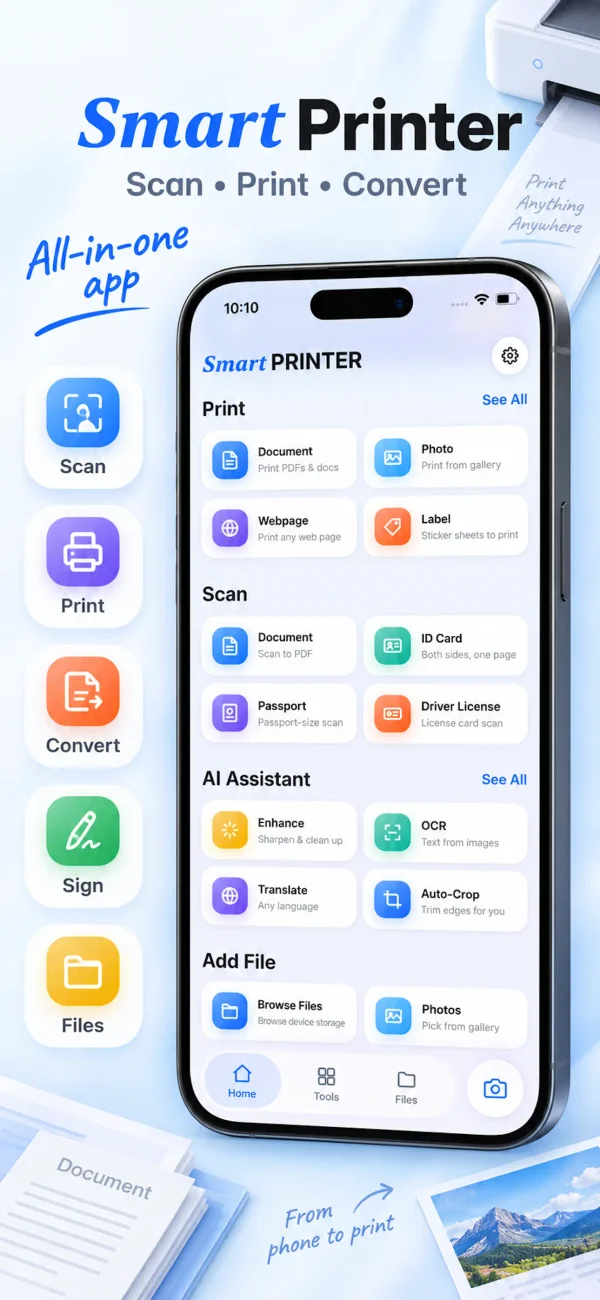
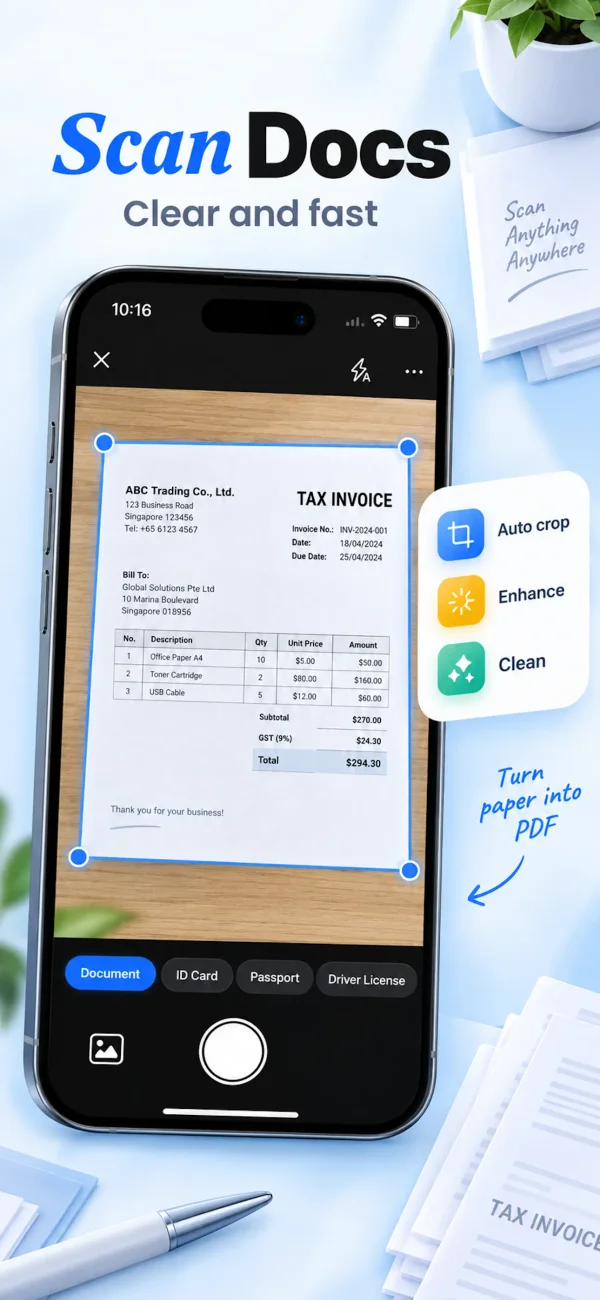
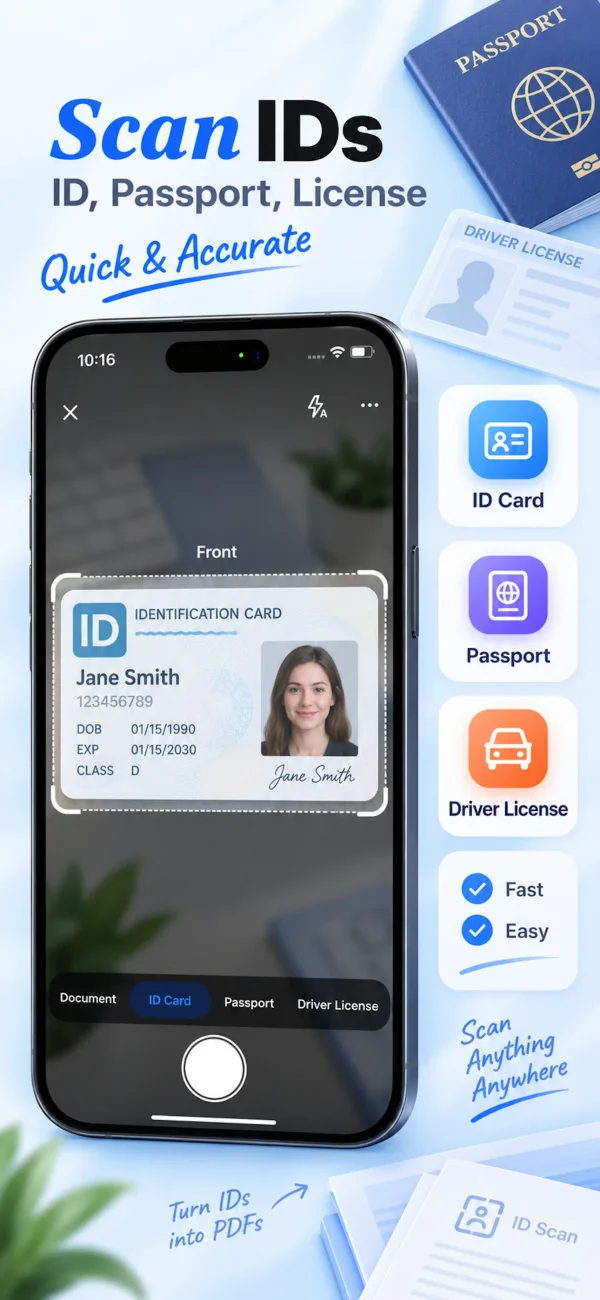
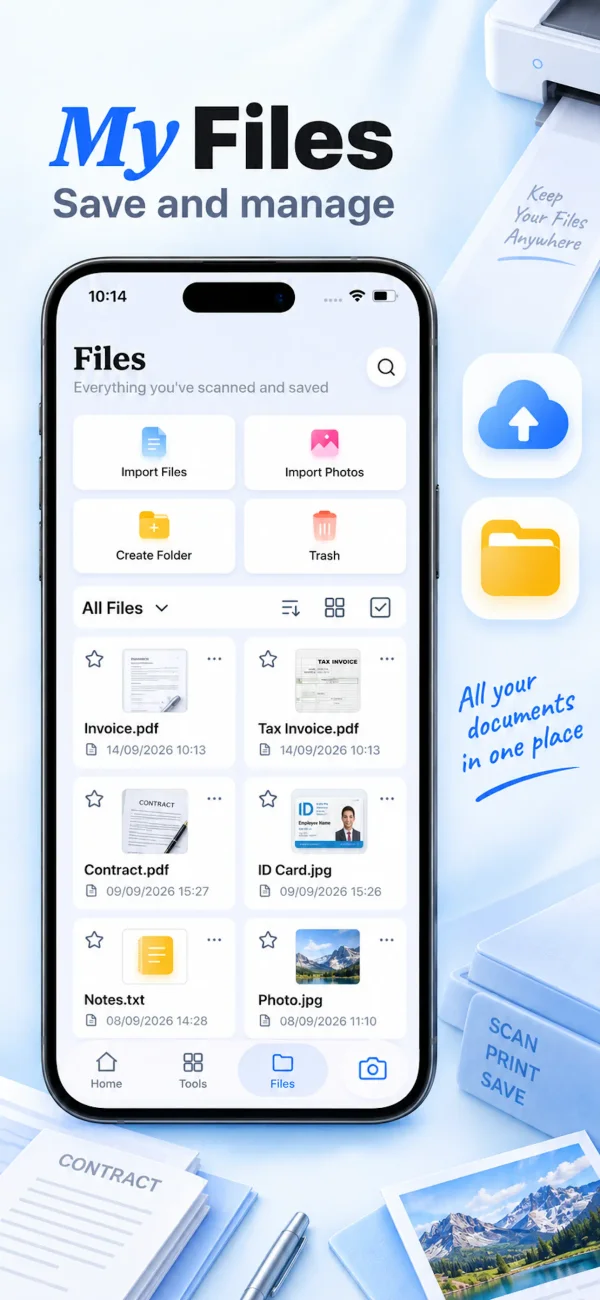
概要
開発元はこのテキストをお使いの言語で提供していません。
Transform your phone into a powerful wireless printer, portable scanner, fax machine, and PDF editor!
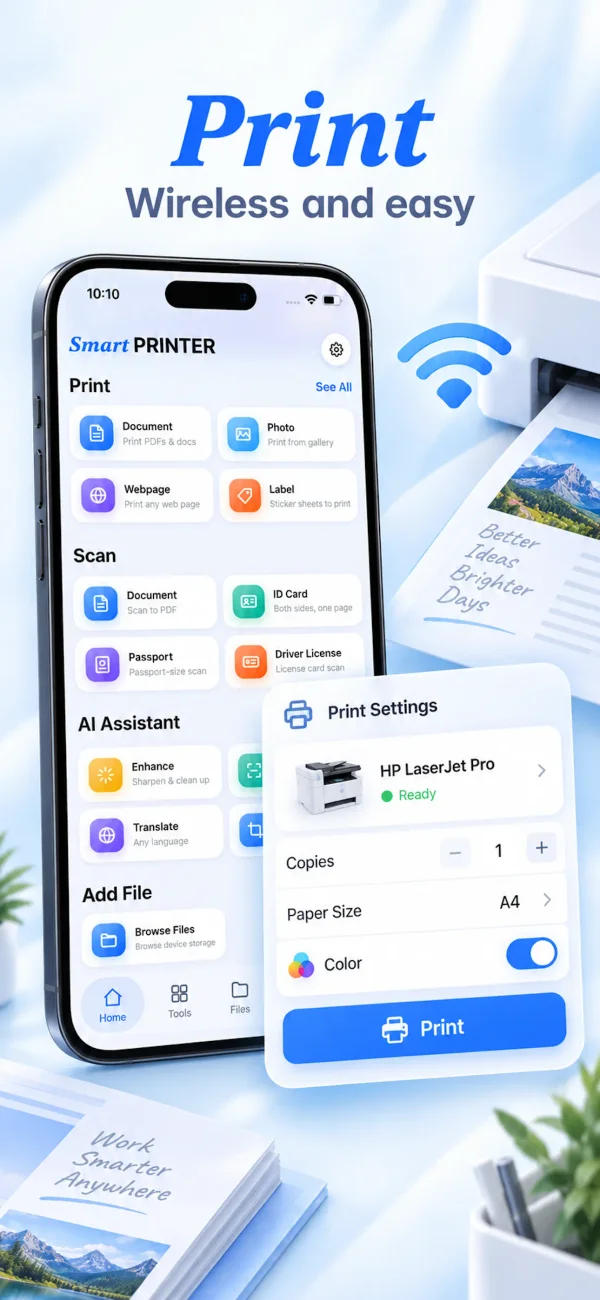
Print photos, documents, emails, and web pages directly from your smartphone to ANY Wi-Fi, Bluetooth, or USB printer. No complex setup, no drivers required—just tap and print instantly.
Whether you are working from home, in the office, or on the go, our app ensures your documents look professional and are ready in seconds.
KEY FEATURES:
1. EXTENSIVE PRINTER COMPATIBILITY Compatible with 10,000+ printer models including:
• HP (OfficeJet, LaserJet, Envy, DeskJet, DesignJet...)
• Canon (PIXMA, LBP, MF, MP, MX, MG, SELPHY...)
• Epson (Artisan, WorkForce, Stylus, EcoTank...)
• Brother (MFC, DCP, HL, MW, PJ...)
• Samsung, Xerox, Dell, Konica Minolta, Kyocera, Lexmark, Ricoh, Sharp, Toshiba, OKI, and more.
• Supports all AirPrint enabled devices.
2. UNIVERSAL SMART PRINTING
• Print Anything: PDF files, Office docs (Word, Excel, PowerPoint), Text files, and more.
• Photos & Images: Print memories of high quality. Supports JPG, PNG, HEIC.
• Web Printing: Print full web pages or articles directly from the browser.
• Clipboard Printing: Copy text from any app and print it instantly.
• Email Attachments: Print files directly from Gmail, Outlook, Yahoo, and more.
3. ADVANCED PDF SCANNER
• High-Quality Scans: Turn your camera into a pocket scanner. Scan receipts, contracts, notes, and whiteboards.
• Smart Detection: Automatically detects document edges and corrects perspectives.
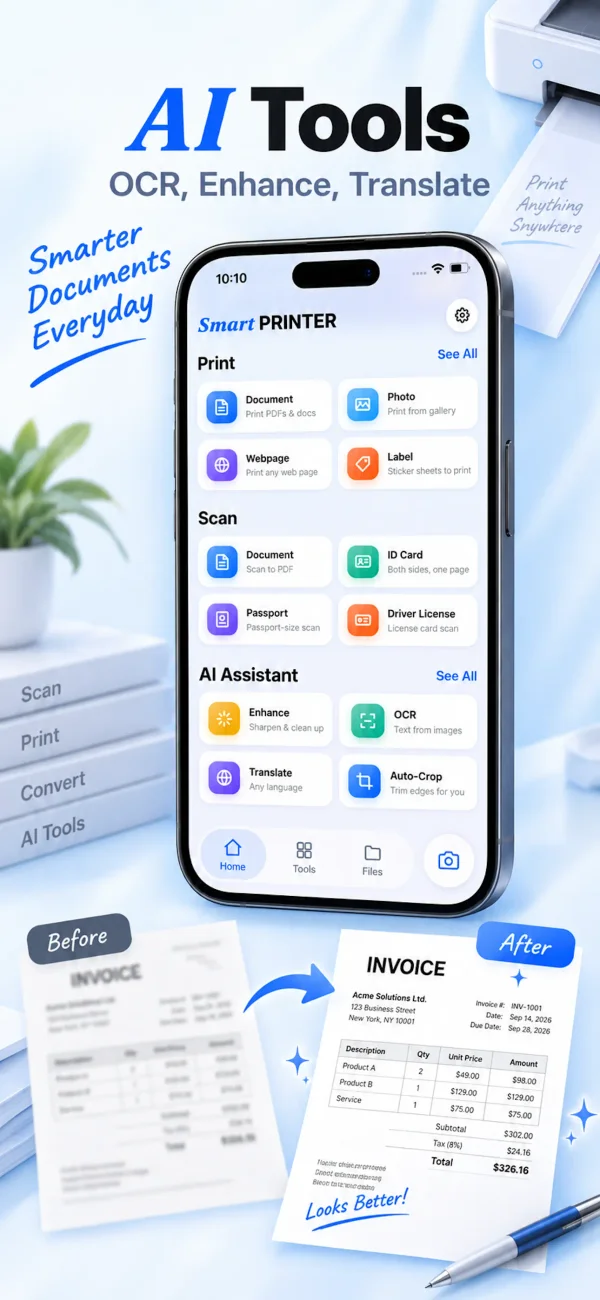
• Filters & Enhancement: Remove shadows and enhance readability with Black & White, Grayscale, or Color filters.
• ID Card & Passport Mode: Special layout to scan both sides of an ID onto one page.
4. PDF TOOLS & EDITOR SUITE
• Merge & Split PDFs: Combine multiple PDFs or photos into a single document or split a large file into separate pages.
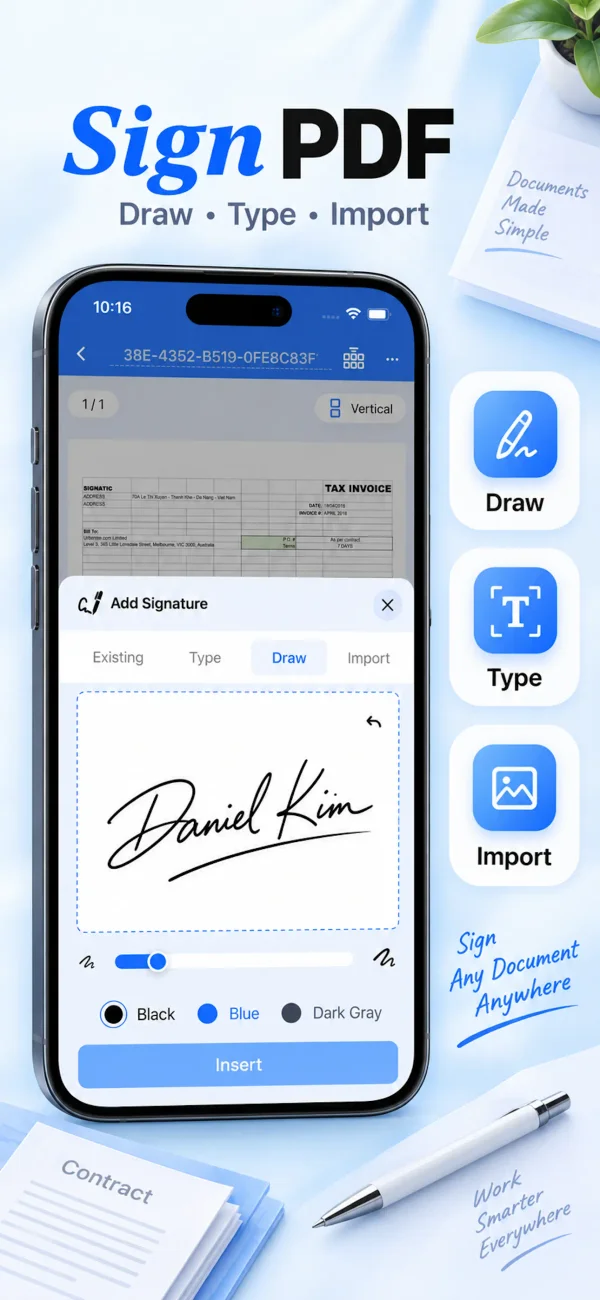
• Smart E-Signature: Create your signature and sign contracts/forms digitally right on the screen.
• Add Text & Markups: Insert Notes, Labels, and highlight key points on your documents.
• Stickers & Stamps: Add professional stamps (e.g., "Approved") or fun stickers to your files.
• Layout Control: Print multiple photos on one page (Collage), adjust margins, and select paper size (A4, Letter, Legal, 4x6, A3, etc.).
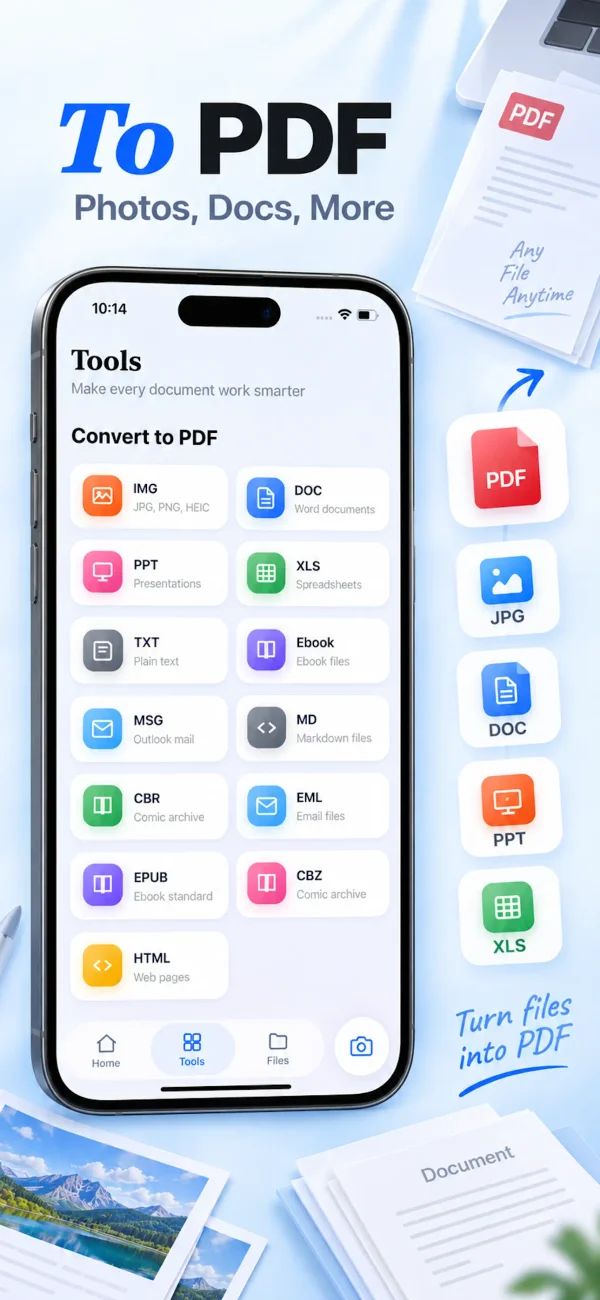
5. COMPREHENSIVE PDF CONVERTER Convert almost any file format into a high-quality PDF instantly. Supported conversions include:
• Office Documents: Convert DOC, PPT, and XLS to PDF.
• Images & Text: Convert JPG, PNG, and TXT to PDF.
• Ebooks & Comics: Convert Ebook, EPUB, CBR, and CBZ formats to PDF.
• Web & Emails: Convert HTML, MD, MSG, and EML to PDF.
6. GLOBAL FAX SERVICE
• Send Faxes Anywhere: Easily fax your documents, PDFs, or scanned files directly from your phone to fax machines worldwide. No physical fax machine needed!
7. CLOUD & FILE MANAGEMENT
• Seamless Integration: Access files directly from Google Drive, Dropbox, OneDrive, iCloud, and Box.
• File Organization: Easy-to-use file manager to sort, rename, and delete documents.
WHY CHOOSE US?
• Zero Configuration: Auto-detects printers on your Wi-Fi network.
• Secure & Private: Your documents are processed locally and securely.
• High Resolution: Maintains the original quality of your photos and text.
• Eco-Friendly Option: Preview helps you avoid printing mistakes and wasting paper.
• All-in-One Solution: Print, scan, fax, convert, and edit PDFs all in one single app.
Download Smart Printer App & PDF Scan now and experience the future of mobile printing!
Disclaimer: This app is a third-party tool designed to facilitate mobile printing. We are not affiliated with, endorsed by, or associated with any printer manufacturers such as HP, Canon, Epson, Brother, Samsung, Xerox, or others mentioned. All trademarks and brand names are the property of their respective owners.
Privacy Policy: https://xhao.app/privacy-policy
Terms of Service: https://xhao.app/terms-of-service
新機能
バージョン 0.0.6 · 2026/10/2
- Bug fixes and improvements.
アプリのプライバシー
このアプリのデータの取り扱いについて、THI MY HAO TRANがApp Storeで申告している内容です。
-
ユーザーのトラッキングに使用されるデータ
他社のアプリやウェブサイトを横断してユーザーをトラッキングする目的で使用される場合があります。
- ID
-
ユーザーに関連付けられないデータ
収集される場合がありますが、ユーザーの識別情報には関連付けられません。
- ID
- 使用状況データ
- 診断
プライバシーの取り扱いは、ご利用の機能やお客様の年齢などに応じて異なる場合があります。
情報
- 販売元
- THI MY HAO TRAN
- カテゴリ
- ビジネス
- バージョン
- 0.0.6
- 更新日
- 2026/10/2
- リリース
- 2026/3/24
- サイズ
- 152.8 MB
- 必要条件
- iOS 15.5以降
- 対象年齢
- 4+
- 価格
- 無料
- アプリ内課金
- あり
- 言語
- 英語
- 著作権
- ©2026 XHAO.APP
こちらもおすすめ
-
 スキャナーアプリ - PDF・OCRスマートPDF&書類スキャナー
-
 Notiz: AI Note Taker & Summary仕事効率化
-
 Scanovo: QR・PDFスキャナースキャン、作成、PDF
-
 Documents: Reader & Converter仕事効率化
-
 Wisp AI Note Taker仕事効率化
-
 プリンター: AIスキャナー・PDF印刷、スキャン、PDF編集
-
 Air print - エアープリント - スマートプリントPDF・書類プリントも簡単
-
 Documents Editor: DocPro仕事効率化
-
 PDF Scanner:写真文字起こし:スキャン & スキャンアプリ - スキャナー
-
 Minine PDF:スキャン・編集・AI要約、翻訳、署名、結合