
- 対象年齢4+
- カテゴリ仕事効率化
- 開発元Maksim Sokolov
- 言語英語ほか2言語
- サイズ3.3 MB
App Storeの公式ページにリンクしています
Download.orgはSnapAnswer - Replyのファイルを一切ホストしていません。ボタンを押すと、Maksim Sokolovが公開しているApp Storeのアプリページが開きます。ページの最終確認:2026/11/18。
スクリーンショット

概要
開発元はこのテキストをお使いの言語で提供していません。
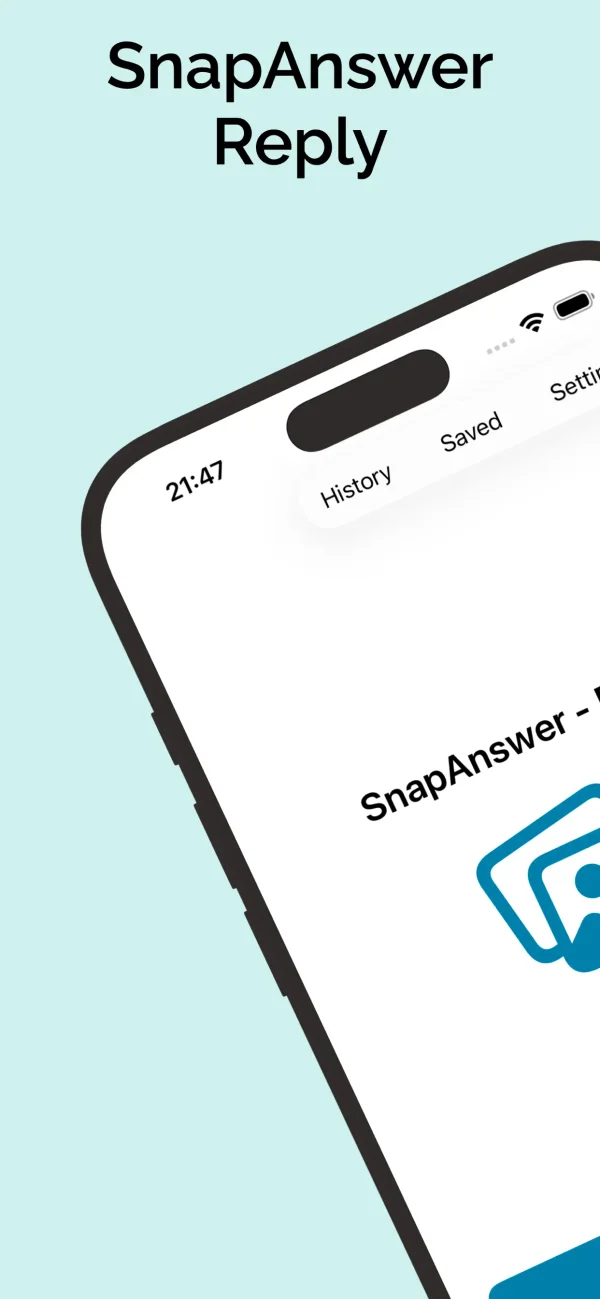
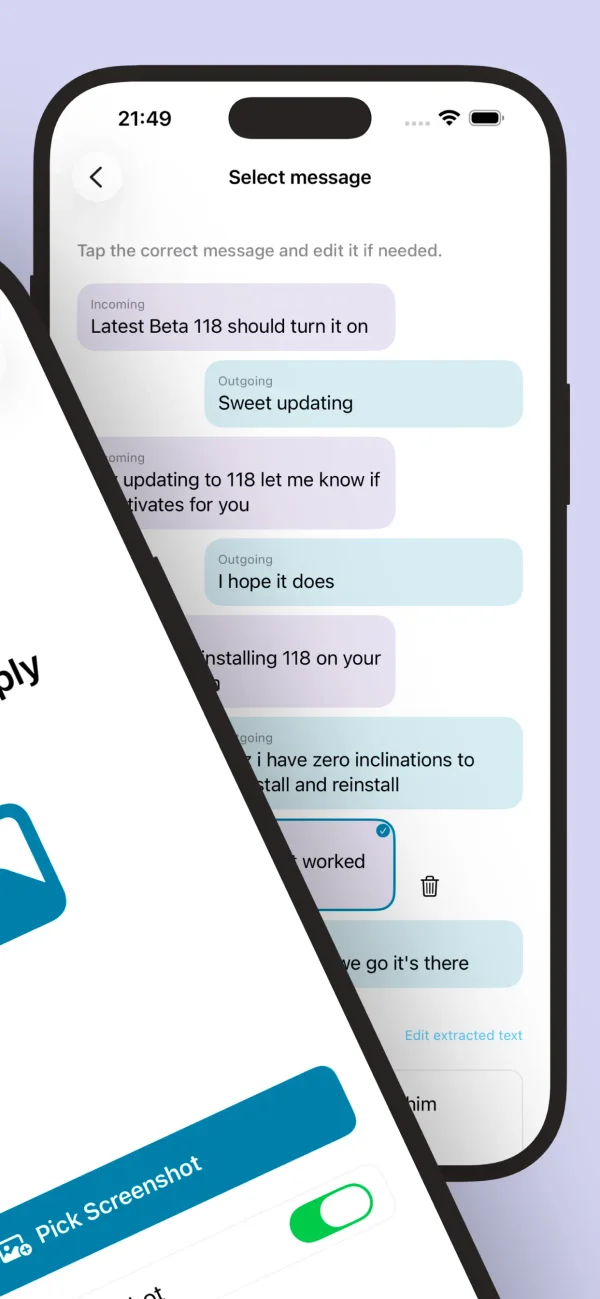
SnapReply turns chat screenshots into reply suggestions.
- Pick a screenshot from any messaging app (iMessage, WhatsApp, Instagram, Tinder, etc.)
- Text is extracted on your device — we never store your screenshots
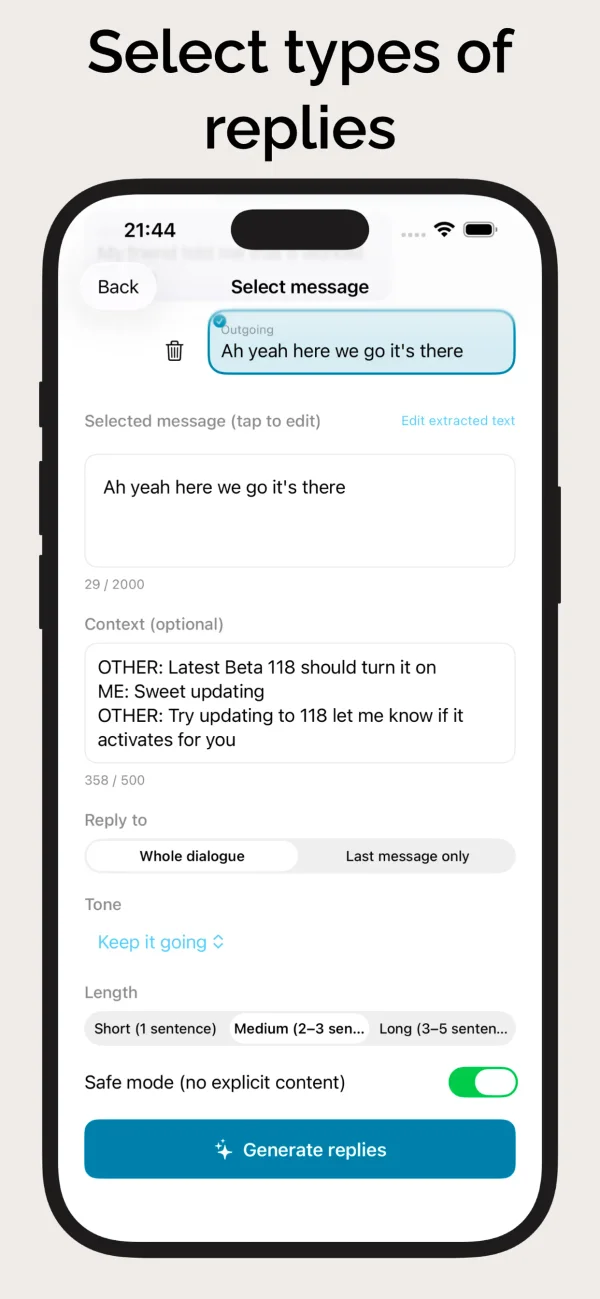
- Select or edit the message you want to reply to
- Get 5 reply options in one tap. Choose tone: friendly, flirty, funny, confident, or polite
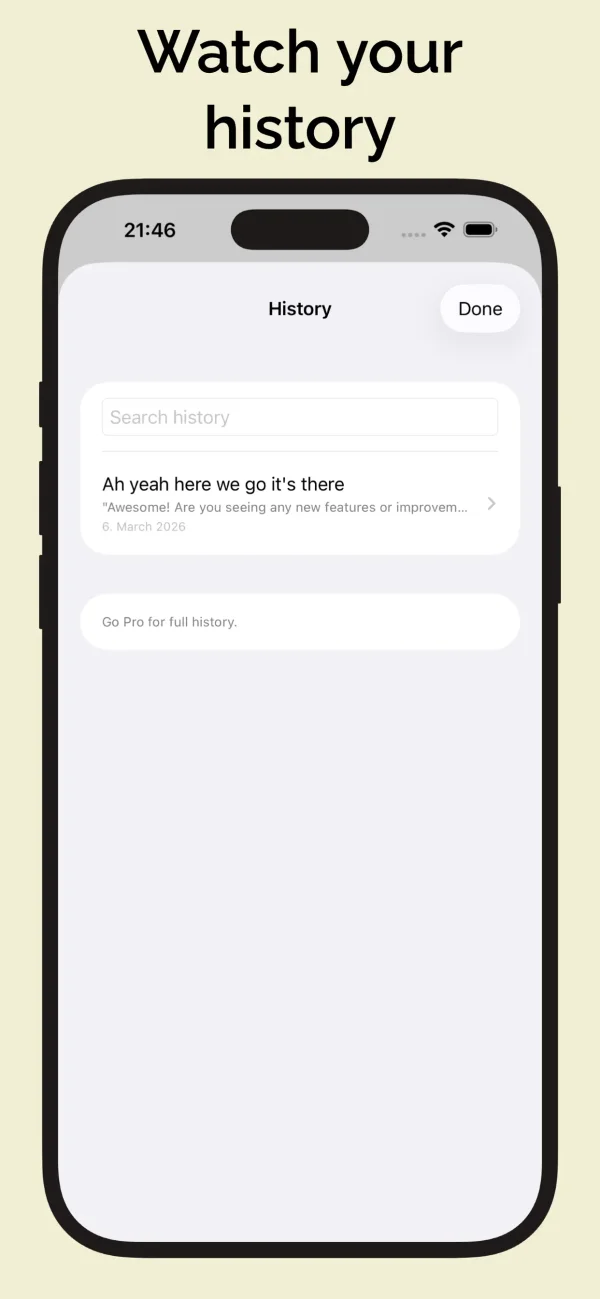
- Copy, save, or refine with one-tap actions: Shorter, More confident, Add a question, Rewrite
Privacy first: only the text you approve is sent to generate replies. Safe mode is on by default.
Perfect when you need a quick, natural reply and don’t know what to say.
Terms of Use (EULA): https://www.apple.com/legal/internet-services/itunes/dev/stdeula/
Privacy Policy: https://www.termsfeed.com/live/b5e9c91e-09be-44e0-8573-720f00c161fd
新機能
バージョン 1.0.1 · 2026/9/28
- Home Screen widget: start a new reply in one tap
- SnapReply now speaks German — full UI localization
- iPad: History and Saved get a two-column layout
- Filter messages: quickly find the right message in long chats
- Friendlier start: no paywall right after onboarding — try your first replies first
- Clearer privacy: before the first AI request you see exactly what is sent, and you can change it anytime in Settings
- Bug fixes and performance improvements
Enjoying SnapReply? A quick rating helps a lot!
アプリのプライバシー
このアプリのデータの取り扱いについて、Maksim SokolovがApp Storeで申告している内容です。
-
データの収集なし
開発元はこのアプリからデータを収集しません。
プライバシーの取り扱いは、ご利用の機能やお客様の年齢などに応じて異なる場合があります。
情報
- 販売元
- Maksim Sokolov
- カテゴリ
- 仕事効率化
- バージョン
- 1.0.1
- 更新日
- 2026/9/28
- リリース
- 2026/3/11
- サイズ
- 3.3 MB
- 必要条件
- iOS 17.0以降
- 対象年齢
- 4+
- 価格
- 無料
- アプリ内課金
- あり
- 言語
- 英語, ドイツ語, ロシア語
- 著作権
- © 2026 SKML Production
こちらもおすすめ
-
 AI Text Reply - Convo Helper仕事効率化
-
 MemosAI: Speech -Text -Inbox仕事効率化
-
 TypeMate: AI Keyboard & Writer仕事効率化
-
 Reply Assistant - ReplyCheck仕事効率化
-
 1SecCopy:クリップボード・キーボード一度保存、どこでも貼り付け
-
 AppBlocker: Block Apps & Focus仕事効率化
-
 ReplyCraft -AI Reply Assistant仕事効率化
-
 DigitalTwin AI: AI Keyboardツインが代わりに返信
-
 Textter: AI Reply Assistant仕事効率化
-
 Alihsandatasub仕事効率化