- 対象年齢4+
- カテゴリ仕事効率化
- 言語英語ほか1言語
- サイズ1.1 MB
App Storeの公式ページにリンクしています
Download.orgは截记 SnapMarkのファイルを一切ホストしていません。ボタンを押すと、が公開しているApp Storeのアプリページが開きます。ページの最終確認:2026/11/12。
スクリーンショット

概要
開発元はこのテキストをお使いの言語で提供していません。
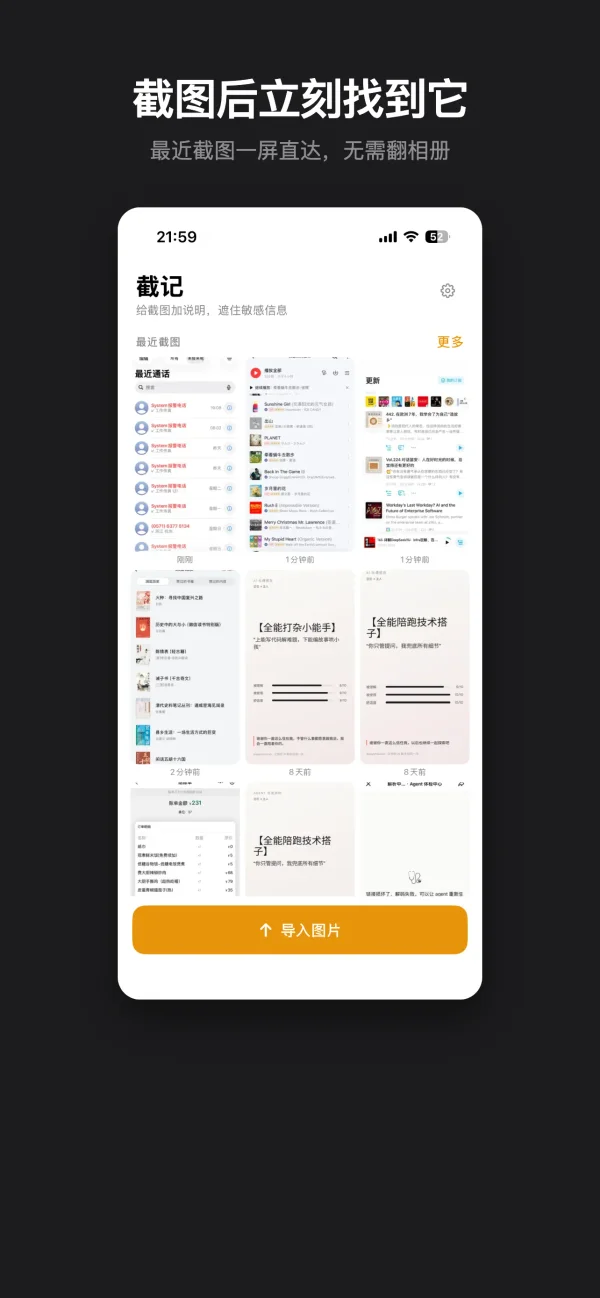
SnapMark is a clean, focused screenshot annotation tool.
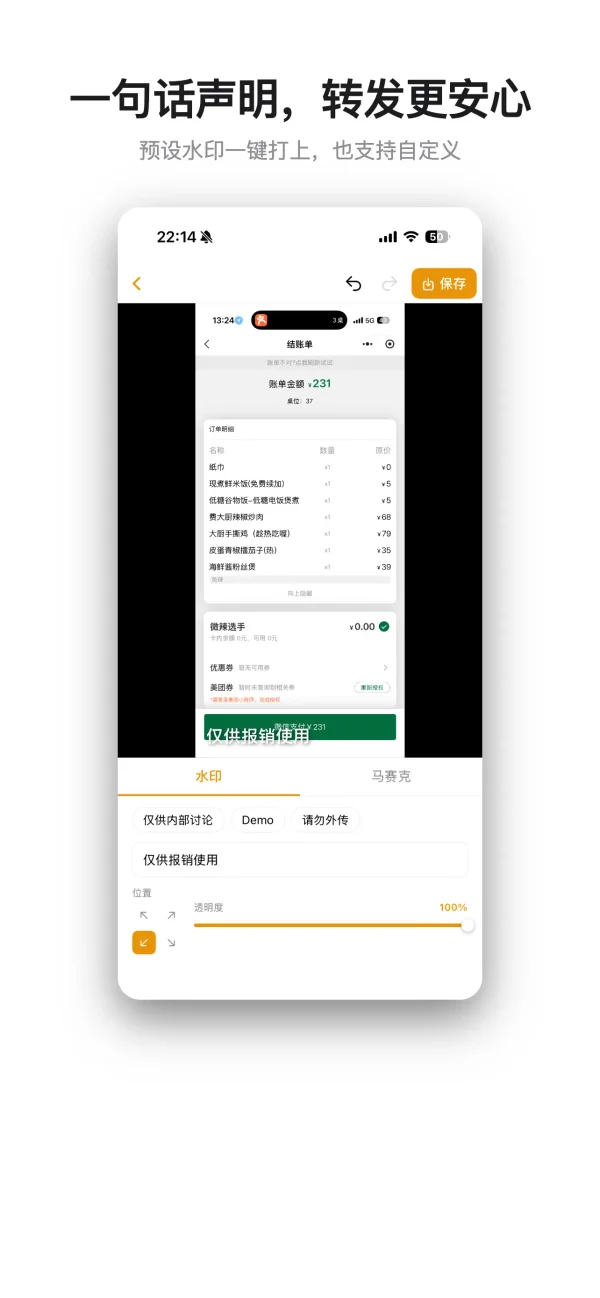
Got a screenshot to share, but it contains something others shouldn't see? SnapMark lets you quickly add a mosaic over sensitive areas, stamp a
"Confidential" watermark, then save or share — all in a few taps.
KEY FEATURES
• Watermark: Built-in presets or fully custom text. Drag to position anywhere, or snap to a corner. Adjust opacity to taste.
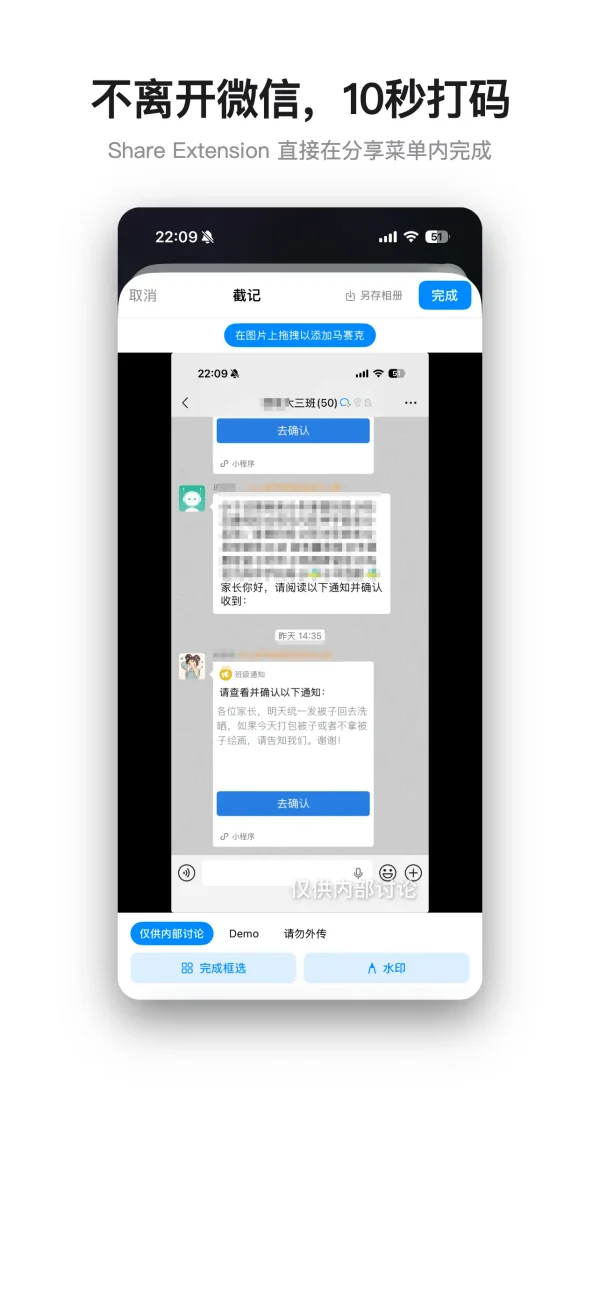
• Mosaic: Draw over any area to blur sensitive content.
• Batch: Long-press to select up to 9 screenshots and apply a watermark to all at once.
• Share Extension: Trigger SnapMark directly from the share sheet in any app — no switching required.
PRIVACY FIRST
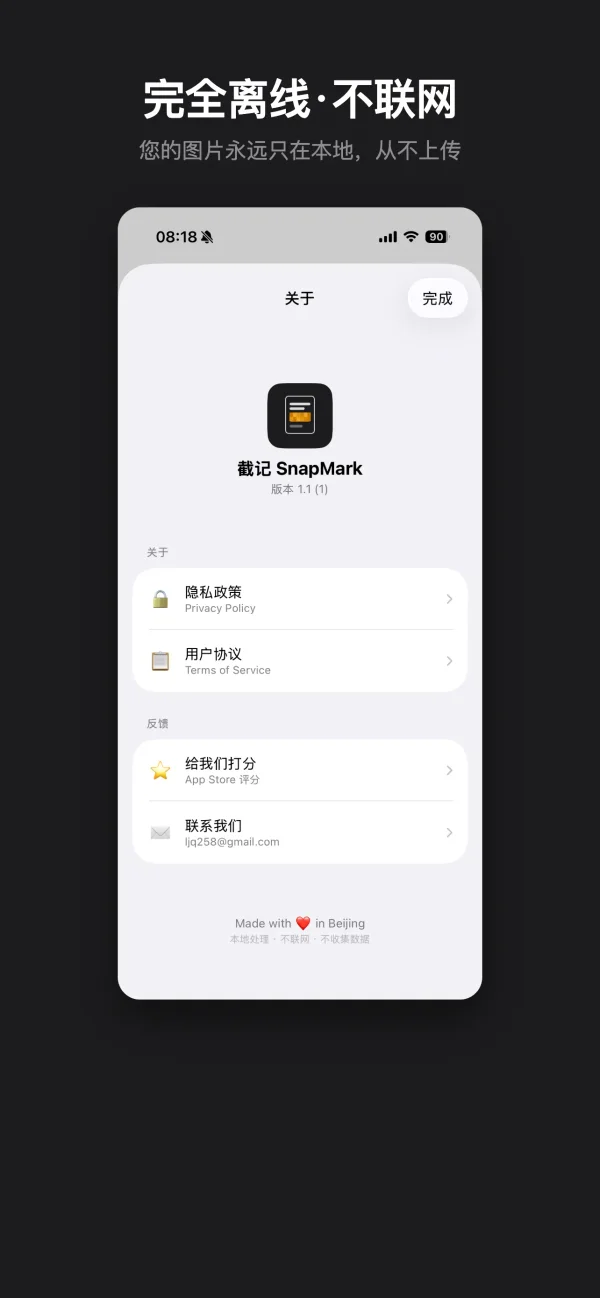
SnapMark runs completely offline. No network access, no data collection. Your images never leave your device.
新機能
バージョン 1.3 · 2026/5/7
• Drag watermark to any position — corner shortcuts still available for quick placement
• Watermark presets: save your favorite configs and apply them in one tap
• Share button: send edited screenshots directly to WeChat, Notes, and more
• Batch processing: long-press to select up to 9 screenshots and watermark them all at once
• "All Screenshots" list with infinite scroll from the home screen
アプリのプライバシー
このアプリのデータの取り扱いについて、がApp Storeで申告している内容です。
-
データの収集なし
開発元はこのアプリからデータを収集しません。
プライバシーの取り扱いは、ご利用の機能やお客様の年齢などに応じて異なる場合があります。
情報
- 販売元
- 健全 刘
- カテゴリ
- 仕事効率化
- バージョン
- 1.3
- 更新日
- 2026/5/7
- リリース
- 2026/4/30
- サイズ
- 1.1 MB
- 必要条件
- iOS 16.0以降
- 対象年齢
- 4+
- 価格
- 無料
- 言語
- 英語, 簡体字中国語
- 著作権
- © 2026 WhiteWorld