
- 対象年齢4+
- カテゴリユーティリティ
- 開発元Milan Lajtos
- 言語英語
- サイズ4.3 MB
App Storeの公式ページにリンクしています
Download.orgはSpatial Pointerのファイルを一切ホストしていません。ボタンを押すと、Milan Lajtosが公開しているApp Storeのアプリページが開きます。ページの最終確認:2026/11/16。
スクリーンショット
概要
開発元はこのテキストをお使いの言語で提供していません。
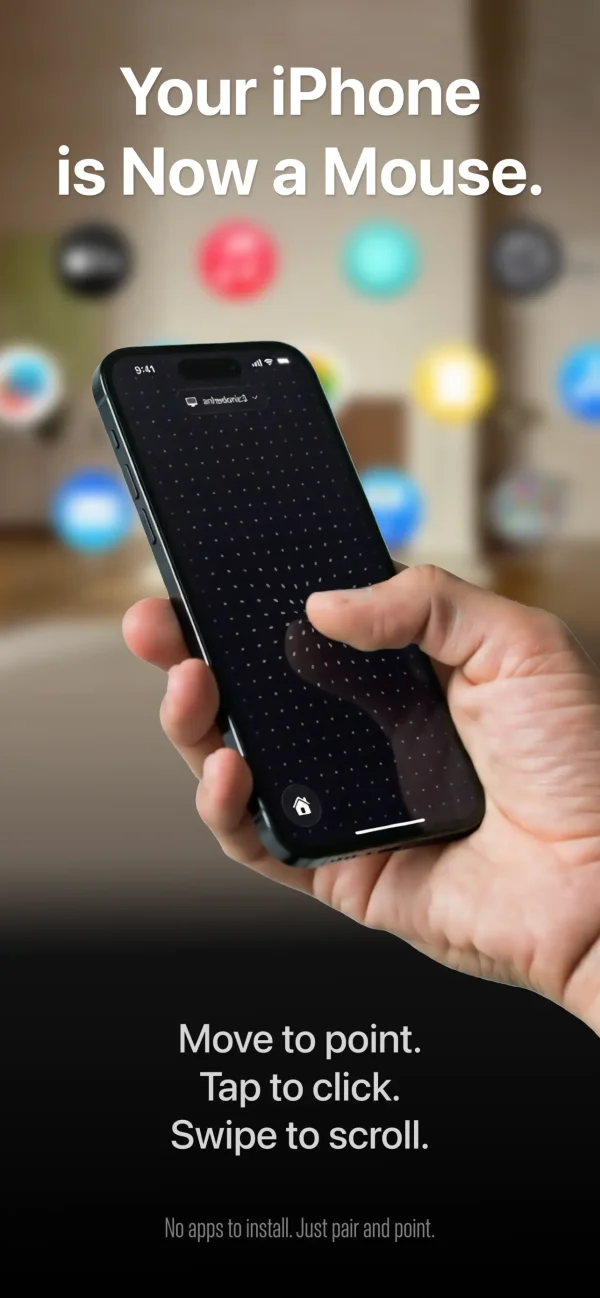
Spatial Pointer turns your iPhone into a wireless mouse using motion tracking. No extra software, hardware, or dongles required — just your iPhone and Bluetooth.
Move your iPhone to control the cursor. Touch the screen to click. Swipe to scroll. It's that simple.
Works with:
• Mac, iPad & Vision Pro
• Meta Quest
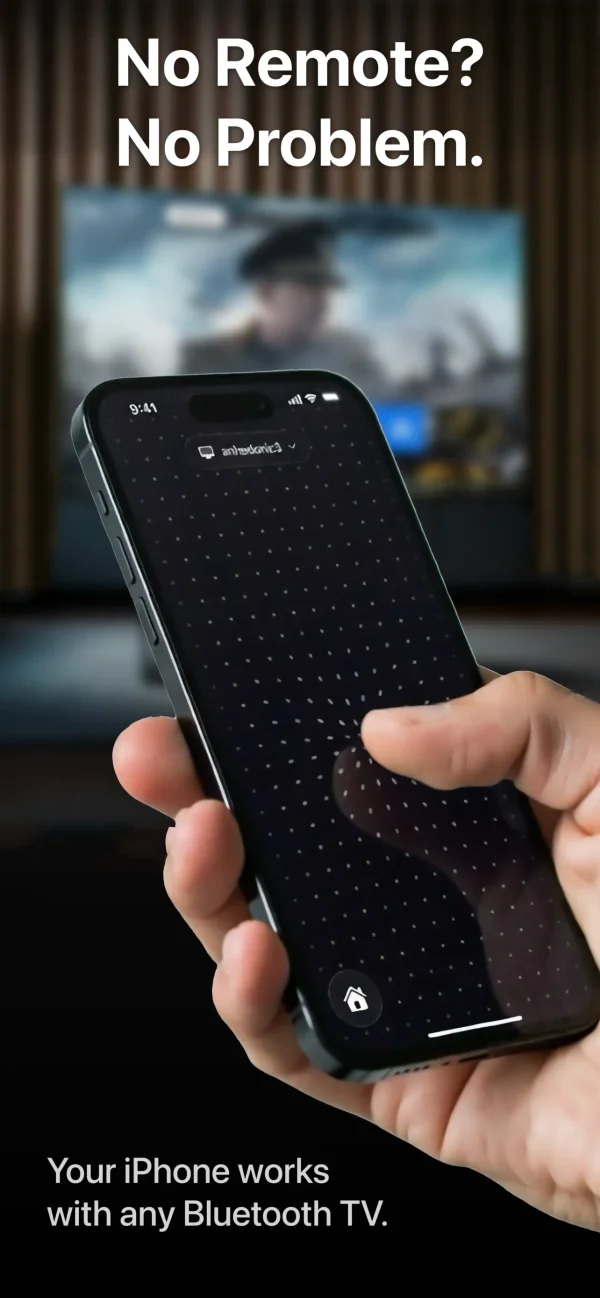
• Any PC, TV, or device that supports Bluetooth mouse input
How it works:
1. Open Spatial Pointer and pair with your device
2. Hold your iPhone and move it through the air — the cursor follows
3. Tap anywhere on screen to click
4. Swipe with your finger to scroll
5. Long press for right-click
Features:
• Motion-controlled cursor with high precision at 120Hz
• Tap to click, swipe to scroll with momentum
• Long press for secondary click (right-click)
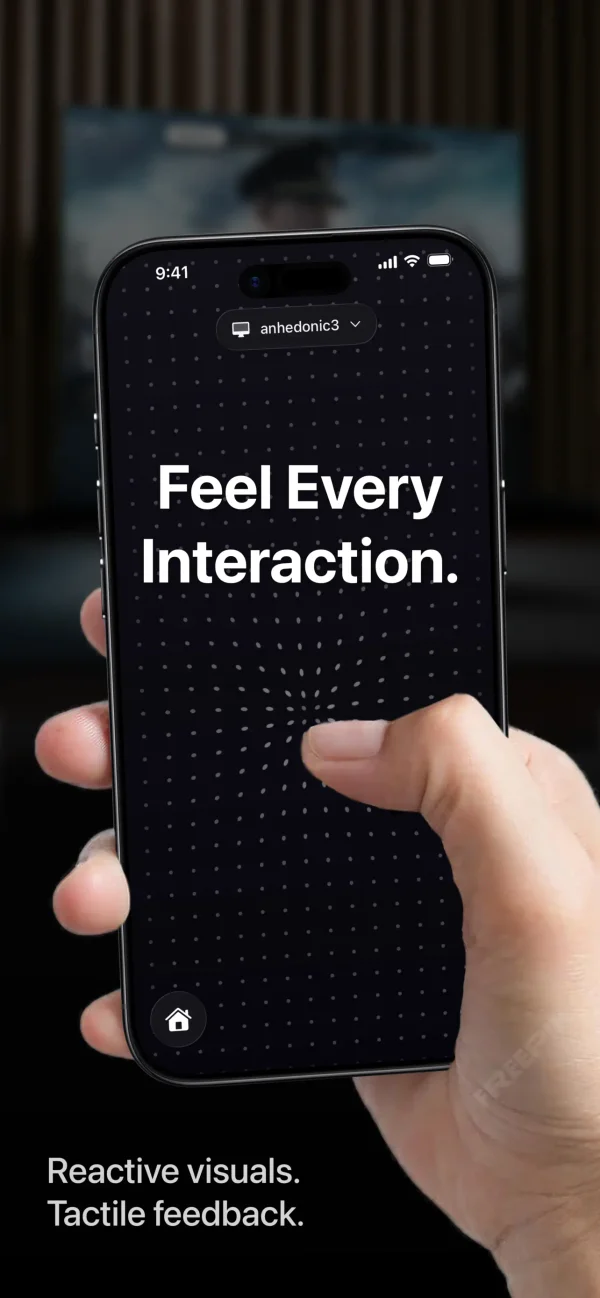
• Beautiful reactive interface – dots flow and respond to every touch
• Keyboard
• Zero configuration – pairs instantly via Bluetooth HID
• No companion app needed on the target device
Perfect for presentations, controlling your TV from the couch, navigating your Vision Pro or Quest, or whenever a mouse isn't handy.
新機能
バージョン 1.1.1 · 2026/3/17
Improve experience for upgrading to lifetime access.
アプリのプライバシー
このアプリのデータの取り扱いについて、Milan LajtosがApp Storeで申告している内容です。
-
データの収集なし
開発元はこのアプリからデータを収集しません。
プライバシーの取り扱いは、ご利用の機能やお客様の年齢などに応じて異なる場合があります。
情報
- 販売元
- Milan Lajtos
- カテゴリ
- ユーティリティ
- バージョン
- 1.1.1
- 更新日
- 2026/3/17
- リリース
- 2026/2/23
- サイズ
- 4.3 MB
- 必要条件
- iOS 26.2以降
- 対象年齢
- 4+
- 価格
- 無料
- 言語
- 英語
- 著作権
- © 2026 Milan Lajtoš