- 対象年齢4+
- カテゴリユーティリティ
- 開発元Lin Chia Han
- 言語英語ほか1言語
- サイズ86.1 MB
App Storeの公式ページにリンクしています
Download.orgはMouse Linkのファイルを一切ホストしていません。ボタンを押すと、Lin Chia Hanが公開しているApp Storeのアプリページが開きます。ページの最終確認:2026/11/18。
スクリーンショット

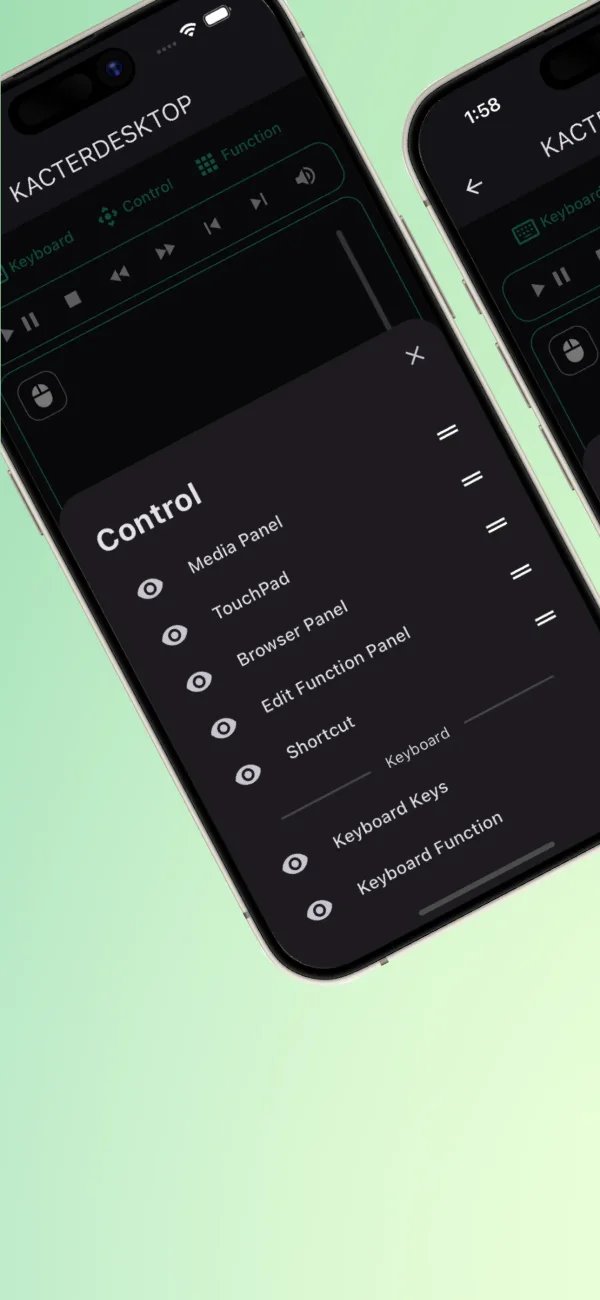

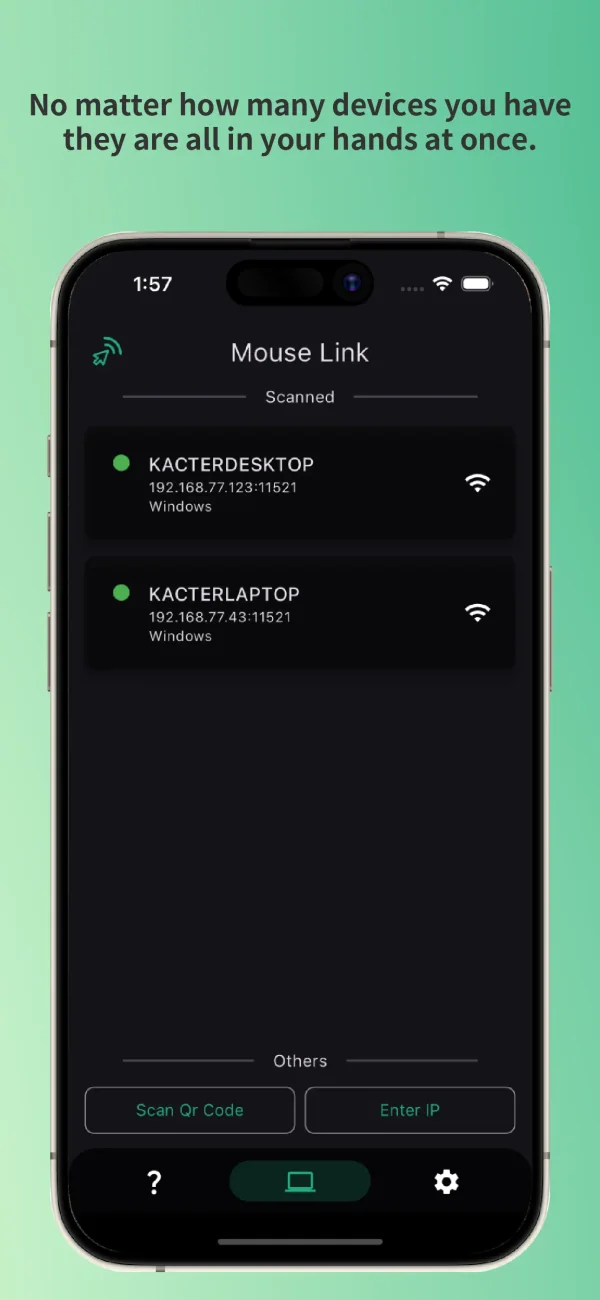

概要
開発元はこのテキストをお使いの言語で提供していません。
Are you having trouble receiving signals from your wireless keyboard and mouse?
Have multiple computers to control, but don’t want to buy multiple keyboards and mouse?
Or is it inconvenient to control your mouse on the sofa?
You can easily control your computer with just a smart device such as a mobile phone or tablet.
As long as there is a Wi-Fi signal, you don't have to worry about signal reception.
Now, lie back on the sofa and enjoy the convenience of Mouse Link!
** Our special features:
- Simple, intuitive and beautiful operating interface
- No matter how many devices you have, you can control them all with one mobile phone
- Wi-Fi wireless transmission, no longer worry about distance issues
** About the touchpad
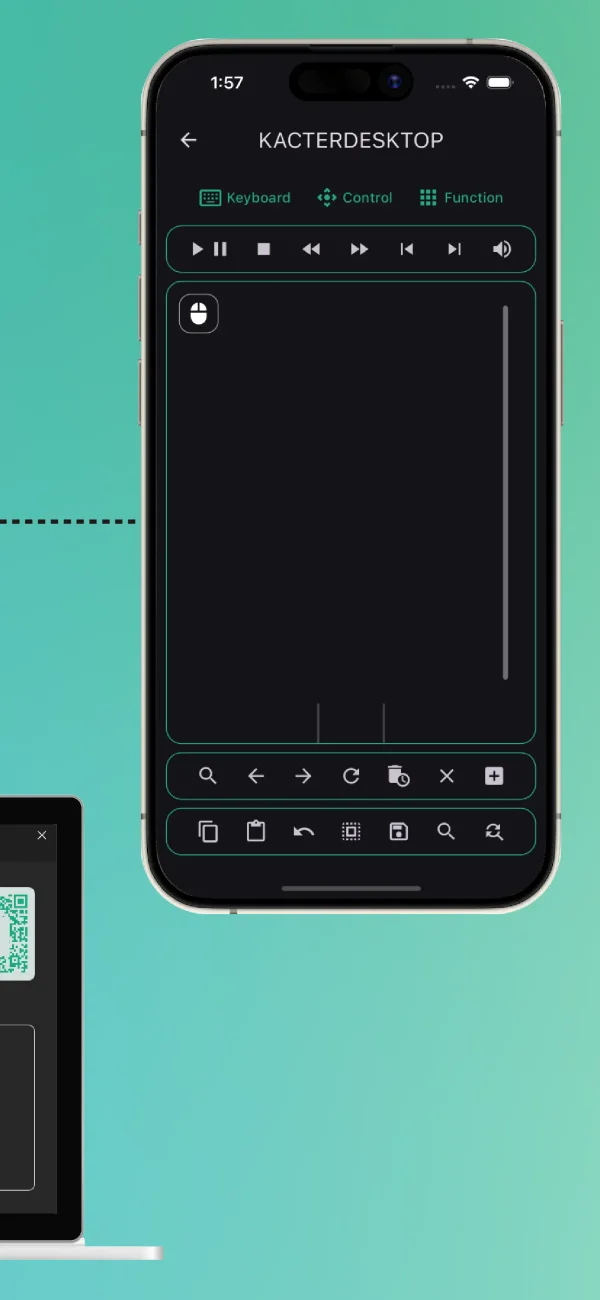
- Control your mouse with multi-finger gestures
- Easily operated by both left and right hands
- Supports side mouse buttons to easily return to the previous page
- Turn on the presentation mode to turn your phone into a presentation pen
- Experience the freedom of wireless control as your device transforms into a responsive air mouse.
** About the keyboard
- Operation is just like a physical keyboard
- Customize your own shortcut keys
** Presentation Mode
- Replaces presentation remotes for easy navigation between slides.
- Utilizes focus mode to replace laser pointer, ensuring the audience stays engaged with the content.
** Multimedia control
- Play, previous and next songs with just one click
- Support volume keys to directly control computer volume
** Computer control
- Browser control makes browsing the web more relaxed and enjoyable
- Open customized applications with one click
- File editing control, copy, paste, archive, select all, search, replace
- Control computer shutdown, restart, sleep, and user logout
- Transfer text and pictures between your phone and computer through clipboard
** How to get started?
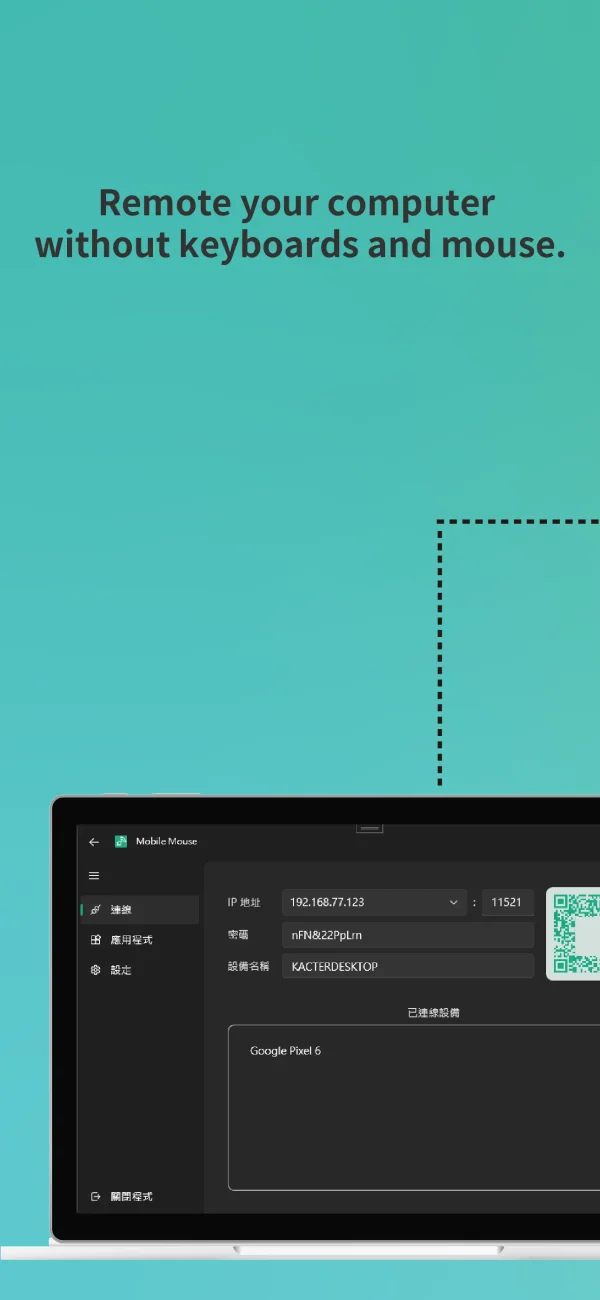
1. Download and install the PC application (https://mouselink.app/)
2. Allow the application to pass the computer firewall permissions
3. Place your computer and mobile device on the same network
4. Start enjoying Mouse Link!
Terms of Use: https://www.apple.com/legal/internet-services/itunes/dev/stdeula/
新機能
バージョン 5.0.6 · 2024/11/11
* Please update the desktop version to the latest version (v5.0.0 or above).
Add presentation focus mode
Add air mouse
アプリのプライバシー
このアプリのデータの取り扱いについて、Lin Chia HanがApp Storeで申告している内容です。
-
ユーザーに関連付けられたデータ
収集され、ユーザーの識別情報に関連付けられる場合があります。
- ID
- 使用状況データ
- 診断
プライバシーの取り扱いは、ご利用の機能やお客様の年齢などに応じて異なる場合があります。
情報
- 販売元
- Lin Chia Han
- カテゴリ
- ユーティリティ
- バージョン
- 5.0.6
- 更新日
- 2024/11/11
- リリース
- 2024/6/5
- サイズ
- 86.1 MB
- 必要条件
- iOS 13.0以降
- 対象年齢
- 4+
- 価格
- 無料
- アプリ内課金
- あり
- 言語
- 英語, 繁体字中国語
- 著作権
- © 2024 CHIA HAN LIN