
- 対象年齢4+
- カテゴリユーティリティ
- 開発元Yi Chao Ding
- 言語英語
- サイズ39.0 MB
App Storeの公式ページにリンクしています
Download.orgはSpeck: Object Counterのファイルを一切ホストしていません。ボタンを押すと、Yi Chao Dingが公開しているApp Storeのアプリページが開きます。ページの最終確認:2026/11/16。
スクリーンショット

概要
開発元はこのテキストをお使いの言語で提供していません。
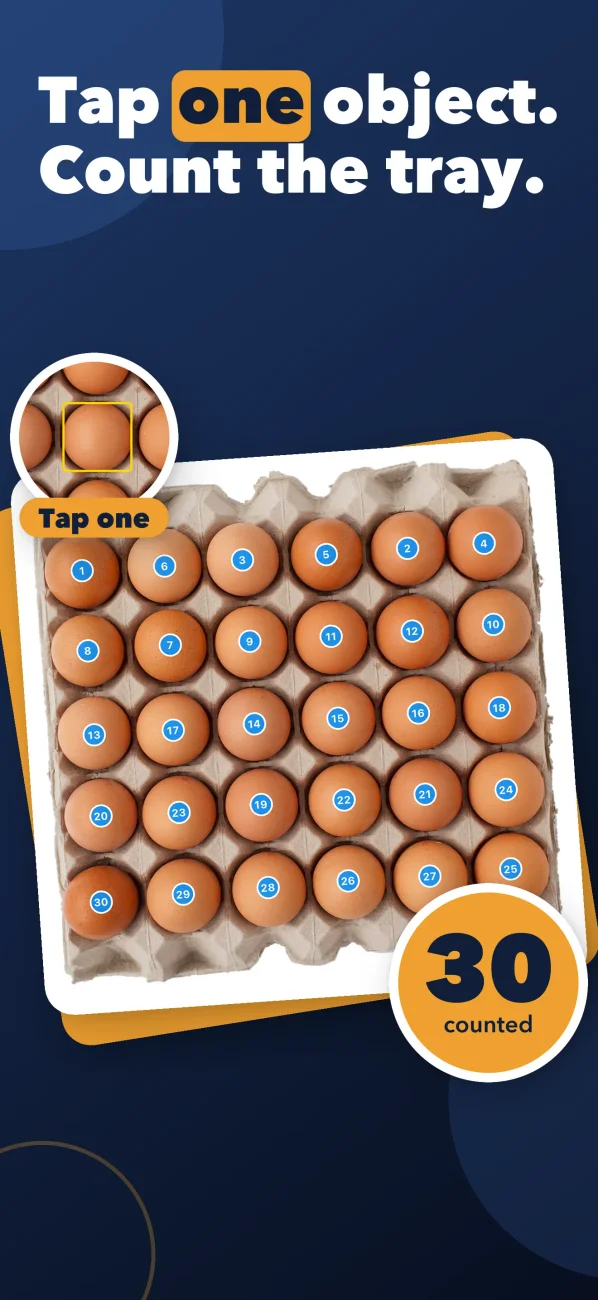
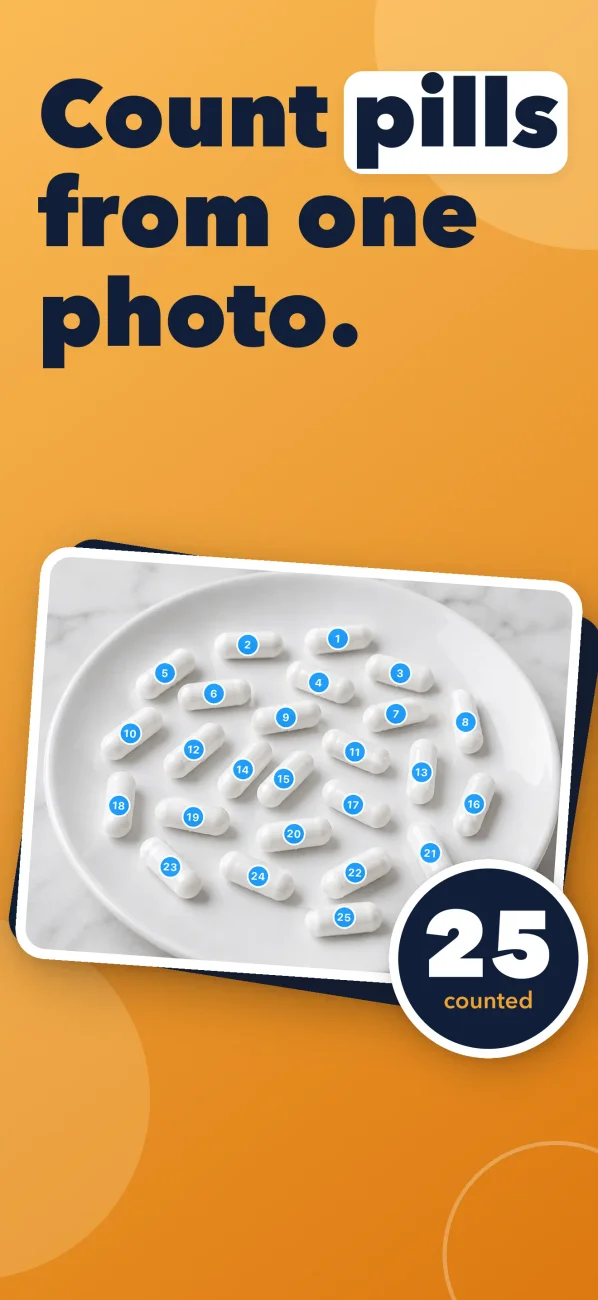
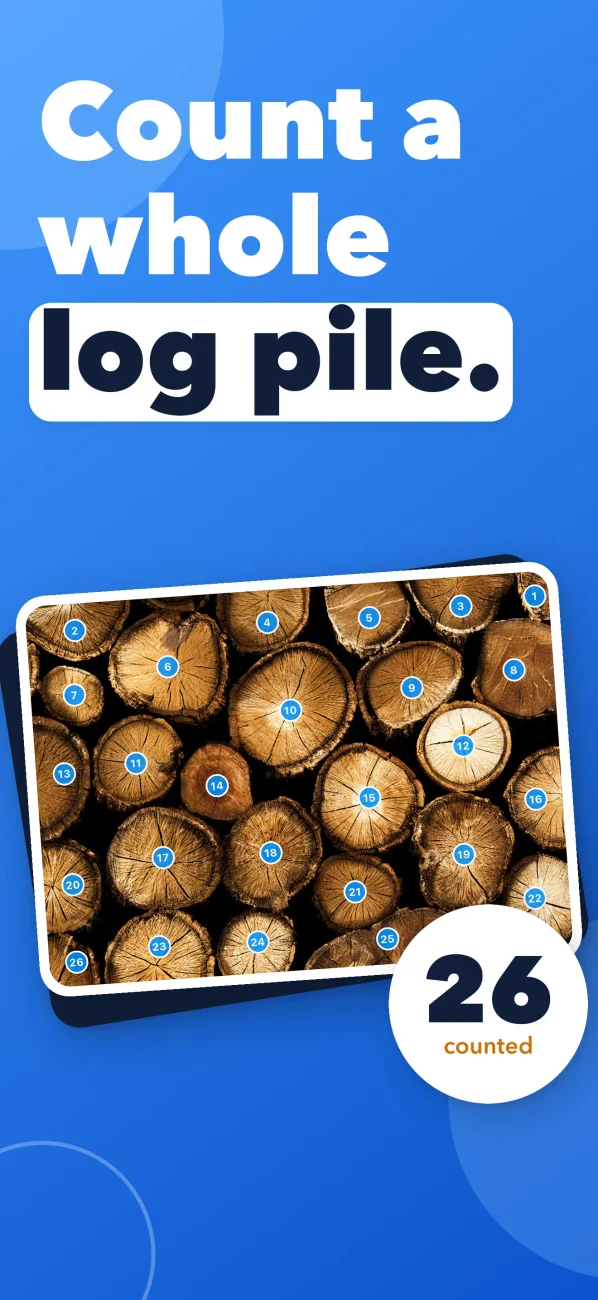
Stop counting one by one. Photograph the pile, tap a single object, and Speck marks every match it finds with a numbered dot — then you fix the stragglers with a tap.
HOW IT WORKS
1. Take a photo, or pick one from your library.
2. Tap one of the objects. That shows Speck what to count. Add a second or third example if they vary.
3. Tap Count. Every match gets a numbered dot, with a running total underneath.
Speck finds most of them on its own. Missed one? Tap it to add a dot. Marked something that isn't there? Tap the dot to remove it. The total updates as you go, so the number you save is one you have checked yourself — not one you have to take on trust.
WHAT PEOPLE COUNT WITH IT
• Pills and tablets in a tray
• Eggs, seeds, seedlings and produce
• Screws, bolts, nuts and fixings in a bin
• Rebar ends, pipe stacks, planks and log piles
• Coins, beads, buttons and craft supplies
• Bricks, blocks and tiles on a pallet
• Stock on a shelf, at stocktake time
MORE THAN A CLICKER
• Frame part of the photo to count only what is inside it.
• Split that frame down the middle or into a grid, and get a separate count for every cell.
• Shrink the dots when you want to see what is underneath them.
• See a warning when a photo is too crowded to trust at a glance, so you know when to check the dots.
• Use the flash in dim store rooms.
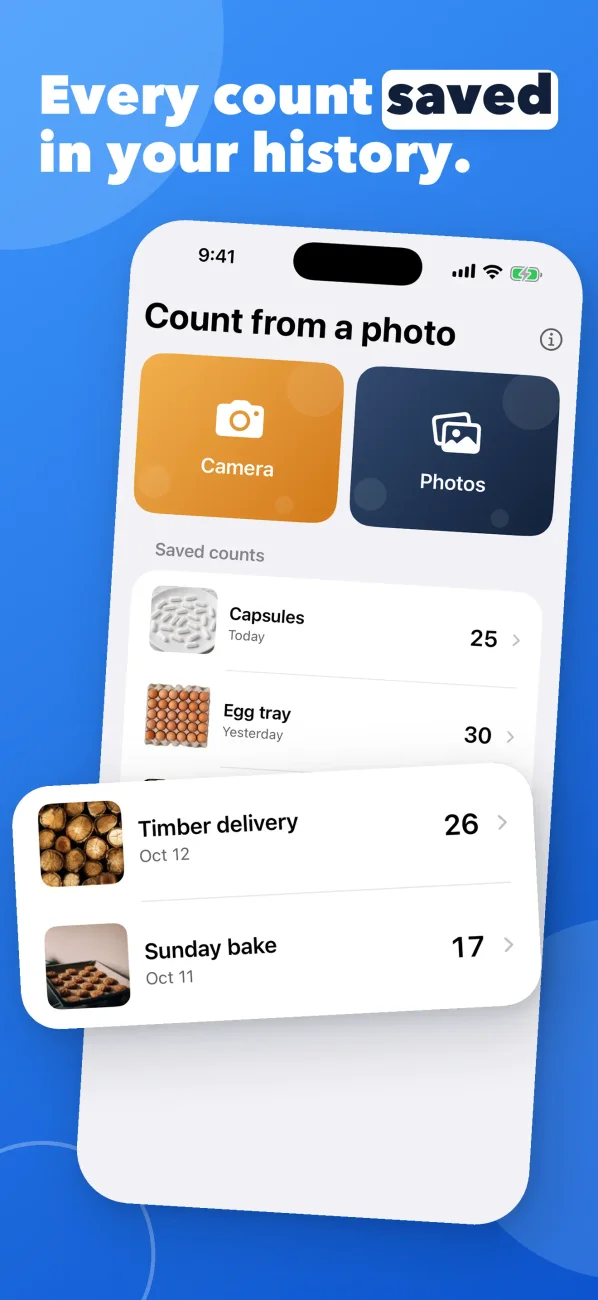
• Name a count — "Tray 3, blue caps" — and find it again in your history.
• Reopen a saved count later to move the frame or fix a dot.
• Share the marked-up photo, so the next person can see exactly what was counted.
PRIVATE BY DESIGN
Counting runs on your iPhone's Neural Engine. Your photos and your counts stay on the device and are never uploaded. Speck needs an internet connection once, on first launch, to finish setting itself up — after that it counts with no connection at all.
No account. No ads. No subscription.
WHAT IT IS GOOD AT — AND WHAT IT ISN'T
Speck works best on a group of objects of a similar size and shape, photographed straight on and close enough that each one is clearly visible. Dense, overlapping or wildly uneven piles are harder: it will miss a few, or dot the same thing twice. That is exactly what the tap-to-fix dots are for. Speck is not a replacement for your own eyes — it is a fast first pass that gets you most of the way in a second, so you only have to correct the rest.
新機能
バージョン 1.2 · 2026/10/27
• Much better at counting small things spread out on a table, like screws, nuts, beads or pills.
• Counting lots of small items can take a few extra seconds, and Speck reminds you to glance over the dots.
• Fixes counting that never started on some older iPhones.
アプリのプライバシー
このアプリのデータの取り扱いについて、Yi Chao DingがApp Storeで申告している内容です。
-
ユーザーに関連付けられないデータ
収集される場合がありますが、ユーザーの識別情報には関連付けられません。
- ID
- 使用状況データ
- 診断
プライバシーの取り扱いは、ご利用の機能やお客様の年齢などに応じて異なる場合があります。
情報
- 販売元
- Yi Chao Ding
- カテゴリ
- ユーティリティ
- バージョン
- 1.2
- 更新日
- 2026/10/27
- リリース
- 2026/9/2
- サイズ
- 39.0 MB
- 必要条件
- iOS 17.0以降
- 対象年齢
- 4+
- 価格
- 無料
- 言語
- 英語
- 著作権
- © 2026 Yi Chao Ding
こちらもおすすめ
-
 カウントアプリ - AI物体カウンター写真で数えて在庫管理·棚卸しも簡単
-
 Count Things by Photo & Cameraユーティリティ
-
 IMS MIAユーティリティ
-
 AI画像カウンターAI 写真でかぞえるカウンター
-
 Board Foot Calculator WoodPro材積と木材メモ
-
 DotTap - 何でもカウント写真内をタップでカウント
-
 オブジェクトカウンター:写真計数在庫管理&アイテム集計AI
-
 HueScope: Color Blind Cameraユーティリティ
-
 AIフォトカウンターカメラで瞬時に数を数えるAIアプリ
-
 Zero-shot Countingユーティリティ