- 対象年齢4+
- カテゴリスポーツ
- 開発元Dominik Reichert
- 言語英語ほか4言語
- サイズ7.0 MB
App Storeの公式ページにリンクしています
Download.orgはSpeedBox Performance Trackingのファイルを一切ホストしていません。ボタンを押すと、Dominik Reichertが公開しているApp Storeのアプリページが開きます。ページの最終確認:2026/11/7。
スクリーンショット


概要
あなたのパフォーマンスを追跡!
すべての車両のトラッキングフルオート加速時間のための最高のアプリ### - ### AppStoreでトップレーシングアプリ
このアプリは、GPSベースの追跡リアルタイム測定データのためのものです。
*あなたがあなたの車の性能試験を行うことができます。
*あなたが迅速な測定を行うと、運転中のパフォーマンスデータを取得することができます。
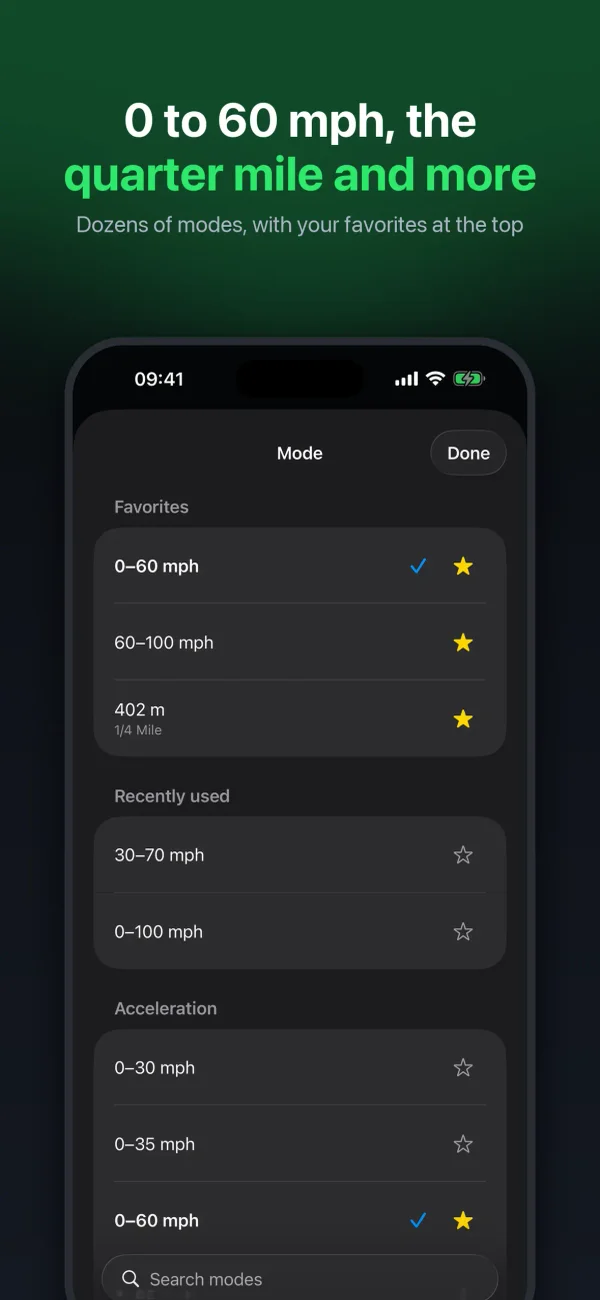
毎時0〜60マイル、毎時0〜100キロ、毎時60〜120キロ、毎時100〜200キロ、毎時80〜120キロ、など:*あなたは以下のモードから選択することができます
*測定が開始され、選択された速度モードで自動的に終了します。
*あなたがお互い後に自動的に複数の測定を行うことができます。
*は必要ありませ難しい構成は、ちょうど開始しません。
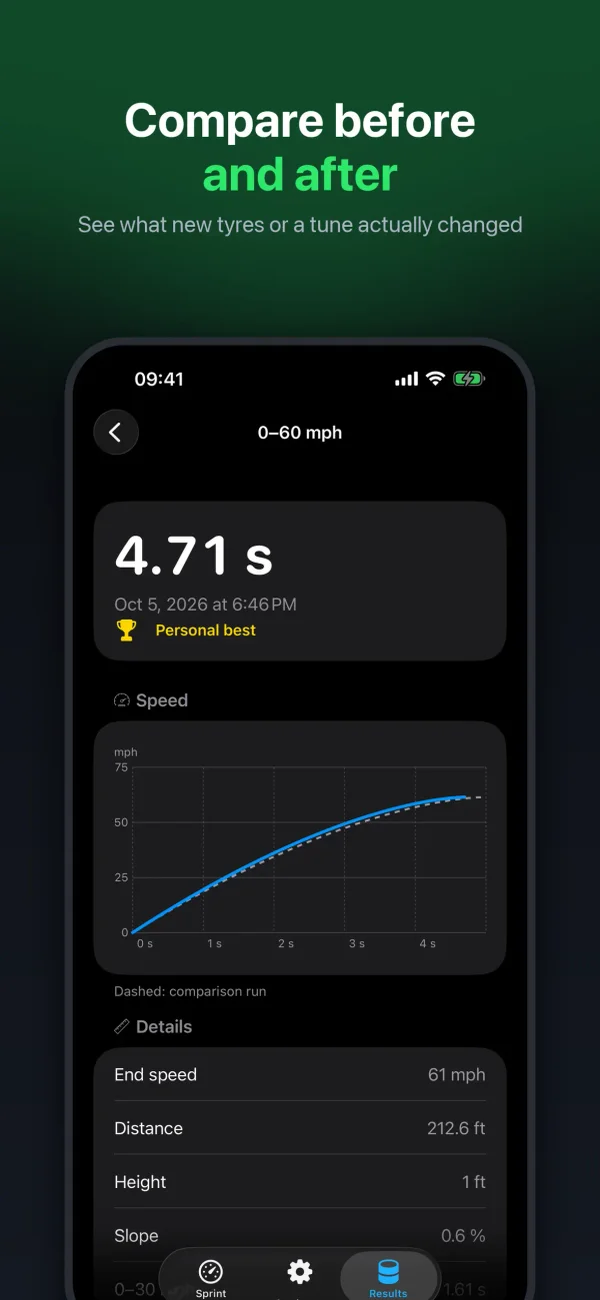
*前と後のあなたの車の改善やお友達との時間を比較してください。
*開始前のカウントダウンシーケンスがあります。
*トラック日ウントクラブレースの日のための理想的な低予算のソリューション。
*ゲームセンター-統合:
---> Appleのゲームセンターのリーダーボードにあなたの結果を転送し、他の人に比較
--->デファイ友人
--->(など、SMS、メール、)ゲームセンターを経由してお友達にあなたの結果を送ります
*外部のBluetooth GPS受信機は、精度が向上します。
######
1. GPS信号が使用可能でなければなりません。
2.設定で、あなたのモードを選択します。
3.スタートボタンを切り替えなければなりません。
4.自動的に測定を開始します。
######
info@cad-apps.de~~Vする質問やご提案を送信してください
######
このアプリは唯一のレーストラック上で、道路上で使用すべきではありません!
注意:バックグラウンドで実行されているGPSの継続的な使用は劇的にバッテリ寿命を減少させることができます
##########################
Track your driving performance now!
### automated launch timing + quarter mile timer for your sportscar ###
This app is for GPS based tracking of realtime measured data.
Perfect for drag racing, street racing and race track.
Advantage:
*safety: no use of stopwatches necessary while driving
*comfortable: hands-off usage through automatic measurement
*simple: just accelerate the car to start measurement
*cheap: other hardware solutions costs hundreds of Dollars
*You can do quick performance measurements and get performance data while driving.
*You can choose between following modes: 0-60 mph, 1/4 mile, 1/8 mile, 1/2 mile, 0-35 mph, 60-120 mph, 100-200 mph, 80-120 km/h, 0-250 km/h, etc.
*Measurement starts and ends automatically by chosen velocity mode.
*You can do more than one measurement automatically after each other
*Compare your times before and after improvements of your car and with your friends.
*Altitude (uphill / downhill)
*There will be a countdown sequence before start.
*Ideal low budget solution for track days und club racing days.
*GameCenter-Integration:
---> Transfer your results into leaderboards of Apple's GameCenter and compare to others
---> Defy friends
---> Send your results to friends via GameCenter (SMS, Email, etc.)
*An external bluetooth GPS-receiver will improve accuracy.
Special integration of XGPS160 with 10Hz:
http://amzn.to/2b1LnK4
Trust all the other users all over the world, see App Store reviews and Instagram:
https://www.instagram.com/speedboxapp/
######
1. GPS signal must be available.
2. Choose your mode in settings.
3. Start-button has to be switched.
4. Measurement starts automatically with acceleration
######
Please send questions and suggestions to info@cad-apps.de
######
This app should not be used on road, only on race tracks!
Note: Continued use of GPS running in the background can dramatically decrease battery life
新機能
バージョン 3.0.1 · 2026/10/14
SpeedBox 3.0 has been rebuilt from the ground up: clearer, more precise and full of features you asked for.
New measuring screen
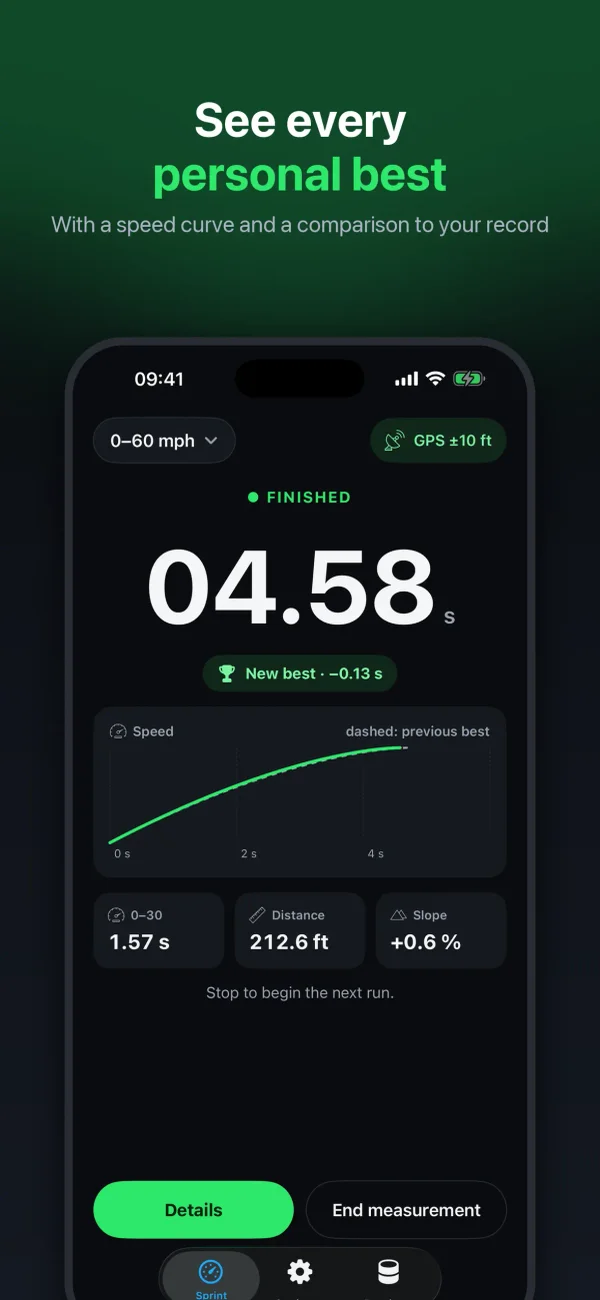
A large gauge that is easy to read in a mount, in landscape too. While you drive, you see whether you are ahead of or behind your personal best.
Results with every detail
Personal bests for each mode, a speed curve, side-by-side comparison and your route on a map. Plus more times from every run, such as 0–30 mph or the 1/8 mile, and acceleration in g if you want it.
Video with your numbers
Turn on video recording and every run is saved to Photos as a clip with speed, time and result.
Weather for every run
Temperature, air pressure and density altitude are saved with each run, so you can see why your car is quicker on some days.
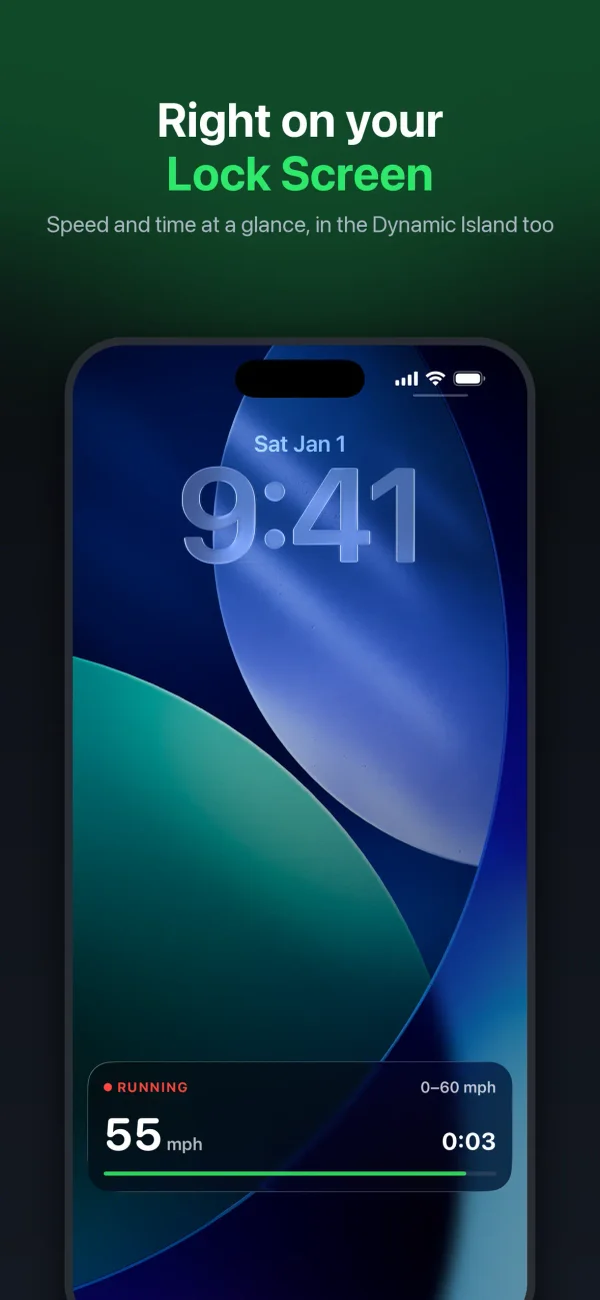
Lock Screen, Dynamic Island and CarPlay
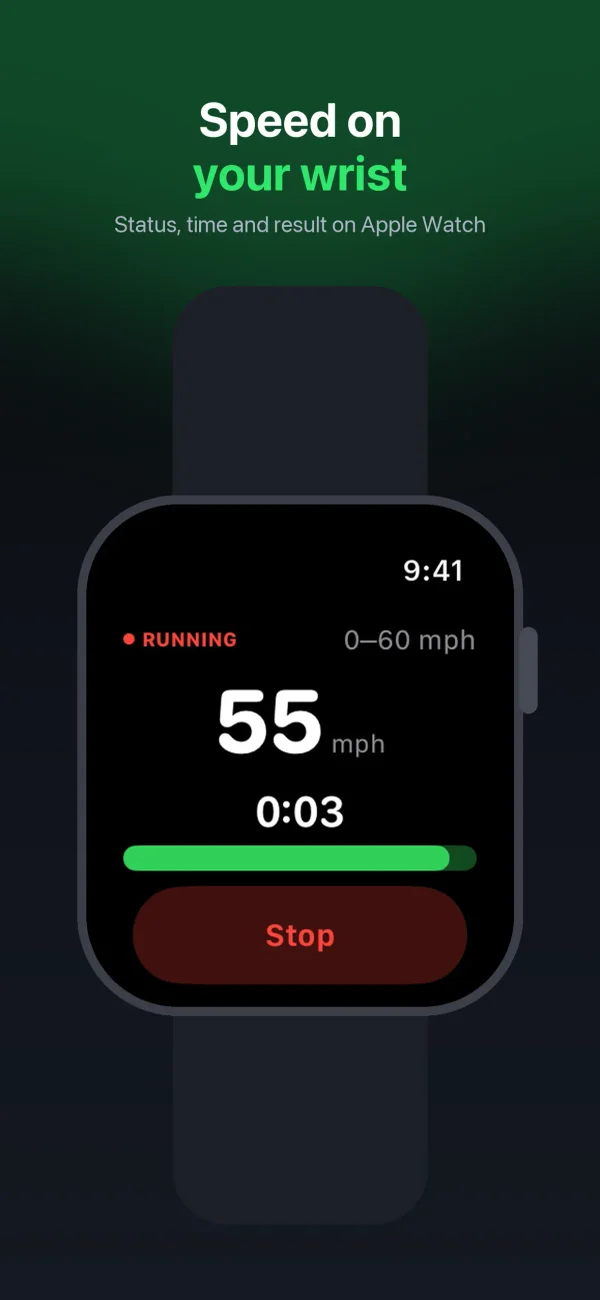
Keep speed and time in view even with another app open. Apple Watch shows status and result.
Also new
New modes such as 30–50 mph, 60–120 mph and 60–130 mph. Your existing results are kept.
Please only measure on closed roads or a race track.
アプリのプライバシー
このアプリのデータの取り扱いについて、Dominik ReichertがApp Storeで申告している内容です。
-
データの収集なし
開発元はこのアプリからデータを収集しません。
プライバシーの取り扱いは、ご利用の機能やお客様の年齢などに応じて異なる場合があります。
情報
- 販売元
- Dominik Reichert
- カテゴリ
- スポーツ
- バージョン
- 3.0.1
- 更新日
- 2026/10/14
- リリース
- 2015/10/16
- サイズ
- 7.0 MB
- 必要条件
- iOS 16.0以降
- 対象年齢
- 4+
- 価格
- ¥300
- 言語
- 英語, フランス語, ドイツ語, ポルトガル語, スペイン語
- 著作権
- © Dominik Reichert