- 対象年齢4+
- カテゴリグラフィック/デザイン
- 開発元Skyler Lauren
- 言語英語
- サイズ6.0 MB
Sprite Creatorは現在App Storeで入手できない可能性があります
前回の確認時、ストアのページにアクセスできませんでした。リンク先は引き続きApp Storeの公式ページです。
スクリーンショット


概要
開発元はこのテキストをお使いの言語で提供していません。
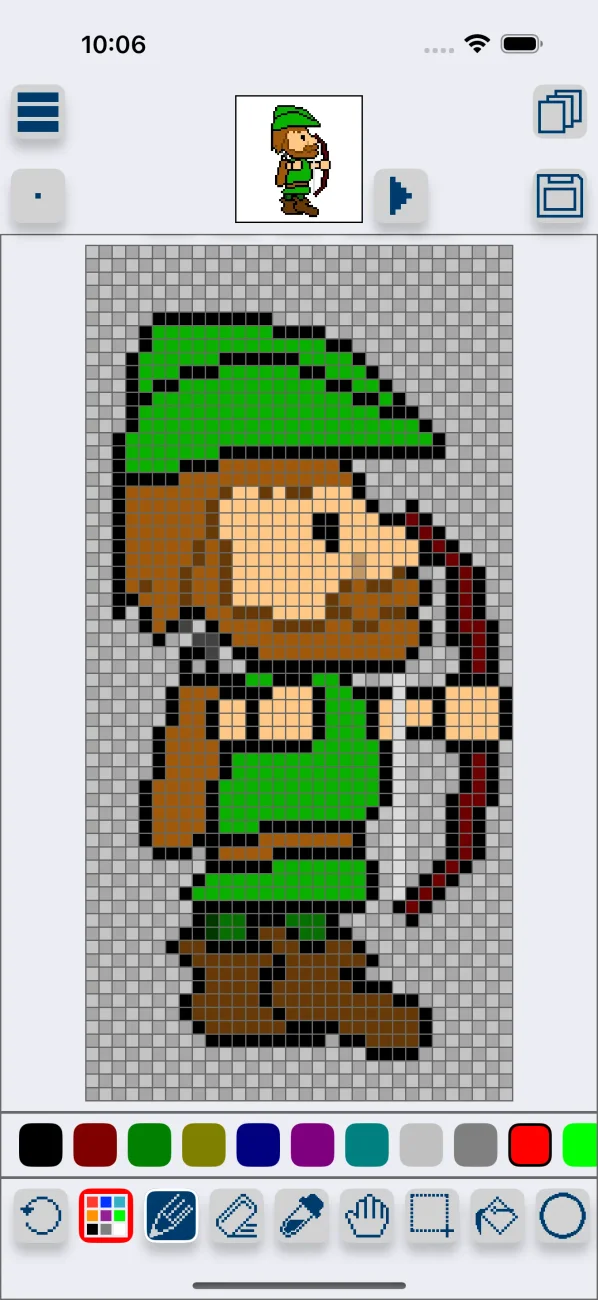
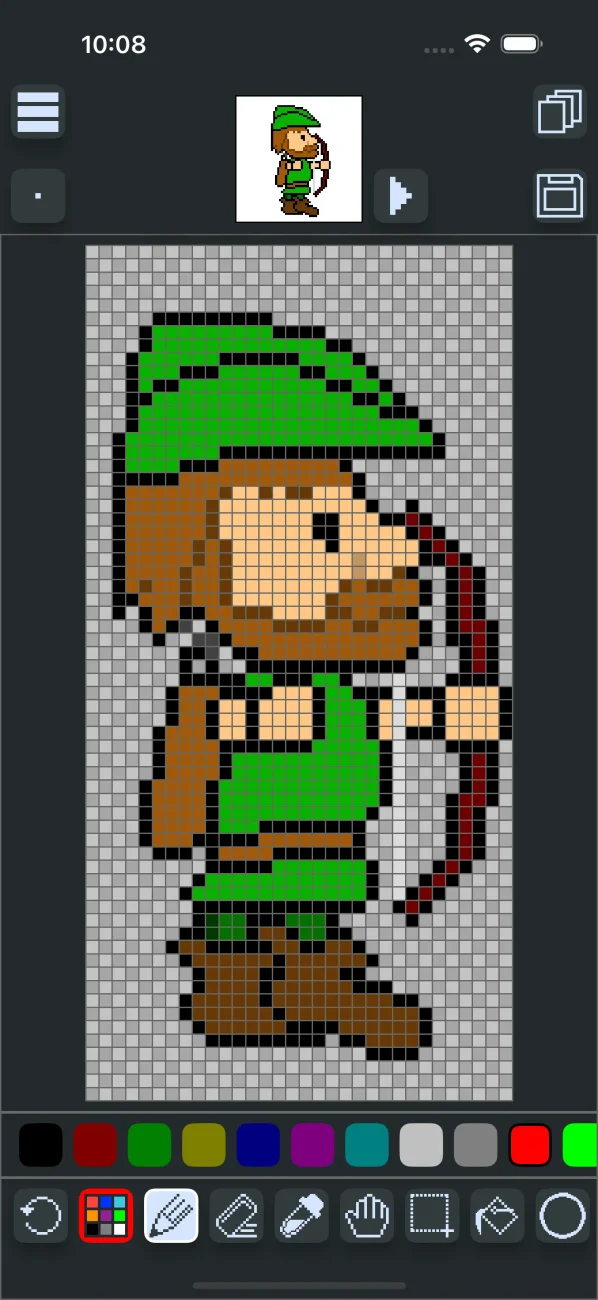
Sprite Creator is a very powerful and easy to use pixel art drawing app. Create and import sprite sheets, tile maps, or even animated gifs. This app has been designed to be a simple and powerful tool for creating pixel art for games or for fun.
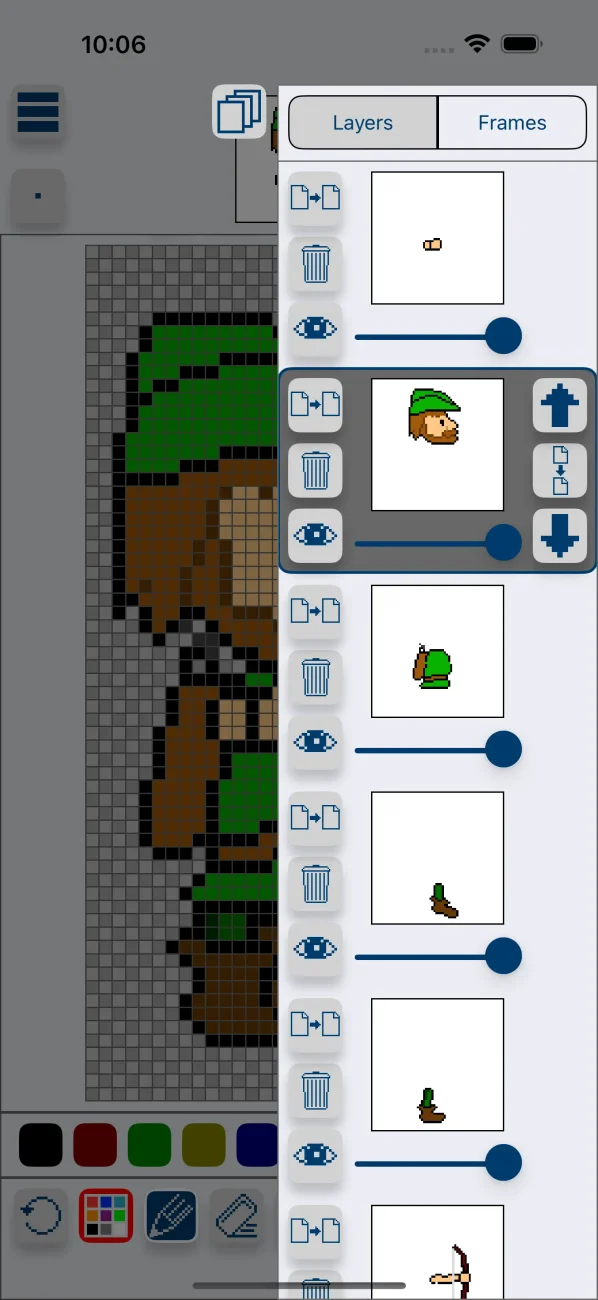
Layer Editing Tools
- Alpha sliders
- Hide option to ignore layer
- Copy
- Merge down
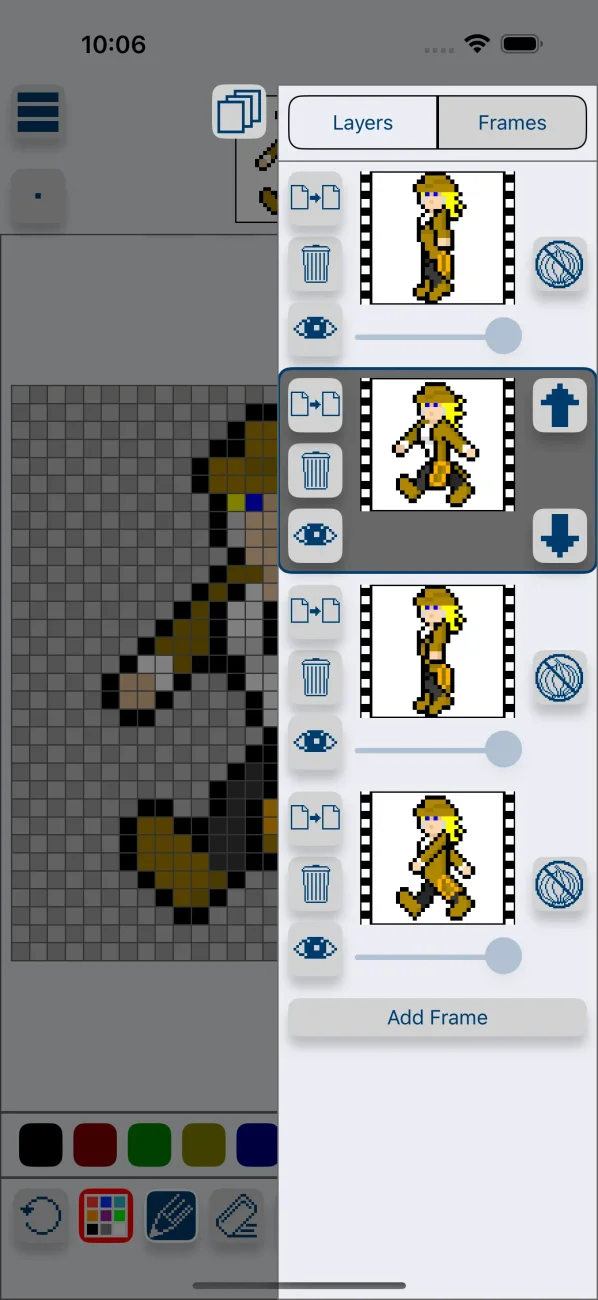
Animation Frame Tools
- Onion skin
- Onion skin alpha sliders
- Live auto looping preview
- Copy
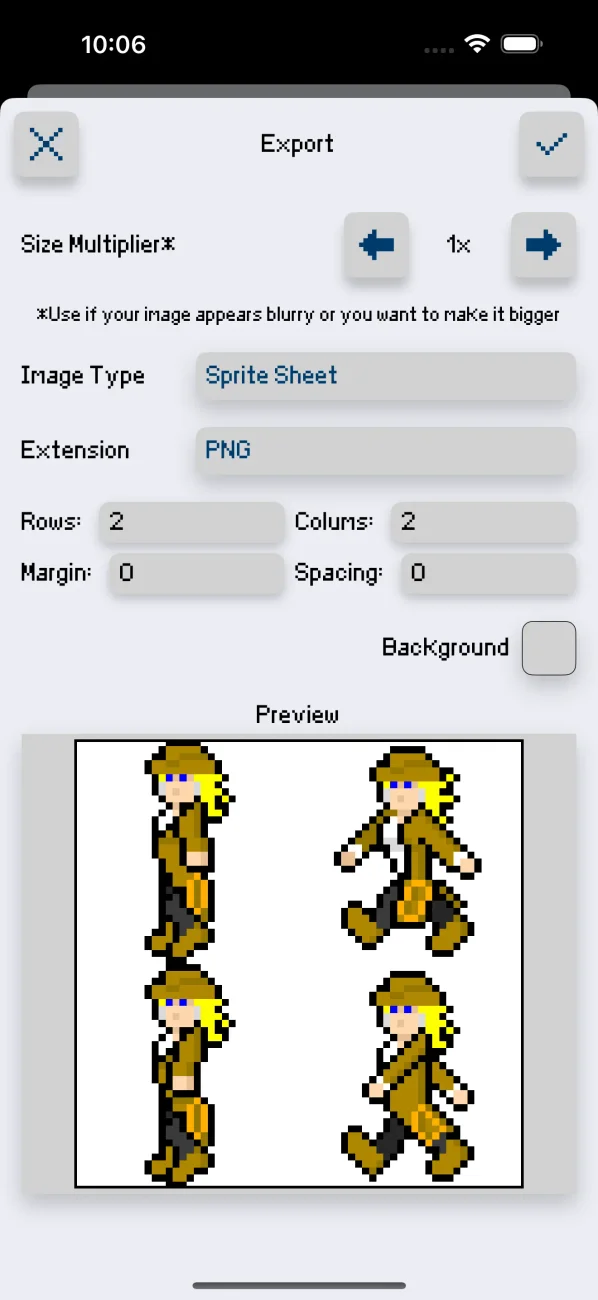
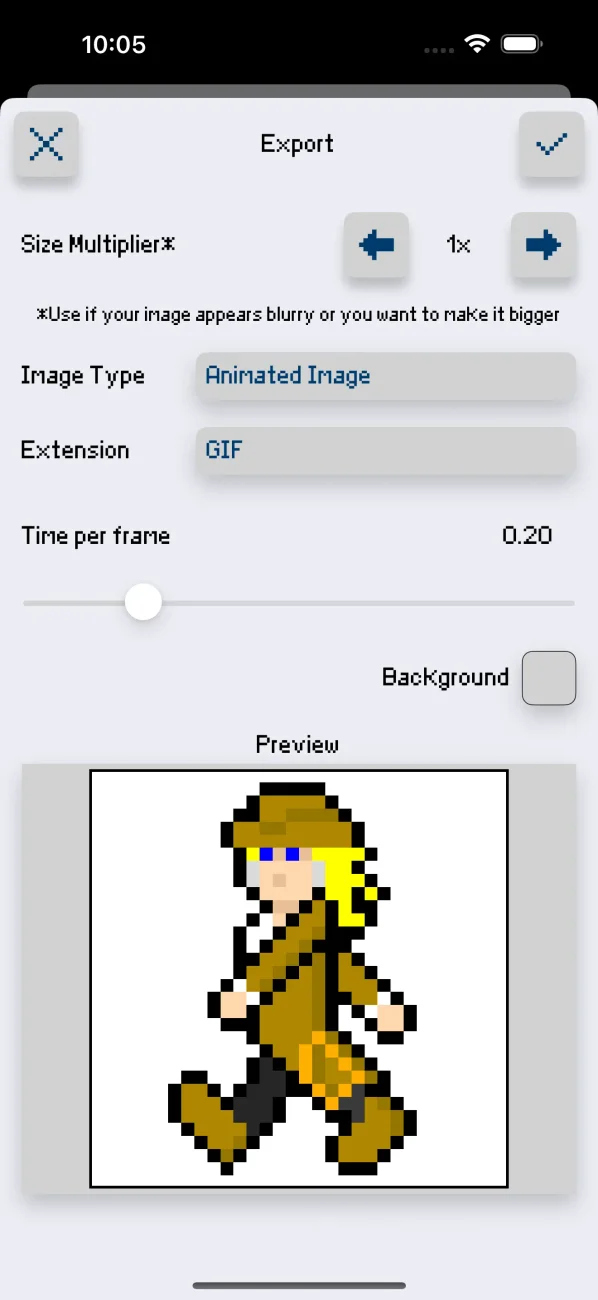
Exporting Features
- png, gif, or jpg
- Animated gifs
- Sprite sheets and tile maps with full control over number of rows, columns, margin, and spacing
- Single image series
- Set Background Color (allows you to pick a specific background color for exporting)
- Up scaling tool (increase the image size while keeping that pixel look)
Importing Features
- Import sprite sheets and tile maps and slice it into editable frames by setting width, height, margin and spacing.
- Import animated gifs
- Import png, gif, and jpg right from your camera roll
Selection Options
- Move
- Flip
- Rotate 90 degrees
- Copy (copies a selected area for the selected layer)
- Copy All (copies a selected area for all layers)
- Paste (pastes whatever you have copied on a layer or even a new project's layer)
Background options
- Checkered
- Color
- Image
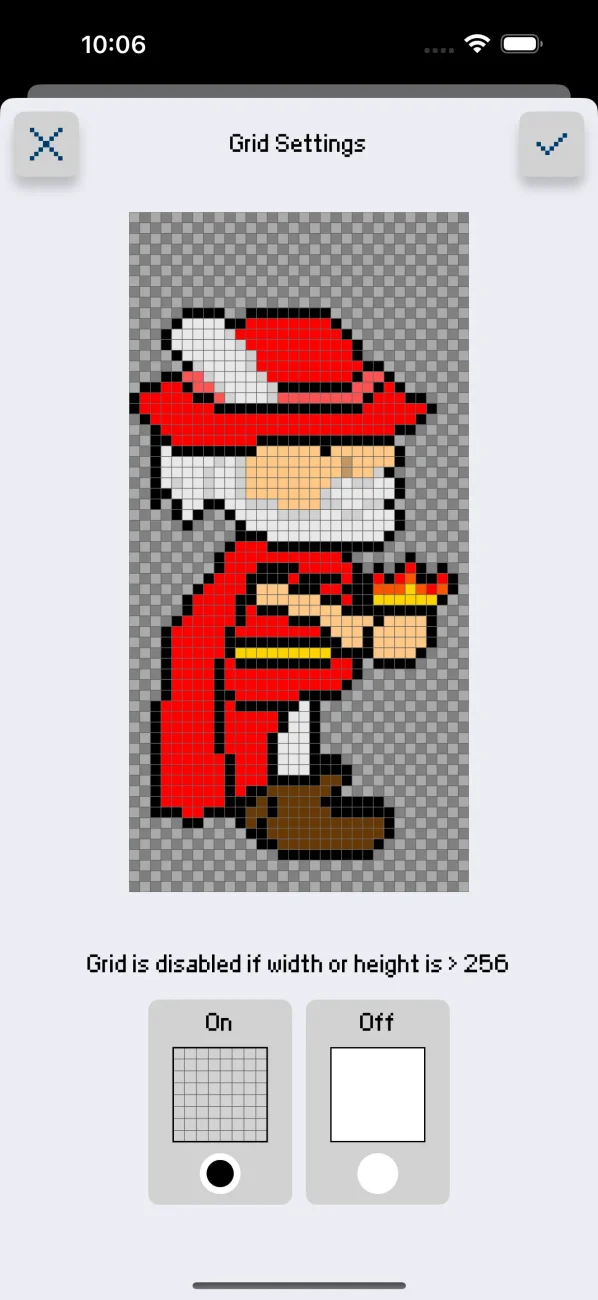
Grid Options
- On/Off
Other Features
- Save/Load right in the app
- Create your own customized color palette with unlimited colors
- RGBA and HSBA color sliders to find the perfect color
- Create a new project at any size you want
- Edit project size after creating it
- Optional inspiration view (floating image from your camera roll for inspiration)
- Tap and hold to load an image from your camera roll
- Drag to move
- Double tap to resize
- Preview window to see your pixel art at a small size
- Multiple brush sizes
- Line, Square and Circle drawing tool
- Hand Tool to make it easier to zoom and pan your canvas
For more updates and to see Sprite Creator in action check out our Facebook page.
https://www.facebook.com/spritecreator/
新機能
バージョン 2.1.1 · 2026/10/18
• Improved error handling when loading background images.
• Minor fixes and reliability improvements.
アプリのプライバシー
このアプリのデータの取り扱いについて、Skyler LaurenがApp Storeで申告している内容です。
-
データの収集なし
開発元はこのアプリからデータを収集しません。
プライバシーの取り扱いは、ご利用の機能やお客様の年齢などに応じて異なる場合があります。
情報
- 販売元
- Skyler Lauren
- カテゴリ
- グラフィック/デザイン
- バージョン
- 2.1.1
- 更新日
- 2026/10/18
- リリース
- 2016/4/27
- サイズ
- 6.0 MB
- 必要条件
- iOS 18.6以降
- 対象年齢
- 4+
- 言語
- 英語
- 著作権
- © 2026 Sky Mist Development
こちらもおすすめ
-
 Sprite Catalogピクセルアートの素材
-
 Sprite Pencilピクセルアートを作成
-
 Pixen - pixel art editorグラフィック/デザイン
-
 Resprite: pixel art studioPixel art and sprite editor
-
 Pixaki 4 Introグラフィック/デザイン
-
 Comics AICreate Design Generate Comics
-
 Pixquare - かんたんドット絵アプリピクセルアートエディターNo.1
-
 AIドット絵カメラ&アバター作成アプリ: PixelMe写真変換、お絵かき、ピクセルアート・ゲーム制作用ドット絵作成
-
 Pixel Studio for pixel artBest mobile pixel art editor
-
 ToonSquidCreate beautiful animations