- Altersfreigabe4+
- KategorieGrafik und Design
- EntwicklerSkyler Lauren
- SprachenEnglisch
- Größe6,0 MB
Sprite Creator ist bei App Store derzeit möglicherweise nicht verfügbar
Bei unserer letzten Prüfung war der Store-Eintrag nicht erreichbar. Der Link führt weiterhin zur offiziellen App Store-Seite.
Screenshots


Info
Der Entwickler hat diesen Text nicht in Ihrer Sprache bereitgestellt.
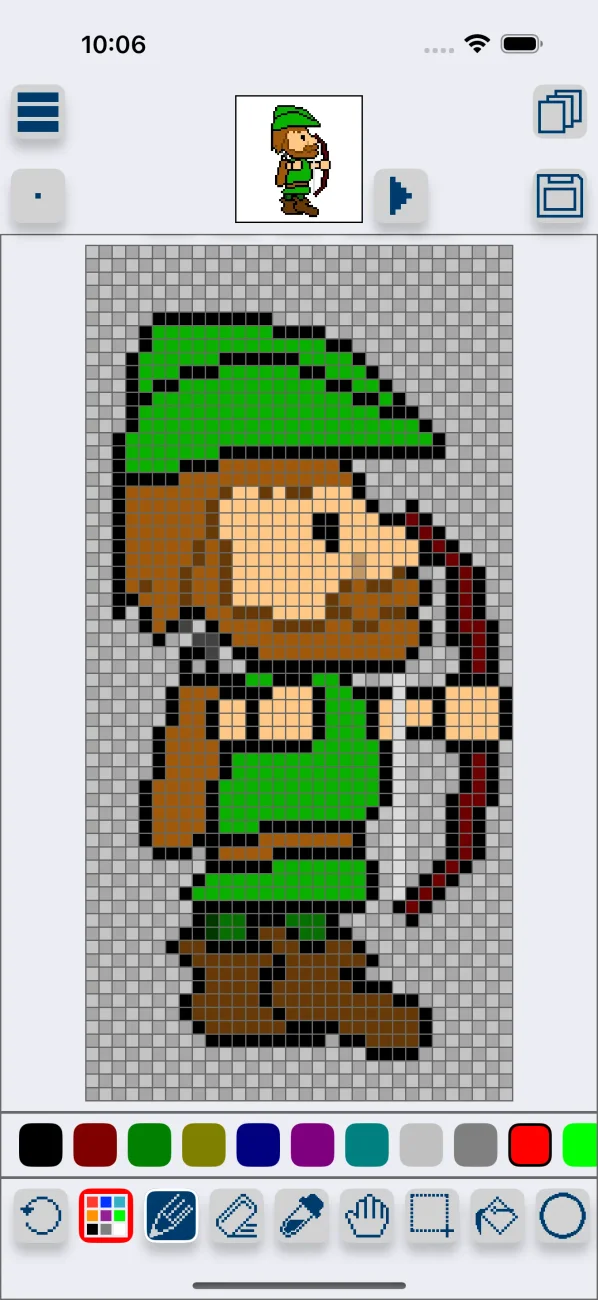
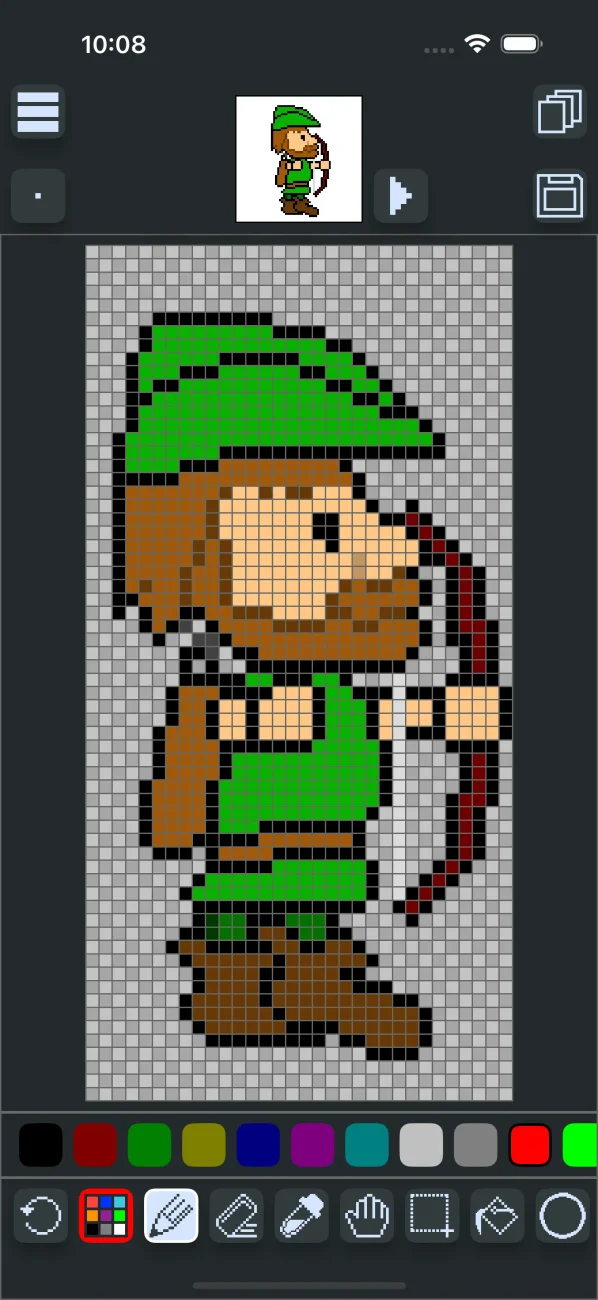
Sprite Creator is a very powerful and easy to use pixel art drawing app. Create and import sprite sheets, tile maps, or even animated gifs. This app has been designed to be a simple and powerful tool for creating pixel art for games or for fun.
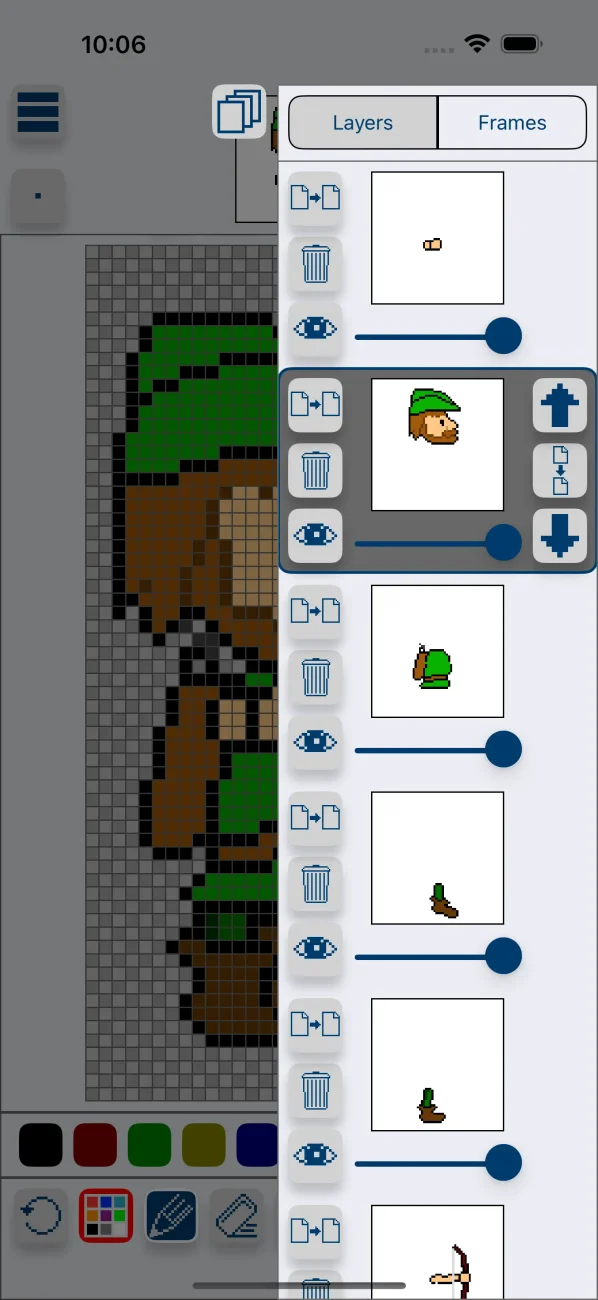
Layer Editing Tools
- Alpha sliders
- Hide option to ignore layer
- Copy
- Merge down
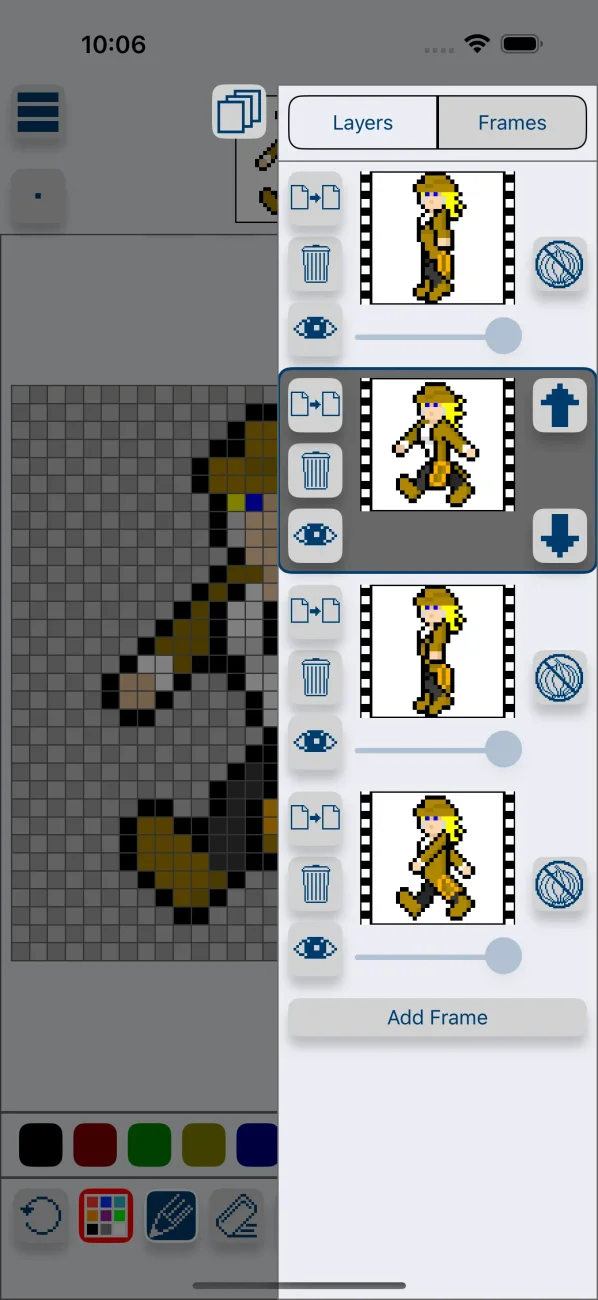
Animation Frame Tools
- Onion skin
- Onion skin alpha sliders
- Live auto looping preview
- Copy
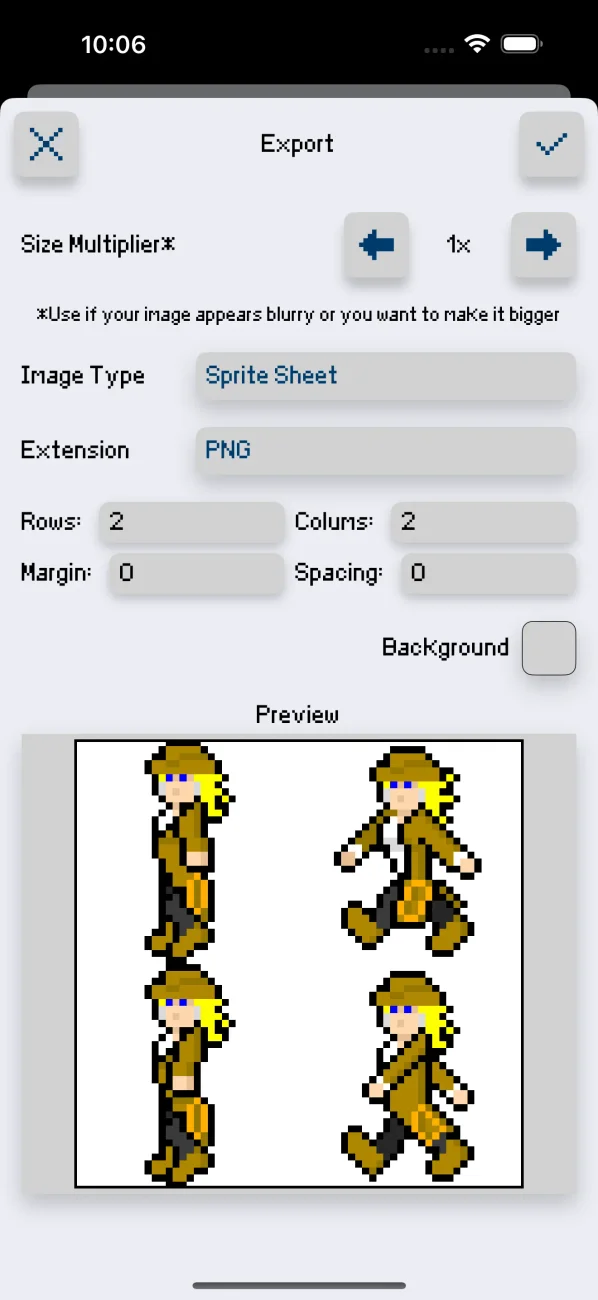
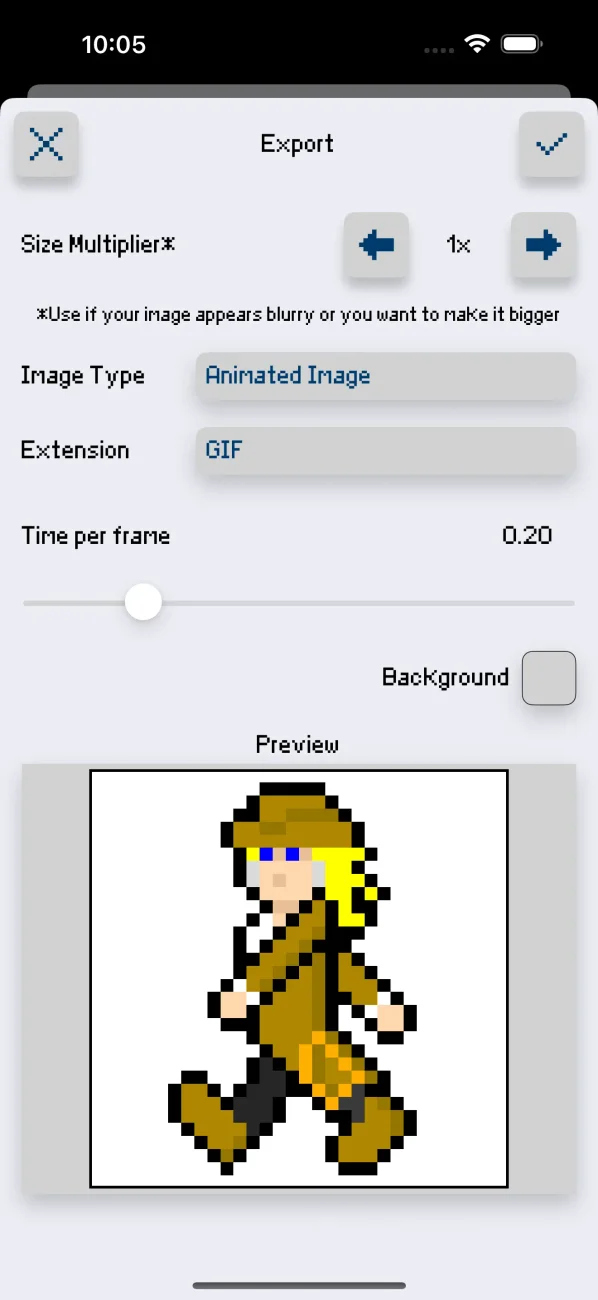
Exporting Features
- png, gif, or jpg
- Animated gifs
- Sprite sheets and tile maps with full control over number of rows, columns, margin, and spacing
- Single image series
- Set Background Color (allows you to pick a specific background color for exporting)
- Up scaling tool (increase the image size while keeping that pixel look)
Importing Features
- Import sprite sheets and tile maps and slice it into editable frames by setting width, height, margin and spacing.
- Import animated gifs
- Import png, gif, and jpg right from your camera roll
Selection Options
- Move
- Flip
- Rotate 90 degrees
- Copy (copies a selected area for the selected layer)
- Copy All (copies a selected area for all layers)
- Paste (pastes whatever you have copied on a layer or even a new project's layer)
Background options
- Checkered
- Color
- Image
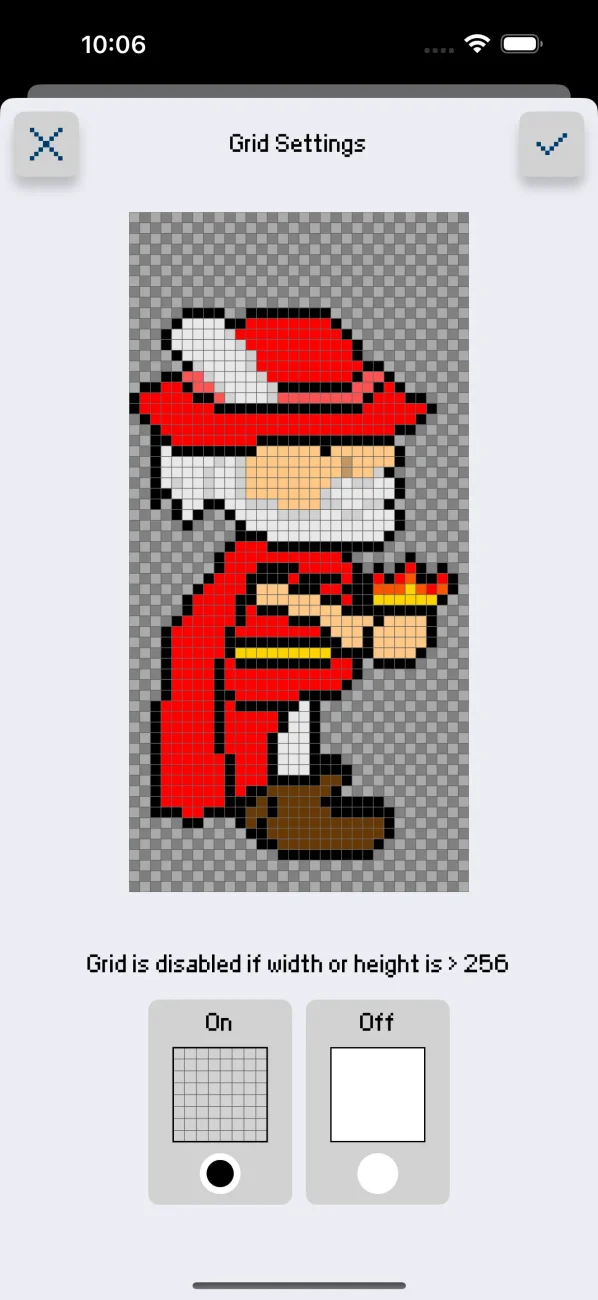
Grid Options
- On/Off
Other Features
- Save/Load right in the app
- Create your own customized color palette with unlimited colors
- RGBA and HSBA color sliders to find the perfect color
- Create a new project at any size you want
- Edit project size after creating it
- Optional inspiration view (floating image from your camera roll for inspiration)
- Tap and hold to load an image from your camera roll
- Drag to move
- Double tap to resize
- Preview window to see your pixel art at a small size
- Multiple brush sizes
- Line, Square and Circle drawing tool
- Hand Tool to make it easier to zoom and pan your canvas
For more updates and to see Sprite Creator in action check out our Facebook page.
https://www.facebook.com/spritecreator/
Neue Funktionen
Version 2.1.1 · 18.10.2026
• Improved error handling when loading background images.
• Minor fixes and reliability improvements.
App-Datenschutz
Was Skyler Lauren im App Store zum Umgang dieser App mit Daten angibt.
-
Keine Daten erfasst
Der Entwickler erfasst keine Daten von dieser App.
Die Datenschutzpraktiken können variieren, zum Beispiel je nach den von Ihnen verwendeten Funktionen oder Ihrem Alter.
Informationen
- Anbieter
- Skyler Lauren
- Kategorie
- Grafik und Design
- Version
- 2.1.1
- Aktualisiert
- 18.10.2026
- Veröffentlicht
- 27.04.2016
- Größe
- 6,0 MB
- Erfordert
- iOS 18.6 oder neuer
- Altersfreigabe
- 4+
- Sprachen
- Englisch
- Copyright
- © 2026 Sky Mist Development
Das könnte Ihnen auch gefallen
-
 Sprite CatalogPixel-Art-Assets
-
 Sprite PencilPixelkunst erstellen
-
 Pixen - pixel art editorGrafik und Design
-
 Resprite: pixel art studioPixel art and sprite editor
-
 Pixaki 4 IntroGrafik und Design
-
 Comics AICreate Design Generate Comics
-
 Pixquare - Pixel Art Studio#1 pixel art editor
-
 KI Pixelart Umwandler: PixelMeRetro Game Bearbeitung Creator
-
 Pixel Studio for pixel artDer beste Pixel Art Editor
-
 ToonSquidGrafik und Design