
- 対象年齢4+
- カテゴリグラフィック/デザイン
- 開発元Suleyman ER
- 言語英語ほか1言語
- サイズ20.1 MB
App Storeの公式ページにリンクしています
Download.orgはStickerCut Studioのファイルを一切ホストしていません。ボタンを押すと、Suleyman ERが公開しているApp Storeのアプリページが開きます。ページの最終確認:2026/11/17。
スクリーンショット
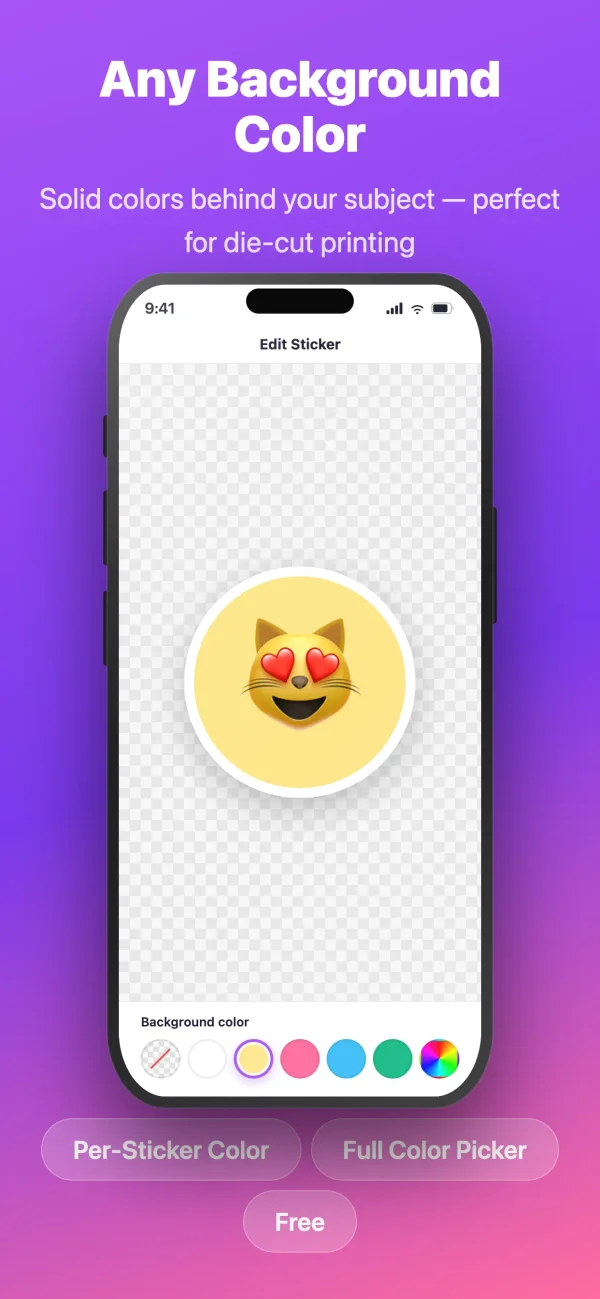
概要
開発元はこのテキストをお使いの言語で提供していません。
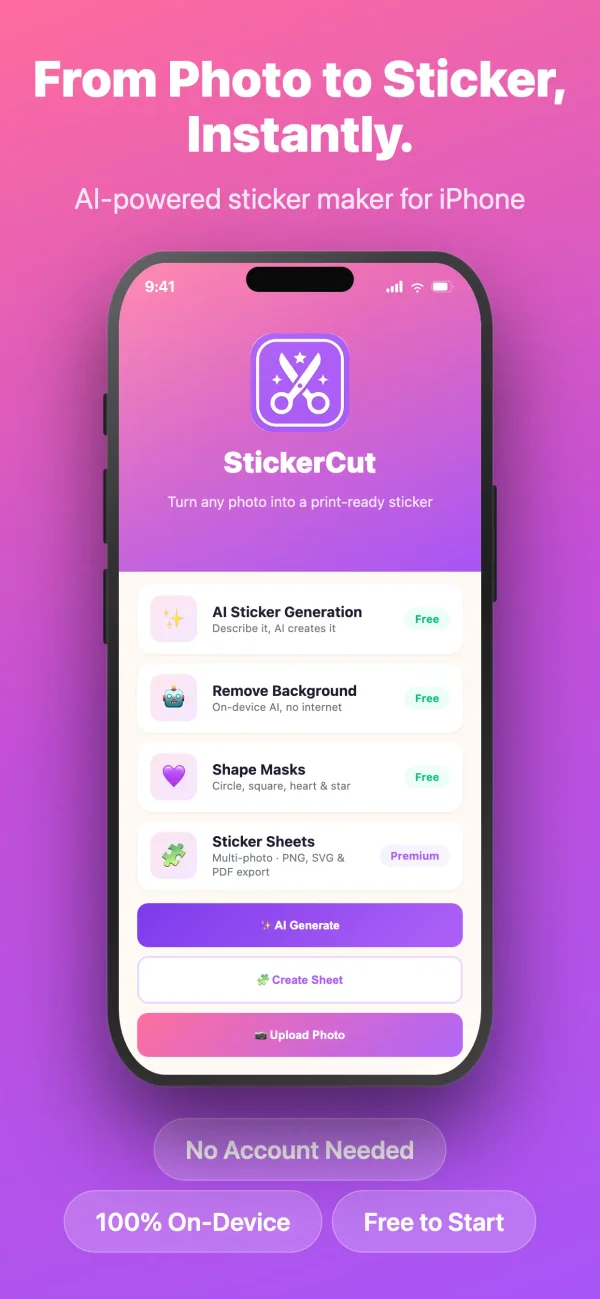
StickerCut turns any photo into a professional, print-ready sticker — right on your iPhone. Remove backgrounds instantly, generate brand-new stickers with AI from a text prompt, arrange multiple stickers on a print-ready sheet, and export for printing or cutting machines.
HOW IT WORKS
1. Upload any photo from your library, or describe a sticker with AI
2. Remove the background with on-device AI, or crop into a circle
3. Add a colored outline and pick your sticker size
4. Export and print — or cut with Cricut
ON-DEVICE AI BACKGROUND REMOVAL
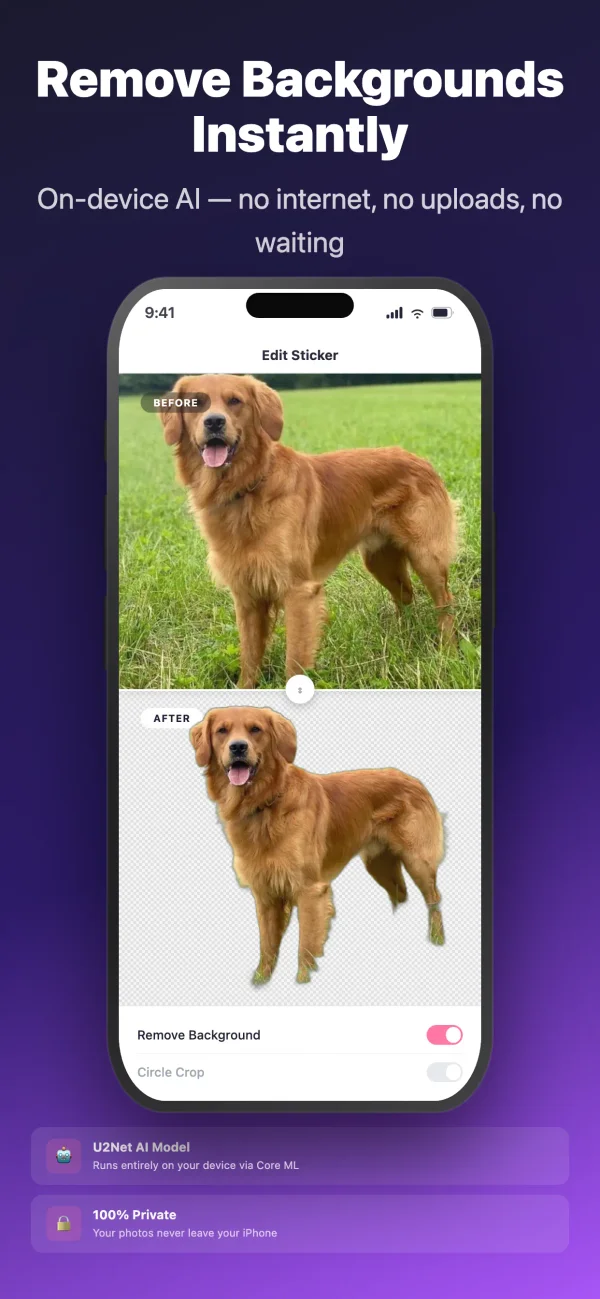
Powered by an on-device deep learning model (U2Net via Core ML). Your photos never leave your device for background removal — no internet connection required. Fast, accurate, and completely private.
AI STICKER GENERATION
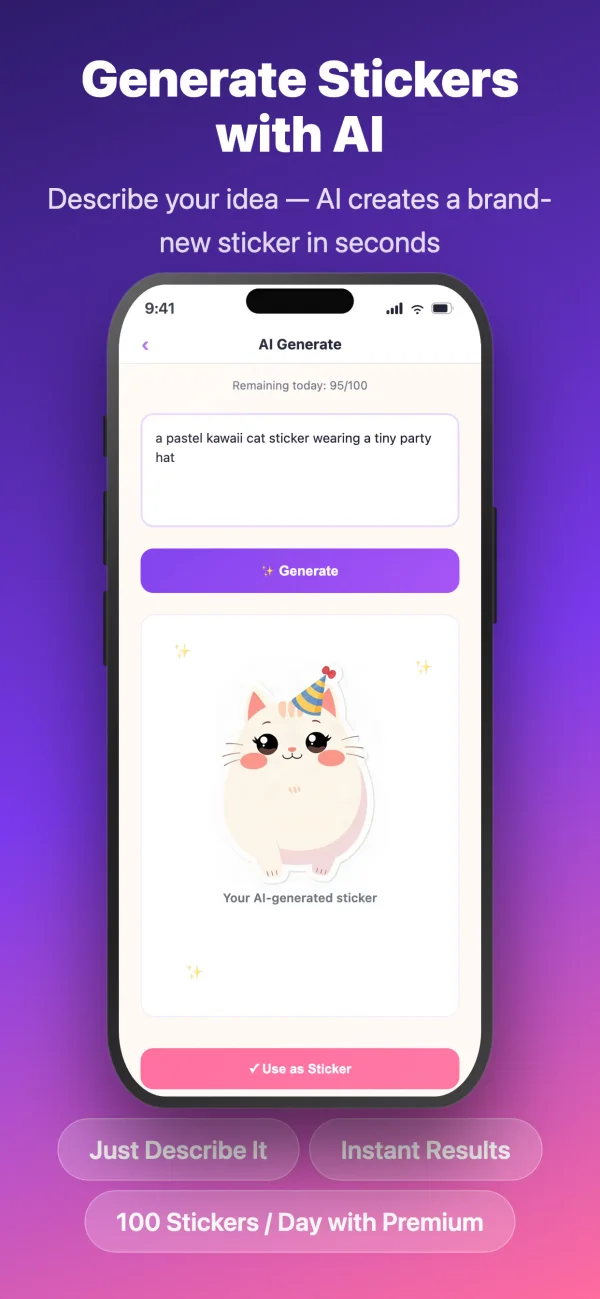
Can't find the right photo? Describe your idea — "a pastel kawaii cat sticker" — and AI generates a brand-new sticker design for you. Free users get 5 generations a day; StickerCut Premium unlocks 100/day.
CIRCLE CROP WITH PRECISION POSITIONER
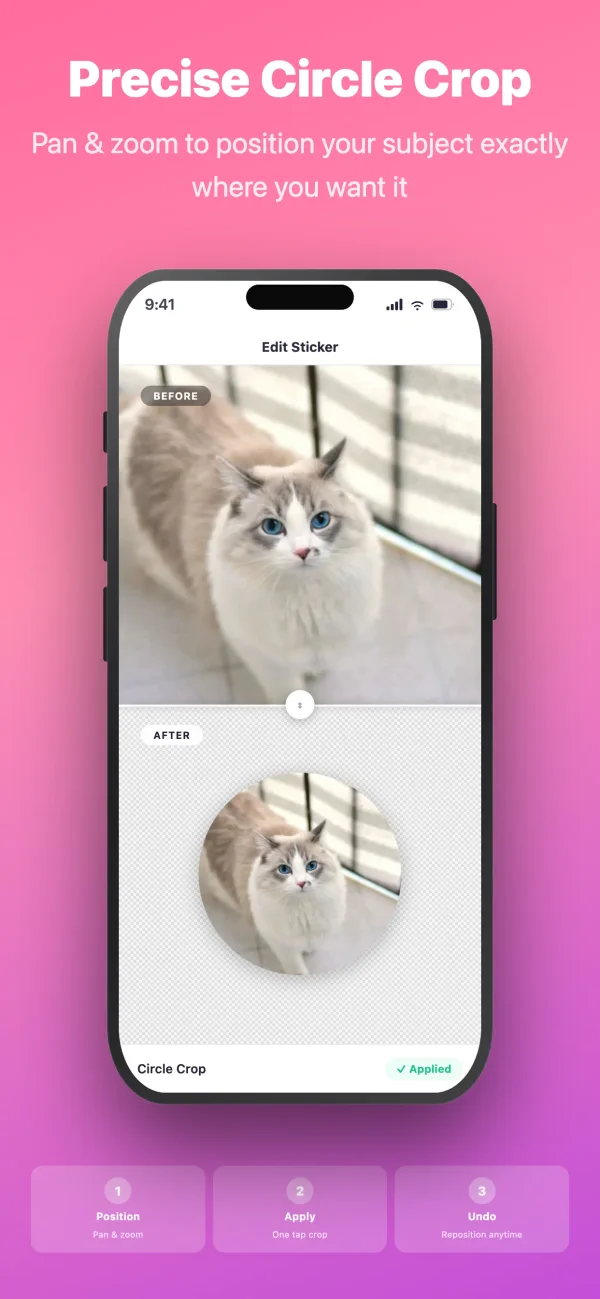
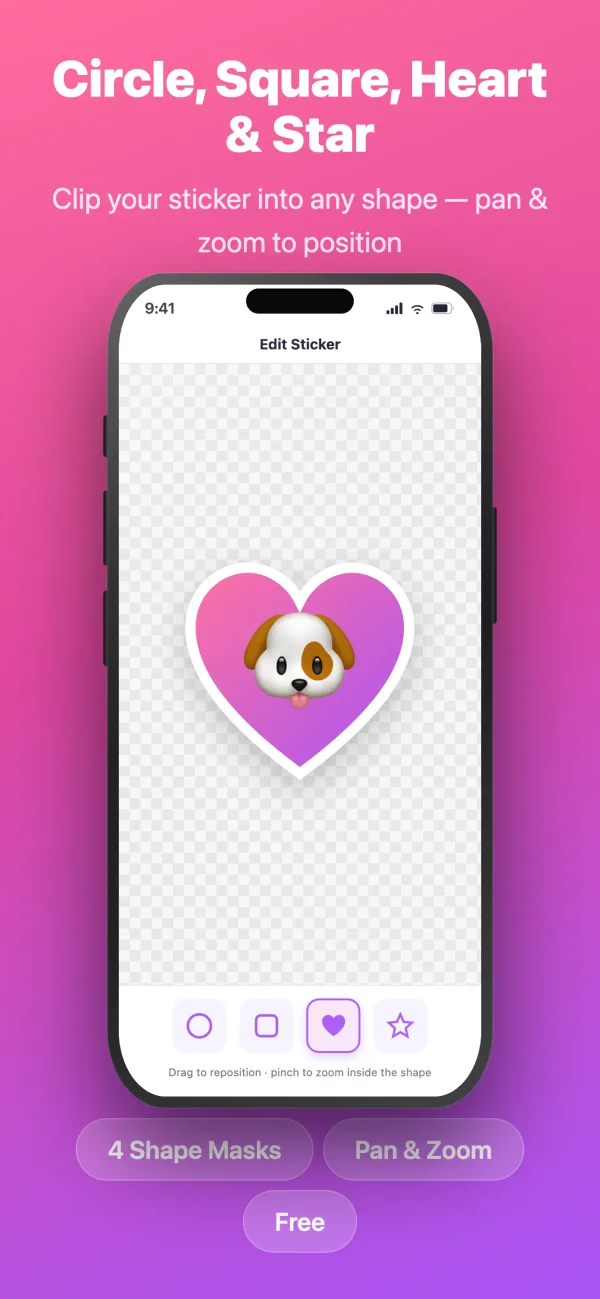
Pan, zoom, and position your subject exactly where you want it inside the circle frame. Expand to full screen for pixel-perfect placement. Undo and reposition as many times as you need.
CUSTOM OUTLINE
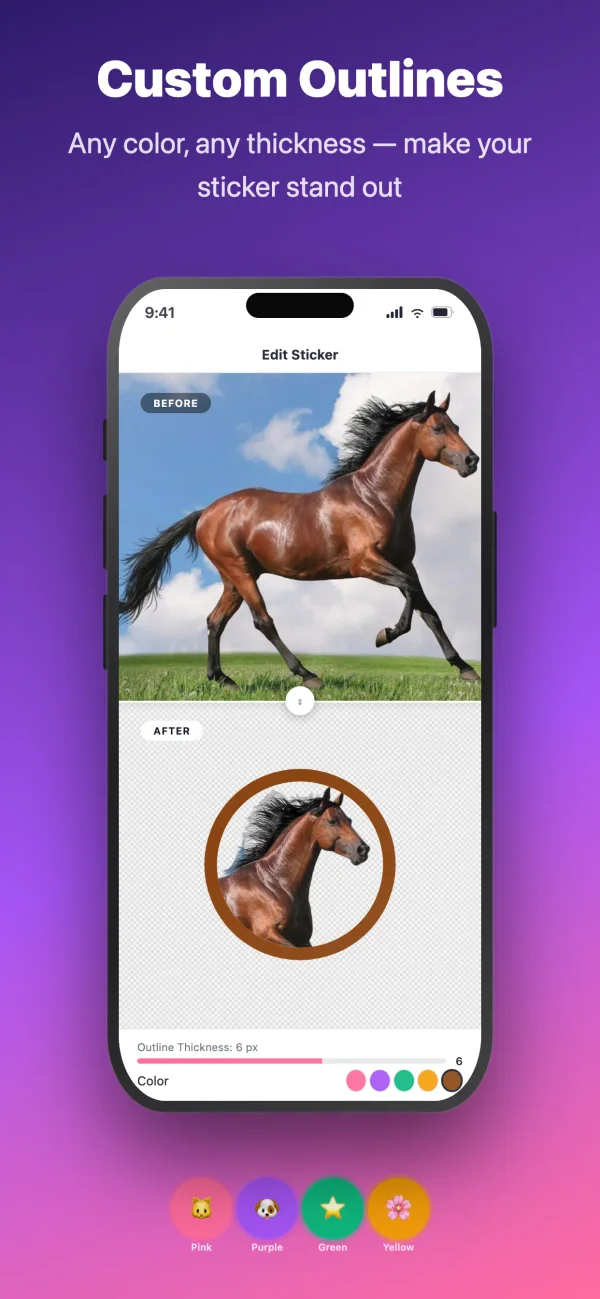
Add a border to make your sticker pop. Choose any color from the color picker and adjust the thickness from 1 to 10 px. Works with background removal, circle crop, and AI-generated stickers alike.
STICKER SHEETS
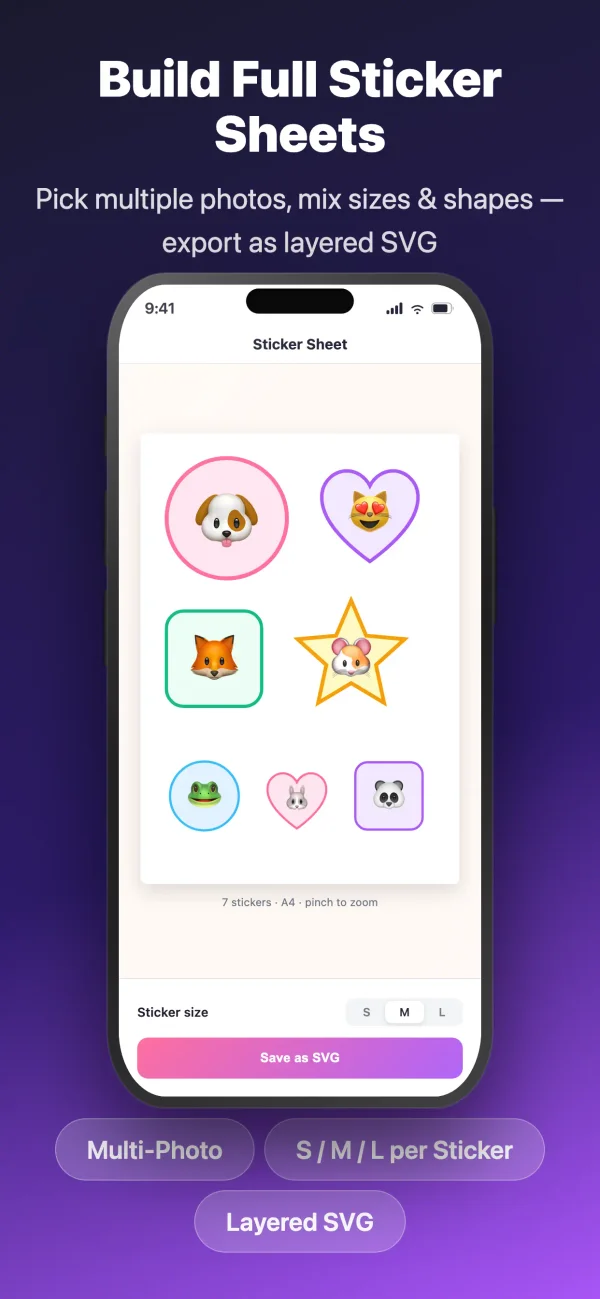
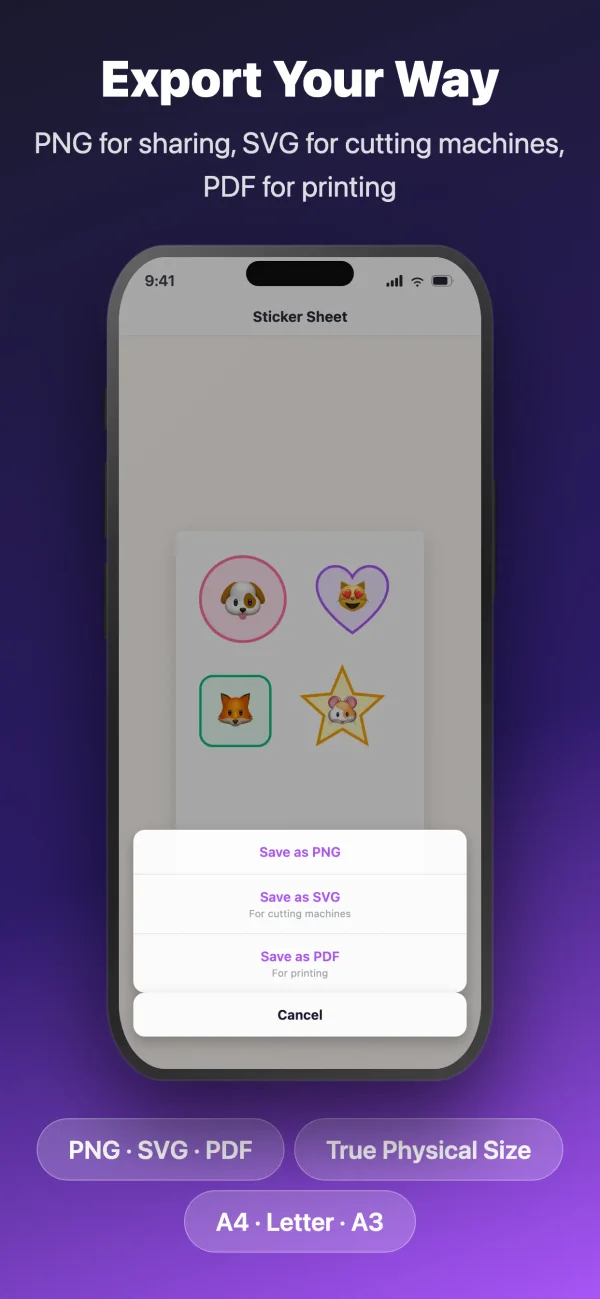
Arrange multiple stickers on a single print-ready sheet (A4, Letter, or A3), with automatic packing to minimize wasted space. Export as PNG, SVG (for cutting machines), or PDF (for printing at exact physical size).
PRINT-READY EXPORT
Export at 300 DPI — the professional print standard. Choose from Small (38mm), Medium (51mm), or Large (70mm) sizes. Save directly to Photos or export to any app via Files.
PRIVATE BY DESIGN
No account to create, no login required. Background removal and circle crop run entirely on-device. AI sticker generation sends only your text prompt — never a photo — to generate the image.
---
STICKERCUT PREMIUM
Unlock the full creative toolkit with a StickerCut Premium subscription:
- 100 AI sticker generations per day (vs. 5 on the free plan)
- Watermark-free exports on every sticker
- SVG export for Cricut and other cutting machines
- PDF export for print-ready sticker sheets
Try Premium free for 3 days. Subscriptions auto-renew; cancel anytime in your Apple ID settings.
---
StickerCut is perfect for:
- Custom sticker printing at home or at a print shop
- Cricut and Silhouette projects
- Personalized gifts, labels, and packaging
- Pet portraits, baby photos, logos, AI-generated designs, and more
---
Terms of Use (EULA): https://www.apple.com/legal/internet-services/itunes/dev/stdeula/
新機能
バージョン 1.1.0 · 2026/11/4
This update brings two major new features:
• AI Sticker Generation — describe your idea and AI creates a brand-new sticker for you (e.g. "a pastel kawaii cat sticker"). 5 free generations a day.
• Sticker Sheets — arrange multiple stickers on a single print-ready page, sized to A4, Letter, or A3. Export as PNG, SVG (for cutting machines), or PDF.
StickerCut Premium is now a subscription (monthly or yearly, 3-day free trial) that unlocks 100 AI generations a day, watermark-free exports, and SVG/PDF export.
Also includes various bug fixes and performance improvements.
アプリのプライバシー
このアプリのデータの取り扱いについて、Suleyman ERがApp Storeで申告している内容です。
-
ユーザーに関連付けられないデータ
収集される場合がありますが、ユーザーの識別情報には関連付けられません。
- 使用状況データ
- 診断
プライバシーの取り扱いは、ご利用の機能やお客様の年齢などに応じて異なる場合があります。
情報
- 販売元
- Suleyman ER
- カテゴリ
- グラフィック/デザイン
- バージョン
- 1.1.0
- 更新日
- 2026/11/4
- リリース
- 2026/6/30
- サイズ
- 20.1 MB
- 必要条件
- iOS 16.0以降
- 対象年齢
- 4+
- 価格
- 無料
- アプリ内課金
- あり
- 言語
- 英語, トルコ語
- 著作権
- © Suleyman ER
こちらもおすすめ
-
 Stickeredグラフィック/デザイン
-
 Cutline: Image to SVGグラフィック/デザイン
-
 切り抜き Cutout Sticker Maker端末内の透過PNGと一括縁取り
-
 Vectorly: 画像をSVGに変換ロゴをベクター化・カット用データに
-
 Cropcut: ステッカー作成切り抜き&背景消しゴム
-
 Pipday: 写真ステッカーとコラージュ切り抜き写真でつくる、自分だけのスクラップブック
-
 Simple Createグラフィック/デザイン
-
 StickerVerse: AI Sticker Makerグラフィック/デザイン
-
 AI Design Maker: Craft Spaceグラフィック/デザイン
-
 TatSnap - AI Tattoo Designerグラフィック/デザイン