- 対象年齢4+
- カテゴリ写真/ビデオ
- 開発元Switcher Inc.
- 言語英語ほか2言語
- サイズ222.0 MB
App Storeの公式ページにリンクしています
Download.orgはSwitcher: Live Streaming Appのファイルを一切ホストしていません。ボタンを押すと、Switcher Inc.が公開しているApp Storeのアプリページが開きます。ページの最終確認:2026/11/27。
スクリーンショット



概要
開発元はこのテキストをお使いの言語で提供していません。
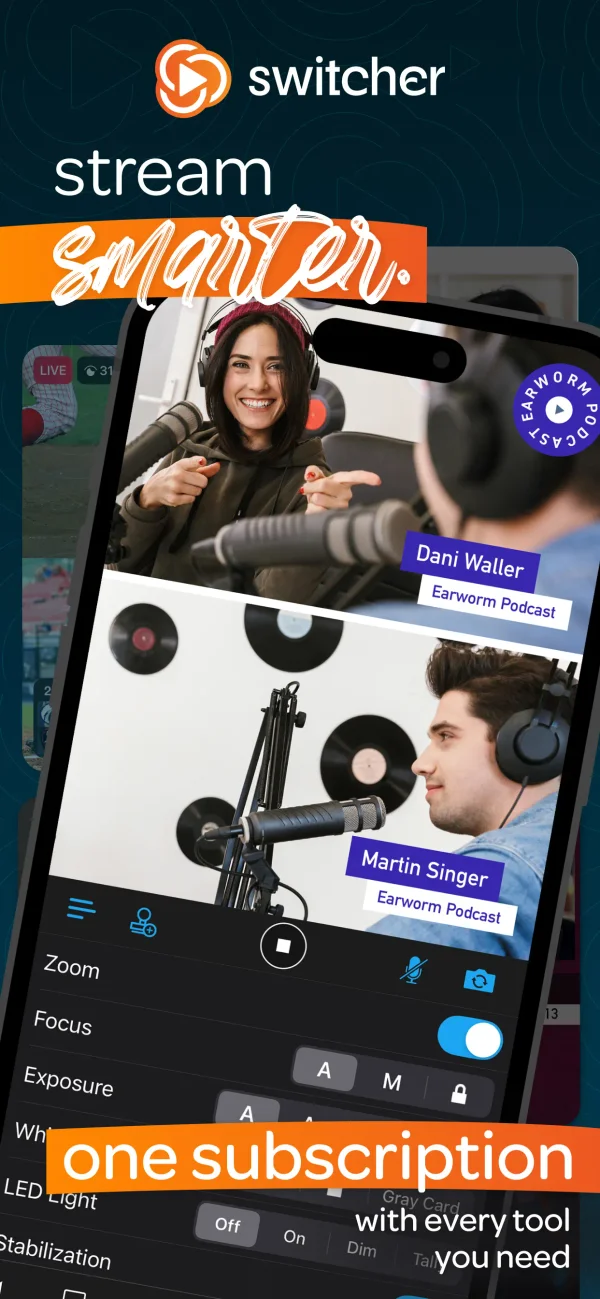
Switcher gives you everything you need to level up your live streaming. Sync your cameras & devices to create a pro-grade multicamera studio in minutes, go live on up to 20 online platforms at once, captivate viewers with multimedia tools, and host, embed, and monetize your content—all from one platform.
▶ “We saw our online giving increase, which allowed us to maintain our church expenses.” — Natalie June | New Greater Love Church
▶ “One or two people can manage a Switcher shoot versus a full 5- to 10-person team.” — Sarah Kelsey | Smart Living
▶ “We can create quality content with Switcher that's on par with content people are making with these several-thousand-dollar setups.” — Alexander Sosa | Life Church
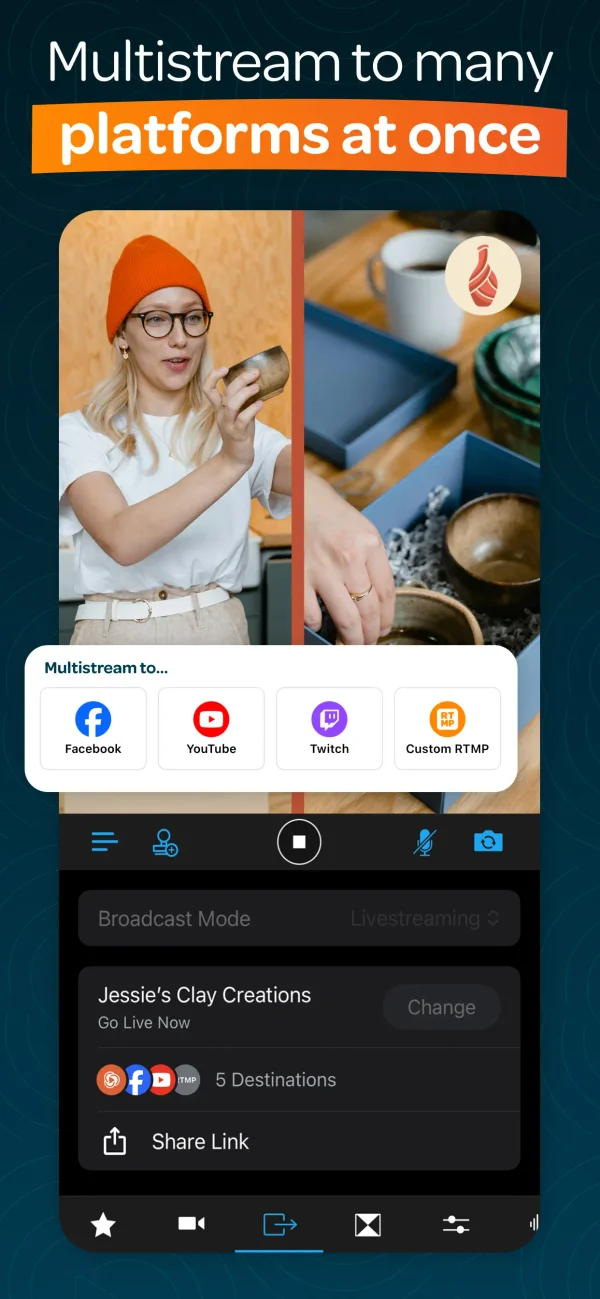
▶ MULTI-STREAM LIVE TO EVERY PLATFORM AT ONCE
– Go live on FB, YT, Insta, & more—at once
– Live stream on your website & in private online groups
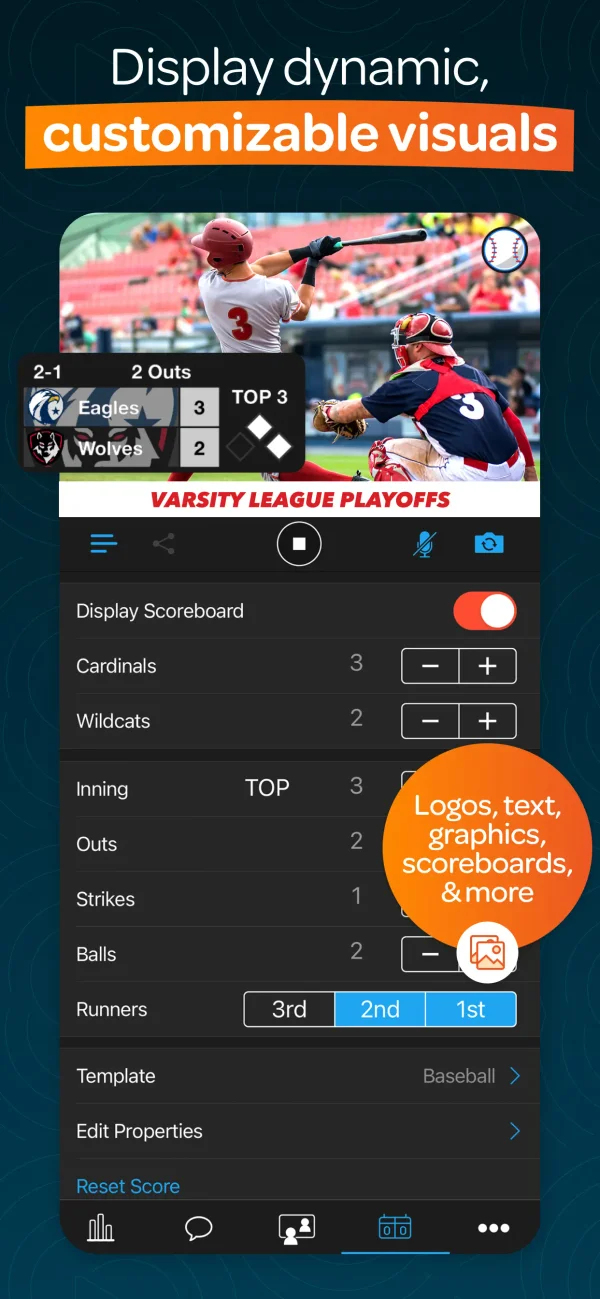
– Display live comments, slides, polls, scoreboards, & more
– Invite up to five remote guests or collaborators to join your streams
▶ CREATE MULTI-CAMERA VIDEOS & STREAMS EFFORTLESSLY
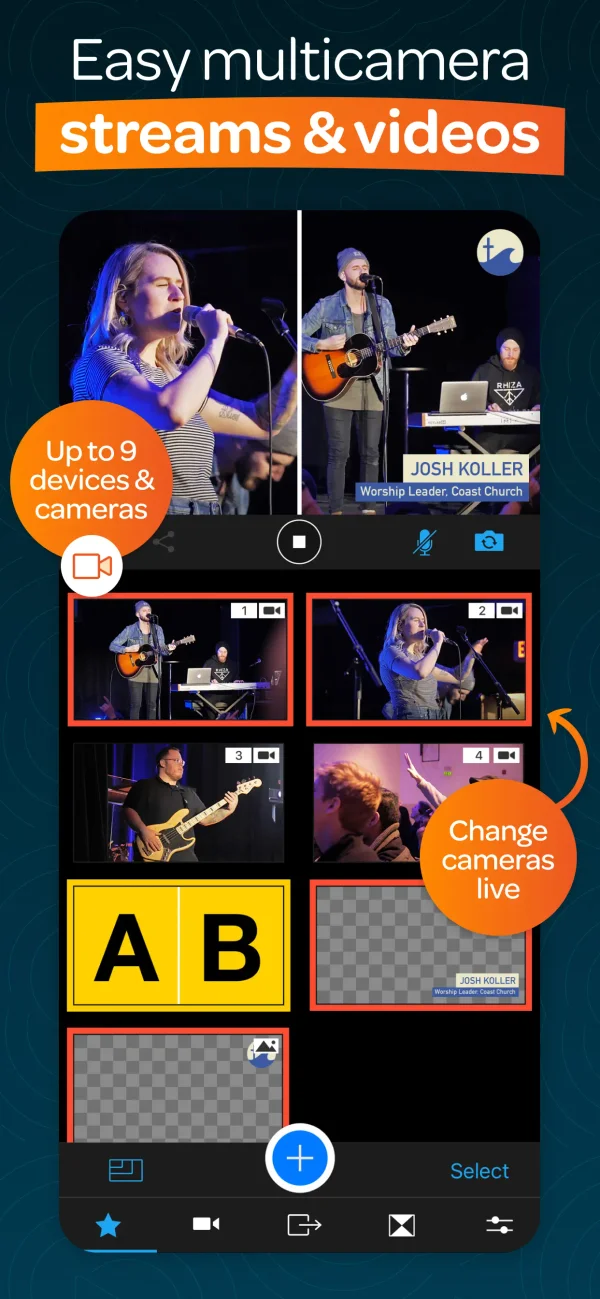
– Use your Mac, iPad, or iPhone as your main camera-switching device
– Connect up to 9 other camera sources, including iPhones, iPads, Androids, webcams, HDMI cameras (via an Accsoon Seemo adapter), and compatible NDI cameras
– Switch between angles & edit your streams in real-time
– Use the Auto-Switching tool to automatically rotate between angles
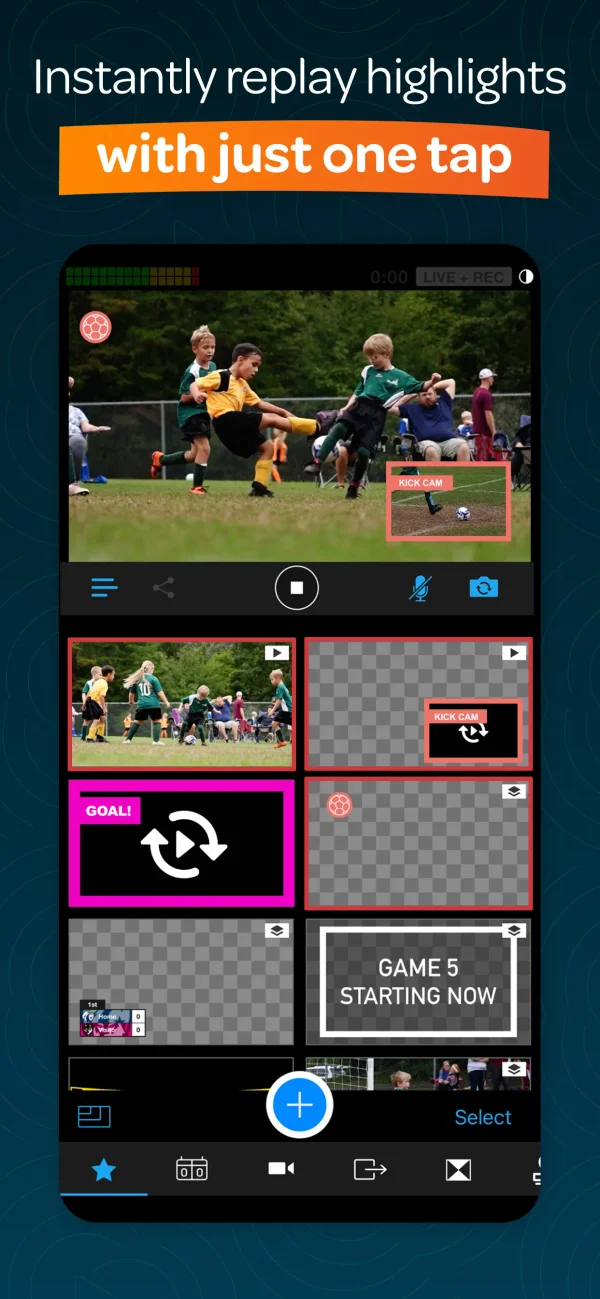
– Use Instant Replay to re-air the last 10, 20, or 30 seconds of your stream
– Display logos, graphics, text, photos, pre-recorded video, & more in real-time
– Use your graphics or customize pre-made templates
– Share multiple camera angles at once with split-screen, picture-in-picture, & grid layouts
– Share your screen & webcam at the same time
– Create multi-camera video clips in seconds & share them directly to social platforms
– Use the ChromaKey/green screen tool to replace backgrounds with custom images or videos
▶ EMBED VIDEOS & STREAMS ANYWHERE
– Transform your website with video players, playlists, & Netflix-style video catalogs
– Host ad-free, branded video content—no competitor recommendations
– Brand your videos & player with your logo, colors, & graphics
– No website? Create a customized Netflix-style video watch page
– Track your growth with built-in video analytics
▶ COLLECT DONATIONS & EARN WHAT YOU DESERVE
– Collect donations directly in your streams via Tithe.ly, PayPal, or Givelify
– Sell tickets to special events or access to exclusive content
– Offer content subscriptions for ongoing support
– Add call-to-action links for giving, sign-ups, or volunteer opportunities
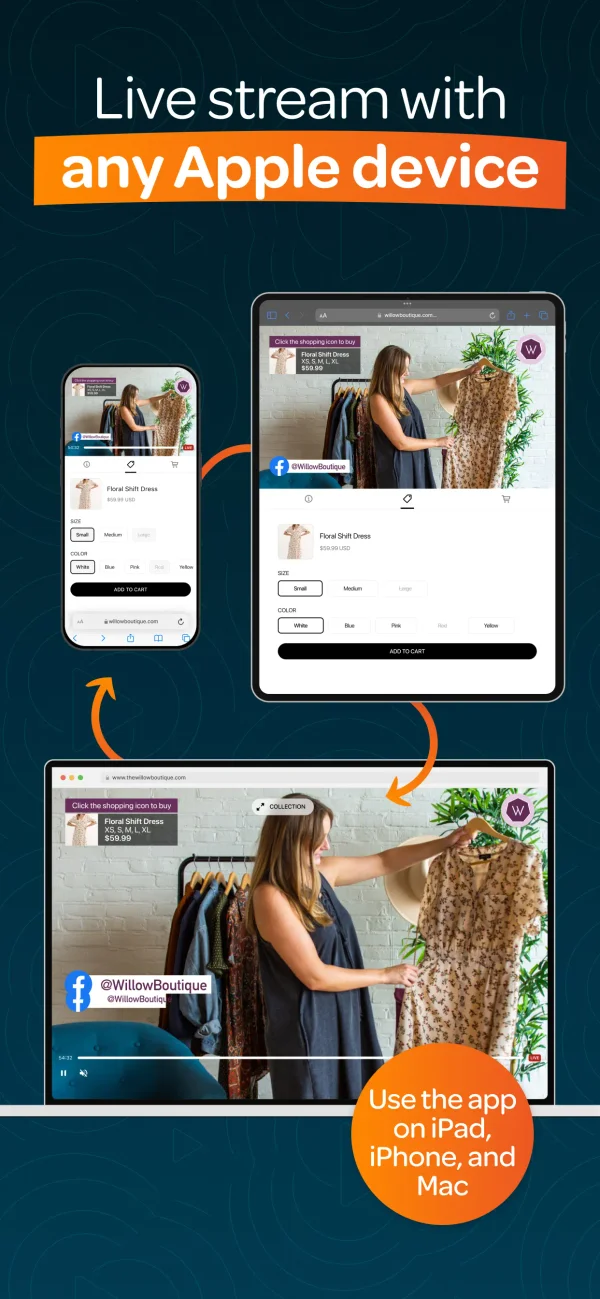
– Sell merch or digital resources with Shopify integration
– Earn what you deserve when you get paid directly by your supporters
▶ GET HANDS ON SUPPORT FROM FRIENDLY EXPERTS
– Reach a real person on our US-based support team, effortlessly
– Get one-on-one setup support to hit the ground running
– Use our help center to find answers to your questions fast
▶ “We quickly realized the ease of using—& teaching others to use—Switcher for our church services & other events.” — Cherilyn Uthe | Faith Productions
▶ “I saw a 10% increase in subscribers almost immediately after I started using Switcher.” — Jon McLeod | Video Producer
▶ “I can count on Switcher—I contact the support team & I’m answered in a day." — Stephanie Reilly | Surprise Lily Boutique
In-app purchases:
▶ STUDIO SUBSCRIPTION
Includes the Mac & iOS apps for multi-camera production, multi-streaming, & social media clip creation & publishing.
▶ SUITE SUBSCRIPTION
Includes the Mac & iOS apps, PLUS browser-based features to host, embed, manage, & monetize your videos & streams.
Learn more @ switcherstudio.com
Have questions? Drop us a line! support@switcherstudio.com
Privacy Policy: switcherstudio.com/privacy-policy
Terms of Use: switcherstudio.com/terms-of-use
Compatible Devices: switcherstudio.com/compatible-devices
新機能
バージョン 13.21.3 · 2026/11/3
Bug fixes and stability improvements
アプリのプライバシー
このアプリのデータの取り扱いについて、Switcher Inc.がApp Storeで申告している内容です。
-
ユーザーのトラッキングに使用されるデータ
他社のアプリやウェブサイトを横断してユーザーをトラッキングする目的で使用される場合があります。
- ID
- 使用状況データ
-
ユーザーに関連付けられたデータ
収集され、ユーザーの識別情報に関連付けられる場合があります。
- 連絡先情報
- ユーザーコンテンツ
- ID
- 使用状況データ
- 診断
プライバシーの取り扱いは、ご利用の機能やお客様の年齢などに応じて異なる場合があります。
情報
- 販売元
- Switcher Inc.
- カテゴリ
- 写真/ビデオ
- バージョン
- 13.21.3
- 更新日
- 2026/11/3
- リリース
- 2014/9/25
- サイズ
- 222.0 MB
- 必要条件
- iOS 18.0以降
- 対象年齢
- 4+
- 価格
- 無料
- アプリ内課金
- あり
- 言語
- 英語, フランス語, スペイン語
- 著作権
- Copyright © 2012-2022 Switcher Inc.