- 対象年齢4+
- カテゴリ仕事効率化
- 開発元Sharp Corporation
- 言語英語ほか10言語
- サイズ18.6 MB
Synappx Goは現在App Storeで入手できない可能性があります
前回の確認時、ストアのページにアクセスできませんでした。リンク先は引き続きApp Storeの公式ページです。
スクリーンショット


概要
開発元はこのテキストをお使いの言語で提供していません。
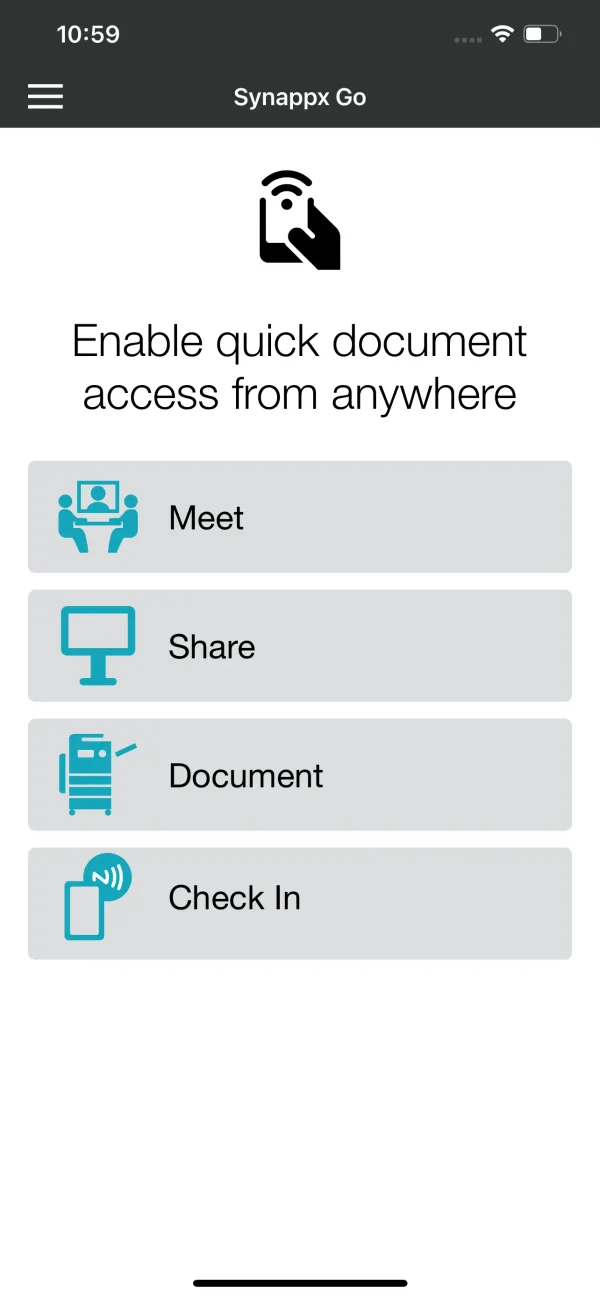
Synappx Go enhances the experience Sharp multifunction printers (MFPs), Sharp displays and interactive whiteboards through a consistent user experience, remote operation capabilities for efficient collaboration in the office.
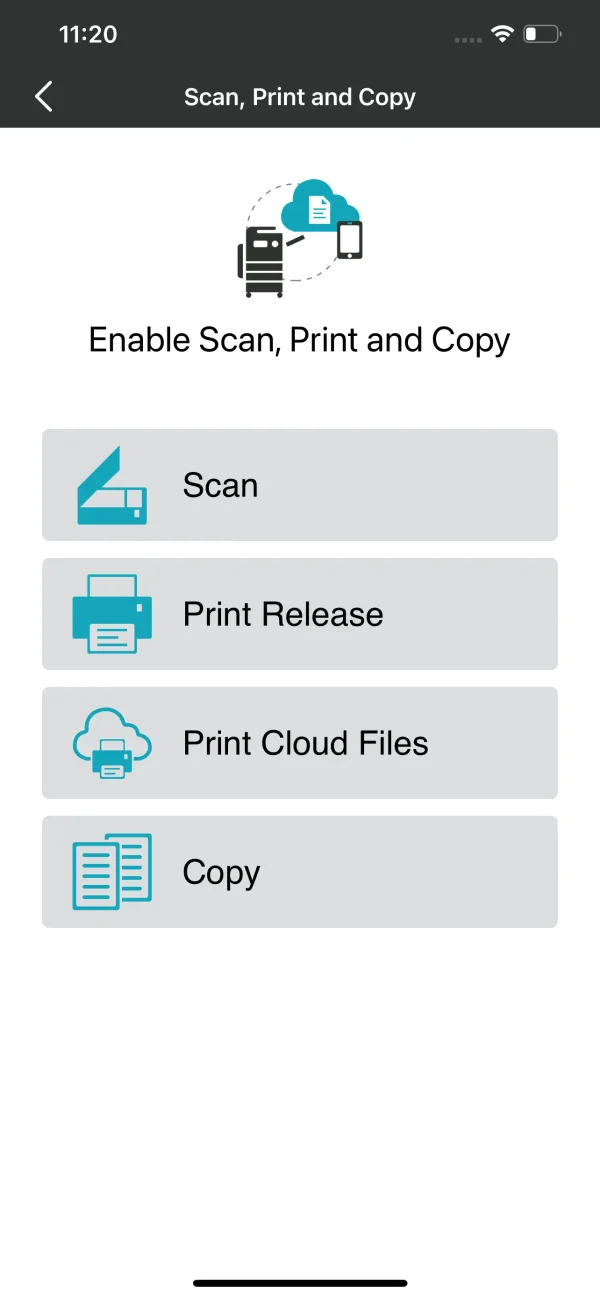
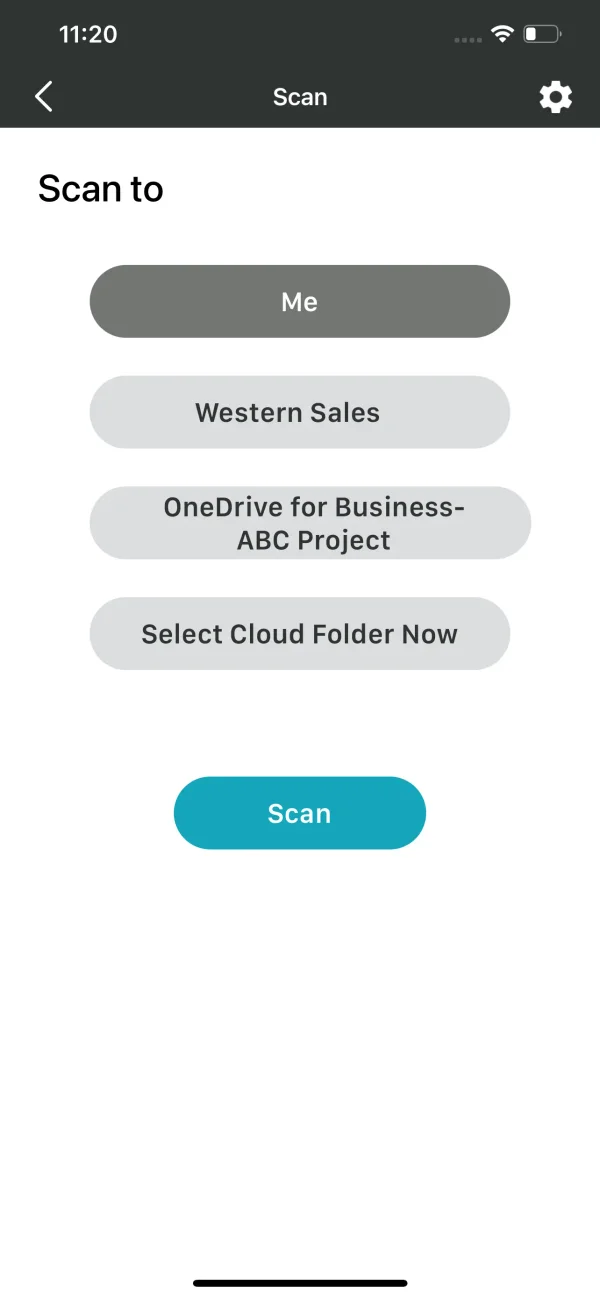
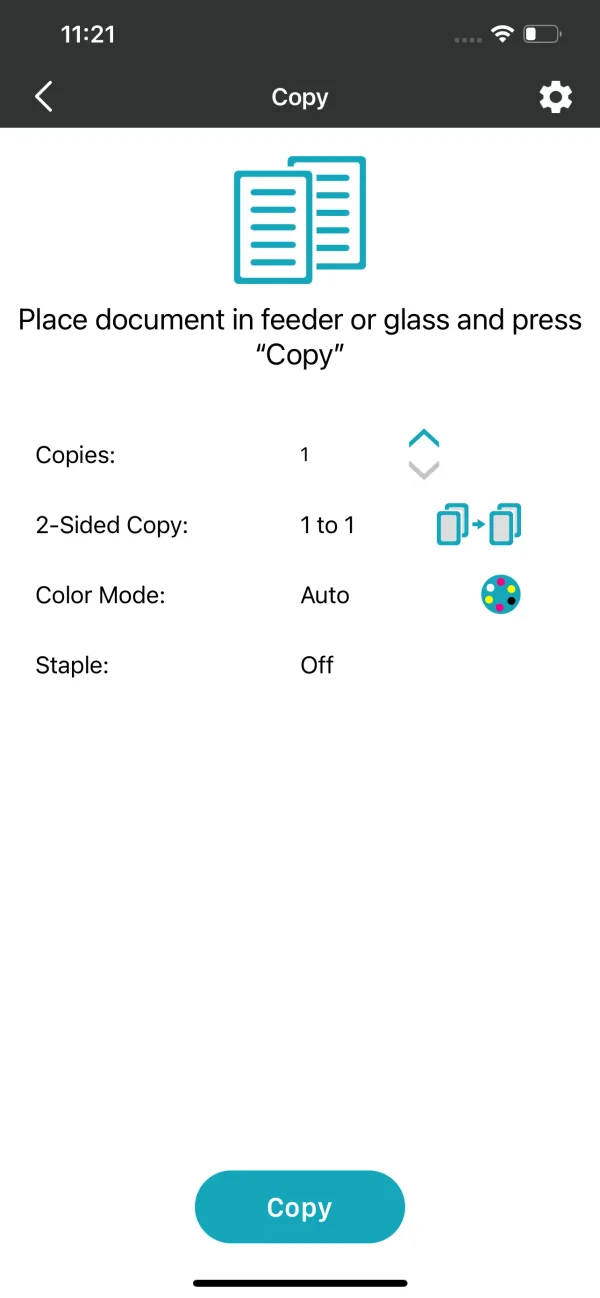
For Sharp MFPs, Synappx Go helps simplify document copying, scanning and printing. No need to touch and learn the commonly shared printers. Just a tap on the NFC tag or a QR code. Contact your authorized Sharp service provider to install the application and set up your Sharp MFP(s).
• The Synappx MFP Lite (No Login) feature enables simple copy and scan to email functions by scanning a QR Code. Synappx Go Lite does not require agent install or NFC tags.
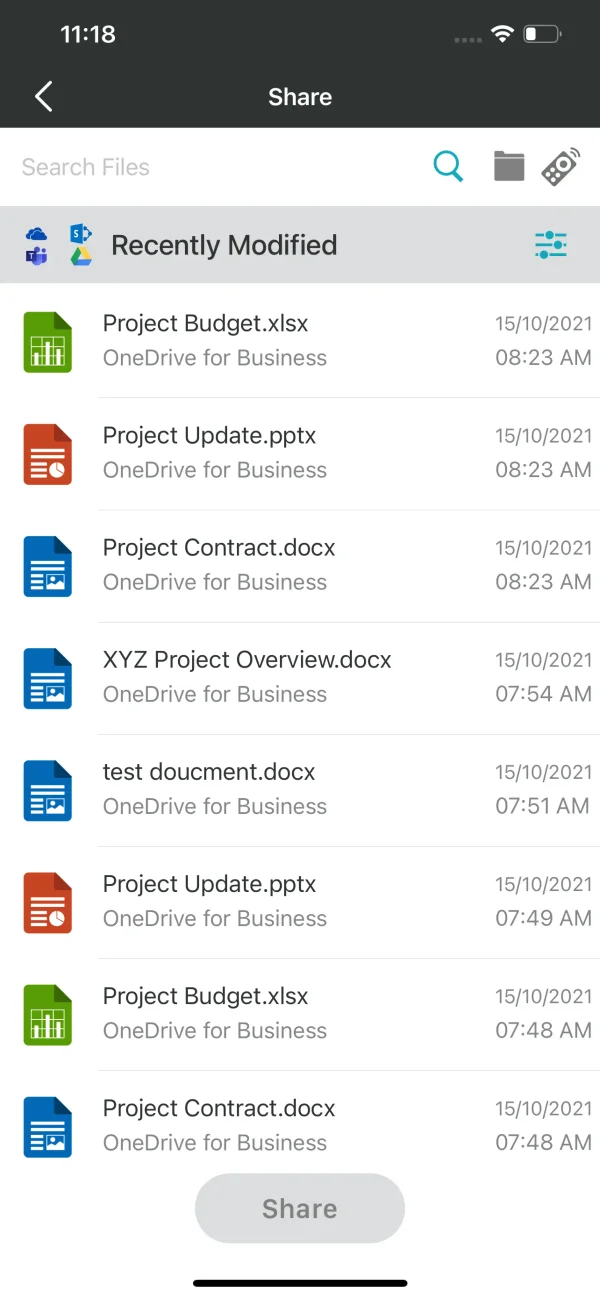
• The full Synappx Go application unlocks access to scan/print from cloud storage services, print release, the Collaboration Hub experience, share to display and other collaboration features.
For Sharp displays, Synappx Go enables collaboration from users mobile devices that helps organizations create a dynamic collaboration space to bring both on-site and remote team members together, making hybrid meetings more efficient.
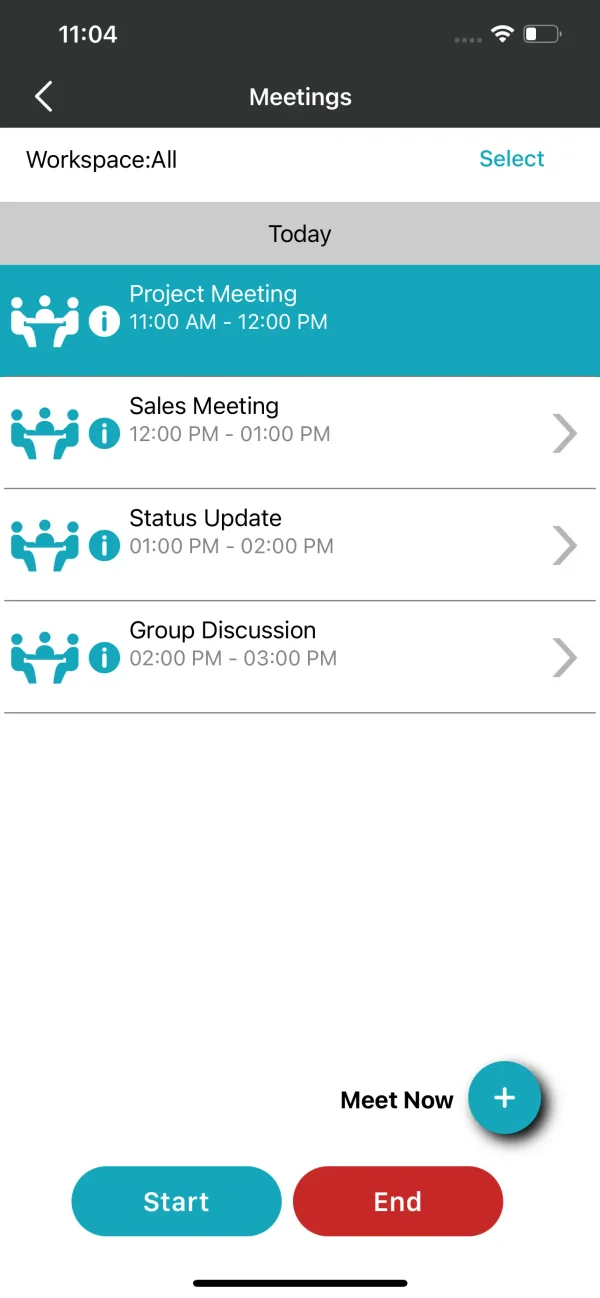
• Users can start ad-hoc or scheduled meetings with Microsoft Teams, Zoom, Google Meet and GoToConnect by tapping the NFC tag or scanning the QR code.
• Synappx automatically connects to in-room audio and camera solutions to instantly engage with both in-room and remote attendees.
• Remote operation of web conference features such as volume, microphone, screen share, camera and trackpad are available from the app.
• Synappx Go gives you access to cloud storage folders allowing you to share your documents onto the display to edit and save back to their location
• The trackpad brings mouse-like control to the fingertips of the users. Open and close any dialog boxes/pop-ups/applications/browsers, control video playback (ie. YouTube), and toggle through open applications quickly
• If the meeting is still going but you need to leave, simply click “Leave” to end the session just for you.
• When the meeting is over click “End” to close all apps, disconnect the display audio and video, and to end the web conference.
This application requires Synappx Go service accounts. Synappx Go collaboration features require Synappx Go Workspace mode.
Please refer to the Synappx Go support site for details and a list of supported technologies.
For more information, go to https://business.sharpusa.com/synappx-support/Synappx-Go/What-Is-Synappx-Go
For more information about the Collaboration features, go to https://business.sharpusa.com/synappx-support/Synappx-Collaboration-Hub/What-Is-Synappx-Collaboration-Hub
For more information about the MFP Lite (No Login) version, go to https://business.sharpusa.com/synappx-support/Synappx-Go/Synappx-Go-No-Login-Version/Admin-Setup
Feature requests, ideas, questions, go to https://business.sharpusa.com/synappx-support/feedback
新機能
バージョン 3.10.11 · 2026/4/20
Improved UX
アプリのプライバシー
このアプリのデータの取り扱いについて、Sharp CorporationがApp Storeで申告している内容です。
-
ユーザーに関連付けられたデータ
収集され、ユーザーの識別情報に関連付けられる場合があります。
- 位置情報
- 連絡先情報
- ID
- 使用状況データ
プライバシーの取り扱いは、ご利用の機能やお客様の年齢などに応じて異なる場合があります。
情報
- 販売元
- Sharp Corporation
- カテゴリ
- 仕事効率化
- バージョン
- 3.10.11
- 更新日
- 2026/4/20
- リリース
- 2019/10/1
- サイズ
- 18.6 MB
- 必要条件
- iOS 13.0以降
- 対象年齢
- 4+
- 言語
- 英語, デンマーク語, オランダ語, フィンランド語, フランス語, ドイツ語, イタリア語, ノルウェー語 (ブークモール), ポーランド語, スペイン語, スウェーデン語
- 著作権
- © 2019 SHARP CORPORATION