- Độ tuổi4+
- Danh mụcHiệu Suất
- Nhà phát triểnSharp Corporation
- Ngôn ngữTiếng Anh+ 10 ngôn ngữ khác
- Kích thước18,6 MB
Synappx Go hiện có thể không có trên App Store
Ở lần kiểm tra gần nhất, chúng tôi không truy cập được trang trên cửa hàng. Liên kết vẫn dẫn đến trang App Store chính thức.
Ảnh chụp màn hình


Giới thiệu
Nhà phát triển chưa cung cấp nội dung này bằng ngôn ngữ của bạn.
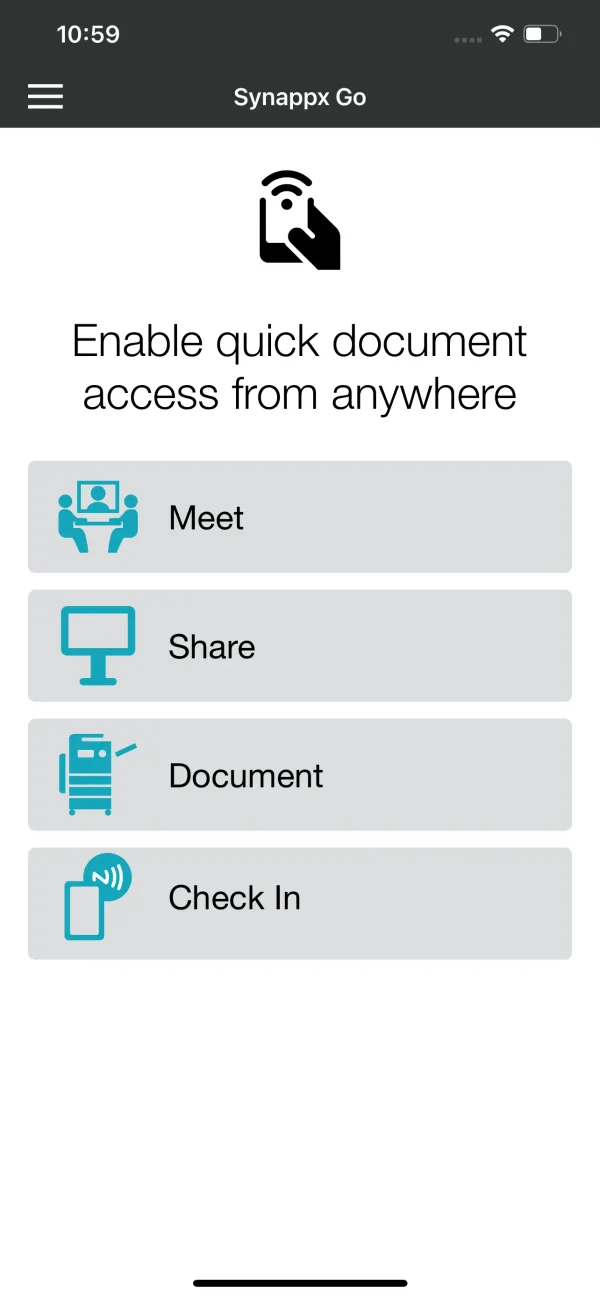
Synappx Go enhances the experience Sharp multifunction printers (MFPs), Sharp displays and interactive whiteboards through a consistent user experience, remote operation capabilities for efficient collaboration in the office.
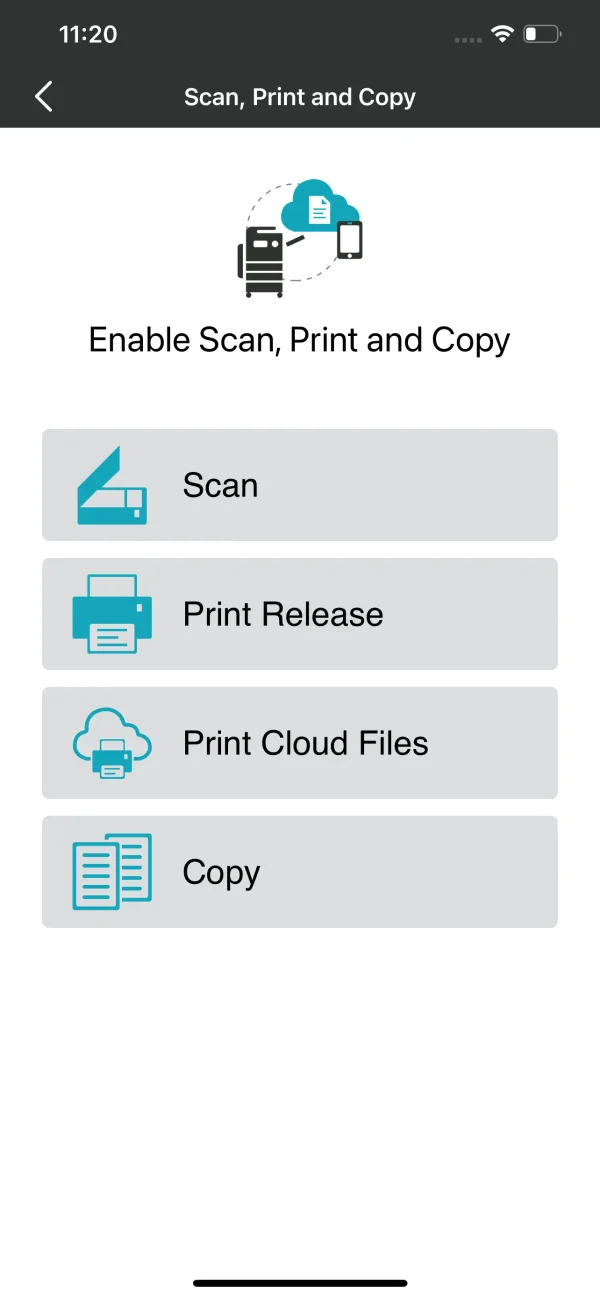
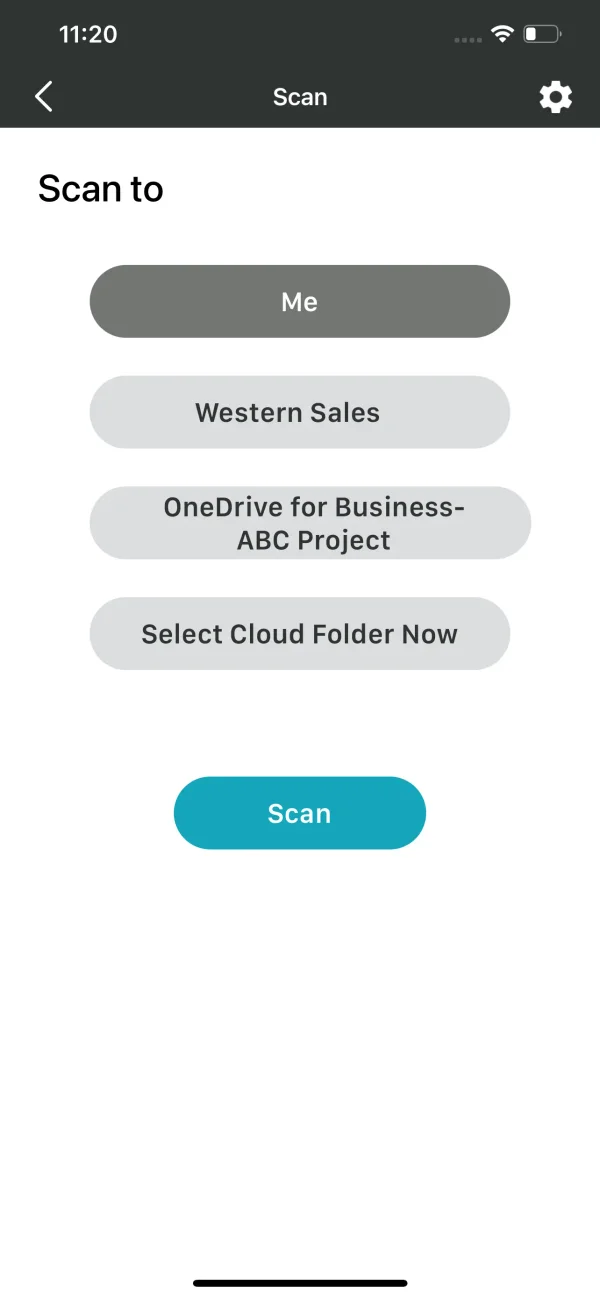
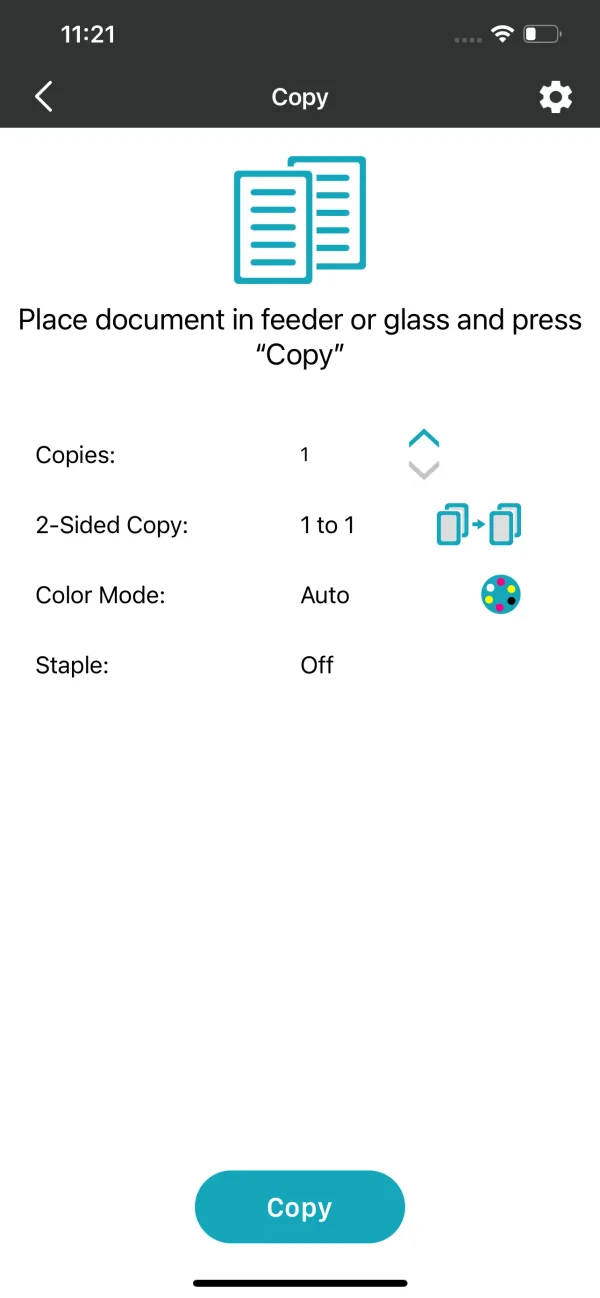
For Sharp MFPs, Synappx Go helps simplify document copying, scanning and printing. No need to touch and learn the commonly shared printers. Just a tap on the NFC tag or a QR code. Contact your authorized Sharp service provider to install the application and set up your Sharp MFP(s).
• The Synappx MFP Lite (No Login) feature enables simple copy and scan to email functions by scanning a QR Code. Synappx Go Lite does not require agent install or NFC tags.
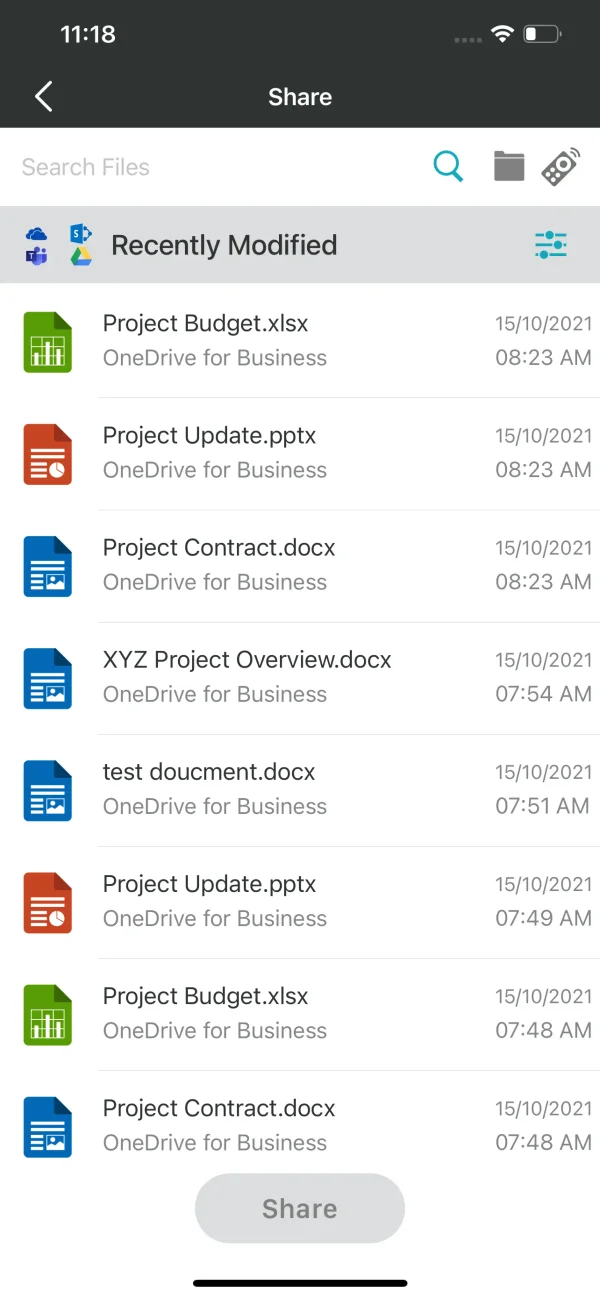
• The full Synappx Go application unlocks access to scan/print from cloud storage services, print release, the Collaboration Hub experience, share to display and other collaboration features.
For Sharp displays, Synappx Go enables collaboration from users mobile devices that helps organizations create a dynamic collaboration space to bring both on-site and remote team members together, making hybrid meetings more efficient.
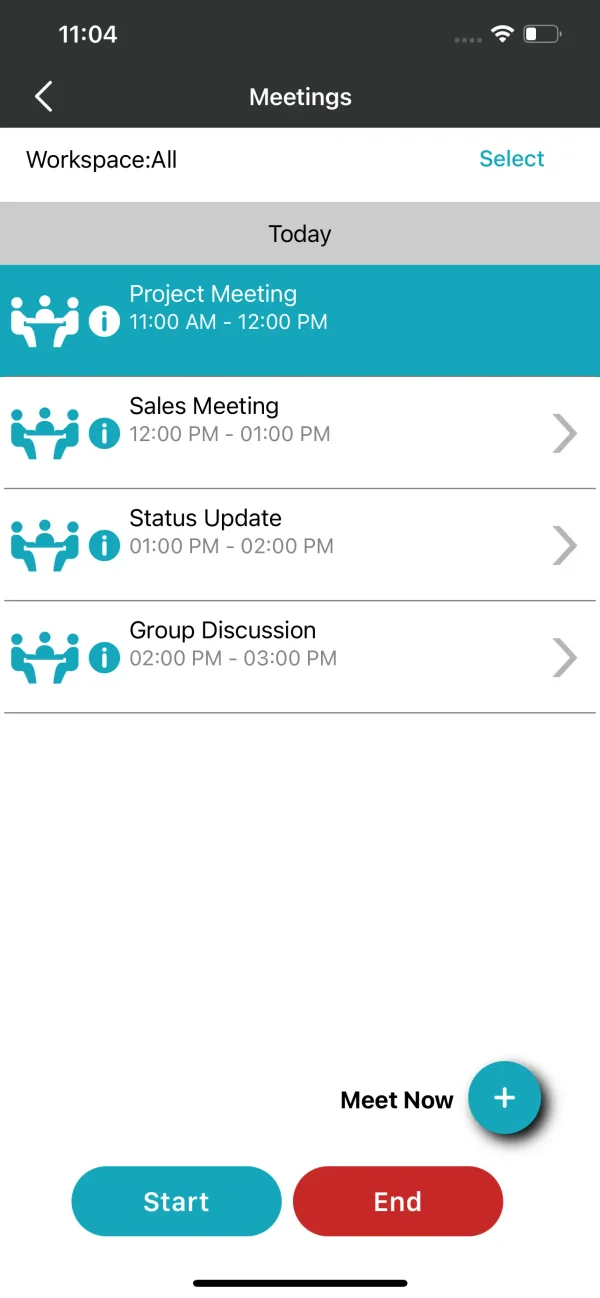
• Users can start ad-hoc or scheduled meetings with Microsoft Teams, Zoom, Google Meet and GoToConnect by tapping the NFC tag or scanning the QR code.
• Synappx automatically connects to in-room audio and camera solutions to instantly engage with both in-room and remote attendees.
• Remote operation of web conference features such as volume, microphone, screen share, camera and trackpad are available from the app.
• Synappx Go gives you access to cloud storage folders allowing you to share your documents onto the display to edit and save back to their location
• The trackpad brings mouse-like control to the fingertips of the users. Open and close any dialog boxes/pop-ups/applications/browsers, control video playback (ie. YouTube), and toggle through open applications quickly
• If the meeting is still going but you need to leave, simply click “Leave” to end the session just for you.
• When the meeting is over click “End” to close all apps, disconnect the display audio and video, and to end the web conference.
This application requires Synappx Go service accounts. Synappx Go collaboration features require Synappx Go Workspace mode.
Please refer to the Synappx Go support site for details and a list of supported technologies.
For more information, go to https://business.sharpusa.com/synappx-support/Synappx-Go/What-Is-Synappx-Go
For more information about the Collaboration features, go to https://business.sharpusa.com/synappx-support/Synappx-Collaboration-Hub/What-Is-Synappx-Collaboration-Hub
For more information about the MFP Lite (No Login) version, go to https://business.sharpusa.com/synappx-support/Synappx-Go/Synappx-Go-No-Login-Version/Admin-Setup
Feature requests, ideas, questions, go to https://business.sharpusa.com/synappx-support/feedback
Có gì mới
Phiên bản 3.10.11 · 20/04/2026
Improved UX
Quyền riêng tư của ứng dụng
Những gì Sharp Corporation khai báo trên App Store về cách ứng dụng này xử lý dữ liệu.
-
Dữ liệu liên kết với bạn
Có thể được thu thập và liên kết với danh tính của bạn.
- Vị trí
- Thông tin liên hệ
- Mã định danh
- Dữ liệu sử dụng
Phương thức đảm bảo quyền riêng tư có thể khác nhau, chẳng hạn như tuỳ theo các tính năng bạn sử dụng hoặc độ tuổi của bạn.
Thông tin
- Người bán
- Sharp Corporation
- Danh mục
- Hiệu Suất
- Phiên bản
- 3.10.11
- Cập nhật
- 20/04/2026
- Phát hành
- 01/10/2019
- Kích thước
- 18,6 MB
- Yêu cầu
- iOS 13.0 trở lên
- Độ tuổi
- 4+
- Ngôn ngữ
- Tiếng Anh, Tiếng Đan Mạch, Tiếng Hà Lan, Tiếng Phần Lan, Tiếng Pháp, Tiếng Đức, Tiếng Ý, Tiếng Bokmål Na Uy, Tiếng Ba Lan, Tiếng Tây Ban Nha, Tiếng Thụy Điển
- Bản quyền
- © 2019 SHARP CORPORATION