
- 対象年齢4+
- カテゴリユーティリティ
- 開発元Twisted Solutions Limited
- 言語英語
- サイズ51.0 MB
App Storeの公式ページにリンクしています
Download.orgはSyvecs Proのファイルを一切ホストしていません。ボタンを押すと、Twisted Solutions Limitedが公開しているApp Storeのアプリページが開きます。ページの最終確認:2026/11/12。
スクリーンショット


概要
開発元はこのテキストをお使いの言語で提供していません。
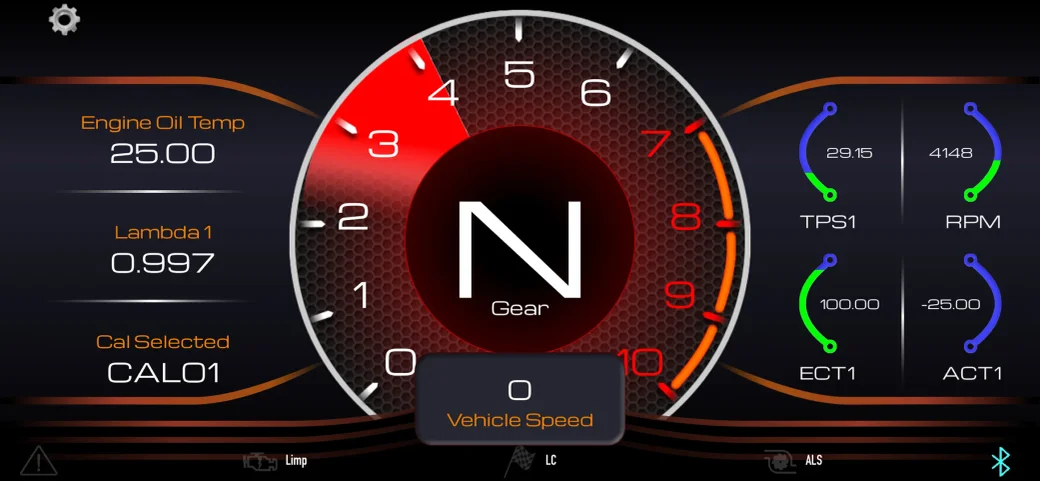
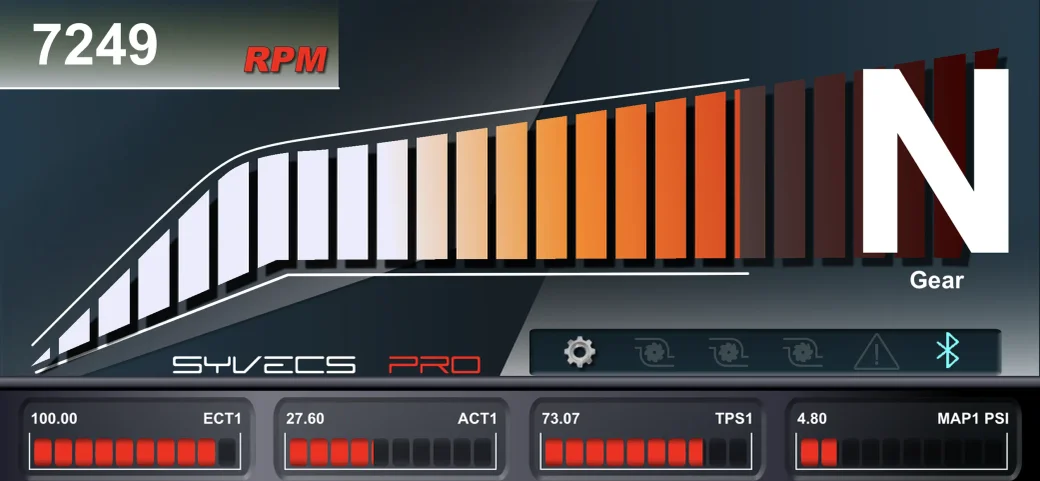
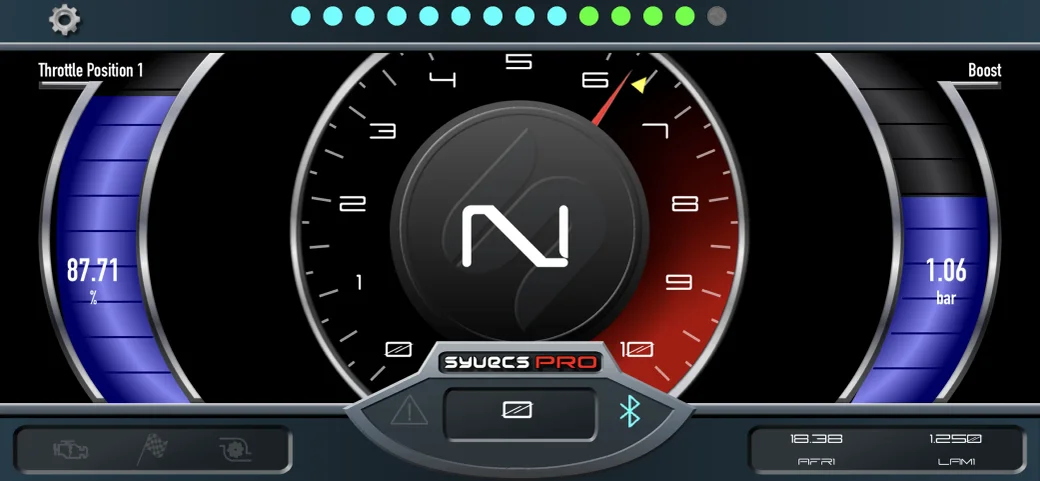
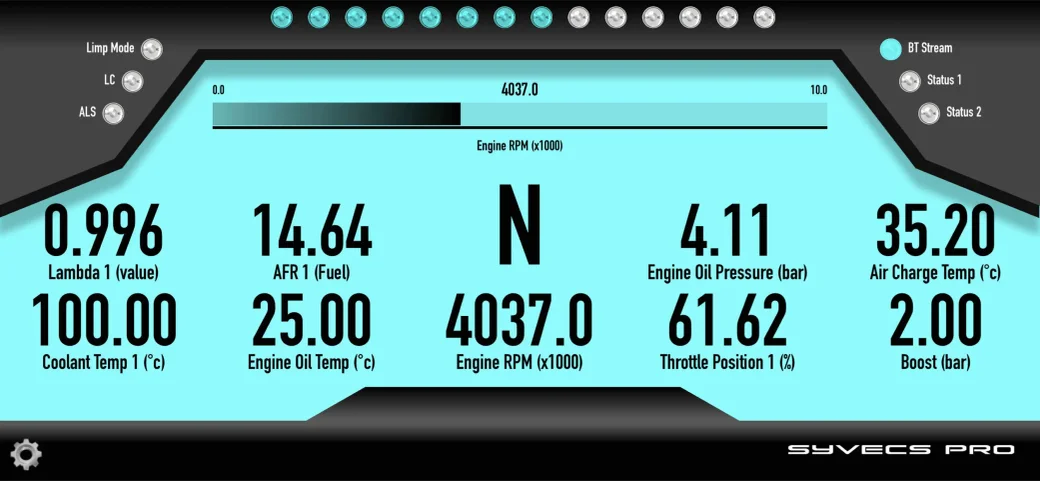
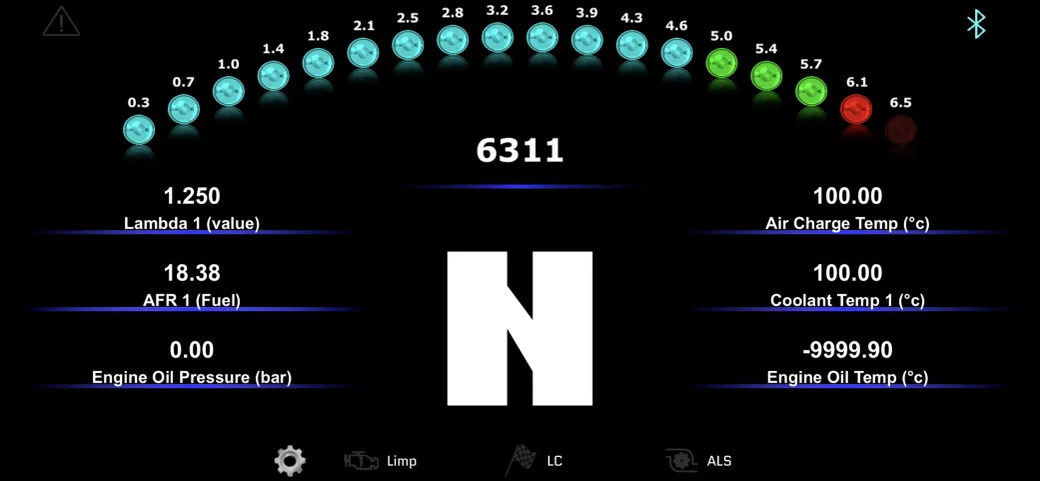
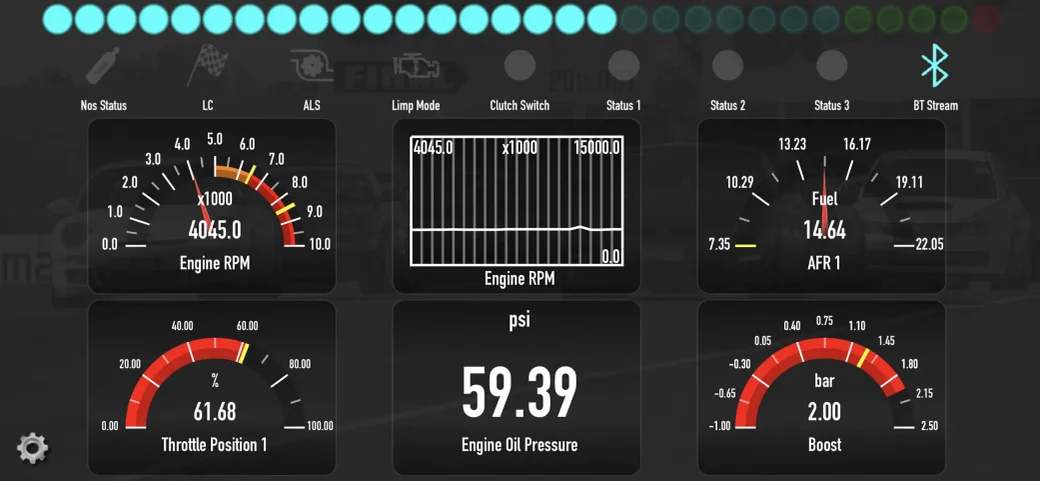
Syvecs Pro is a slick and unique app that makes use of the Syvecs bluetooth module, bringing a fresh new display that is packed full of amazing features:-
1) Dashboards
- Syvecs Pro has multiple unique modern style designed dashes to choose from that are fully customisable by the user.
- Each Dash has quick gauge swapping by holding a gauge and selecting a new input. The new gauge is added instantly and stored for future use
2) Data Logging that can be extracted and shared with tuners or to view in Syvecs Sview. The Data logging captures data from all set Frame and Slot content. Once shared and imported into SView, all data can be viewed as if it was exported from the ecu.
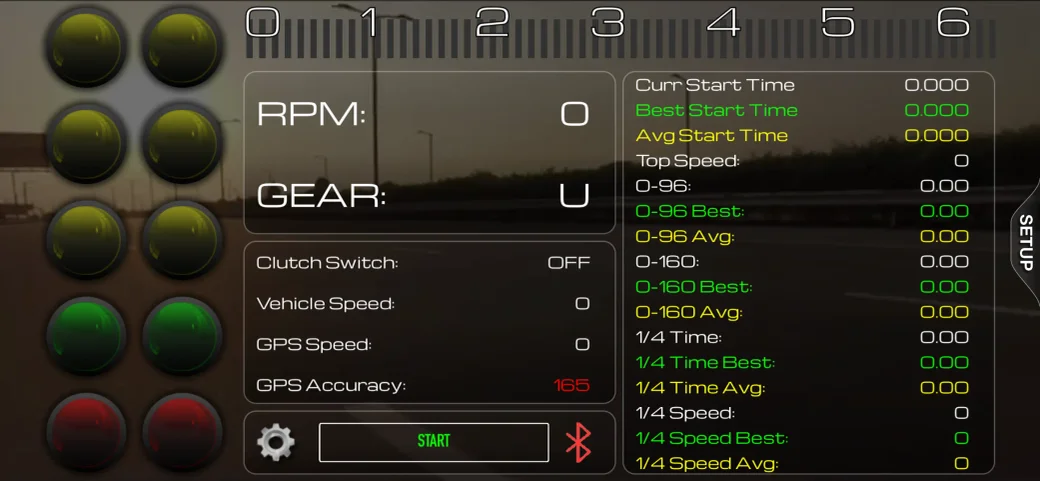
3) Performance Pack
- This is awesome for anyone wanting to track the performance of their vehicle. Using a combination of data inputs and GPS, the user can track
- Drag Tree reaction times - Standard Tree and Pro Tree
- Top Speed
- 0 - 60 mph / 0 - 96 kmh
- 0 - 100 mph / 0 161 kmh
- 1/4 Mile Speed
- 1/4 Mile Time
- Current Vehicle Speed
- GPS Vehicle Speed
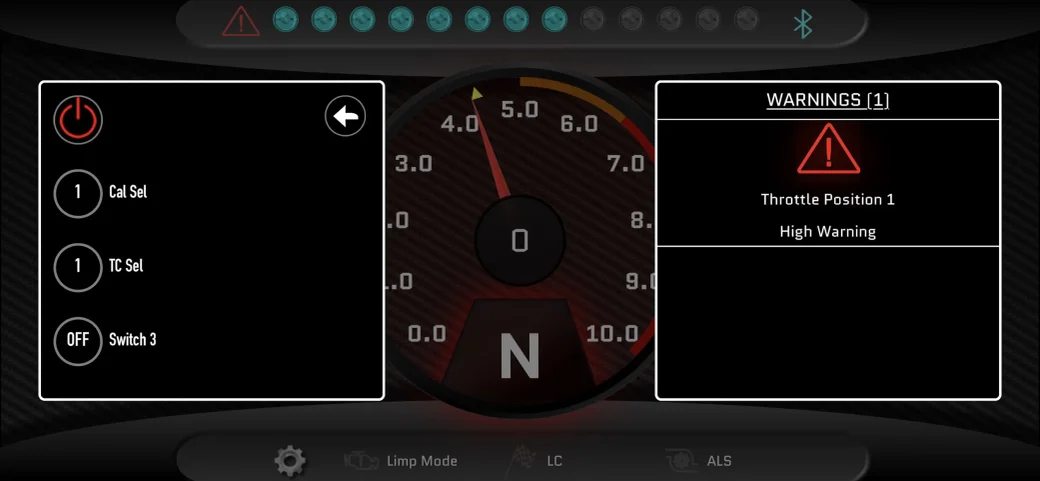
4) Warning System
- Users have the ability to add Warnings for over 150 inputs received from the ECU. This allows anyone to protect their vehicles and receive instant warnings when something is not correct or is restricted e.g. Limp Mode as engine is cold.
5) Setup Wizard
- We know how tedious setting up the frame content can be, so we have worked hard on coming up with a simple way to
setup the inputs. The design allows the user to tap a cell
and then select the gauge, the rest is taken care of and is
stored. So setting up the app have been reduced from
something that could take huge amounts of time to
something that can be setup within a matter of minutes or
select from a selection of preset data stream layouts.
6) Setup Tool - Stream Checker
- When setting up the bluetooth module, we want you to be
able to see when you have the best setup possible. Stream
checker allows just this by giving the user the helpful data such as
- packets of data per second
- Number of valid packets of data
- Number of invalid packets of data
- Total packets received
- Data ratio
- And much more
新機能
バージョン 8.4 · 2026/4/23
Added an upgrade alert to help users transition to the new Syvecs Dash App, which now supports both V1 and V2 Bluetooth modules
アプリのプライバシー
このアプリのデータの取り扱いについて、Twisted Solutions LimitedがApp Storeで申告している内容です。
-
データの収集なし
開発元はこのアプリからデータを収集しません。
プライバシーの取り扱いは、ご利用の機能やお客様の年齢などに応じて異なる場合があります。
情報
- 販売元
- TWISTED SOLUTIONS LIMITED
- カテゴリ
- ユーティリティ
- バージョン
- 8.4
- 更新日
- 2026/4/23
- リリース
- 2017/9/14
- サイズ
- 51.0 MB
- 必要条件
- iOS 13.0以降
- 対象年齢
- 4+
- 価格
- 無料
- アプリ内課金
- あり
- 言語
- 英語
- 著作権
- © Twisted Solutions Limited
こちらもおすすめ
-
 Race Dash for Sim Gamesユーティリティ
-
 EzioDashユーティリティ
-
 ECU Connectユーティリティ
-
 OBDeleven VAGユーティリティ
-
 GPS Race Timerユーティリティ
-
 MotorData OBD車診断。ELM OBD2スキャナ車の診断. 故障コード. 警告灯. のオンボード診断 OBD
-
 OBD2 Scanner | OBD Auto Doctorユーティリティ
-
 Carista OBD2Code, Service, Diagnose cars
-
 Car Scanner OBD2 - EOBD FacileTorque pro with ELM 327 OBD 2
-
 Car Cast - 画面ミラーリングスマホをテスラに映す