
- 対象年齢4+
- カテゴリ仕事効率化
- 開発元必隆 张
- 言語英語ほか1言語
- サイズ15.2 MB
App Storeの公式ページにリンクしています
Download.orgはT9 Quick Dial - Initial Searchのファイルを一切ホストしていません。ボタンを押すと、必隆 张が公開しているApp Storeのアプリページが開きます。ページの最終確認:2026/11/18。
スクリーンショット
概要
開発元はこのテキストをお使いの言語で提供していません。
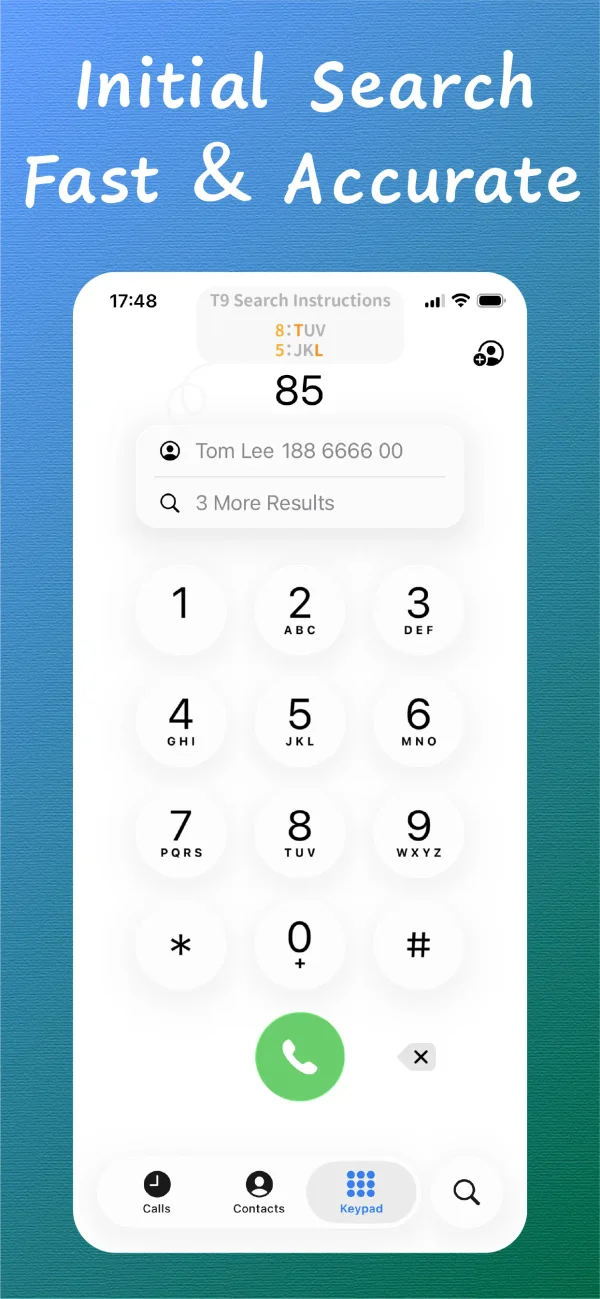
T9 Quick Dial is a contacts enhancement tool that makes the iPhone dialer smarter with name T9 search.
By batch-writing the initials/spelling patterns of names into the "Nickname" field of your contacts, the iPhone system dialer can instantly search named contacts via the numeric keypad — no jailbreak required, no system dialer replacement, and no system file modifications.
【Core Features】
▸ T9 Name Dialing
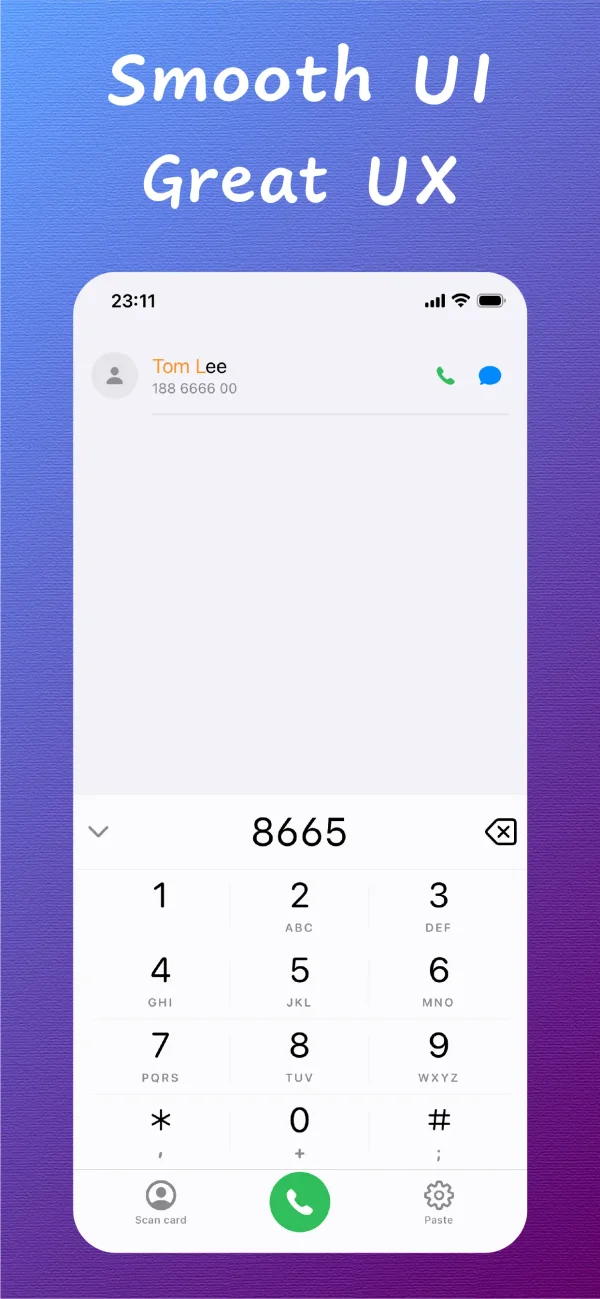
Real-time numeric keypad search: type 98 to instantly match contacts with initials ZT (e.g., "Zack Taylor"). Supports multi-dimensional matching by initials, full spelling, T9 digits, and phone numbers. Matched characters are highlighted in orange.
▸ Batch Write T9 Tags
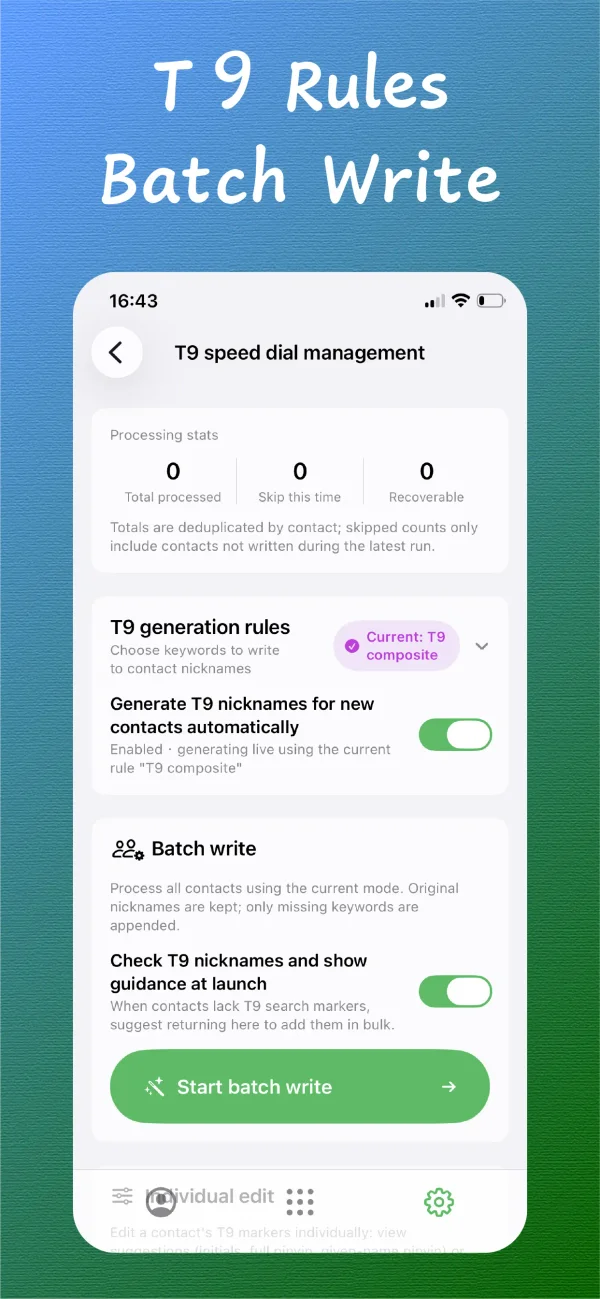
Generate T9 tags for all contacts and write them into the Nickname field with one tap. Three modes available:
• T9 Letters: Append initials (Zack Taylor → Zack ZT)
• T9 Digits: Append digit string (Zack Taylor → Zack 9825)
• T9 Combo: Write initials + full name spelling + given name spelling at once — no matter what you type, you'll get a hit
Smartly preserves original nicknames and automatically deduplicates existing tags. Your notes are never overwritten.
▸ Per-Contact T9 Configuration
Fine-tune T9 tags for individual contacts. Automatically generates multiple suggestions (initials shorthand, T9 digits, full name spelling, etc.) with support for manual customization and real-time preview.
【Contact Management】
▸ Smart Search
Full-dimensional search across name, phone, nickname, initials, and full spelling. Type zt to instantly find Zack Taylor, or taylor to find Taylor Swift.
▸ Contact Details
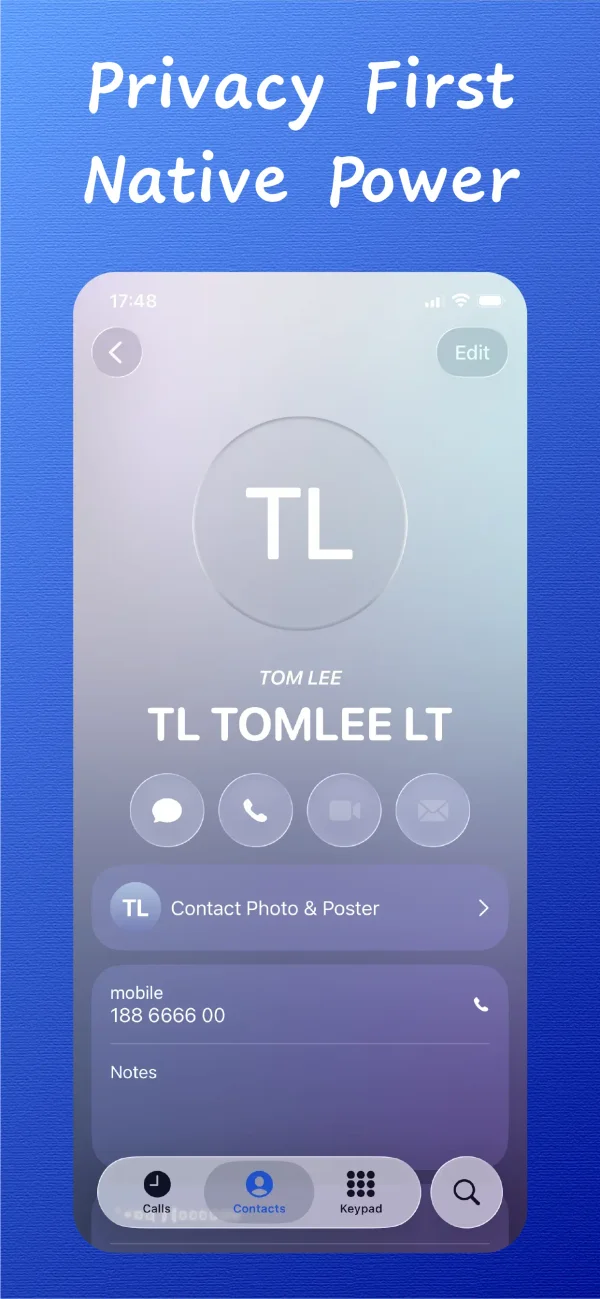
Large avatar + complete information display. Localized phone labels (Mobile/Work/Home). One-tap dial, text, or email. Full support for company, department, job title, address, birthday, and notes.
▸ Contact Editing
Full-field editing: name, spelling, multiple phone numbers, multiple emails, multiple addresses, company info, and notes. When creating a new contact from the dialer with no match, the number is automatically filled in.
▸ Duplicate Contact Merge
Identifies duplicates by phone number, email, or name. One-tap merge and deduplicate, preserving the complete information from the first contact.
▸ Business Card Scan & Recognition
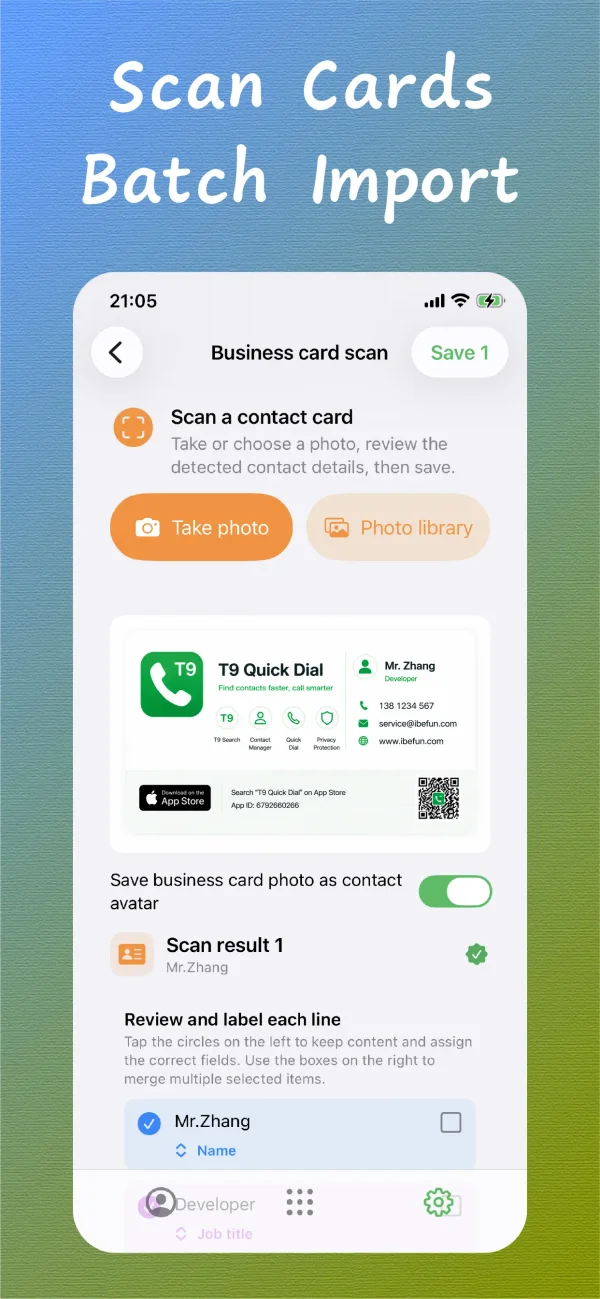
Batch import via camera or photo album. On-device OCR supports both Chinese and English, automatically extracting name, phone, email, and company. Edit field by field before saving. All processing is local — your photos are never uploaded.
▸ Contact Statistics
Total count, counts of contacts with phone/email/company, Top 10 geographic distribution, and Top 10 company distribution.
【Recent Calls】
In-app call history with one-tap dial, SMS, and swipe-to-delete per entry. Batch selection and deletion in edit mode, or clear all with one tap.
【Data Security】
▸ Original Backup: Auto-backup of original nicknames before first processing. One-tap full restore or selective restore.
▸ Operation History: Complete records of content before and after each write.
▸ Local Processing: All data processed locally — no network requests, no cloud uploads, no third-party analytics SDKs.
【How to Use】
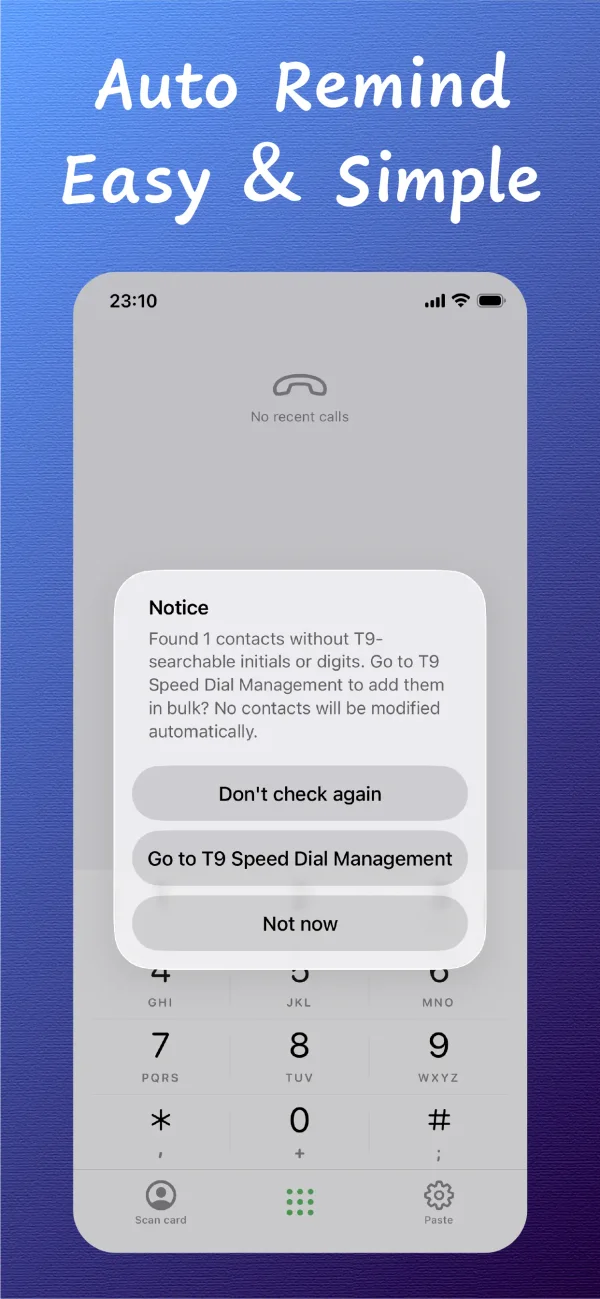
Grant contacts access permission on first launch
Go to Management → Batch Write T9 Tags
Choose a write mode (T9 Combo mode recommended)
Wait for batch processing to complete
Open the iPhone system dialer and type digits to search contacts instantly
【Privacy Commitment】
• We do not upload your contact data
• We do not upload business card photos
• We do not integrate any third-party analytics SDKs
• No network requests are made
• All processing is done locally on your device
【Who This Is For】
• Users who are accustomed to T9 quick dialing
• Users with large contact lists and slow search
• Users who want the system dialer to support name search
• Business professionals who need to manage contacts in bulk
新機能
バージョン 2.0.0 · 2026/8/15
2.0.0 Update Notes
This update fully upgrades T9 contact management, dialing experience, and UI appearance.
【T9 Contact Management】
Added customizable T9 nickname writing rules, supporting initials, T9 digits, full names, partial words, and various mixed rules.
Optimized English name matching: generates and searches by English words, with English name examples.
Added "Clear All Nicknames" and "Clear Matched Rule Nicknames" without relying on backup records.
Added "Pending" count on the T9 management page.
Improved batch write, backup & restore, contact management, and processing statistics.
【Dialing Experience】
Added quick candidate dialing, displaying sequence numbers or names for fast match results.
Compact keyboard supports direct dialing from matches, one-handed mode, and long-press quick dial.
Added dialing record notes with optional detail display.
Optimized T9 search, candidate contacts, recent call logs, and keyboard expand/collapse animations.
Optimized dial button and compact keyboard layout to reduce mis-taps.
【Contacts & Settings】
Added contact avatar editing, changing, and removal.
Optimized display for contacts with empty names.
Added batch import and export of contacts via vCard.
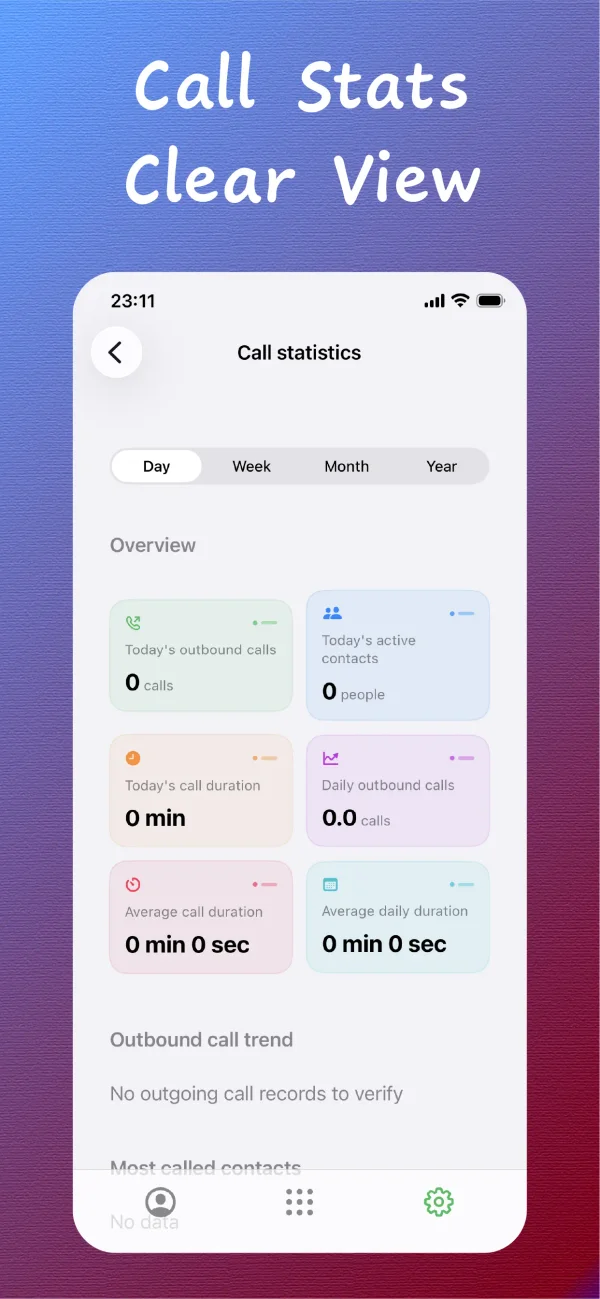
Improved contact groups, recycle bin, batch operations, and call stats entry.
Added multiple app icon options.
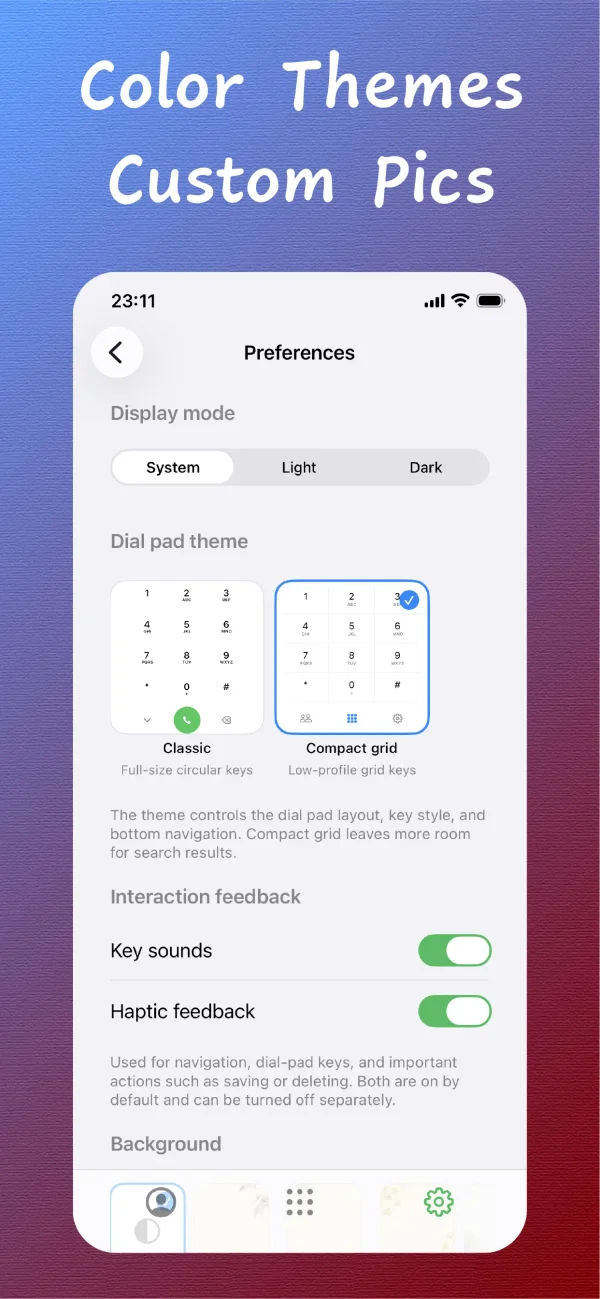
Settings page reorganized into Appearance Settings and Feature Settings.
Improved Chinese/English interface, localized copy, and feature descriptions.
Added timely rating prompts after important actions.
【UI & Stability】
Optimized unified display of image backgrounds, solid color backgrounds, navigation bars, title bars, and keyboard.
Fixed background movement, jitter, and jump issues when returning from pages.
Dark mode now uses clearer black opaque panels for compact keyboard and navigation.
Optimized tap areas and navigation transitions.
Fixed concurrency compilation issues in background contact processing, improving stability.
アプリのプライバシー
このアプリのデータの取り扱いについて、必隆 张がApp Storeで申告している内容です。
-
データの収集なし
開発元はこのアプリからデータを収集しません。
プライバシーの取り扱いは、ご利用の機能やお客様の年齢などに応じて異なる場合があります。
情報
- 販売元
- 必隆 张
- カテゴリ
- 仕事効率化
- バージョン
- 2.0.0
- 更新日
- 2026/8/15
- リリース
- 2026/8/1
- サイズ
- 15.2 MB
- 必要条件
- iOS 16.0以降
- 対象年齢
- 4+
- 価格
- ¥300
- 言語
- 英語, 簡体字中国語
- 著作権
- © 2026 Zhang BiLong