- 対象年齢4+
- カテゴリグラフィック/デザイン
- 開発元Jonathan Holbert
- 言語英語
- サイズ223.7 MB
App Storeの公式ページにリンクしています
Download.orgはTatToolkitのファイルを一切ホストしていません。ボタンを押すと、Jonathan Holbertが公開しているApp Storeのアプリページが開きます。ページの最終確認:2026/11/22。
スクリーンショット
概要
開発元はこのテキストをお使いの言語で提供していません。
TATTOOLKIT: THE ALL-IN-ONE STUDIO FOR TATTOO ARTISTS
Everything between a client's idea and a finished stencil, in one app: Stencils, references, drawing and printing. TatToolkit is built for the way tattoo artists actually work, so you spend less time on your iPad and more time tattooing.
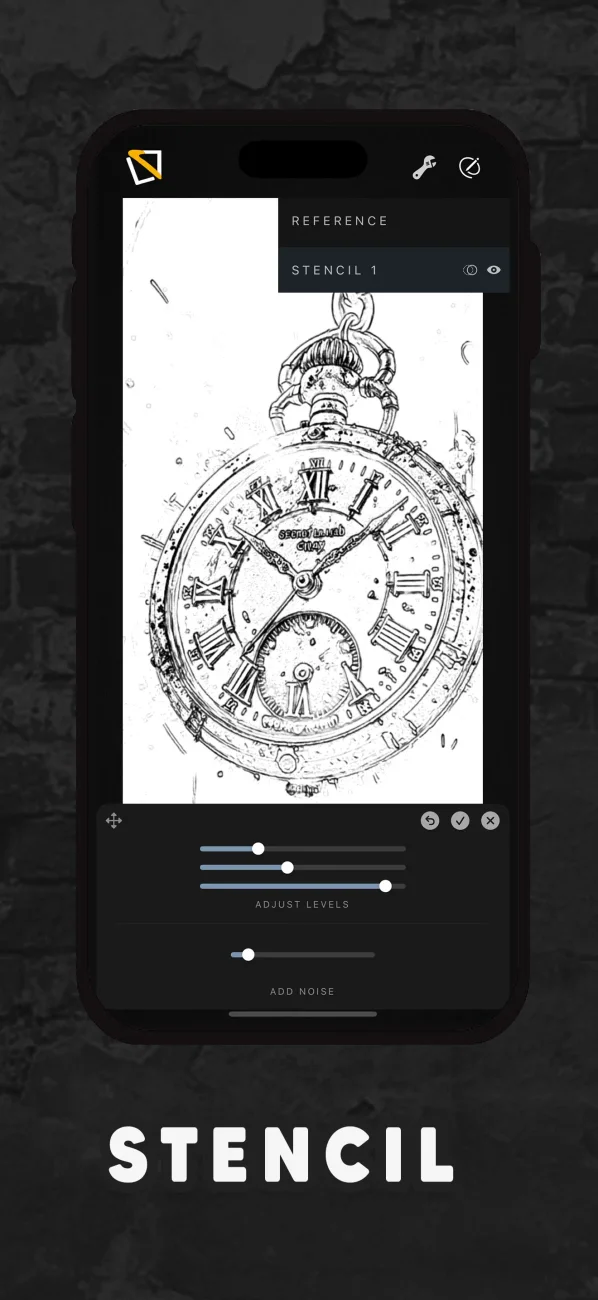
STENCILS IN SECONDS
- Classic stencil methods: QuickLine, Sketchy, and Trace
- API-powered TrueLine and PowerLine for clean, accurate linework
- Stack and combine stencil layers over your reference to get exactly the look you want
- Adjust levels, add noise, and draw or erase directly on the stencil
A REAL DRAWING & PAINTING ENGINE
- Custom engine built for tattoo design, made for Apple Pencil
- Brush Yard: build, organize and import custom brushes and brush sets
- Smudge, Wet Mix, Dodge, Burn and Blur tools
LAYERS & PROJECTS
- Start from a blank canvas at any size, or from a photo
- Groups, blend modes, clipping masks, merge, duplicate, rename and reorder
- Projects save automatically, so you can pick up right where you left off
TRANSFORM & SELECT
- Move, Select and Auto-Select
- Scale, rotate, distort and warp one layer or many at once
- Guides and grids for precise placement
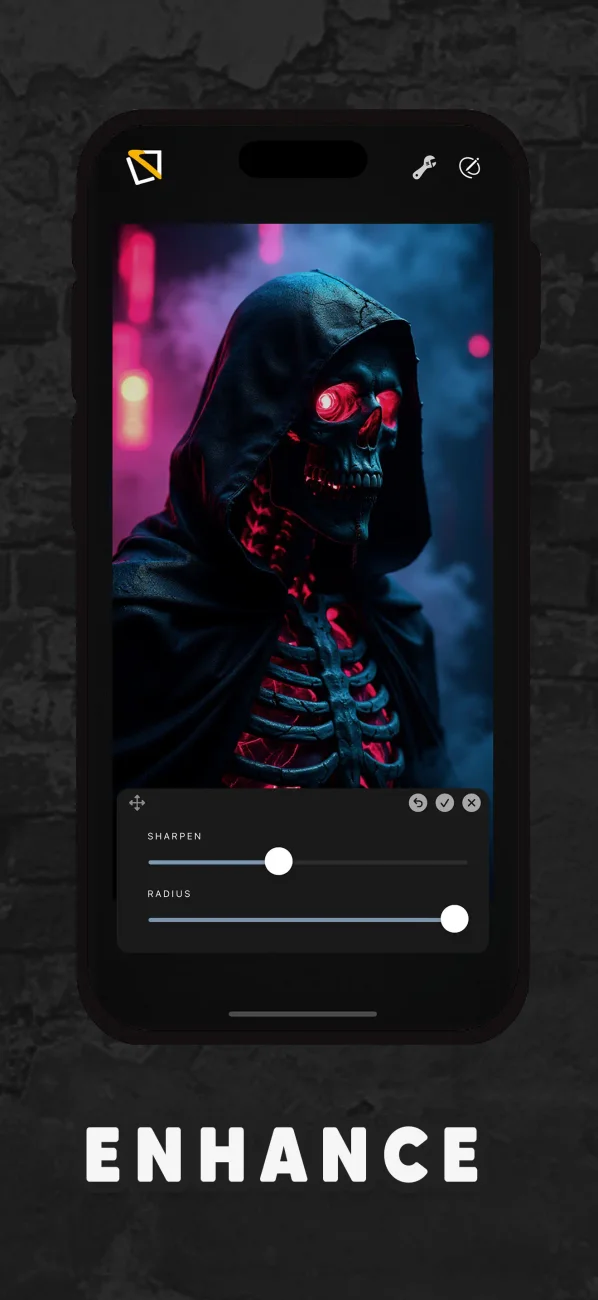
PERFECT YOUR REFERENCES
- Filter gallery with fast filters
- Curves, Color Balance, Colorize, Temperature & Tint, brightness, contrast and more
- Gaussian, Motion and Radial Blur, plus Depth of Field
- Remove backgrounds in one tap
- Convert to grayscale with custom channel controls
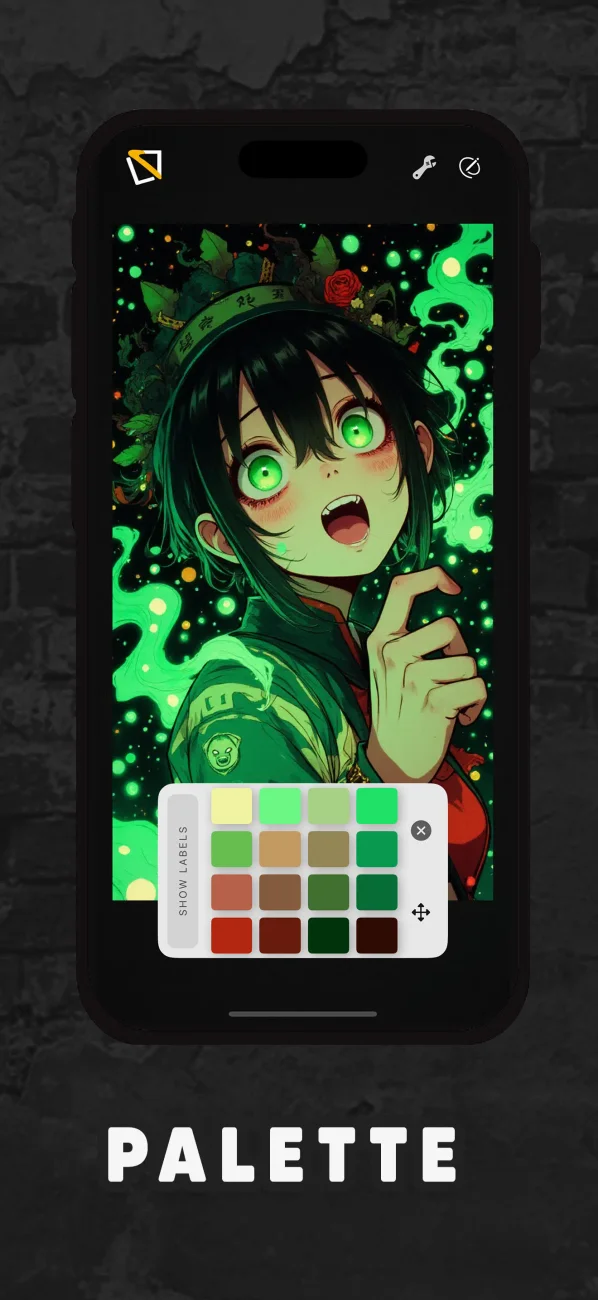
COLOR PALETTES
- Generate palettes from any reference
- Find the closest ink matches for each color
- In-cap mixing suggestions to hit the exact tone you need
PRINT-TO-SIZE
- Print at the exact dimensions you need, even across multiple sheets for large pieces
- Export stencils and references in high resolution, straight to your printer
FAST, NATURAL GESTURES
- Pinch, rotate, three-finger tap to redo
- Radial menus for quick tools like copy, cut and paste
- Quick shape corrections and color sampling with a long press
SUBSCRIPTION & CREDITS
TatToolkit requires a monthly subscription of $9.99 to access all features, with a 1-week free trial for new subscribers. Your subscription automatically renews each month until canceled. The subscription includes 50 credits per month for API-powered cloud stencils; additional credit packs are available as in-app purchases.
ABOUT US
TatToolkit is built by a working tattoo artist who knows the challenges of the craft firsthand. We keep improving the app based on feedback from the artists who use it. Questions, ideas or feedback? Reach us at support@tattoolkit.com.
Whether you're a seasoned artist or just starting out, TatToolkit gives you the tools to design, stencil and print with confidence.
Terms of Use (EULA): https://www.tattoolkit.com/pages/tracerTOS
新機能
バージョン 2.0 · 2026/9/29
TatToolkit 2.0 is a complete rebuild, not only offering UI improvements and stability fixes throughout, but an entirely new experience:
NEW DRAWING & PAINTING ENGINE
- A custom-built engine made for tattoo design
- Custom brushes with adjustable dynamics and pressure controls
- Smudge, Wet Mix, Dodge, Burn and Blur tools
STRONGER STENCILS
- TrueLine and PowerLine: new cloud stencil methods for clean, accurate linework
- Credits already included with your subscription every month
LAYERS & PROJECTS
- Create projects from a blank canvas at any size, and pick up where you left off
- Full layer system: groups, blend modes, clipping masks, merge, duplicate, rename and reorder
- Pinch to merge layers, long-press to edit projects
TRANSFORM & SELECT
- Move, Select and Auto-Select tools
- Scale, rotate, distort and warp individual layers or multiple selections
- Guides and grids for precise placement
EDITING & FILTERS
- New filter gallery with fast filters
- Curves, Color Balance, Colorize, Temperature & Tint
- Gaussian, Motion and Radial Blur, plus Depth of Field
WORKFLOW
- Print-to-size across multiple sheets for large pieces
- New gestures: rotate, three-finger tap to redo, and a three-finger radial menu for copy, cut and paste
- Reference viewer, long-press color picking, and more
アプリのプライバシー
このアプリのデータの取り扱いについて、Jonathan HolbertがApp Storeで申告している内容です。
-
データの収集なし
開発元はこのアプリからデータを収集しません。
プライバシーの取り扱いは、ご利用の機能やお客様の年齢などに応じて異なる場合があります。
情報
- 販売元
- Jonathan Holbert
- カテゴリ
- グラフィック/デザイン
- バージョン
- 2.0
- 更新日
- 2026/9/29
- リリース
- 2025/3/23
- サイズ
- 223.7 MB
- 必要条件
- iOS 16.7以降
- 対象年齢
- 4+
- 価格
- 無料
- アプリ内課金
- あり
- 言語
- 英語
- 著作権
- © 2026 TatToolkit
こちらもおすすめ
-
 Printcilグラフィック/デザイン
-
 Tattoo Stencil - Proグラフィック/デザイン
-
 TattooStencilPro - AI Poweredグラフィック/デザイン
-
 Tattoo Stencil Maker: IQタトゥーデザインをトレースして転写
-
 Stencil AI - Tattoo Stencilsグラフィック/デザイン
-
 Das Brush3Dで描こう!
-
 Skinmarkグラフィック/デザイン
-
 Tattoo Stencil Maker: InkCutグラフィック/デザイン
-
 StencilStudio - Tattoo Stencilグラフィック/デザイン
-
 Stencify: AIタトゥー転写ステンシルメーカー写真試着・下絵生成・テキスト編集・PNG/PDF・即印刷