TatToolkit
Tattoo Stencil & Design Tools
Projetado para iPhone, iPad
Grátis · Compras no app
- Classificação etária4+
- CategoriaArtes gráficas e design
- DesenvolvedorJonathan Holbert
- IdiomasInglês
- Tamanho223,7 MB
Leva à página oficial na App Store
O Download.org não hospeda nenhum arquivo de TatToolkit. O botão abre a página do app na App Store, onde Jonathan Holbert o publica. Página verificada pela última vez em 22/11/2026.
Capturas de tela
Sobre
O desenvolvedor não forneceu este texto no seu idioma.
TATTOOLKIT: THE ALL-IN-ONE STUDIO FOR TATTOO ARTISTS
Everything between a client's idea and a finished stencil, in one app: Stencils, references, drawing and printing. TatToolkit is built for the way tattoo artists actually work, so you spend less time on your iPad and more time tattooing.
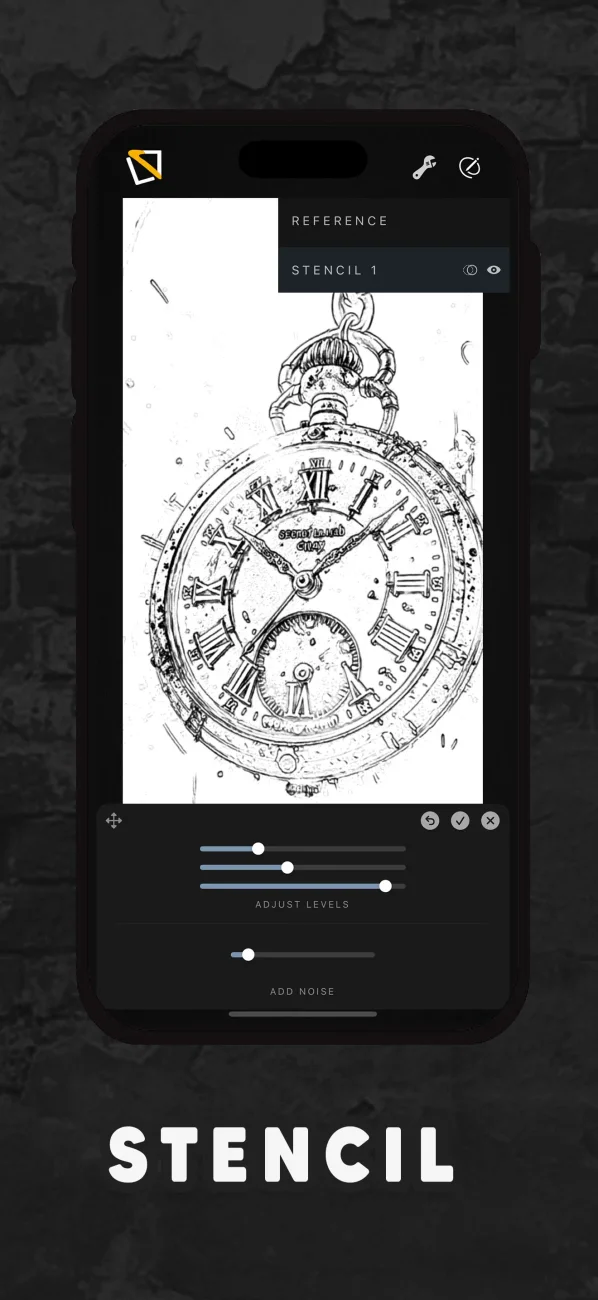
STENCILS IN SECONDS
- Classic stencil methods: QuickLine, Sketchy, and Trace
- API-powered TrueLine and PowerLine for clean, accurate linework
- Stack and combine stencil layers over your reference to get exactly the look you want
- Adjust levels, add noise, and draw or erase directly on the stencil
A REAL DRAWING & PAINTING ENGINE
- Custom engine built for tattoo design, made for Apple Pencil
- Brush Yard: build, organize and import custom brushes and brush sets
- Smudge, Wet Mix, Dodge, Burn and Blur tools
LAYERS & PROJECTS
- Start from a blank canvas at any size, or from a photo
- Groups, blend modes, clipping masks, merge, duplicate, rename and reorder
- Projects save automatically, so you can pick up right where you left off
TRANSFORM & SELECT
- Move, Select and Auto-Select
- Scale, rotate, distort and warp one layer or many at once
- Guides and grids for precise placement
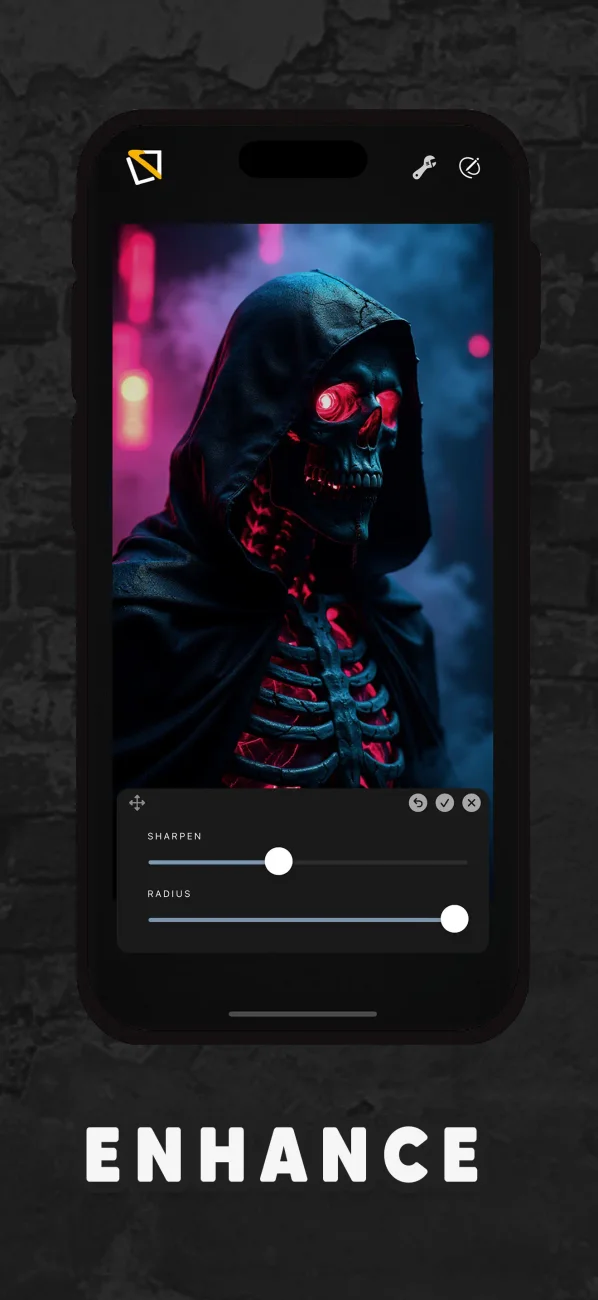
PERFECT YOUR REFERENCES
- Filter gallery with fast filters
- Curves, Color Balance, Colorize, Temperature & Tint, brightness, contrast and more
- Gaussian, Motion and Radial Blur, plus Depth of Field
- Remove backgrounds in one tap
- Convert to grayscale with custom channel controls
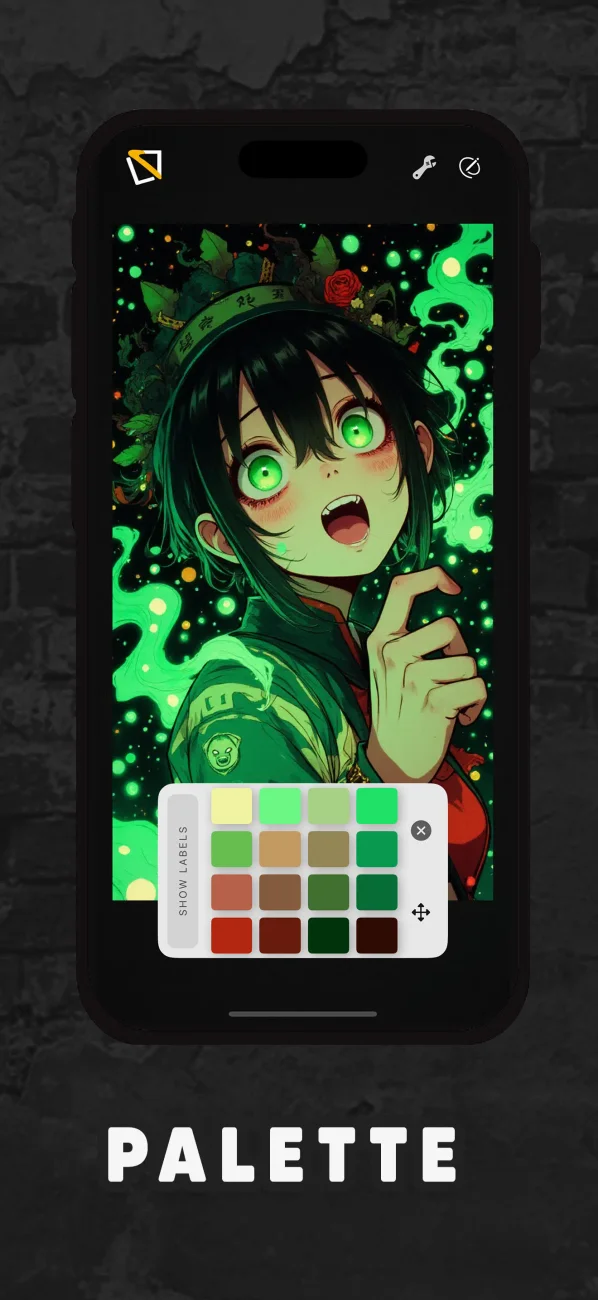
COLOR PALETTES
- Generate palettes from any reference
- Find the closest ink matches for each color
- In-cap mixing suggestions to hit the exact tone you need
PRINT-TO-SIZE
- Print at the exact dimensions you need, even across multiple sheets for large pieces
- Export stencils and references in high resolution, straight to your printer
FAST, NATURAL GESTURES
- Pinch, rotate, three-finger tap to redo
- Radial menus for quick tools like copy, cut and paste
- Quick shape corrections and color sampling with a long press
SUBSCRIPTION & CREDITS
TatToolkit requires a monthly subscription of $9.99 to access all features, with a 1-week free trial for new subscribers. Your subscription automatically renews each month until canceled. The subscription includes 50 credits per month for API-powered cloud stencils; additional credit packs are available as in-app purchases.
ABOUT US
TatToolkit is built by a working tattoo artist who knows the challenges of the craft firsthand. We keep improving the app based on feedback from the artists who use it. Questions, ideas or feedback? Reach us at support@tattoolkit.com.
Whether you're a seasoned artist or just starting out, TatToolkit gives you the tools to design, stencil and print with confidence.
Terms of Use (EULA): https://www.tattoolkit.com/pages/tracerTOS
Novidades
Versão 2.0 · 29/09/2026
TatToolkit 2.0 is a complete rebuild, not only offering UI improvements and stability fixes throughout, but an entirely new experience:
NEW DRAWING & PAINTING ENGINE
- A custom-built engine made for tattoo design
- Custom brushes with adjustable dynamics and pressure controls
- Smudge, Wet Mix, Dodge, Burn and Blur tools
STRONGER STENCILS
- TrueLine and PowerLine: new cloud stencil methods for clean, accurate linework
- Credits already included with your subscription every month
LAYERS & PROJECTS
- Create projects from a blank canvas at any size, and pick up where you left off
- Full layer system: groups, blend modes, clipping masks, merge, duplicate, rename and reorder
- Pinch to merge layers, long-press to edit projects
TRANSFORM & SELECT
- Move, Select and Auto-Select tools
- Scale, rotate, distort and warp individual layers or multiple selections
- Guides and grids for precise placement
EDITING & FILTERS
- New filter gallery with fast filters
- Curves, Color Balance, Colorize, Temperature & Tint
- Gaussian, Motion and Radial Blur, plus Depth of Field
WORKFLOW
- Print-to-size across multiple sheets for large pieces
- New gestures: rotate, three-finger tap to redo, and a three-finger radial menu for copy, cut and paste
- Reference viewer, long-press color picking, and more
Privacidade do app
O que Jonathan Holbert declara na App Store sobre como este app lida com os dados.
-
Dados não coletados
O desenvolvedor não coleta nenhum dado deste app.
As práticas de privacidade podem variar, por exemplo, com base nos recursos que você usa ou na sua idade.
Informações
- Vendedor
- Jonathan Holbert
- Categoria
- Artes gráficas e design
- Versão
- 2.0
- Atualizado
- 29/09/2026
- Lançamento
- 23/03/2025
- Tamanho
- 223,7 MB
- Requer
- iOS 16.7 ou posterior
- Classificação etária
- 4+
- Preço
- Grátis
- Compras no app
- Sim
- Idiomas
- Inglês
- Copyright
- © 2026 TatToolkit
Você também pode gostar
-
 PrintcilArtes gráficas e design
-
 Tattoo Stencil - ProArtes gráficas e design
-
 TattooStencilPro - AI PoweredArtes gráficas e design
-
 Tattoo Stencil Maker: IQTatuagem e decalque com IA
-
 Stencil AI - Tattoo DecalquesCrie decalques de tatuagem
-
 Das BrushDesenhe em 3D!
-
 SkinmarkArtes gráficas e design
-
 InkCut - Tattoo Stencil MakerTattoo Maker & Design Tatuagem
-
 StencilStudio - Tattoo StencilArtes gráficas e design
-
 Stencify: Criador de TatuagemGerador de Estêncil Tattoo IA