- 対象年齢4+
- カテゴリ仕事効率化
- 開発元TeamDrive
- 言語英語ほか7言語
- サイズ58.1 MB
App Storeの公式ページにリンクしています
Download.orgはTeamDrive 5のファイルを一切ホストしていません。ボタンを押すと、TeamDriveが公開しているApp Storeのアプリページが開きます。ページの最終確認:2026/11/12。
スクリーンショット
概要
開発元はこのテキストをお使いの言語で提供していません。
Security - No snooping and backdoors!
The security and confidentiality of your data is the highest priority for TeamDrive. Before TeamDrive transfers your data, they are encrypted on your computer (AES-256). Only you decide who has access to your data. TeamDrive has been awarded the Data Protection Seal of Privacy of the ULD. TeamDrive is using End-2-End encryption.
Synchronization.
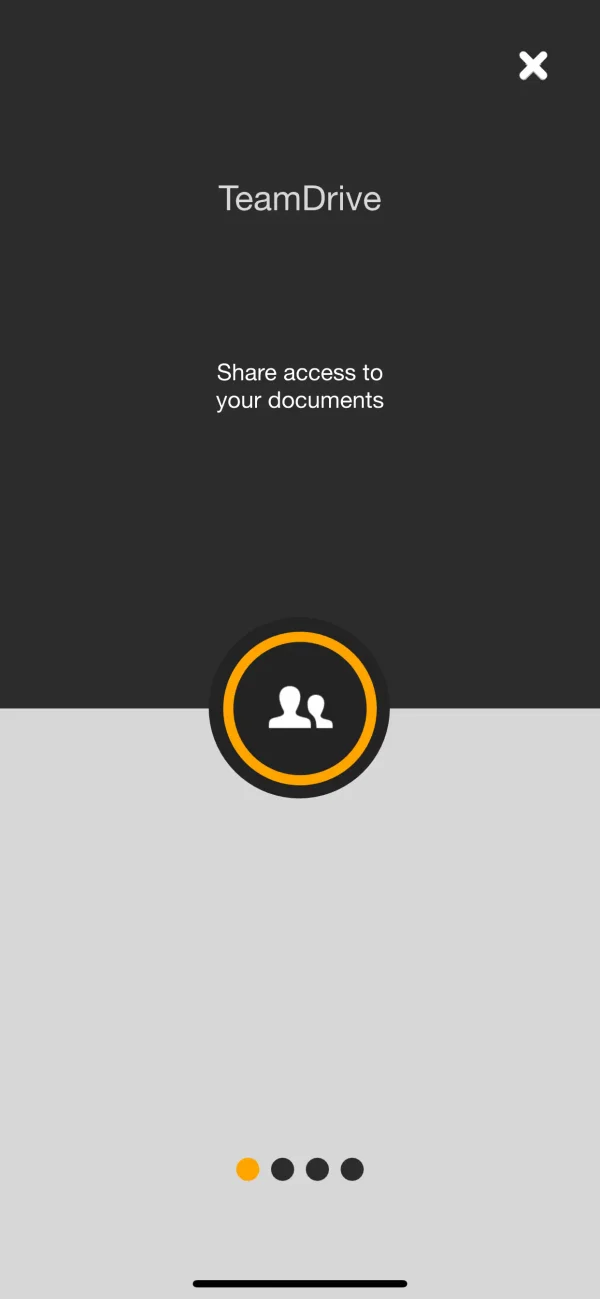
With TeamDrive you can keep your data synchronized between various computers and smartphones easily and automatically. It’s like child’s play to share music, images, documents or folders of any sort with friends, family or work colleagues. TeamDrive is available for all standard operating systems.
Photo upload
The TeamDrive app includes the direct upload from the Camera App into a TeamDrive Space/Folder.
Offline synchronization
Using a TeamDrive server makes it possible to synchronize data reliably even if one or more computers or smartphones are offline. As soon as the device regains internet access, the data are automatically synchronized. You can therefore work on your documents on a plane or train, for example, without an Internet connection.
Management of access rights
There are four different levels of access that you can allocate to individual group members:
Read-Only, Read-Only (Anonymous), Read/Write, Superuser and Administrator.
Version management
With the TeamDrive version management system (versioning), you have the option to go back to earlier versions of documents and to track all of the changes made by group members.
Comments
Every group member can add as many comments to each individual version of a file as he or she wishes. Alternatively, these comments can also be sent simply by e-mail to individual group members or to the whole group.
Conflict management
TeamDrive reliably identifies any conflicts that may arise from simultaneous editing of files by different group members and offers a simple solution for resolving those conflicts.
Free choice of server
TeamDrive offers two alternatives for synchronizing and safeguarding your data reliably: either you can use the TeamDrive Cloud Services, which means that we take care of everything, or you can use your own servers.
新機能
バージョン 5.3.0 · 2026/10/19
The new version 5.3.0 of TeamDrive offers the following improvements for iOS:
- The search function can now be accessed directly from any level of the app by tapping the magnifying glass icon. It is no longer necessary to navigate through a submenu.
- We have also implemented security updates, updated internal libraries, and fixed minor bugs.
アプリのプライバシー
このアプリのデータの取り扱いについて、TeamDriveがApp Storeで申告している内容です。
-
ユーザーに関連付けられたデータ
収集され、ユーザーの識別情報に関連付けられる場合があります。
- ユーザーコンテンツ
- その他のデータ
プライバシーの取り扱いは、ご利用の機能やお客様の年齢などに応じて異なる場合があります。
情報
- 販売元
- TeamDrive Systems GmbH
- カテゴリ
- 仕事効率化
- バージョン
- 5.3.0
- 更新日
- 2026/10/19
- リリース
- 2015/3/18
- サイズ
- 58.1 MB
- 必要条件
- iOS 16.0以降
- 対象年齢
- 4+
- 価格
- 無料
- アプリ内課金
- あり
- 言語
- 英語, オランダ語, フィンランド語, フランス語, ドイツ語, イタリア語, ノルウェー語 (ブークモール), スペイン語
- 著作権
- © TeamDrive Systems GmbH