- Độ tuổi4+
- Danh mụcHiệu Suất
- Nhà phát triểnTeamDrive
- Ngôn ngữTiếng Anh+ 7 ngôn ngữ khác
- Kích thước58,1 MB
Liên kết đến trang App Store chính thức
Download.org không lưu trữ tệp nào của TeamDrive 5. Nút này mở trang ứng dụng trên App Store, nơi TeamDrive phát hành ứng dụng. Trang được kiểm tra lần cuối: 12/11/2026.
Ảnh chụp màn hình
Giới thiệu
Nhà phát triển chưa cung cấp nội dung này bằng ngôn ngữ của bạn.
Security - No snooping and backdoors!
The security and confidentiality of your data is the highest priority for TeamDrive. Before TeamDrive transfers your data, they are encrypted on your computer (AES-256). Only you decide who has access to your data. TeamDrive has been awarded the Data Protection Seal of Privacy of the ULD. TeamDrive is using End-2-End encryption.
Synchronization.
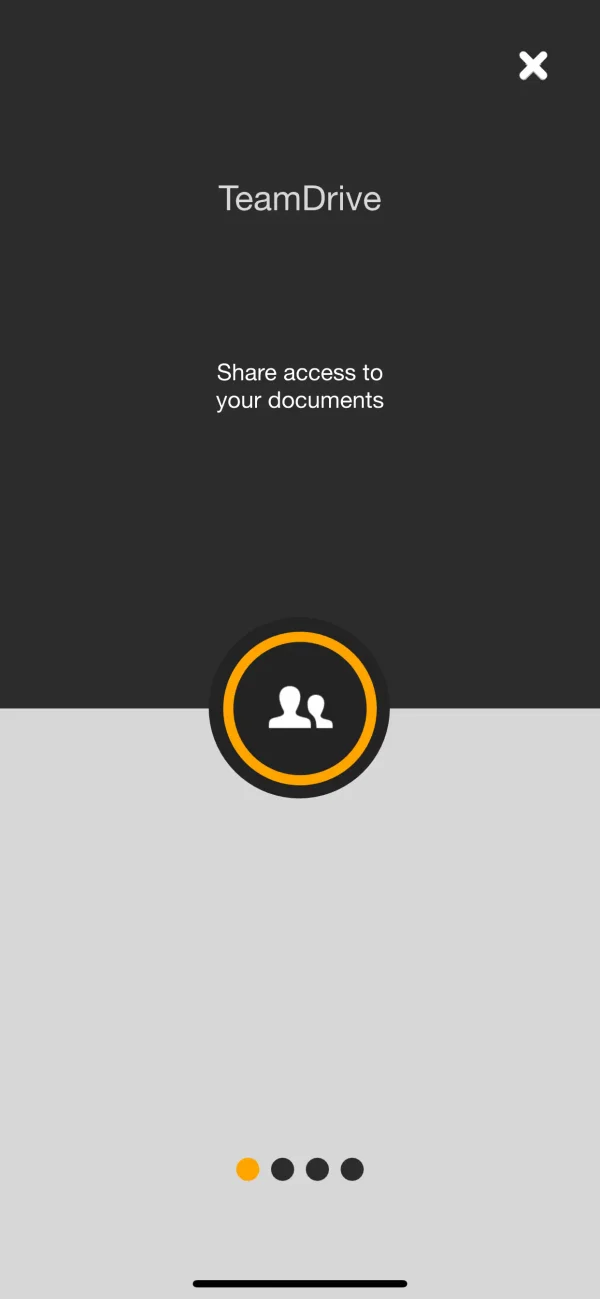
With TeamDrive you can keep your data synchronized between various computers and smartphones easily and automatically. It’s like child’s play to share music, images, documents or folders of any sort with friends, family or work colleagues. TeamDrive is available for all standard operating systems.
Photo upload
The TeamDrive app includes the direct upload from the Camera App into a TeamDrive Space/Folder.
Offline synchronization
Using a TeamDrive server makes it possible to synchronize data reliably even if one or more computers or smartphones are offline. As soon as the device regains internet access, the data are automatically synchronized. You can therefore work on your documents on a plane or train, for example, without an Internet connection.
Management of access rights
There are four different levels of access that you can allocate to individual group members:
Read-Only, Read-Only (Anonymous), Read/Write, Superuser and Administrator.
Version management
With the TeamDrive version management system (versioning), you have the option to go back to earlier versions of documents and to track all of the changes made by group members.
Comments
Every group member can add as many comments to each individual version of a file as he or she wishes. Alternatively, these comments can also be sent simply by e-mail to individual group members or to the whole group.
Conflict management
TeamDrive reliably identifies any conflicts that may arise from simultaneous editing of files by different group members and offers a simple solution for resolving those conflicts.
Free choice of server
TeamDrive offers two alternatives for synchronizing and safeguarding your data reliably: either you can use the TeamDrive Cloud Services, which means that we take care of everything, or you can use your own servers.
Có gì mới
Phiên bản 5.3.0 · 19/10/2026
The new version 5.3.0 of TeamDrive offers the following improvements for iOS:
- The search function can now be accessed directly from any level of the app by tapping the magnifying glass icon. It is no longer necessary to navigate through a submenu.
- We have also implemented security updates, updated internal libraries, and fixed minor bugs.
Quyền riêng tư của ứng dụng
Những gì TeamDrive khai báo trên App Store về cách ứng dụng này xử lý dữ liệu.
-
Dữ liệu liên kết với bạn
Có thể được thu thập và liên kết với danh tính của bạn.
- Nội dung của người dùng
- Dữ liệu khác
Phương thức đảm bảo quyền riêng tư có thể khác nhau, chẳng hạn như tuỳ theo các tính năng bạn sử dụng hoặc độ tuổi của bạn.
Thông tin
- Người bán
- TeamDrive Systems GmbH
- Danh mục
- Hiệu Suất
- Phiên bản
- 5.3.0
- Cập nhật
- 19/10/2026
- Phát hành
- 18/03/2015
- Kích thước
- 58,1 MB
- Yêu cầu
- iOS 16.0 trở lên
- Độ tuổi
- 4+
- Giá
- Miễn phí
- Mua hàng trong ứng dụng
- Có
- Ngôn ngữ
- Tiếng Anh, Tiếng Hà Lan, Tiếng Phần Lan, Tiếng Pháp, Tiếng Đức, Tiếng Ý, Tiếng Bokmål Na Uy, Tiếng Tây Ban Nha
- Bản quyền
- © TeamDrive Systems GmbH