- 対象年齢4+
- カテゴリユーティリティ
- 開発元Sonny Fournier
- 言語英語ほか1言語
- サイズ9.5 MB
App Storeの公式ページにリンクしています
Download.orgはThumb: Stream Deck for PCのファイルを一切ホストしていません。ボタンを押すと、Sonny Fournierが公開しているApp Storeのアプリページが開きます。ページの最終確認:2026/11/12。
スクリーンショット


概要
開発元はこのテキストをお使いの言語で提供していません。
Your PC, under your thumb.
Thumb turns your iPhone into the remote of your Windows PC: a stream deck, a trackpad and keyboard, the volume of each app, file transfer, screen capture, a signature pad and a live system monitor. Everything goes over your Wi-Fi, with no account.
STREAM DECK
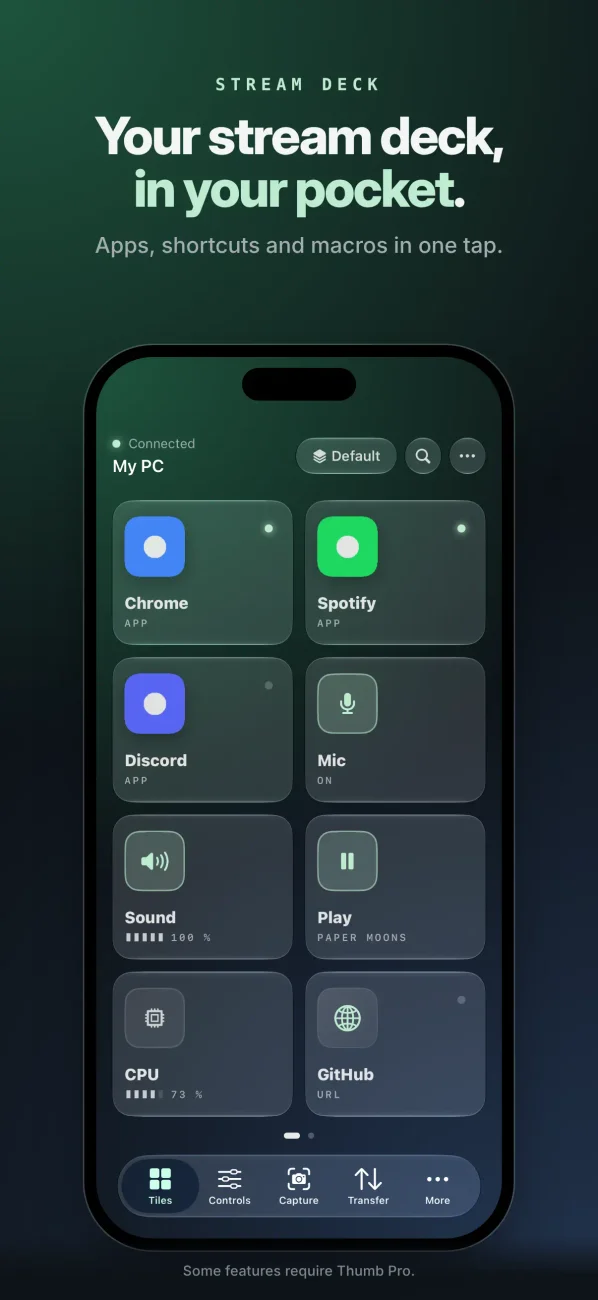
Launch apps, open websites, press shortcuts, run commands and macros in one tap. Live tiles show what's on: mic muted, music playing, CPU load. Arrange your tiles from the iPhone or from the PC.
TRACKPAD AND KEYBOARD
Move the pointer, click, scroll with two fingers, pinch to zoom, and swipe with three or four fingers for your own gestures. Type on the PC with the iPhone's keyboard.
CONTROLS
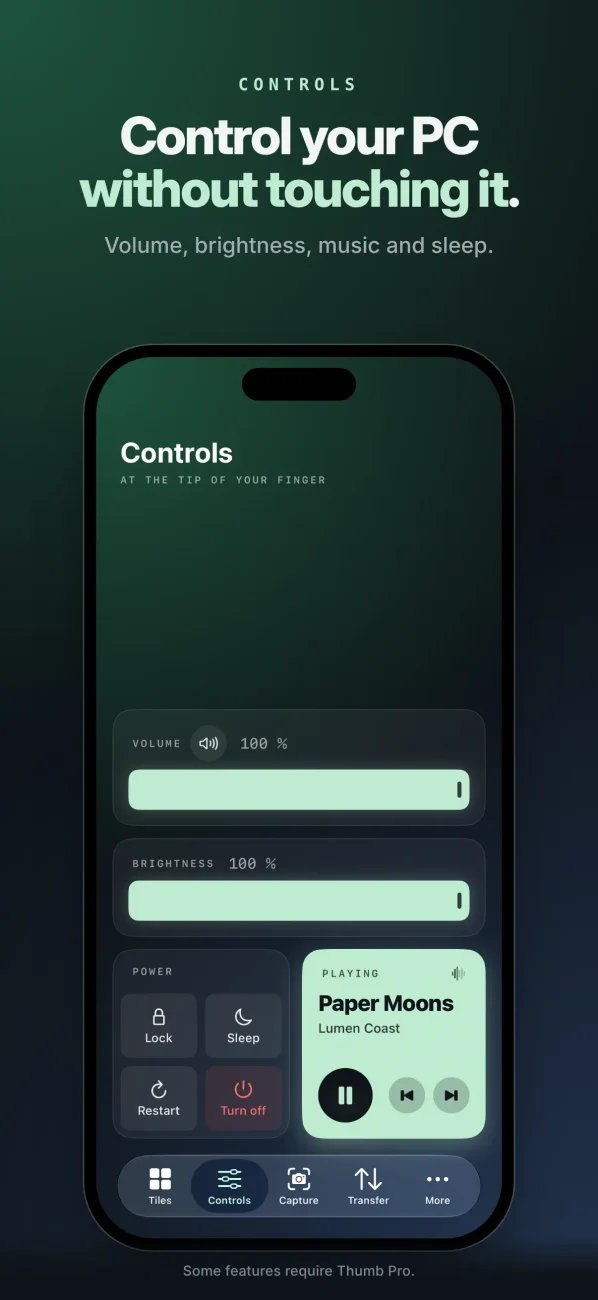
Volume, screen brightness, the music playing, lock, sleep, restart and turn off.
AUDIO
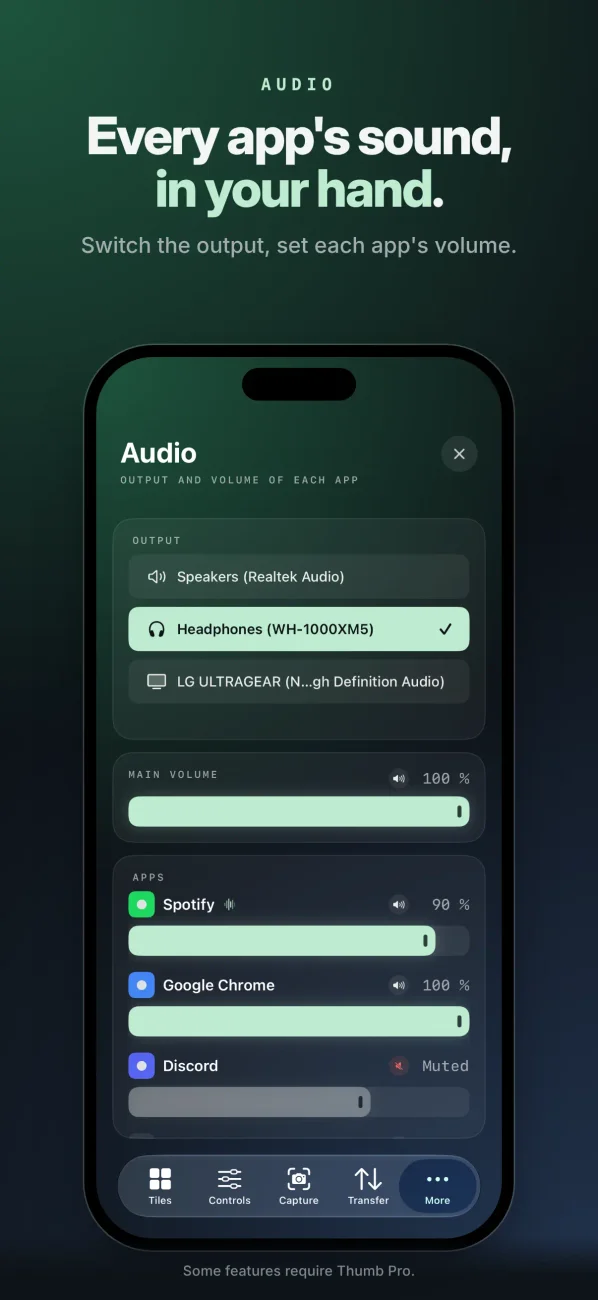
Switch the PC's output between speakers and headphones, and set the volume of each app.
TRANSFER
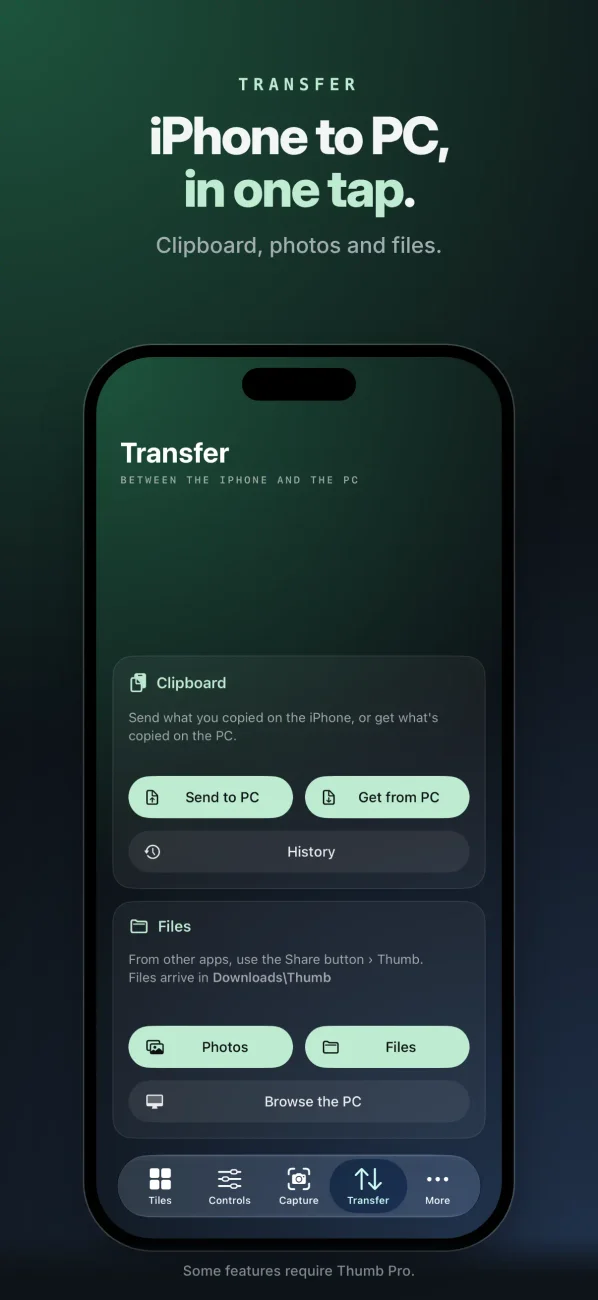
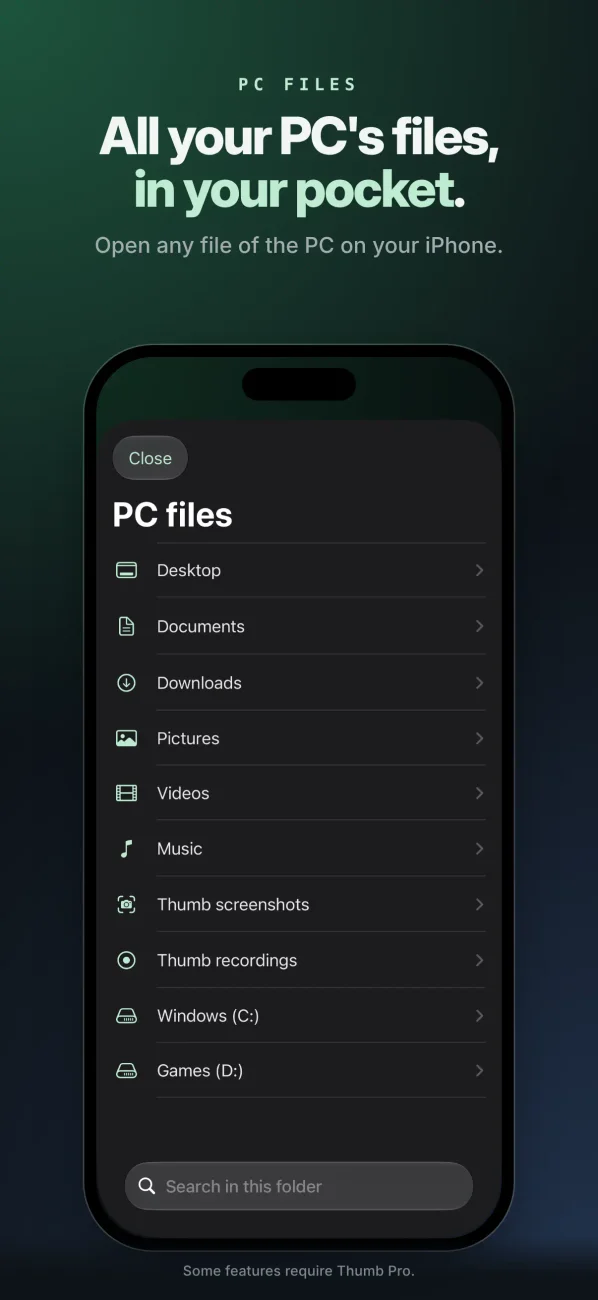
Send what you copied on the iPhone to the PC, get what's copied on the PC, send photos and files, and bring back any file of the PC.
CAPTURE
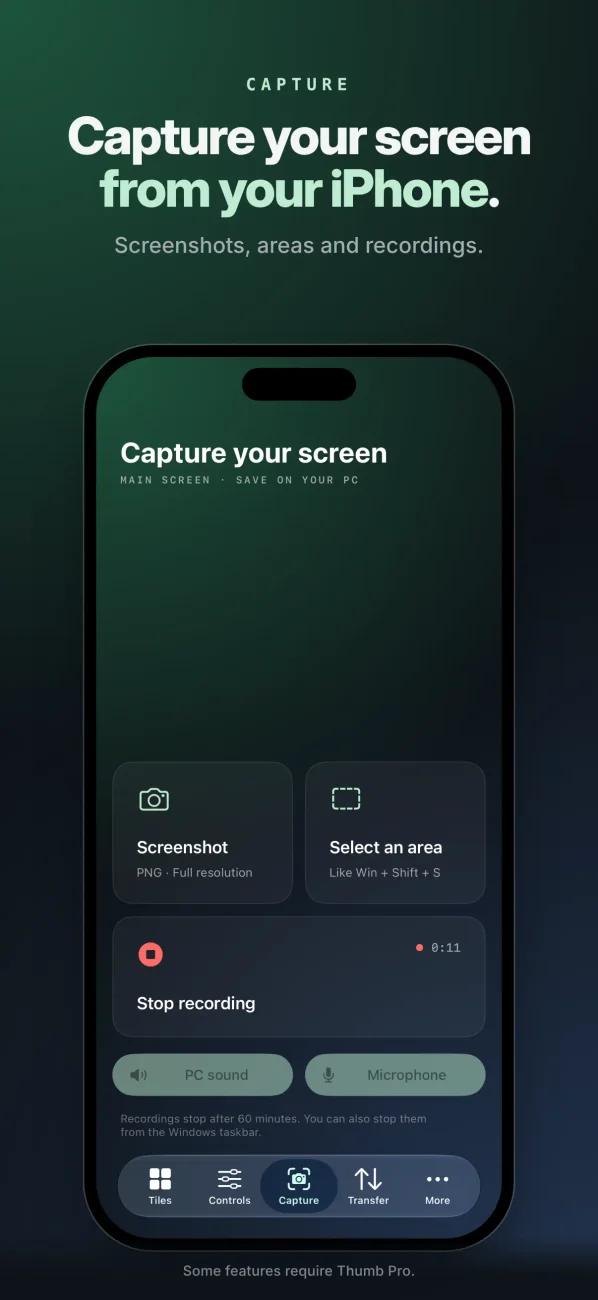
Take screenshots, pick an area, or record the screen with the PC's sound and your mic.
AND MORE
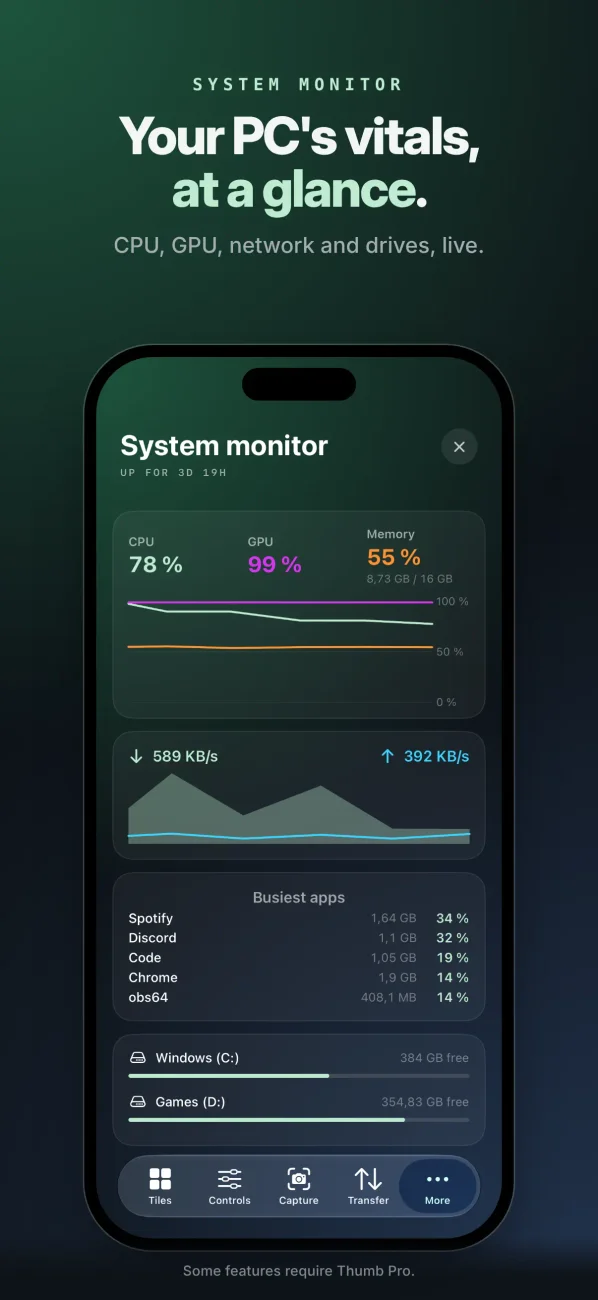
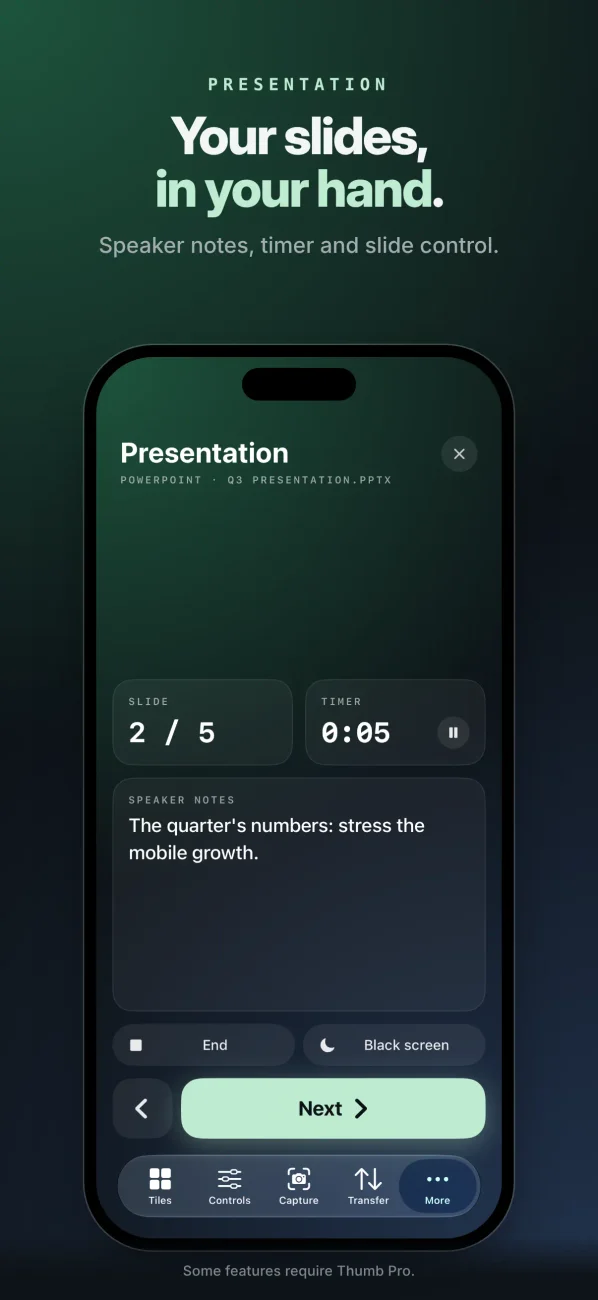
Run your slides with your speaker notes and a timer, sign documents with your finger, see your open windows, watch CPU, GPU, memory and drives live, and turn the PC on from the iPhone (Wake-on-LAN). Widgets, Control Center and Shortcuts are supported.
HOW IT WORKS
Install the free Thumb app for Windows 10 or 11 from sonnyfournier.com/thumb, then pair the iPhone with the code it shows. Want to look around first? Tap "Try without a PC" for a demo.
THUMB PRO
Thumb is free. Thumb Pro unlocks an unlimited stream deck (more screens, folders, macros, sounds and live tiles), profiles for the app in front, presentation mode, audio and windows control, screen recording, clipboard history, PC files and the system monitor, and the signature pad. Monthly, yearly (with a 7-day free trial) or once for life.
Terms of use: https://www.apple.com/legal/internet-services/itunes/dev/stdeula/
Privacy: https://sonnyfournier.com/thumb/privacy.html
アプリのプライバシー
このアプリのデータの取り扱いについて、Sonny FournierがApp Storeで申告している内容です。
-
データの収集なし
開発元はこのアプリからデータを収集しません。
プライバシーの取り扱いは、ご利用の機能やお客様の年齢などに応じて異なる場合があります。
情報
- 販売元
- Sonny Fournier
- カテゴリ
- ユーティリティ
- バージョン
- 1.0
- 更新日
- 2026/11/9
- リリース
- 2026/11/9
- サイズ
- 9.5 MB
- 必要条件
- iOS 26.0以降
- 対象年齢
- 4+
- 価格
- 無料
- アプリ内課金
- あり
- 言語
- 英語, フランス語
- 著作権
- © 2026 Sonny Fournier
こちらもおすすめ
-
 RemotiqBilgisayar uzaktan kumandası
-
 K.O. II Calc.ユーティリティ
-
 通貨コンバーター計算機通貨コンバーター計算機
-
 NumberBook: Who Is Calling?ユーティリティ
-
 Blox Fruits: Values & Tradesユーティリティ
-
 UniConvert: All Converter Appユーティリティ
-
 Sector Alarm Videoユーティリティ
-
 ZenBrowser | Simple browsingユーティリティ
-
 reWASD Mobileユーティリティ
-
 Shelf - Create Live Activitiesユーティリティ