
- 対象年齢4+
- カテゴリ仕事効率化
- 開発元Robert Ortner
- 言語英語ほか5言語
- サイズ10.3 MB
App Storeの公式ページにリンクしています
Download.orgはTime@Location – Time Trackerのファイルを一切ホストしていません。ボタンを押すと、Robert Ortnerが公開しているApp Storeのアプリページが開きます。ページの最終確認:2026/11/25。
スクリーンショット
概要
開発元はこのテキストをお使いの言語で提供していません。
Time tracking that handles itself.
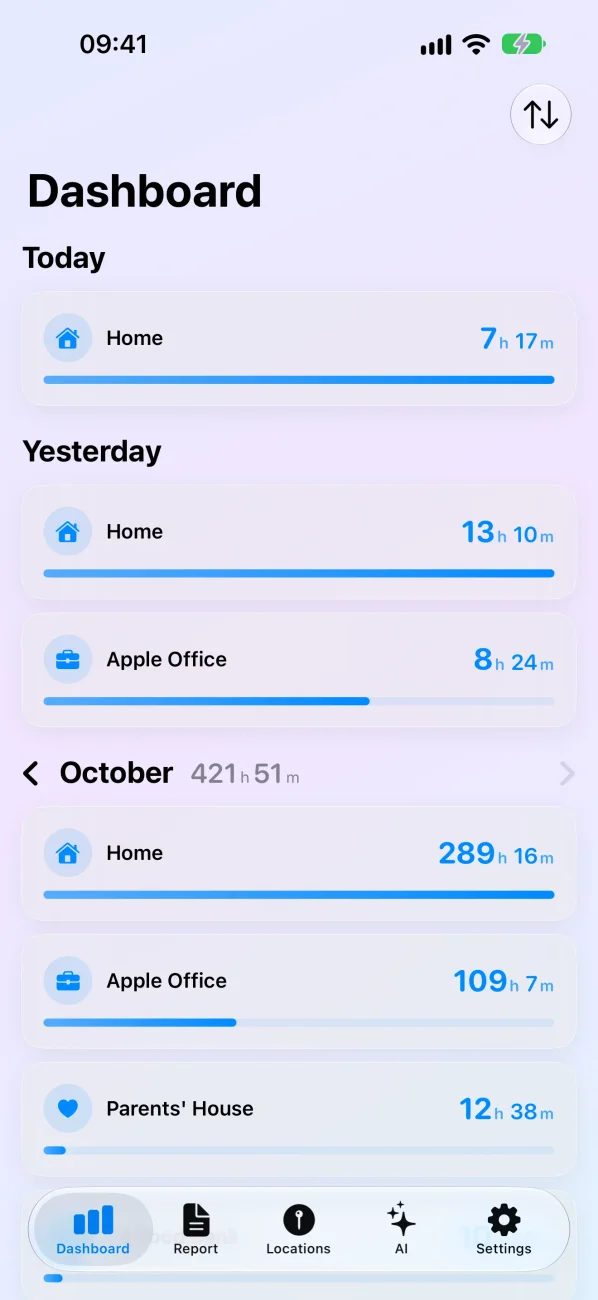
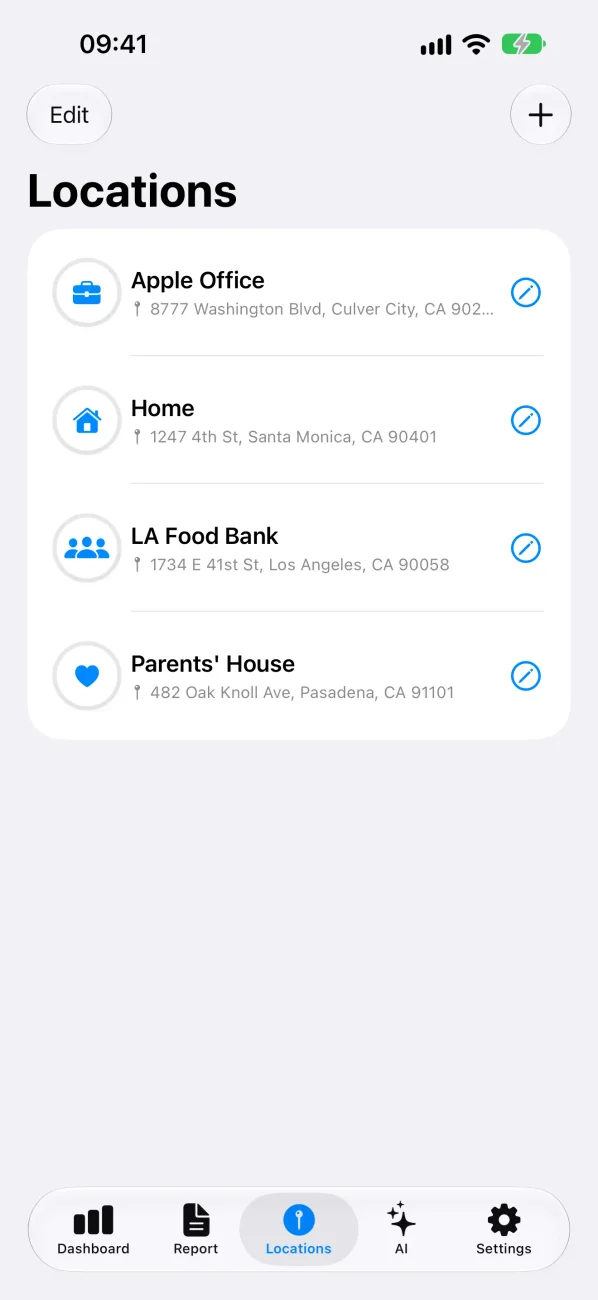
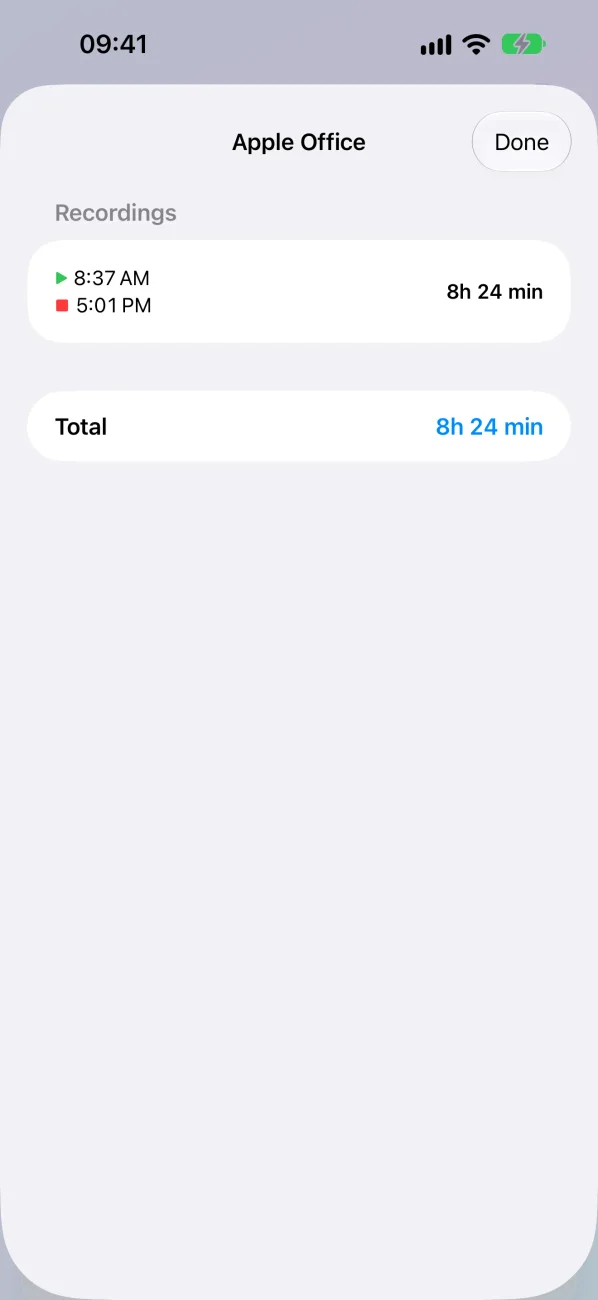
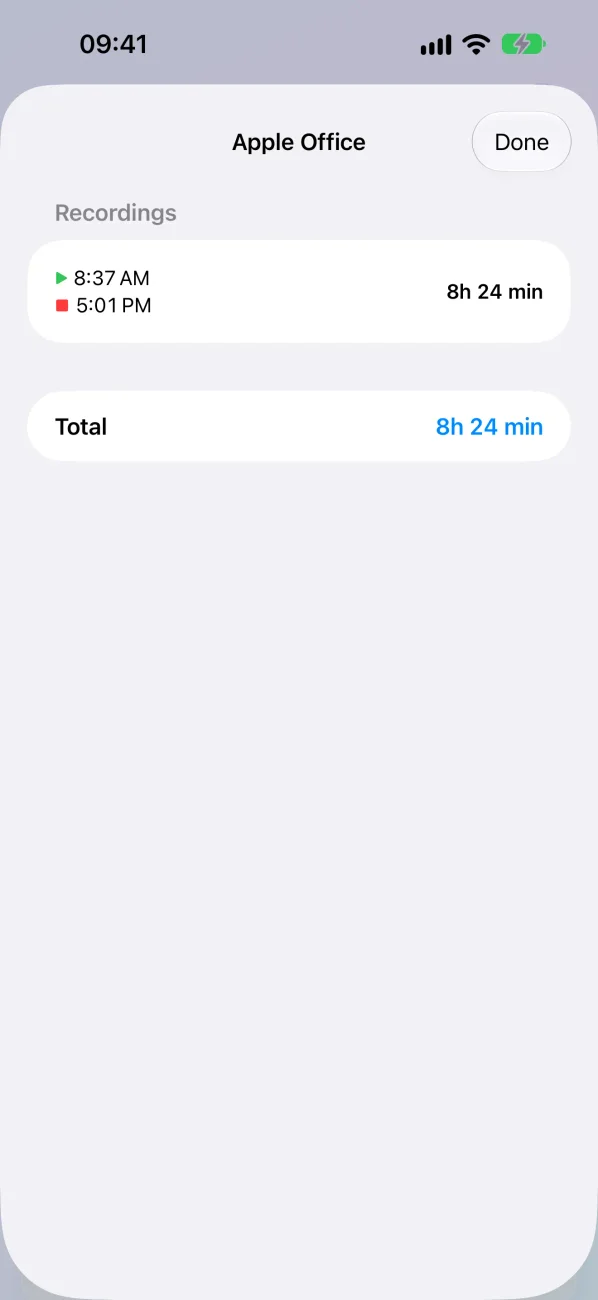
Set up your locations once — office, home, client sites, wherever matters — and forget about it. Time@Location detects every arrival and departure automatically using geofencing in the background. No tapping. No timers. No forgotten entries.
Automatic. Always.
The app runs silently in the background 24/7, even when your phone is in standby. Arrival and departure times are recorded the moment they happen.
Mileage log without the hassle.
Connect to CarPlay and your drive starts recording automatically. Disconnect and it stops. Your route appears in the app instantly, complete with distance driven. GPX and KML export ready for tax and expense reports.
AI assistant for your data.
Ask questions about your own records: "How much time did I spend at the office this month?" or "Which week had the most drives?" — answered on-device from your real data.
Multiple devices, one dataset.
Optional iCloud sync keeps iPhone and iPad in sync automatically. Only one device records at a time — the other switches to view-only mode automatically.
Your data stays yours.
No account. No subscription. No sharing. All data remains in your iCloud account or exclusively on your device — your choice.
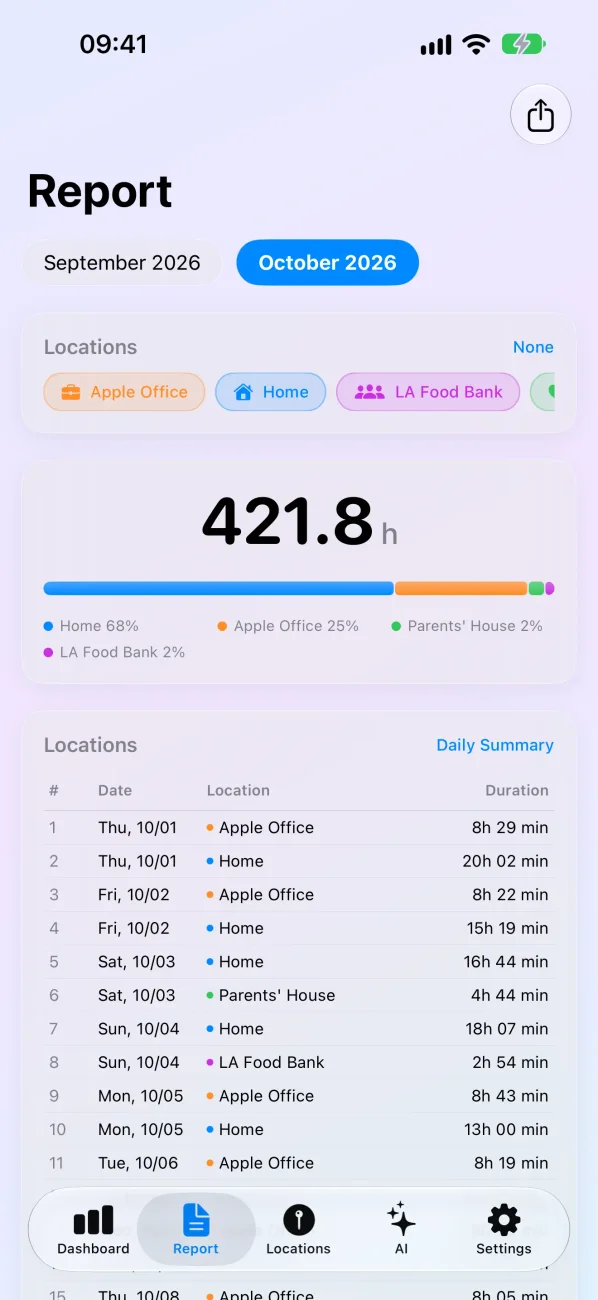
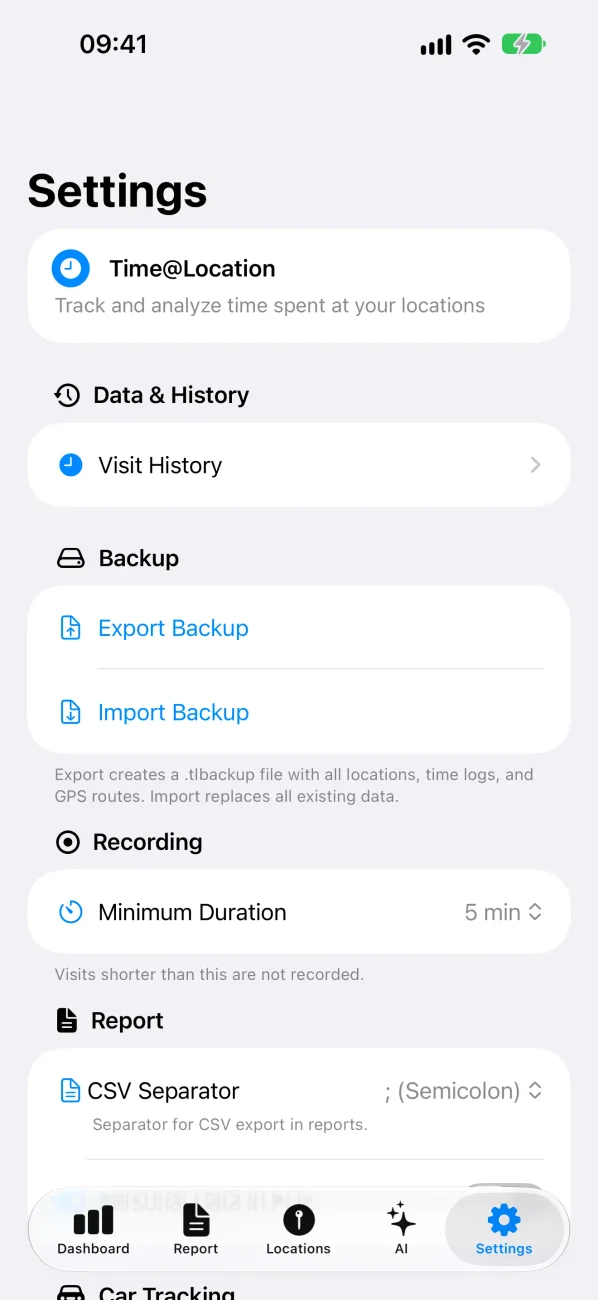
Export reports as PDF or CSV — ready for your tax advisor, employer, or your own records.
新機能
バージョン 2.0.0 · 2026/10/31
• Completely new design: Liquid Glass cards, accent colors, a living Dashboard background and a hero map.
• Swipe sideways to switch between tabs – with a new floating Liquid Glass tab bar.
• New welcome tour and a calmer, faster first launch.
• Widgets for the Home Screen and Lock Screen, plus Live Activities for running visits and trips.
• CarPlay: new screen to start and stop car trips, with a fallback that works without Shortcuts.
• Hold a place on the Dashboard to start a recording, hold the running one to stop it.
• The AI tab is now optional – turn it on in Settings.
• Fix: visits that cross midnight or a month boundary are now counted correctly in every range.
• Fix: editing locations no longer freezes the app.
アプリのプライバシー
このアプリのデータの取り扱いについて、Robert OrtnerがApp Storeで申告している内容です。
-
データの収集なし
開発元はこのアプリからデータを収集しません。
プライバシーの取り扱いは、ご利用の機能やお客様の年齢などに応じて異なる場合があります。
情報
- 販売元
- Robert Ortner
- カテゴリ
- 仕事効率化
- バージョン
- 2.0.0
- 更新日
- 2026/10/31
- リリース
- 2025/5/8
- サイズ
- 10.3 MB
- 必要条件
- iOS 27.0以降
- 対象年齢
- 4+
- 価格
- ¥600
- 言語
- 英語, フランス語, ドイツ語, ポルトガル語, 簡体字中国語, スペイン語
- 著作権
- © 2026 Robert Ortner / prjnet.com
こちらもおすすめ
-
 HIKE.SH - Hike and Trail Log仕事効率化
-
 Prompto Your AI prompt library仕事効率化
-
 Intent - AI会議準備スマートカレンダーと振り返り
-
 FocusFlow – Gentleやさしく始められる集中タイマー
-
 デジタル定規 - ポケットメジャー仕事効率化
-
 Veura: Voice to Text仕事効率化
-
 LiberaGPT オフラインAI最大規模のオフラインAIモデル
-
 Diem – The Better To-Do List仕事効率化
-
 Markdown Notes Editor: Markden仕事効率化
-
 Cortex - Local AIプライベートAI。クラウド不要。永遠に。