
Time@Location – Time Tracker
Automatic. Accurate. Private.
Designed for iPhone, iPad
$3.99
- Age rating4+
- CategoryProductivity
- DeveloperRobert Ortner
- LanguagesEnglish+ 5 more
- Size10.3 MB
Links to the official App Store page
Download.org hosts no file of Time@Location – Time Tracker. The button opens its official App Store page, published by Robert Ortner. Listing last checked on Nov 25, 2026.
Screenshots

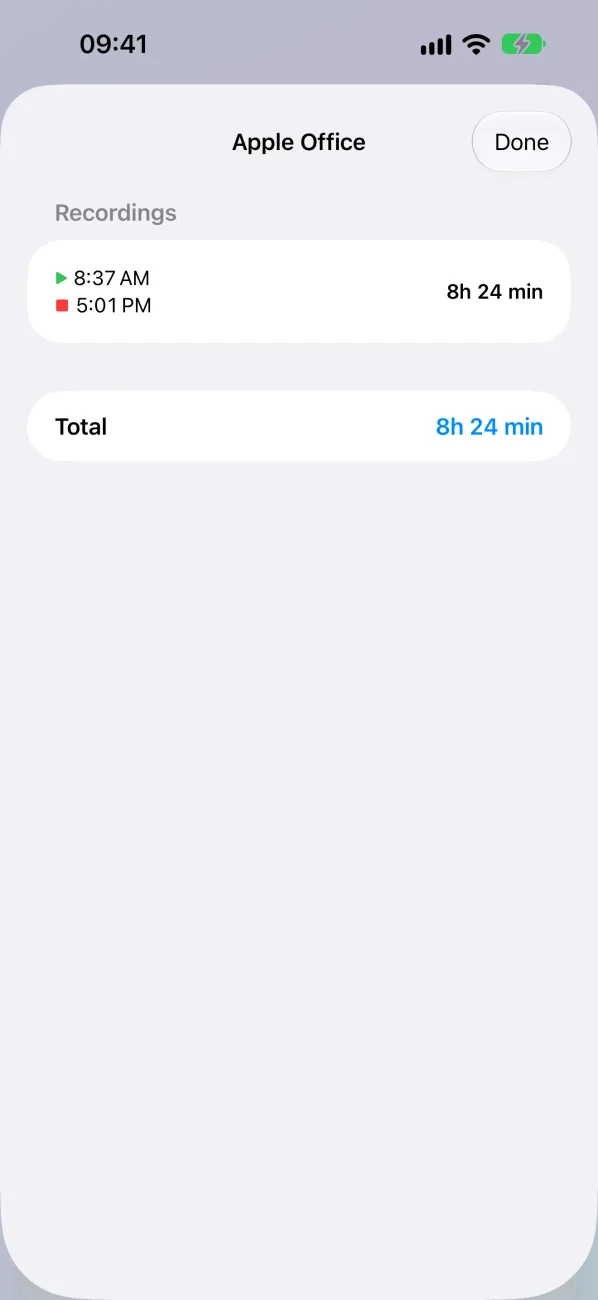
About
Time tracking that handles itself.
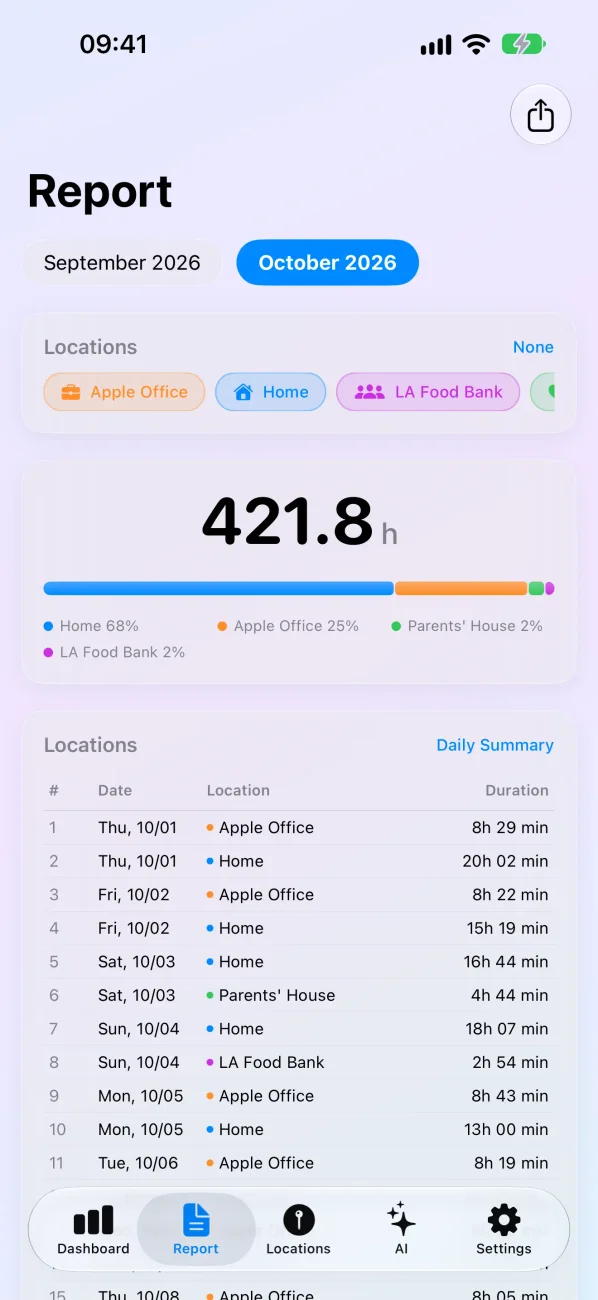
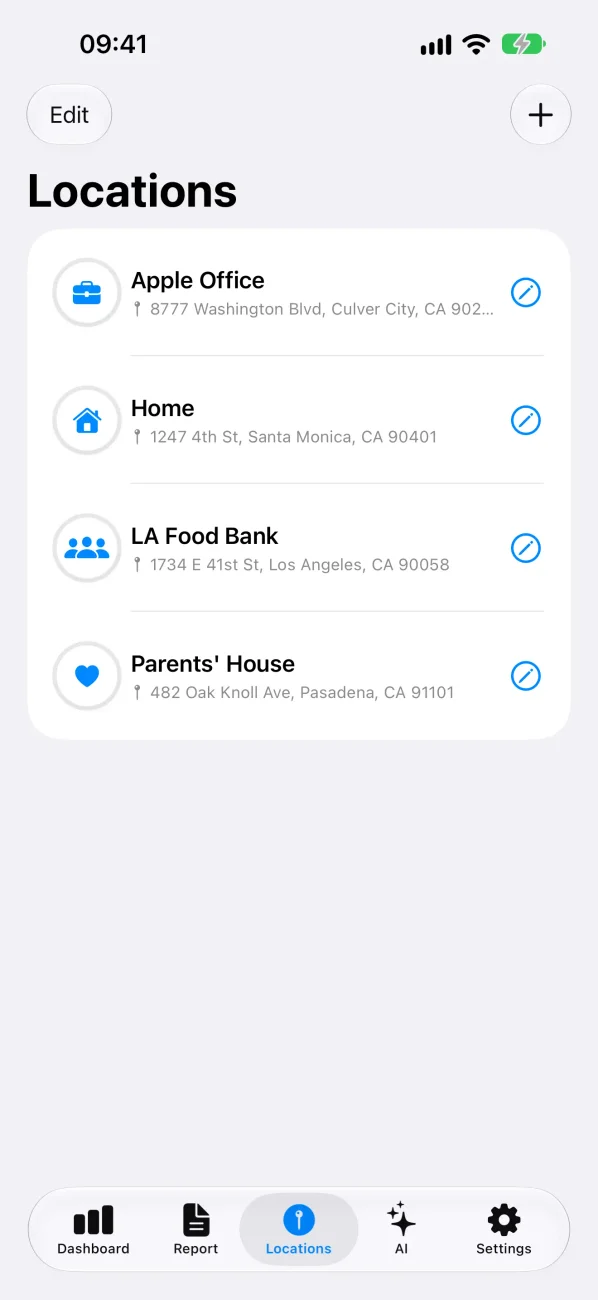
Set up your locations once — office, home, client sites, wherever matters — and forget about it. Time@Location detects every arrival and departure automatically using geofencing in the background. No tapping. No timers. No forgotten entries.
Automatic. Always.
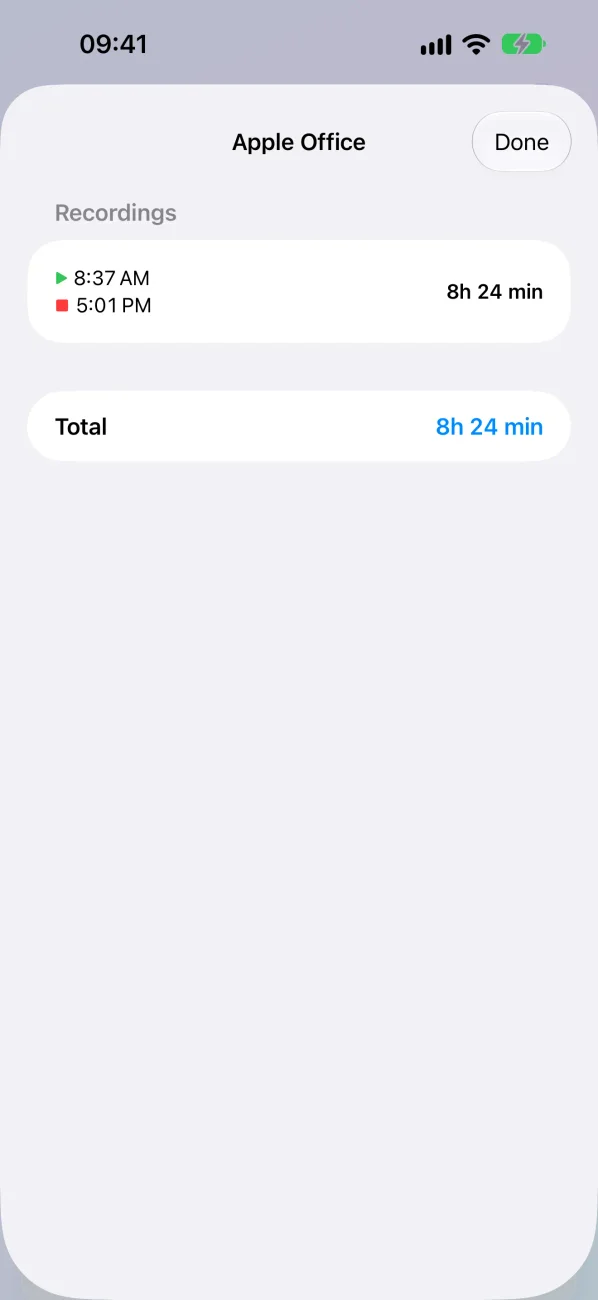
The app runs silently in the background 24/7, even when your phone is in standby. Arrival and departure times are recorded the moment they happen.
Mileage log without the hassle.
Connect to CarPlay and your drive starts recording automatically. Disconnect and it stops. Your route appears in the app instantly, complete with distance driven. GPX and KML export ready for tax and expense reports.
AI assistant for your data.
Ask questions about your own records: "How much time did I spend at the office this month?" or "Which week had the most drives?" — answered on-device from your real data.
Multiple devices, one dataset.
Optional iCloud sync keeps iPhone and iPad in sync automatically. Only one device records at a time — the other switches to view-only mode automatically.
Your data stays yours.
No account. No subscription. No sharing. All data remains in your iCloud account or exclusively on your device — your choice.
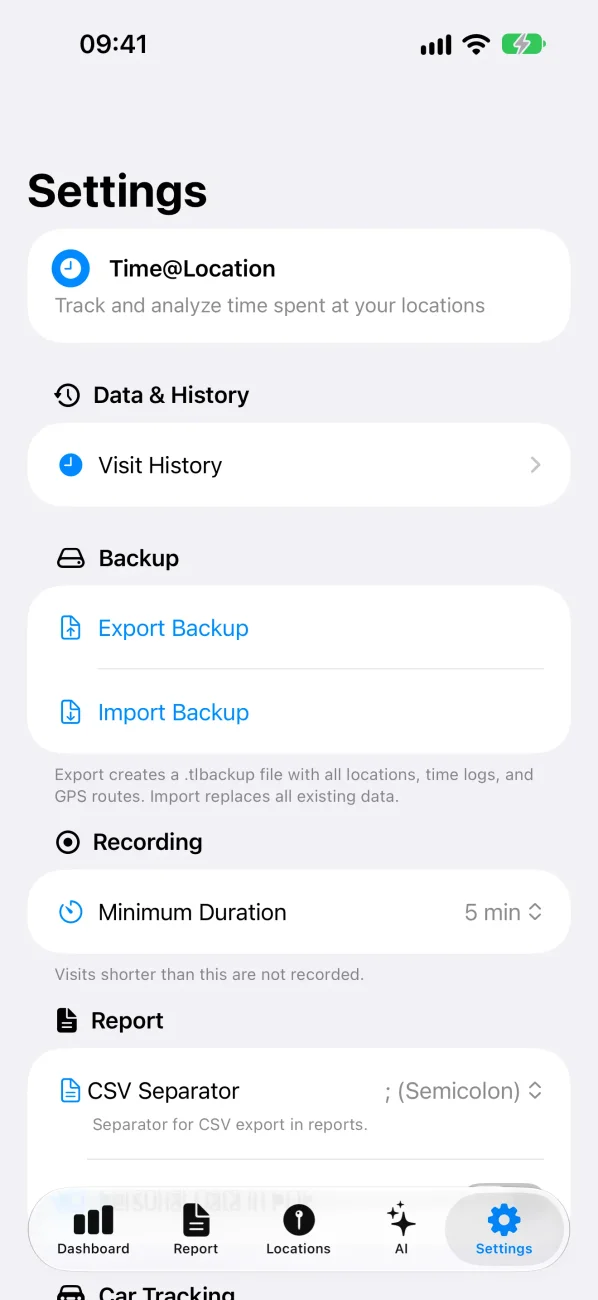
Export reports as PDF or CSV — ready for your tax advisor, employer, or your own records.
What’s new
Version 2.0.0 · Oct 31, 2026
• Completely new design: Liquid Glass cards, accent colors, a living Dashboard background and a hero map.
• Swipe sideways to switch between tabs – with a new floating Liquid Glass tab bar.
• New welcome tour and a calmer, faster first launch.
• Widgets for the Home Screen and Lock Screen, plus Live Activities for running visits and trips.
• CarPlay: new screen to start and stop car trips, with a fallback that works without Shortcuts.
• Hold a place on the Dashboard to start a recording, hold the running one to stop it.
• The AI tab is now optional – turn it on in Settings.
• Fix: visits that cross midnight or a month boundary are now counted correctly in every range.
• Fix: editing locations no longer freezes the app.
App privacy
What Robert Ortner declares on the App Store about how this app handles data.
-
Data not collected
The developer does not collect any data from this app.
Privacy practices may vary, for example with the features you use or your age.
Information
- Seller
- Robert Ortner
- Category
- Productivity
- Version
- 2.0.0
- Updated
- Oct 31, 2026
- Released
- May 8, 2025
- Size
- 10.3 MB
- Requires
- iOS 27.0 or later
- Age rating
- 4+
- Price
- $3.99
- Languages
- English, French, German, Portuguese, Simplified Chinese, Spanish
- Copyright
- © 2026 Robert Ortner / prjnet.com
You might also like
-
 HIKE.SH - Hike and Trail LogLog Every Hike & Summit
-
 Prompto Your AI prompt librarySave & organize AI prompts
-
 Intent - AI Meeting PrepSmart Calendar & Reflection
-
 FocusFlow – GentleA Gentle Way to Start Focusing
-
 Digital Ruler - Pocket MeasureProductivity
-
 Veura: Voice to TextAudio Recorder & Transcription
-
 LiberaGPT Offline Privacy AIFeatured on USAToday & AP News
-
 Diem – The Better To-Do ListProductivity
-
 Markdown Notes Editor: MarkdenPrivate Notes, Tasks & AI Chat
-
 Cortex - Local AIPrivate AI. No Cloud. Ever.