- 対象年齢4+
- カテゴリ仕事効率化
- 開発元JAN PAUL MAXIMILIAN KOLBERG
- 言語英語
- サイズ31.6 MB
App Storeの公式ページにリンクしています
Download.orgはTime Sheet Creatorのファイルを一切ホストしていません。ボタンを押すと、JAN PAUL MAXIMILIAN KOLBERGが公開しているApp Storeのアプリページが開きます。ページの最終確認:2026/11/17。
スクリーンショット

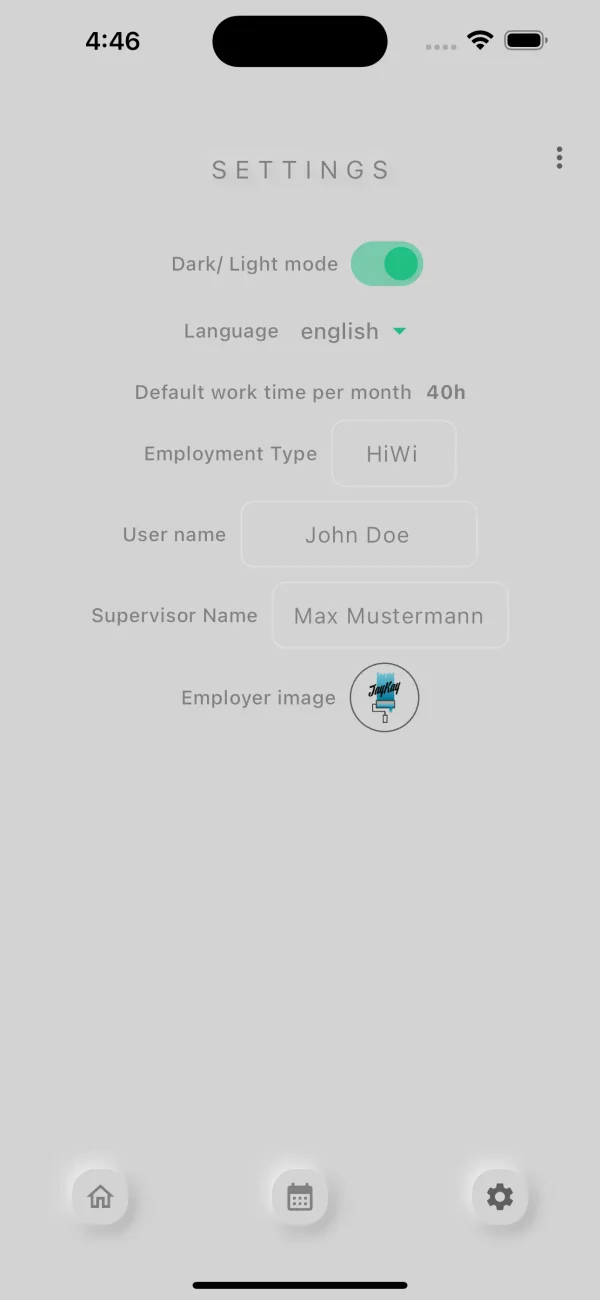
概要
開発元はこのテキストをお使いの言語で提供していません。
Time Sheet Creator should be as simple as possible.
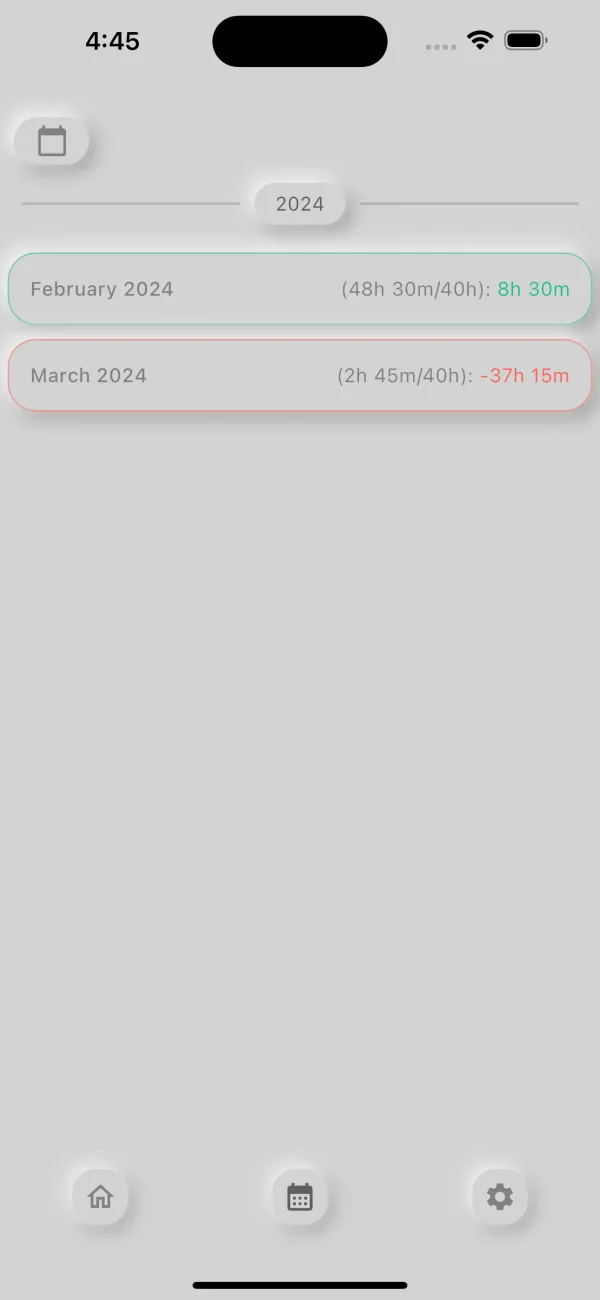
> Set the number of hours you work per month.
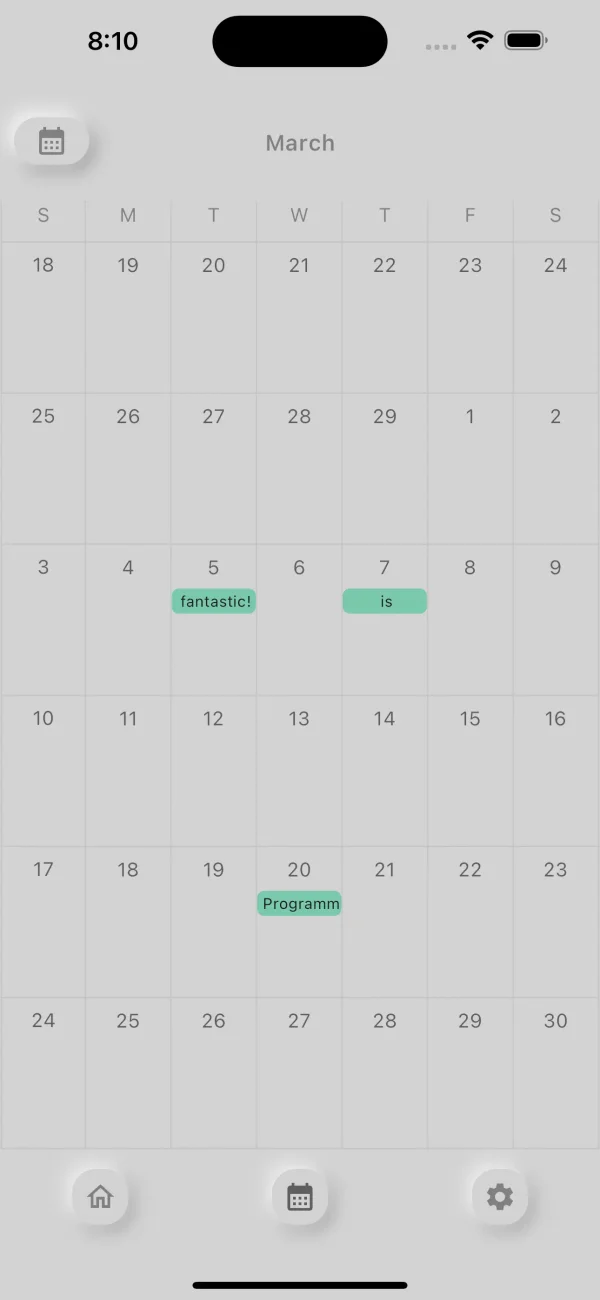
> Add the hours you work
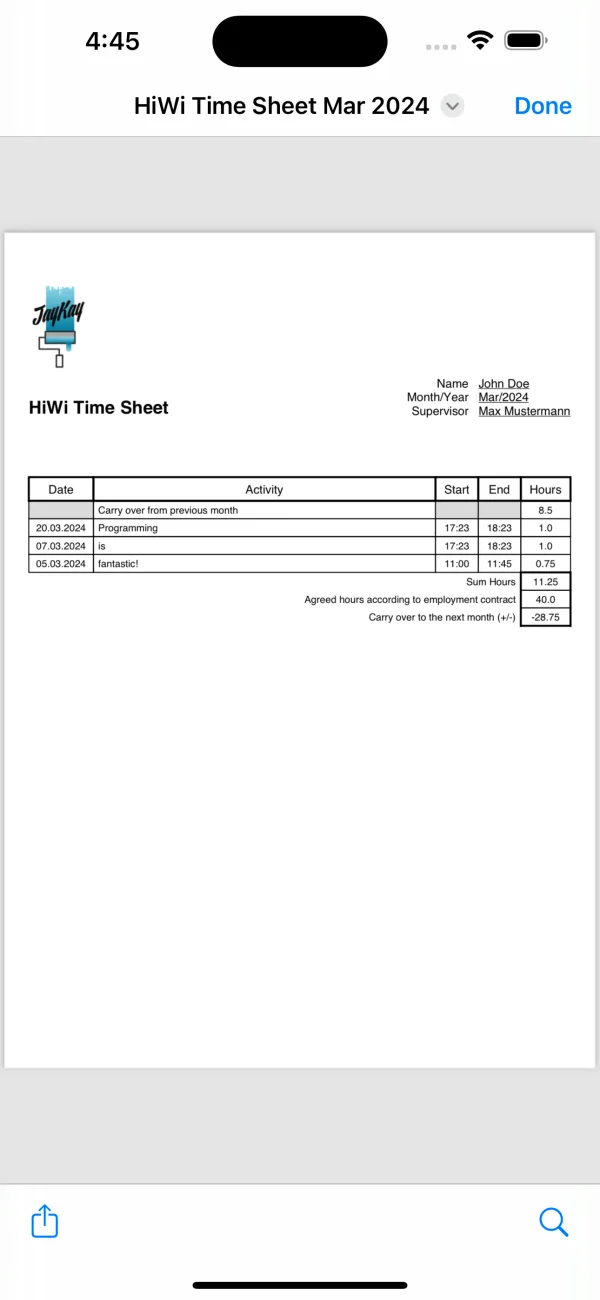
> Press a button and the timesheet is created.
You can send the created PDF file directly to your employer.
You no longer need to use complicated Excel spreadsheets to record your working hours.
All the data you enter in the app is saved locally.
No internet connection is required to use the app.
Your data will not be analysed or used in any way.
If you want to delete the locally stored data, simply uninstall the app and all your personal data is gone too.
Feedback of any kind is welcome as I am constantly trying to improve the app even further.
新機能
バージョン 3.0.0 · 2026/11/15
Version 3 is a big update - thanks for all your feedback!
• Breaks: every entry now has a break, and the app reminds you of the statutory minimum.
• Vacation and sick days: add absences, even several days at once; they are credited automatically.
• Public holidays for over 200 countries: choose your country and region in the contract: Holidays appear in the calendar and are credited with one tap. If your contract doesn't count them, just turn that off.
• Punch clock: start, break, stop and the entry is done.
• New colours: the app uses your system's colours.
• New design: as tidy as ever: Your hours and balance on top, every day below. Light and dark, with more contrast and raised surfaces as in version 1 (or flat, in the settings).
• Quick tour: six steps that show you where to find what (Settings › Quick tour).
• Signature: sign on the screen or use a photo: It goes straight into the timesheet, with the date.
• Better PDF: preview, print and share, with breaks and signature lines; plus CSV export.
• Exact balance: it is now calculated from all entries. If yours changes, the old version had miscounted after edits in past months.
アプリのプライバシー
このアプリのデータの取り扱いについて、JAN PAUL MAXIMILIAN KOLBERGがApp Storeで申告している内容です。
-
データの収集なし
開発元はこのアプリからデータを収集しません。
プライバシーの取り扱いは、ご利用の機能やお客様の年齢などに応じて異なる場合があります。
情報
- 販売元
- JAN PAUL MAXIMILIAN KOLBERG
- カテゴリ
- 仕事効率化
- バージョン
- 3.0.0
- 更新日
- 2026/11/15
- リリース
- 2024/2/12
- サイズ
- 31.6 MB
- 必要条件
- iOS 15.0以降
- 対象年齢
- 4+
- 価格
- 無料
- 言語
- 英語
- 著作権
- © Jan Kolberg
こちらもおすすめ
-
 Daily Timesheets仕事効率化
-
 OfficeTime Work & Time Tracker仕事効率化
-
 Timesheet IO - 工数管理&副業タイマー確定申告対応の請求時間管理
-
 Time Card Calculator-Timeclock仕事効率化
-
 WorkingHours: 作業時間記録時間管理・タイムシート出力
-
 Work Hours Tracker - Timesheet仕事効率化
-
 WorkTime: シフト勤務カレンダー仕事のスケジュール・時間管理
-
 労働時間あなたの仕事を計算して保存する
-
 Clockify Time Tracker仕事効率化
-
 ATracker - デイリータスクトラッキング時間管理・毎日の習慣・目標・ルーチン