- Age rating4+
- CategoryProductivity
- DeveloperJAN PAUL MAXIMILIAN KOLBERG
- LanguagesEnglish
- Size31.6 MB
Links to the official App Store page
Download.org hosts no file of Time Sheet Creator. The button opens its official App Store page, published by JAN PAUL MAXIMILIAN KOLBERG. Listing last checked on Nov 17, 2026.
Screenshots
About
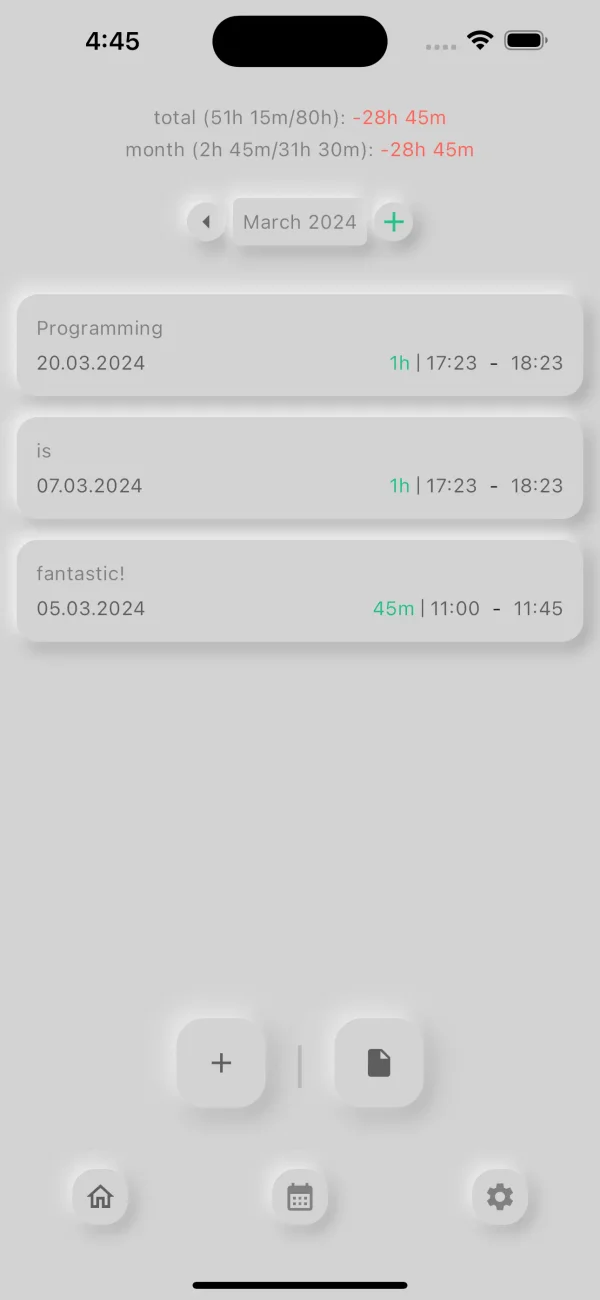
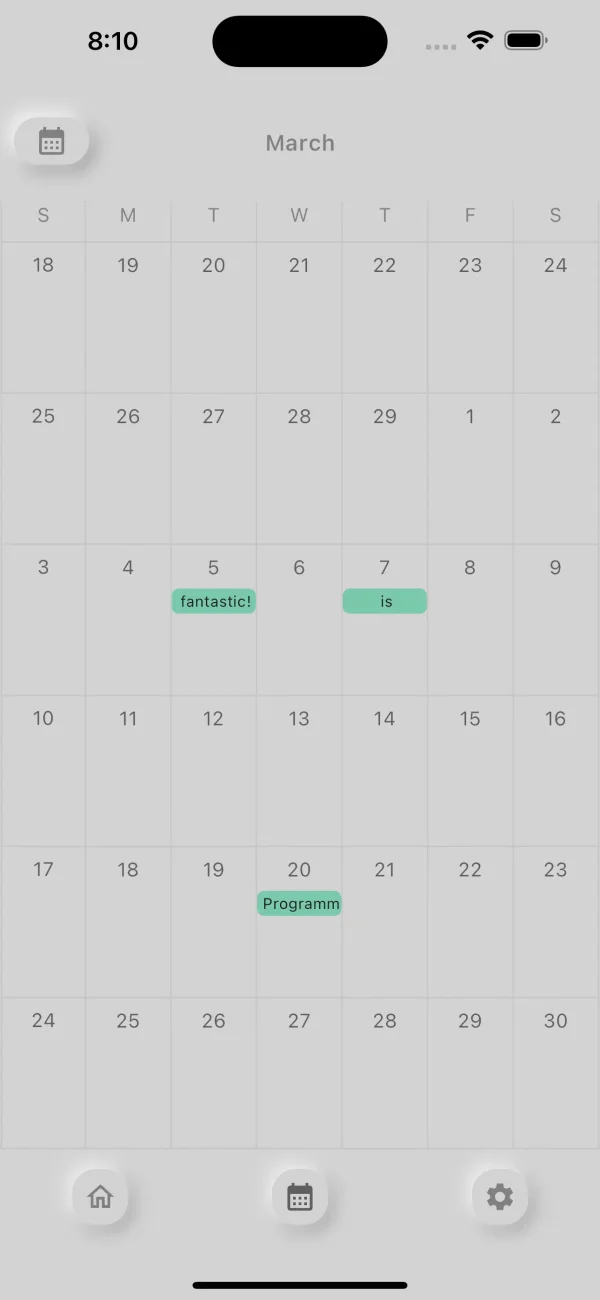
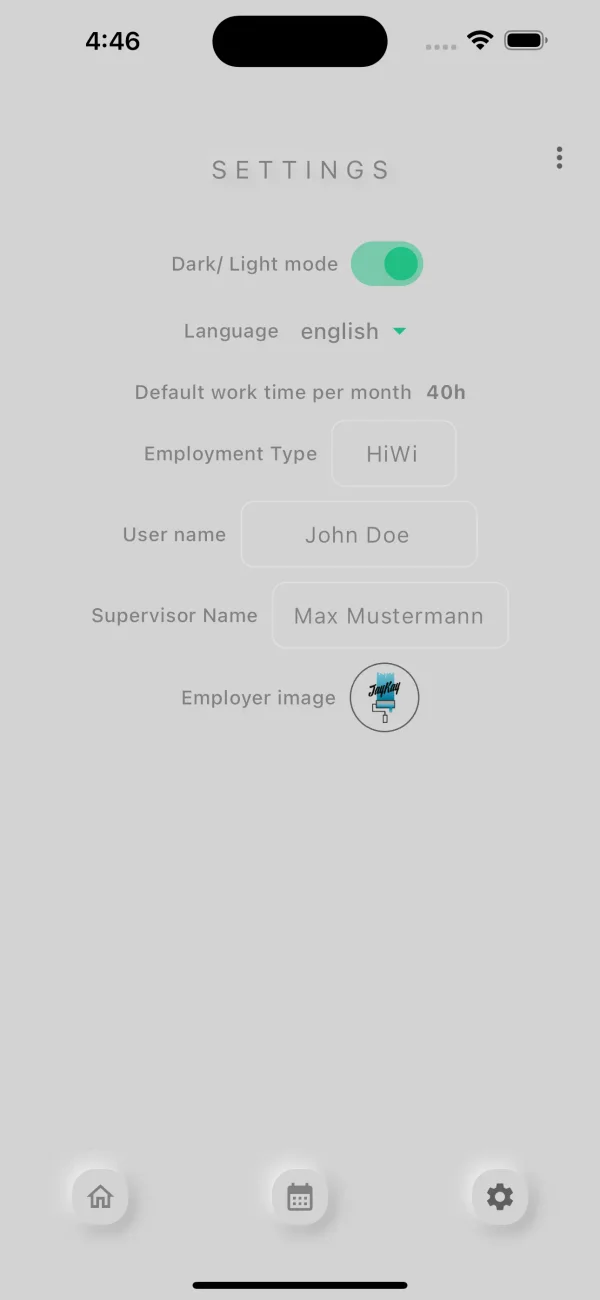
Time Sheet Creator should be as simple as possible.
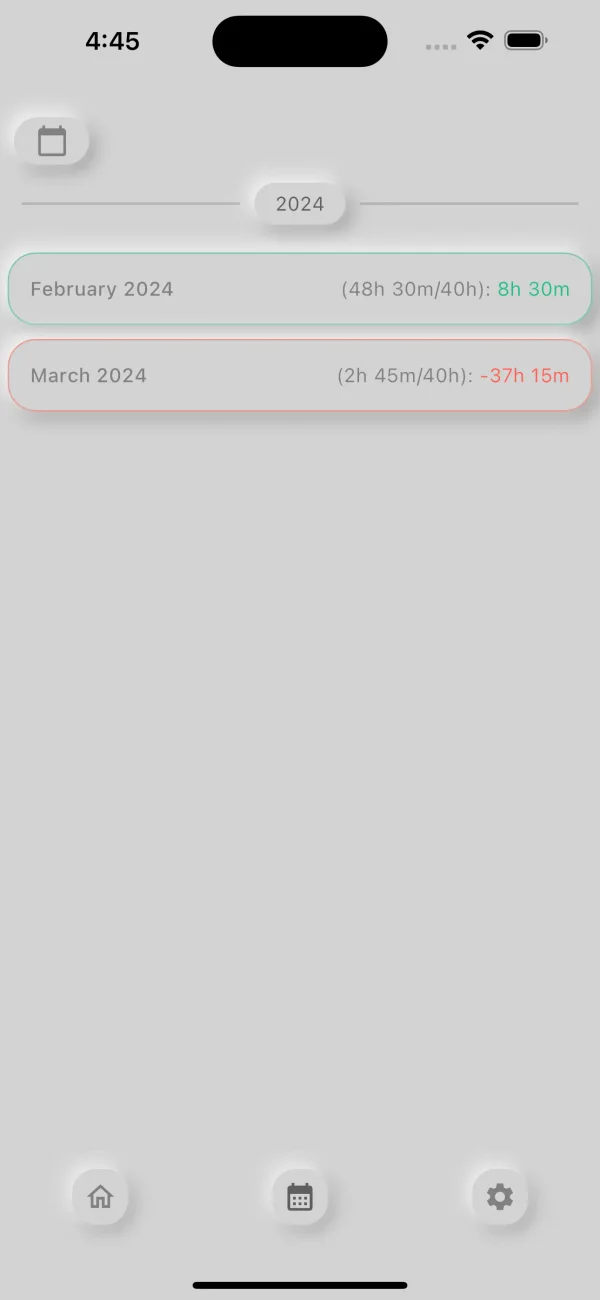
> Set the number of hours you work per month.
> Add the hours you work
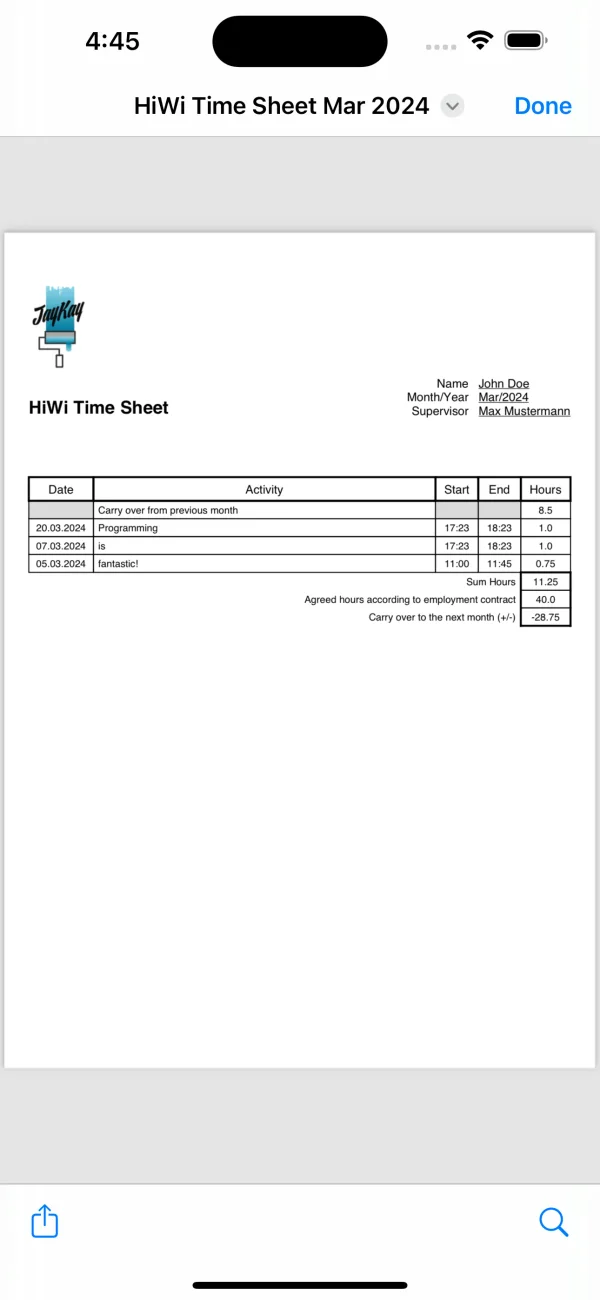
> Press a button and the timesheet is created.
You can send the created PDF file directly to your employer.
You no longer need to use complicated Excel spreadsheets to record your working hours.
All the data you enter in the app is saved locally.
No internet connection is required to use the app.
Your data will not be analysed or used in any way.
If you want to delete the locally stored data, simply uninstall the app and all your personal data is gone too.
Feedback of any kind is welcome as I am constantly trying to improve the app even further.
What’s new
Version 3.0.0 · Nov 15, 2026
Version 3 is a big update - thanks for all your feedback!
• Breaks: every entry now has a break, and the app reminds you of the statutory minimum.
• Vacation and sick days: add absences, even several days at once; they are credited automatically.
• Public holidays for over 200 countries: choose your country and region in the contract: Holidays appear in the calendar and are credited with one tap. If your contract doesn't count them, just turn that off.
• Punch clock: start, break, stop and the entry is done.
• New colours: the app uses your system's colours.
• New design: as tidy as ever: Your hours and balance on top, every day below. Light and dark, with more contrast and raised surfaces as in version 1 (or flat, in the settings).
• Quick tour: six steps that show you where to find what (Settings › Quick tour).
• Signature: sign on the screen or use a photo: It goes straight into the timesheet, with the date.
• Better PDF: preview, print and share, with breaks and signature lines; plus CSV export.
• Exact balance: it is now calculated from all entries. If yours changes, the old version had miscounted after edits in past months.
App privacy
What JAN PAUL MAXIMILIAN KOLBERG declares on the App Store about how this app handles data.
-
Data not collected
The developer does not collect any data from this app.
Privacy practices may vary, for example with the features you use or your age.
Information
- Seller
- JAN PAUL MAXIMILIAN KOLBERG
- Category
- Productivity
- Version
- 3.0.0
- Updated
- Nov 15, 2026
- Released
- Feb 12, 2024
- Size
- 31.6 MB
- Requires
- iOS 15.0 or later
- Age rating
- 4+
- Price
- Free
- Languages
- English
- Copyright
- © Jan Kolberg
You might also like
-
 Daily TimesheetsSend your timesheets via email
-
 OfficeTime Work & Time TrackerEasily Track Your Hours
-
 Timesheet IO - Time TrackerBillable hours & timesheets
-
 Time Card Calculator-TimeclockCalculate Paycheck Punch Hours
-
 WorkingHours • Time TrackerWork Log & Timesheet Export
-
 Work Hours Tracker - TimesheetShifts & Payroll calculator
-
 WorkTime: Shift Work CalendarJob schedule & hours tracker
-
 WorkTime: Hours Tracker LogTrack work time & salary
-
 Clockify Time TrackerTime tracker and timesheet
-
 ATracker Time TrackerDaily Task Habit Goal Routine