- 対象年齢4+
- カテゴリビジネス
- 開発元LIT SOFTWARE, LLC
- 言語英語
- サイズ45.9 MB
App Storeの公式ページにリンクしています
Download.orgはTimelinePad - Create Timelinesのファイルを一切ホストしていません。ボタンを押すと、LIT SOFTWARE, LLCが公開しているApp Storeのアプリページが開きます。ページの最終確認:2026/11/25。
スクリーンショット
概要
開発元はこのテキストをお使いの言語で提供していません。
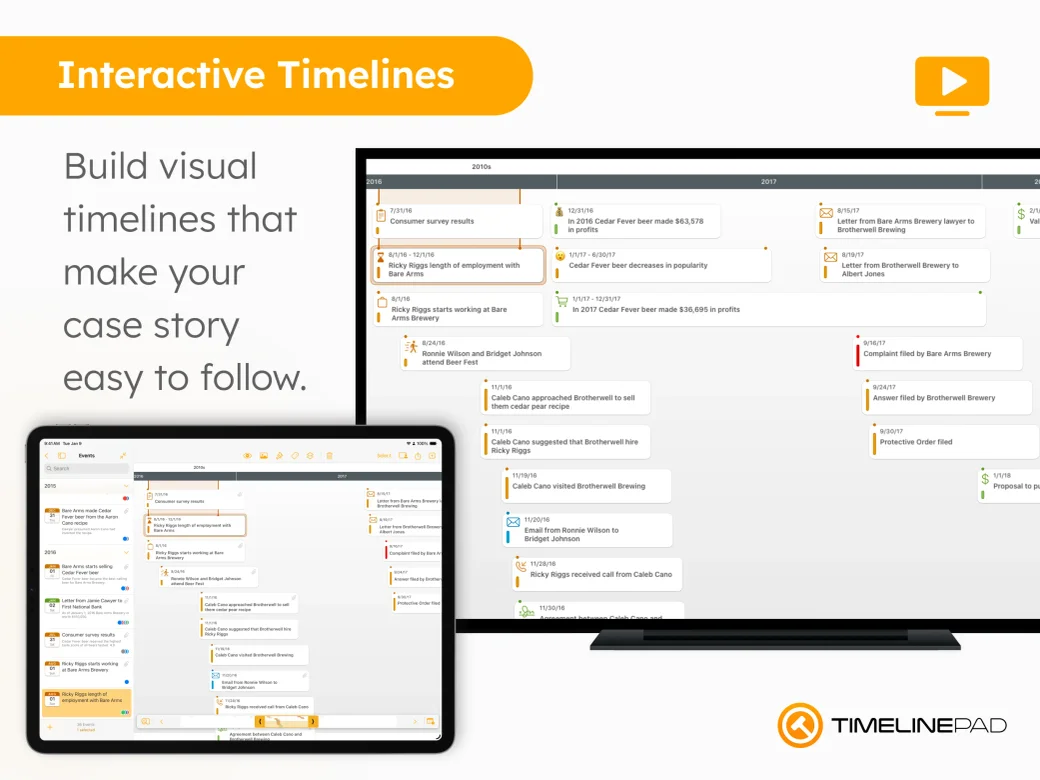
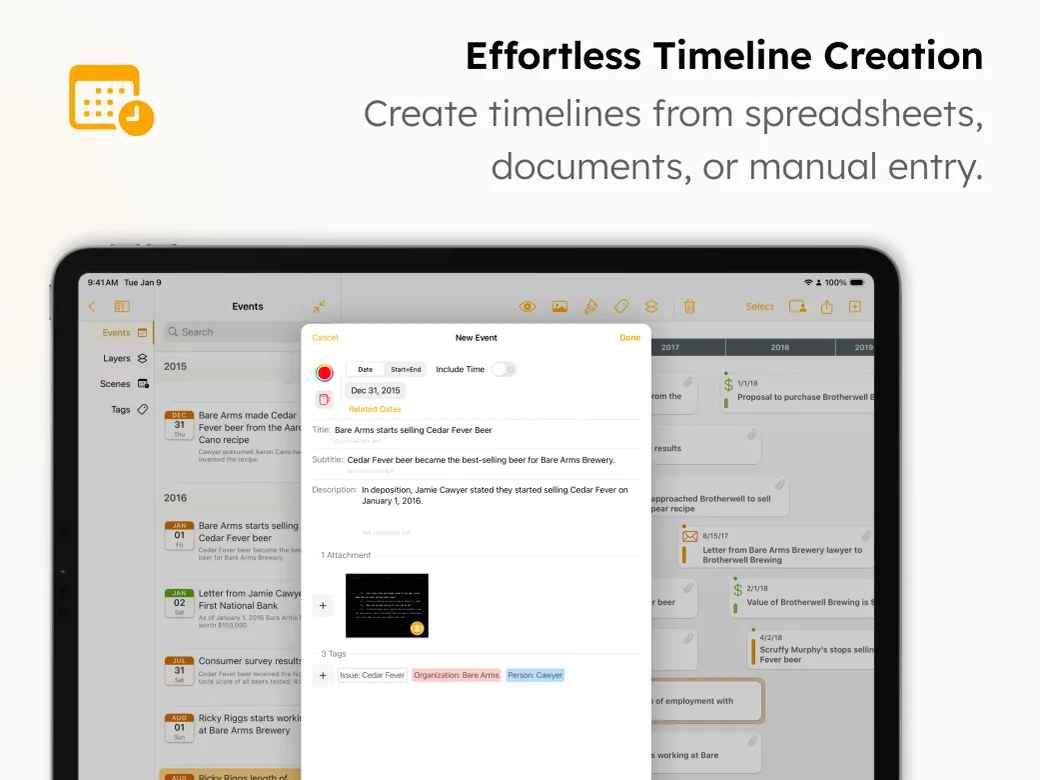
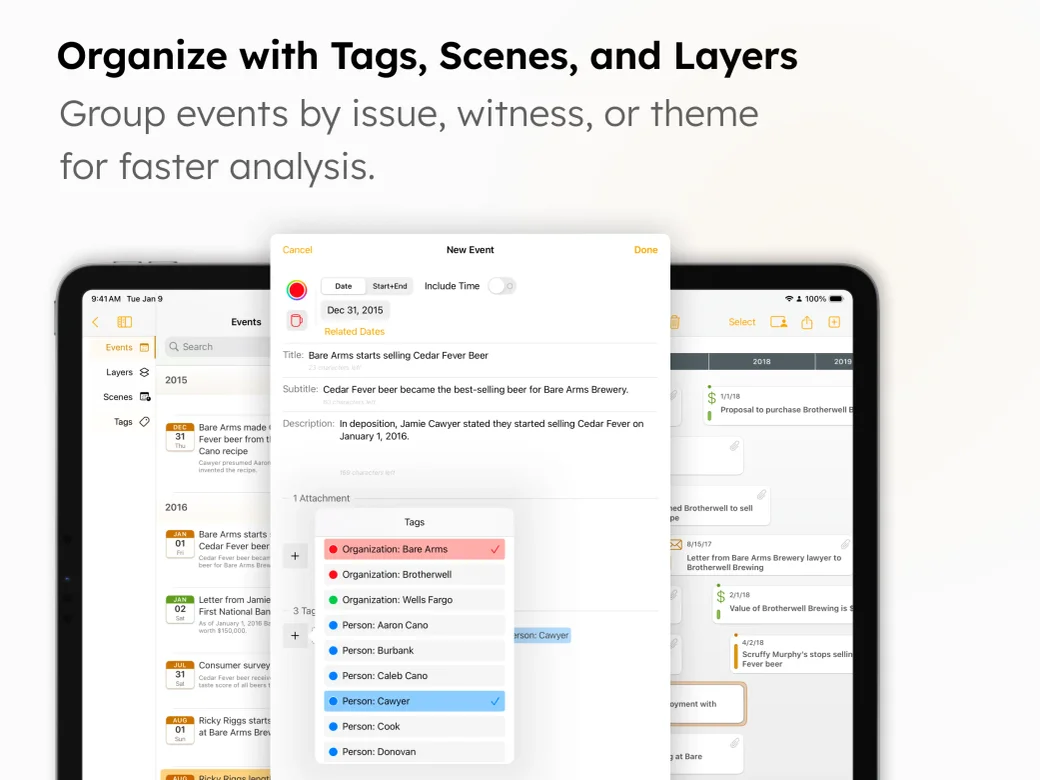
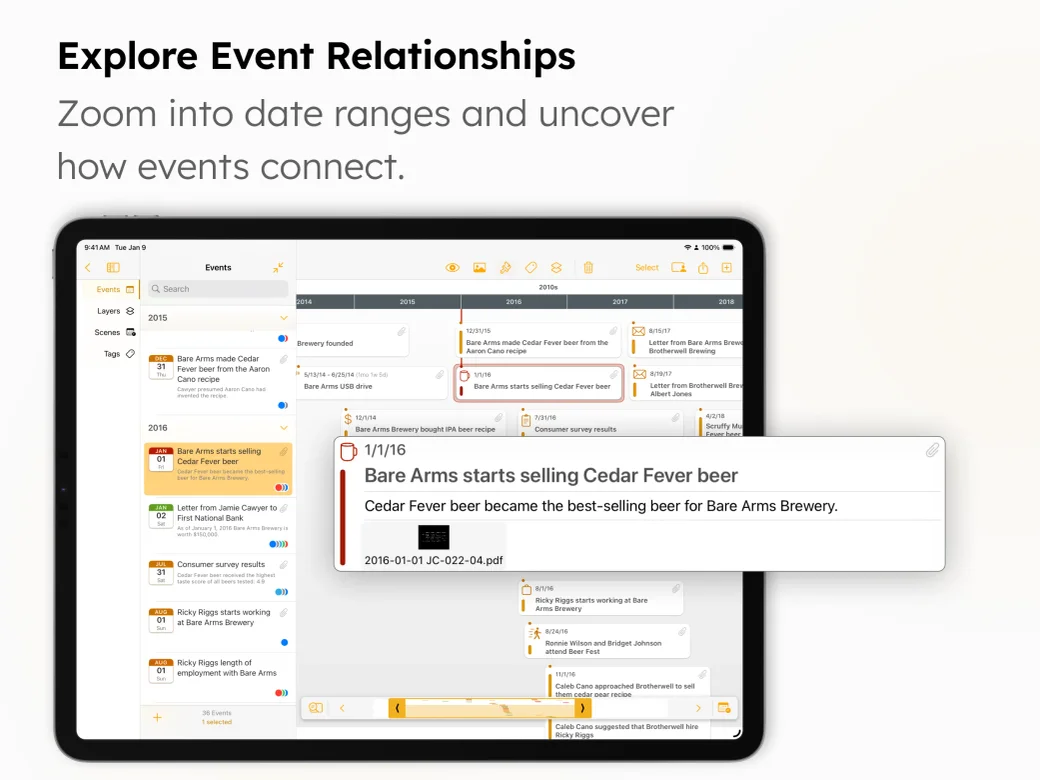
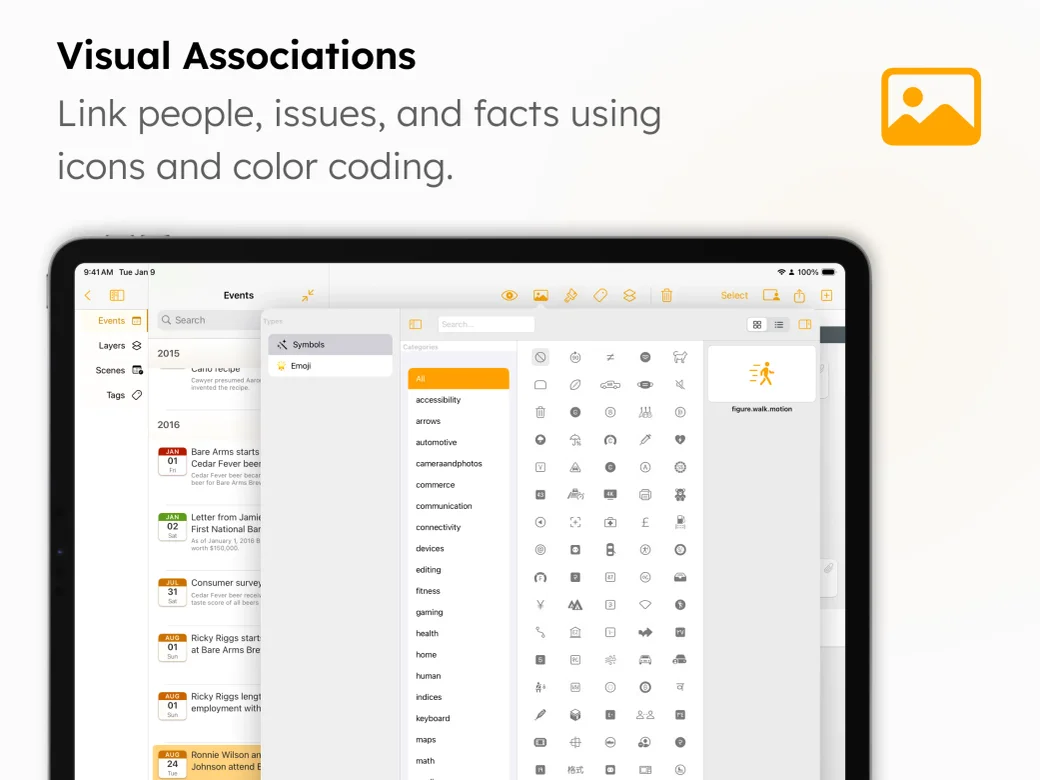
TimelinePad creates beautiful interactive timelines of events that allow lawyers and support staff to wirelessly present chronologies in a courtroom or remote setting. Create events individually or import events in bulk from an Excel spreadsheet to instantly create a timeline. Link people, issues, and facts to events, add icons and colors for visual clarity, assign tags to organize and group events, create scenes to recall moments in time, and much more.
TimelinePad can integrate with your Windows workflow, is powerful, easy to use, and a fraction of the cost of traditional or cloud-based programs, all while being secure, private, mobile, and efficient.
LIT SOFTWARE has set the bar for developing the best in litigation apps, garnering awards for innovation and ease of use. Our apps have been featured by Apple, and are loved by lawyers.
—— LIT SUITE REVIEWS ——
“The short review. Wow.”
“This app can do things I’ve previously had to do on a desktop, but much easier and faster.”
“Super way to review documents quickly.”
“Generates professional reports with all the bates numbers listed, and exports to TrialPad into folders named for the issue code. Extremely useful.”
“Helps me keep documents organized, bates stamps them, and create issue codes, which can then be generated into an easy-to-read report.”
“Initial document analysis on iPad is fresh and fast, and frankly is a big winner.”
“These are incredibly sophisticated and useful apps that are in many ways more powerful than PC software costing hundreds of dollars more.”
—— QUICK FEATURE SUMMARY ——
• Full electronic timeline presentation capability, no cloud connection needed
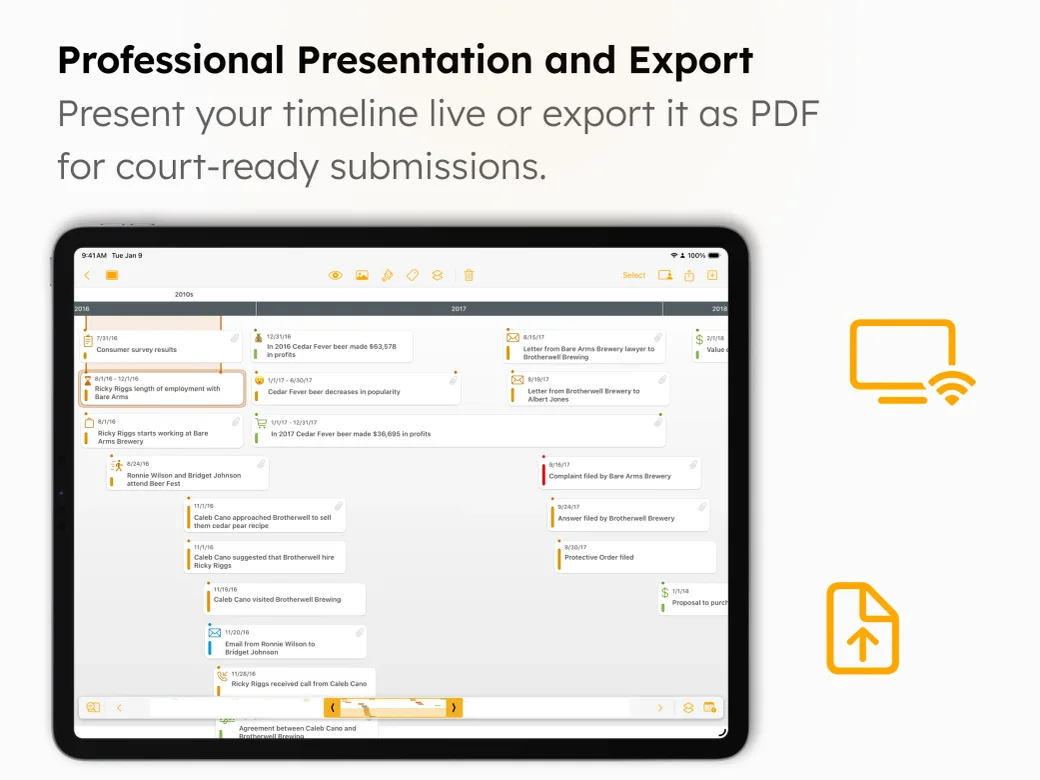
• Present via HDMI to a TV or projector, or present wirelessly using an Apple TV
• Step through individual events with simple taps to present your story like a slideshow
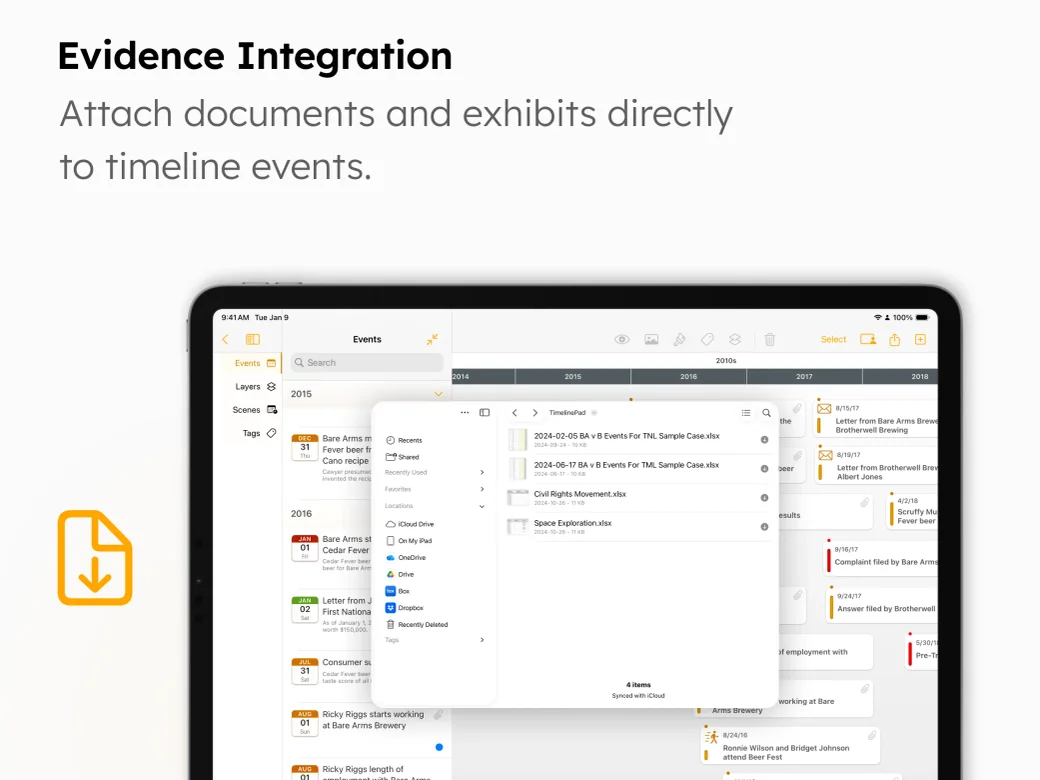
• Easily import an Excel file with all your events to instantly create a beautiful interactive timeline
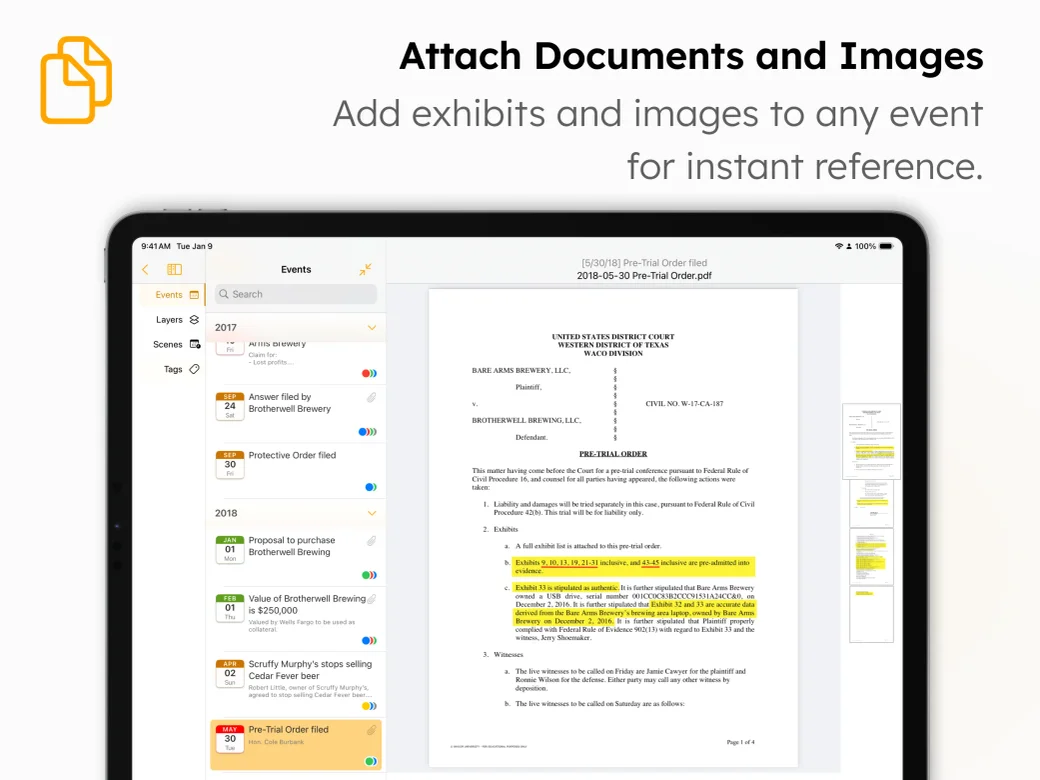
• Drag and drop a document onto the timeline to automatically create an event with an attachment
• Customize timeline events with colors, symbols, and emoji
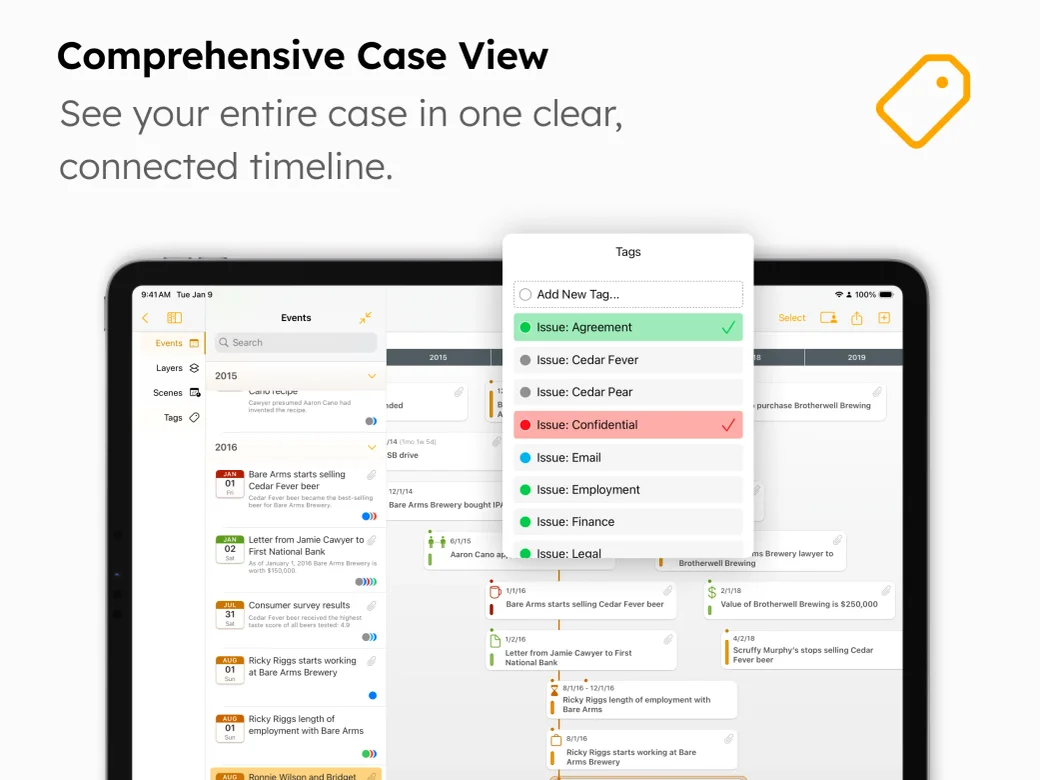
• Organize and group events by assigning custom tags
• Save scenes to group events in a particular timeframe
• Create layers to show and hide groups of events (e.g. all emails)
• Multi-select events to easily assign colors, symbols, or tags in bulk
• Use intuitive touch gestures to edit your timeline and events
• Attach supporting files to events to display them in context
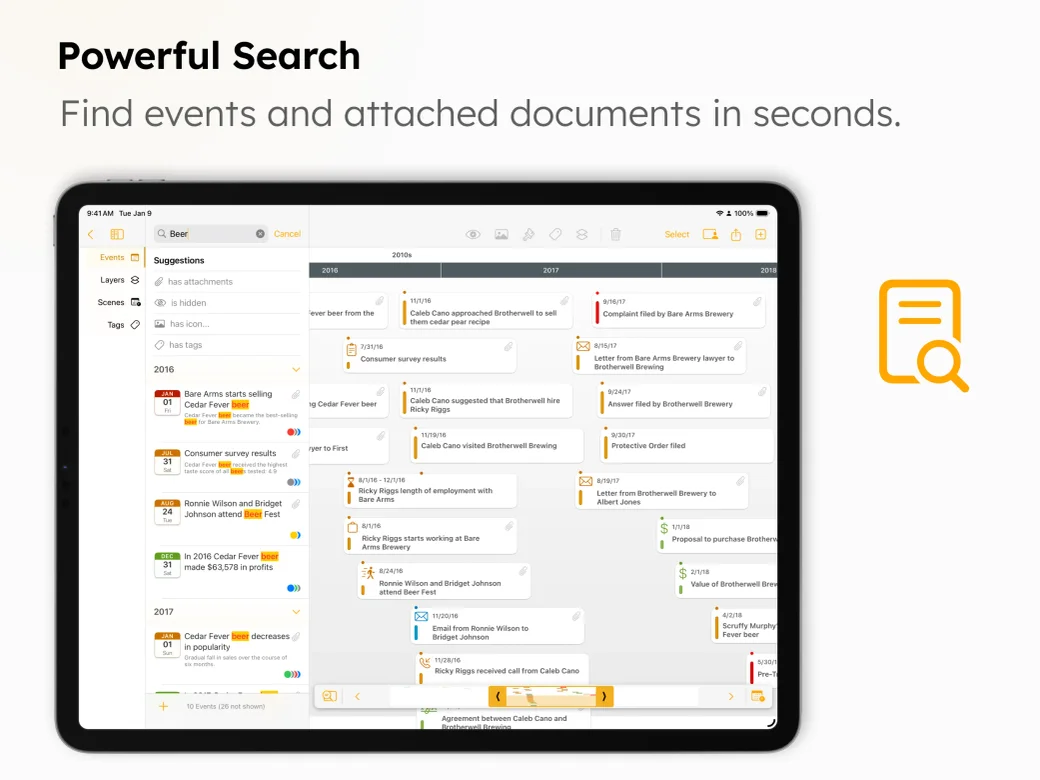
• Search for events by name, description, tags, or attachments
• Filter events to show only those with attachments, are hidden, have selected icons, or have tags
• Export editable Excel file of your events to share with opposing counsel or judge
• Export a PDF file of your timeline to print or share via email
• Import files directly from a USB drive, or cloud storage providers like Box, Citrix Files, Dropbox, Google Drive, Microsoft OneDrive, and many more
• Share entire case files with other users using cloud storage or a USB drive
• File formats supported: PDF, JPG, PNG, TIF, video and audio
• Available for iPad and Mac
—— EASILY CREATE AND PRESENT TIMELINES ——
Instantly import hundreds of events with their date, time, and description from an Excel file, or add events individually. Then plug-and-play via HDMI to present to a projector or TV, or present wirelessly using an Apple TV.
Create beautiful timelines by importing events from a spreadsheet, customizing the look and feel with colors and icons, organizing by tags and layers. Share your entire timeline as a PDF or Excel file, or present your story as an interactive slideshow.
LIT SUITE SUBSCRIPTION
One subscription gives you access to all LIT SUITE apps on iPhone, iPad, and Mac. After your 7-day free trial, your App Store account will be charged and your subscription will renew automatically unless canceled in advance. Manage your subscription in your App Store account settings.
新機能
バージョン 26.10.1 · 2026/9/23
• NEW / IMPROVED
– Ongoing performance and usability improvements.
• FIXED
– Fixed an issue where the app could unexpectedly close when deleting events or returning to the home page, including in timelines with attachments or a large number of events.
– Fixed an issue where the app could unexpectedly close when creating a new Case File on iPadOS 27.
– Additional bug fixes and stability improvements.
Please let us know if you encounter an issue or have other feedback. We value your feedback as it helps us address issues, refine features, and update documentation.
– Visit our Help Center: https://support.litsoftware.com
– Email Support: support@litsoftware.com
– Learn Online with LIT SUITE Academy: https://learn.litsoftware.com
アプリのプライバシー
このアプリのデータの取り扱いについて、LIT SOFTWARE, LLCがApp Storeで申告している内容です。
-
ユーザーに関連付けられたデータ
収集され、ユーザーの識別情報に関連付けられる場合があります。
- 連絡先情報
- ID
-
ユーザーに関連付けられないデータ
収集される場合がありますが、ユーザーの識別情報には関連付けられません。
- 使用状況データ
- 診断
プライバシーの取り扱いは、ご利用の機能やお客様の年齢などに応じて異なる場合があります。
情報
- 販売元
- LIT SOFTWARE, LLC
- カテゴリ
- ビジネス
- バージョン
- 26.10.1
- 更新日
- 2026/9/23
- リリース
- 2025/2/7
- サイズ
- 45.9 MB
- 必要条件
- iOS 26.0以降
- 対象年齢
- 4+
- 価格
- 無料
- アプリ内課金
- あり
- 言語
- 英語
- 著作権
- © 2010-2026 LIT SOFTWARE, LLC