- 対象年齢4+
- カテゴリ仕事効率化
- 開発元James Dassoulas
- 言語英語ほか4言語
- サイズ59.4 MB
App Storeの公式ページにリンクしています
Download.orgはTiny Docs: PDF Editorのファイルを一切ホストしていません。ボタンを押すと、James Dassoulasが公開しているApp Storeのアプリページが開きます。ページの最終確認:2026/11/18。
スクリーンショット
概要
開発元はこのテキストをお使いの言語で提供していません。
Tiny Docs is a fast, well-designed PDF editor built for everyday work. View, annotate, sign, merge, split, and compress your documents in just a couple of taps.
Thoughtfully designed to be the best PDF viewer for iOS and iPad OS.
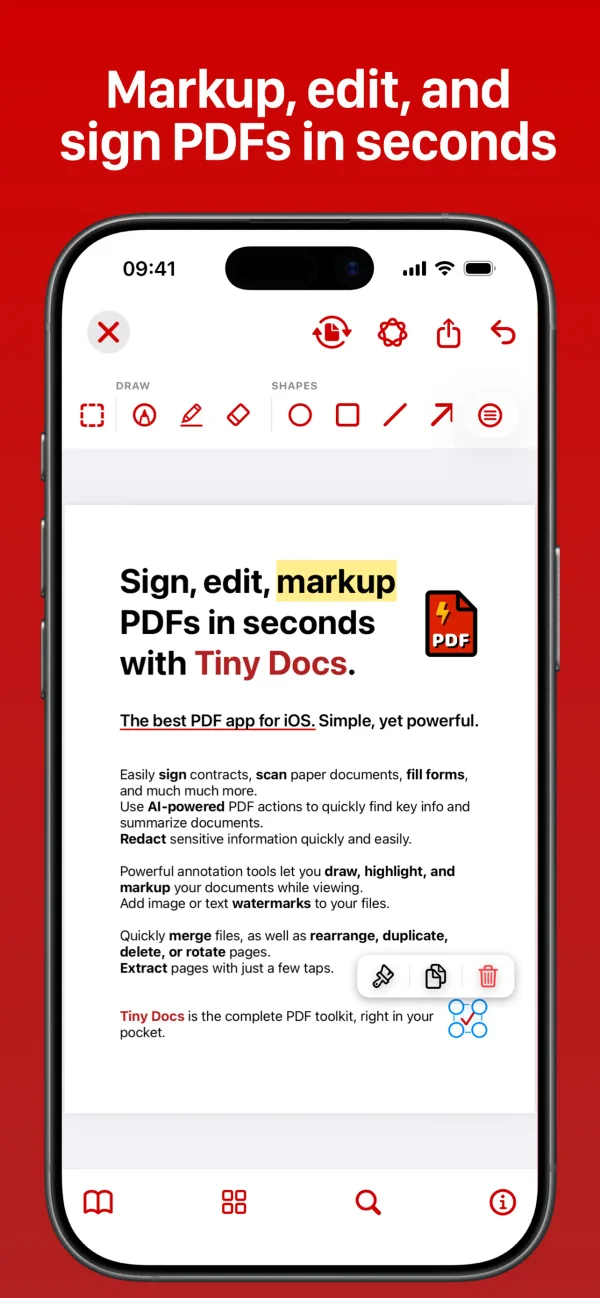
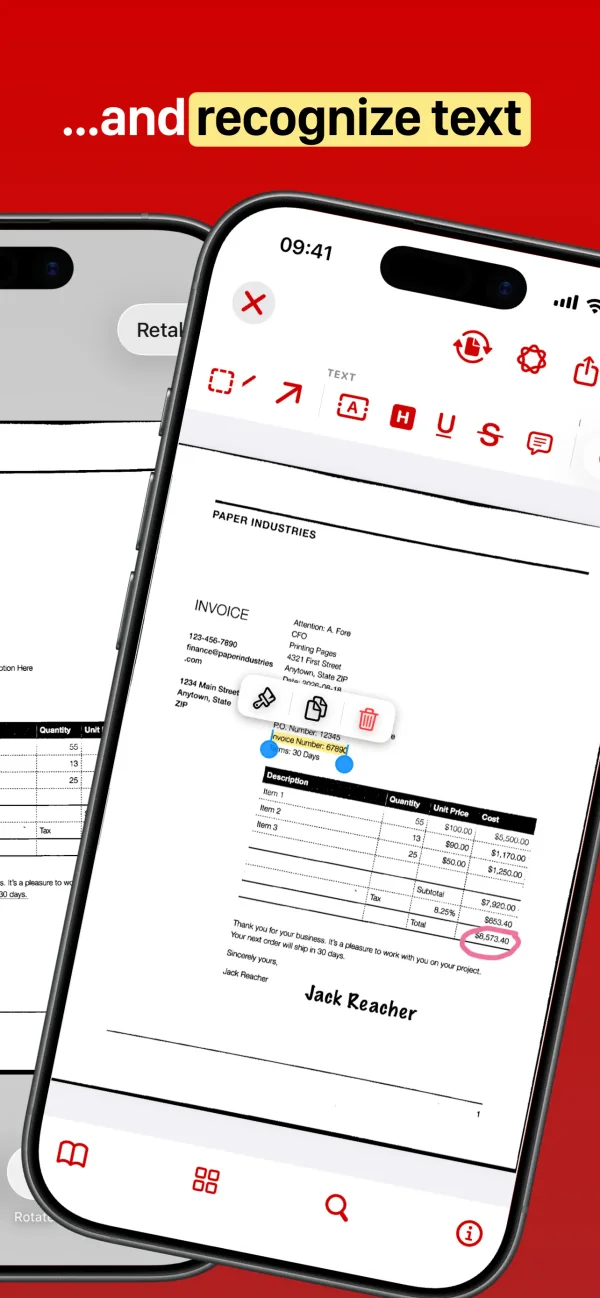
Mark up documents with a full set of annotation tools: highlight, underline, add notes, draw, and sign directly on the page. Combine multiple files into one, split a document into parts, or shrink file sizes for easy sharing.
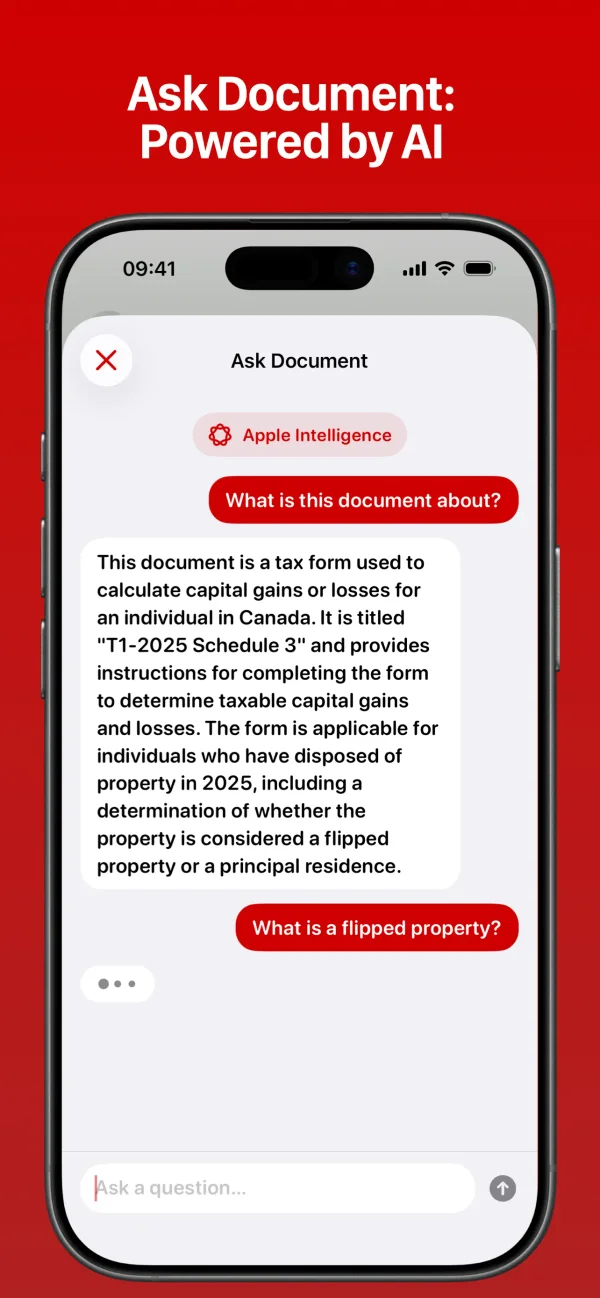
Tiny Docs also brings AI into your workflow when you need it. AI Summarise gives you an instant overview of any document. Ask Document lets you ask a question and get an answer pulled straight from the file, without scrolling through pages to find it. Extract Key Info automatically surfaces the names, dates, and numbers that matter most.
Whether you're reviewing contracts, marking up lecture notes, or clearing out a backlog of scanned paperwork, Tiny Docs keeps things simple and gets you through your documents faster.
Tiny Docs is the best PDF toolkit in your pocket.
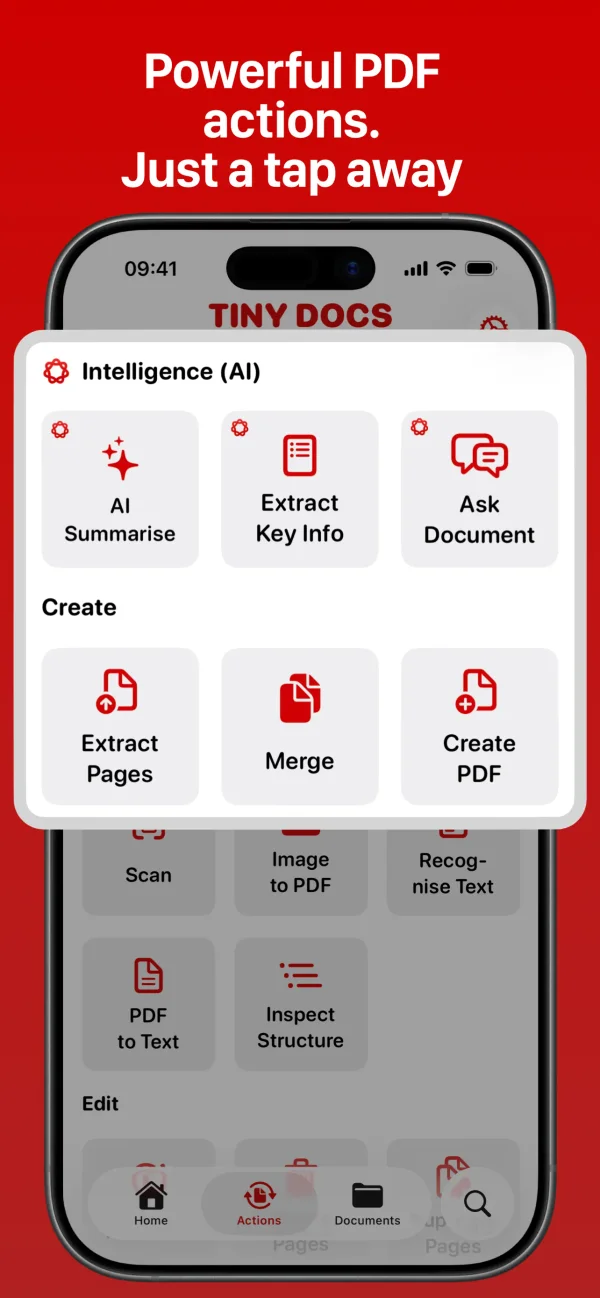
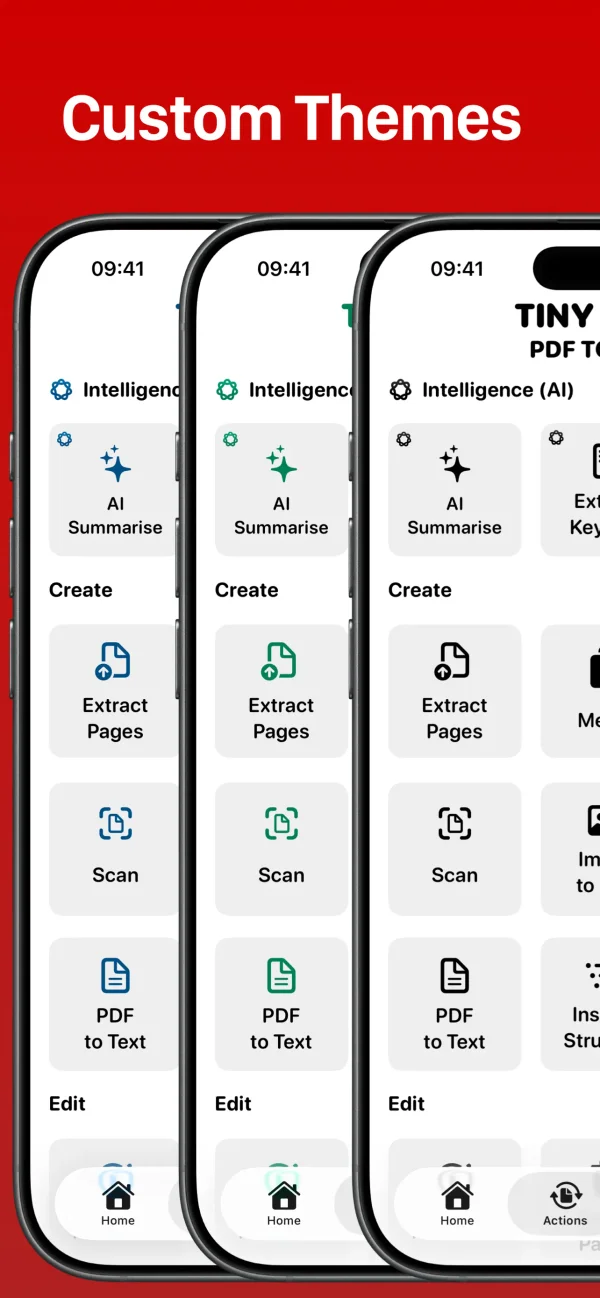
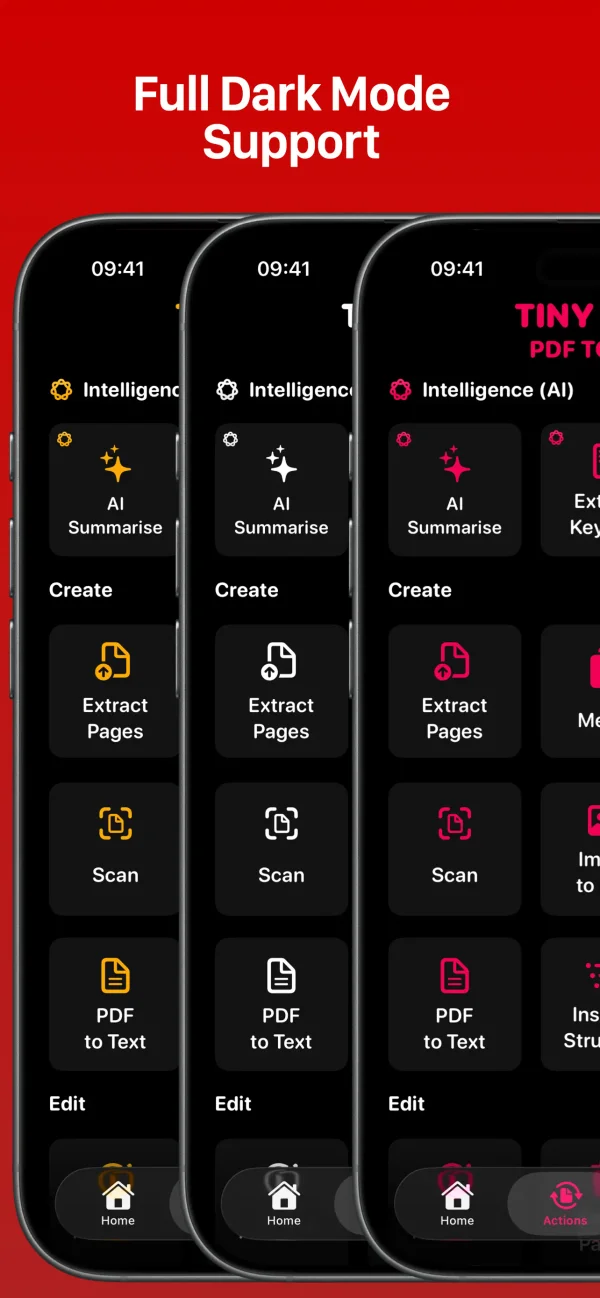
INTELLIGENCE (AI)
• Summarise — Summarise a PDF with AI
• Extract Key Info — Pull out dates, names, and key facts from a document using AI
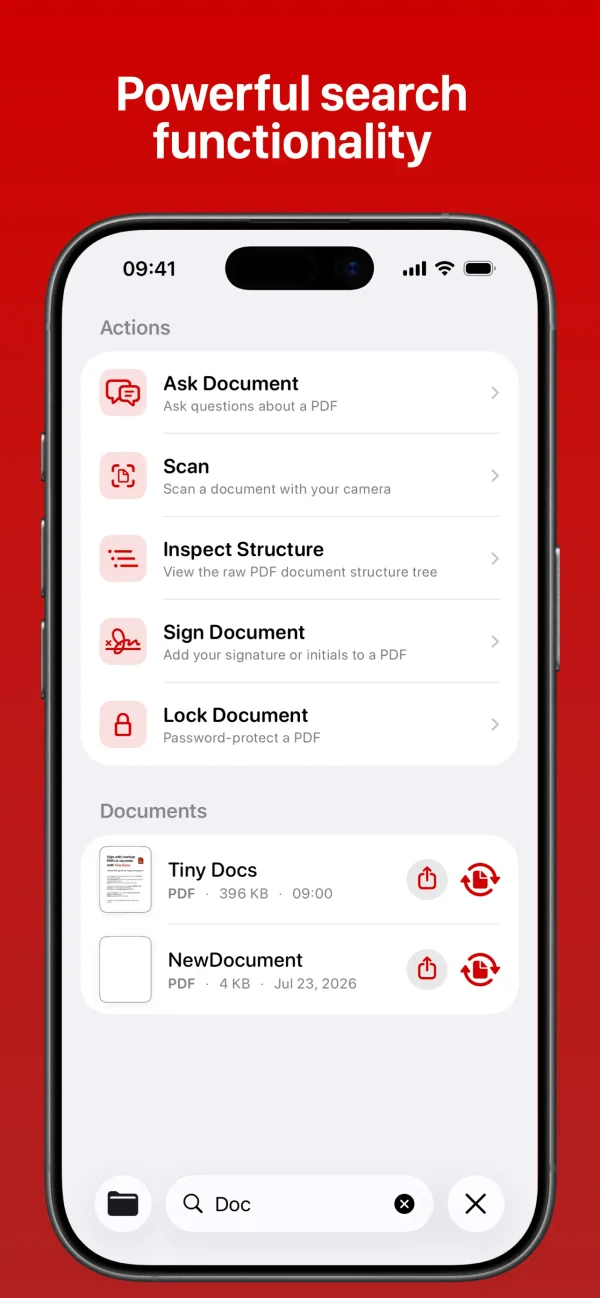
• Ask Document — Ask questions about a PDF and get answers powered by AI
CREATE
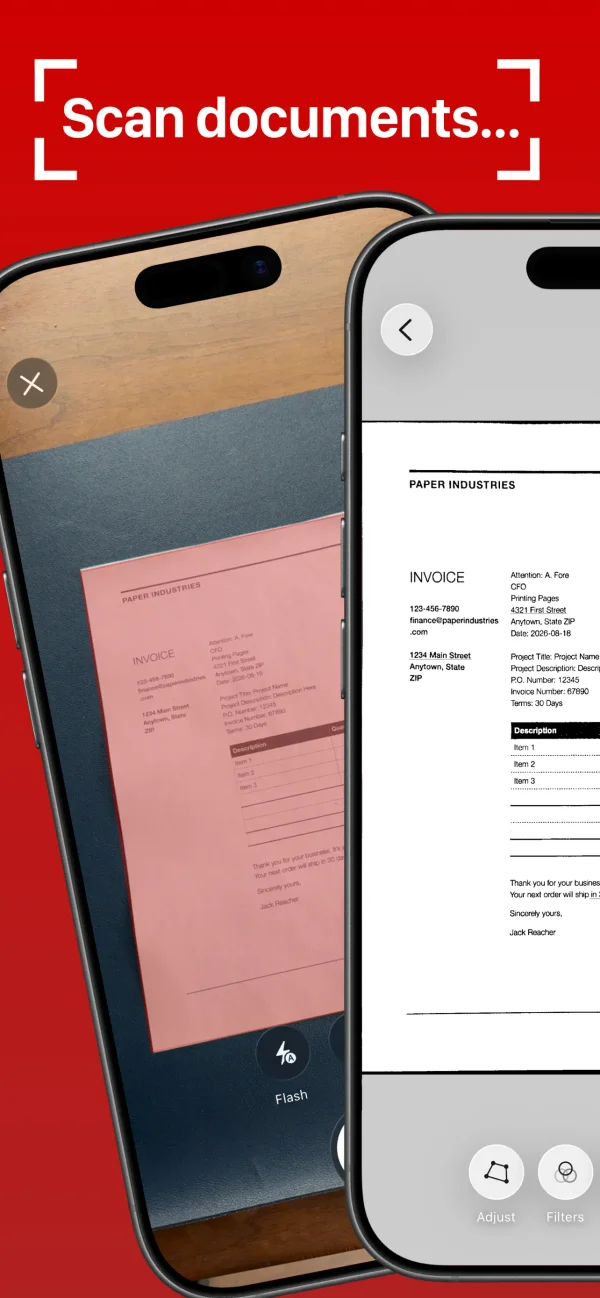
• Scan — Scan a document with your camera and save it as a PDF instantly.
• Recognise Text (OCR) — Extract searchable text from a scanned PDF using optical character recognition.
• Image to PDF — Convert one or more photos into a single PDF document.
• Create PDF — Build a PDF from scratch by adding blank pages. Plain | Lined | Isometric | Graph
• Merge — Combine multiple PDFs into one seamless document.
• Extract Pages — Pull specific pages out of a PDF and save them as a new file, or as individual files.
• PDF to Text — Export the text content of a PDF as a plain .txt file.
• Inspect Structure — View the raw PDF document structure tree.
EDIT
• Watermark — Add images or text as watermarks to your documents.
• Page Numbers — Add custom page numbers to a PDF.
• Delete Pages — Remove unwanted pages from a PDF.
• Duplicate Pages — Copy pages within a PDF.
• Rearrange Pages — Drag and drop to reorder the pages of a PDF.
• Rotate Pages — Rotate one or more pages to the correct orientation.
• Reverse Pages — Flip the entire page order of a PDF in one tap.
• Compress — Reduce the file size of a PDF while preserving quality.
• Flatten — Burn annotations and form fields permanently into the PDF.
• Edit Metadata — Edit the title, author, and subject of a PDF document.
• Add Blank Pages — Insert blank pages anywhere in a PDF.
• Resize Pages — Scale pages to a different standard paper size.
SECURITY
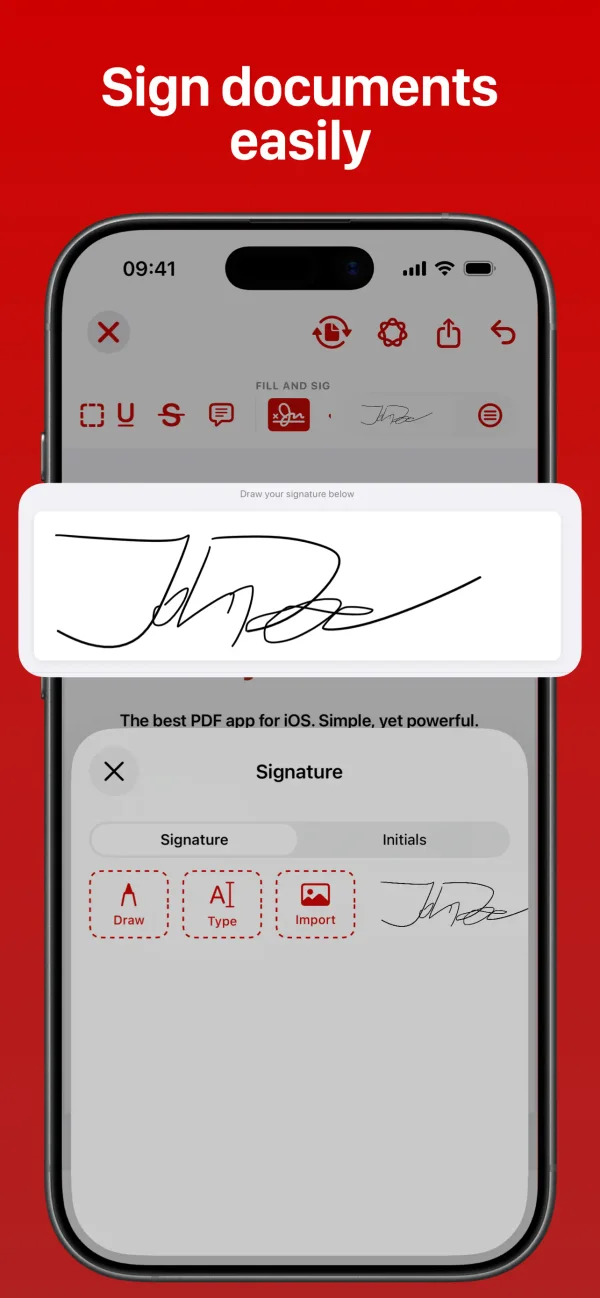
• Sign Document — Add your signature or initials to a PDF as a moveable annotation.
• Lock Document — Password-protect a PDF to restrict access.
• Remove Password — Remove an existing password from a PDF.
IMAGE
• PDF to Image — Export PDF pages as high-quality image files. (JPG, PNG)
EULA: https://www.apple.com/legal/internet-services/itunes/dev/stdeula/
新機能
バージョン 2.2 · 2026/9/29
What's new in Tiny Docs 2.2
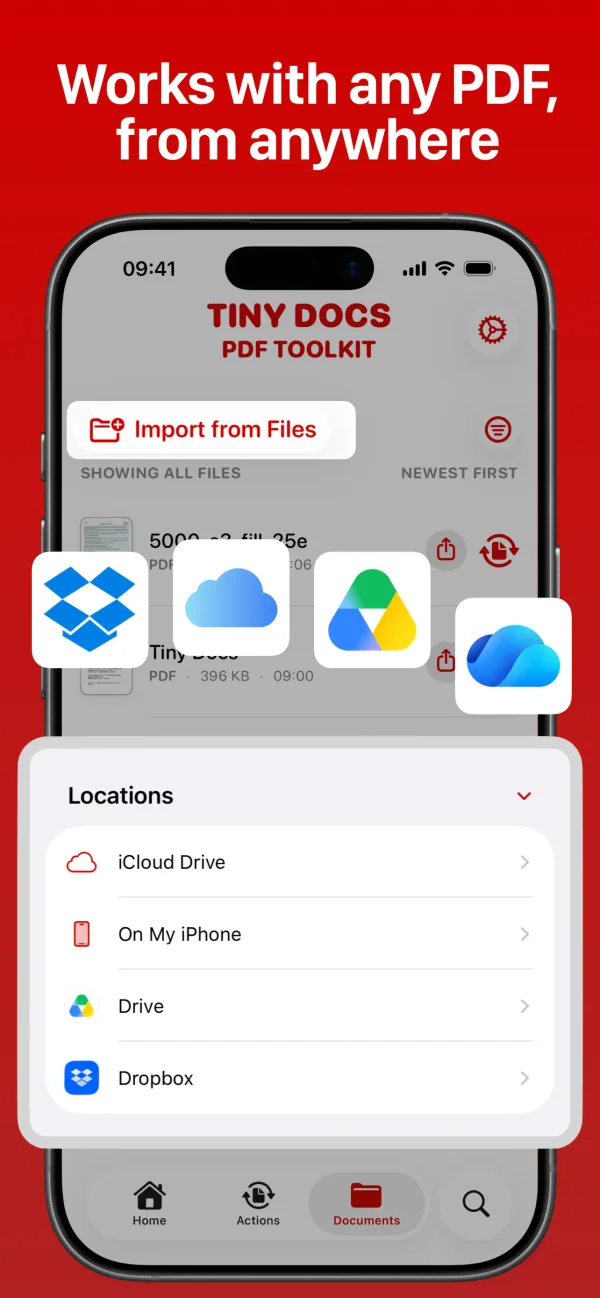
• Open in Tiny Docs — Open PDFs straight from the Files app and other apps using Open In.
• Reduce Motion support — Tiny Docs now respects the Reduce Motion accessibility setting, with calmer, simpler animations.
• Sharper annotations — Fixed an issue where annotations could look blurry on iOS 27.
• Widget fixes — Widgets now display correctly on iOS 27.
Thanks for using Tiny Docs! We'd love to hear your feedback.
アプリのプライバシー
このアプリのデータの取り扱いについて、James DassoulasがApp Storeで申告している内容です。
-
データの収集なし
開発元はこのアプリからデータを収集しません。
プライバシーの取り扱いは、ご利用の機能やお客様の年齢などに応じて異なる場合があります。
情報
- 販売元
- James Dassoulas
- カテゴリ
- 仕事効率化
- バージョン
- 2.2
- 更新日
- 2026/9/29
- リリース
- 2026/4/11
- サイズ
- 59.4 MB
- 必要条件
- iOS 26.0以降
- 対象年齢
- 4+
- 価格
- 無料
- アプリ内課金
- あり
- 言語
- 英語, フランス語, ドイツ語, ポルトガル語, スペイン語
- 著作権
- © 2026 James Dassoulas
こちらもおすすめ
-
 FleetMax仕事効率化
-
 PDF Editor, Scanner & CV Maker仕事効率化
-
 PDF Editor:PDF編集・テキスト変更・書き込みフォーム入力・署名・注釈・ハイライト
-
 Mp3 Editor - Music Editor仕事効率化
-
 GESCORP Mobile仕事効率化
-
 PDF Editor & Converter - PDNob仕事効率化
-
 PDFスキャナー & コンバータースキャン・変換・署名
-
 マルチブラウザ:最大4分割1画面で最大4サイトを同時表示
-
 PDF編集 +PDFファイル編集
-
 Scanner PDF : Enjoy your Scansスキャンアプリ, pdf に変換する, 文書作成