Tiny Docs: PDF Editor
Scanner, Sign & Fill Forms
Được thiết kế cho iPhone, iPad
Miễn phí · Mua hàng trong ứng dụng
- Độ tuổi4+
- Danh mụcHiệu Suất
- Nhà phát triểnJames Dassoulas
- Ngôn ngữTiếng Anh+ 4 ngôn ngữ khác
- Kích thước59,4 MB
Liên kết đến trang App Store chính thức
Download.org không lưu trữ tệp nào của Tiny Docs: PDF Editor. Nút này mở trang ứng dụng trên App Store, nơi James Dassoulas phát hành ứng dụng. Trang được kiểm tra lần cuối: 18/11/2026.
Ảnh chụp màn hình
Giới thiệu
Nhà phát triển chưa cung cấp nội dung này bằng ngôn ngữ của bạn.
Tiny Docs is a fast, well-designed PDF editor built for everyday work. View, annotate, sign, merge, split, and compress your documents in just a couple of taps.
Thoughtfully designed to be the best PDF viewer for iOS and iPad OS.
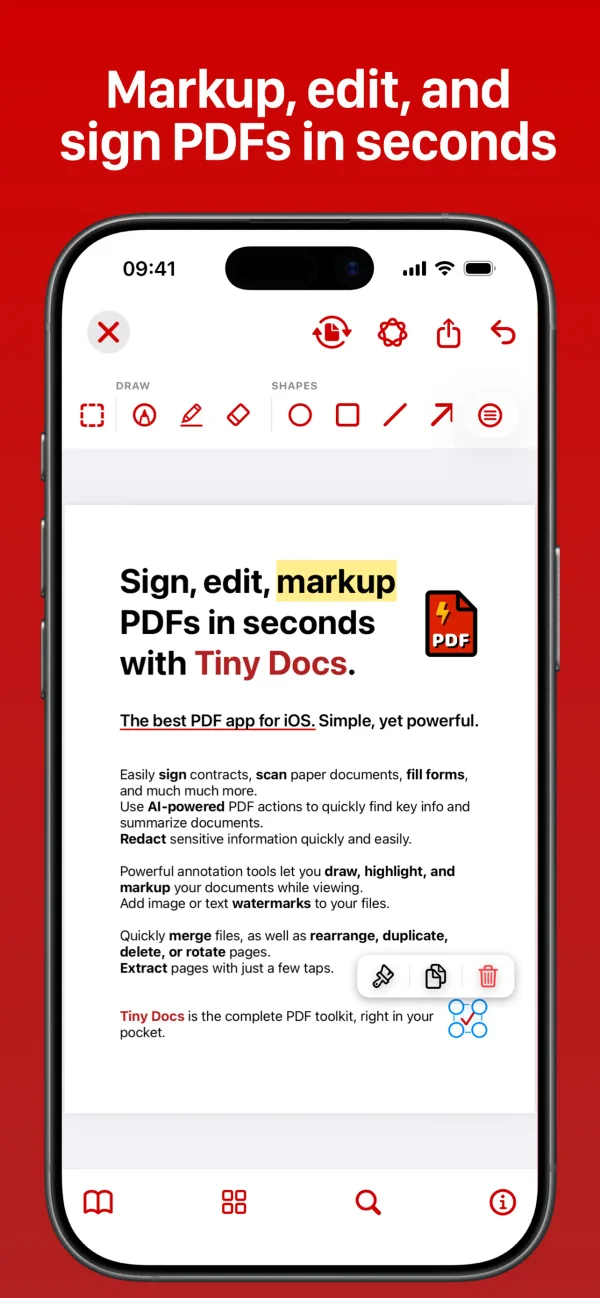
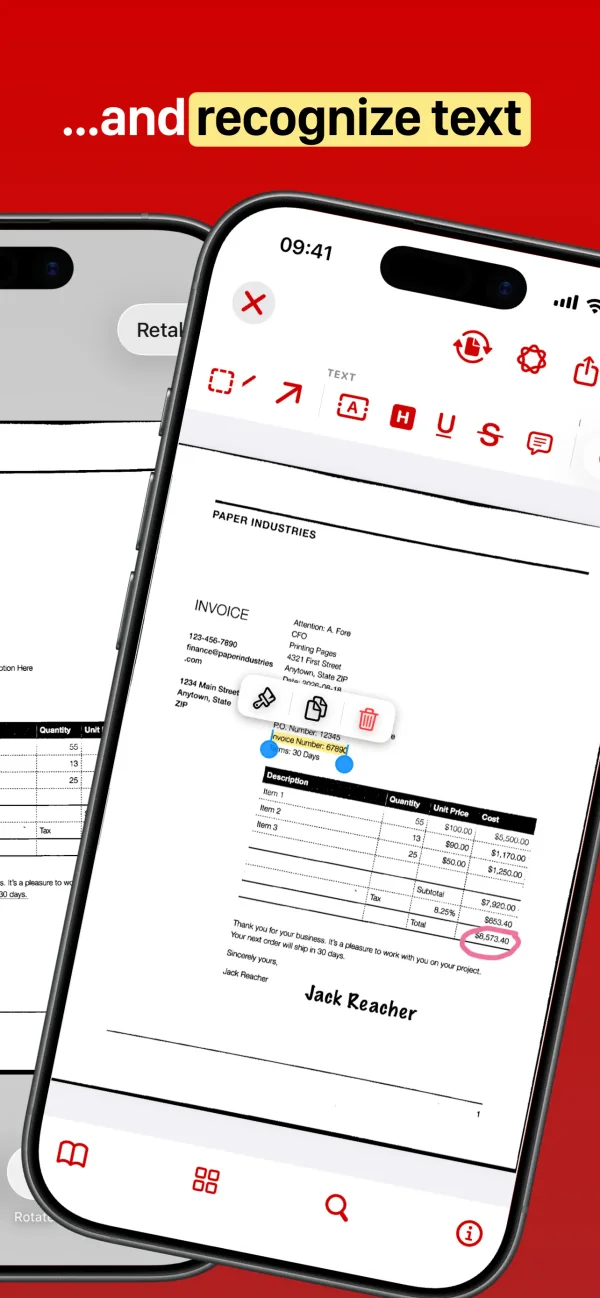
Mark up documents with a full set of annotation tools: highlight, underline, add notes, draw, and sign directly on the page. Combine multiple files into one, split a document into parts, or shrink file sizes for easy sharing.
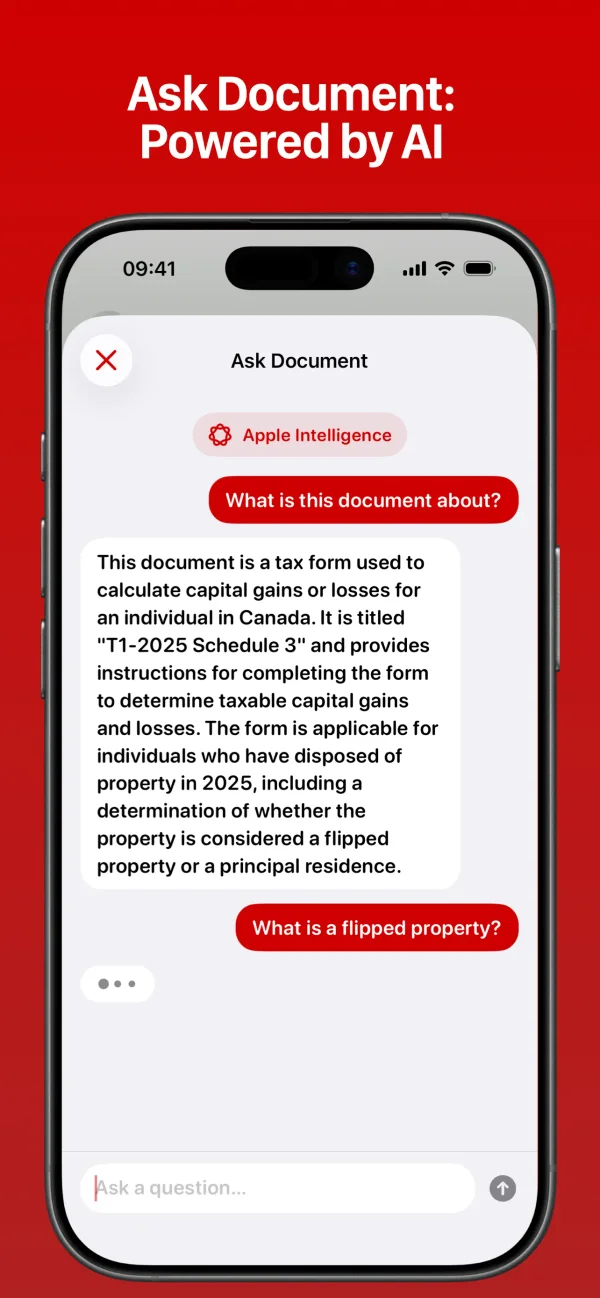
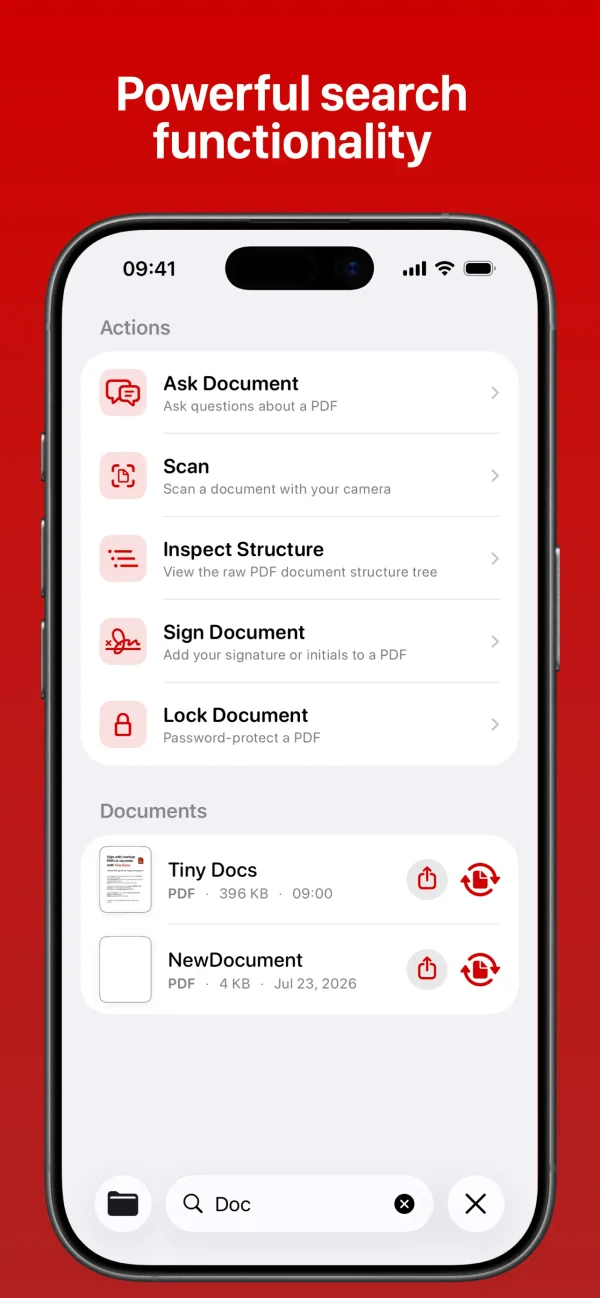
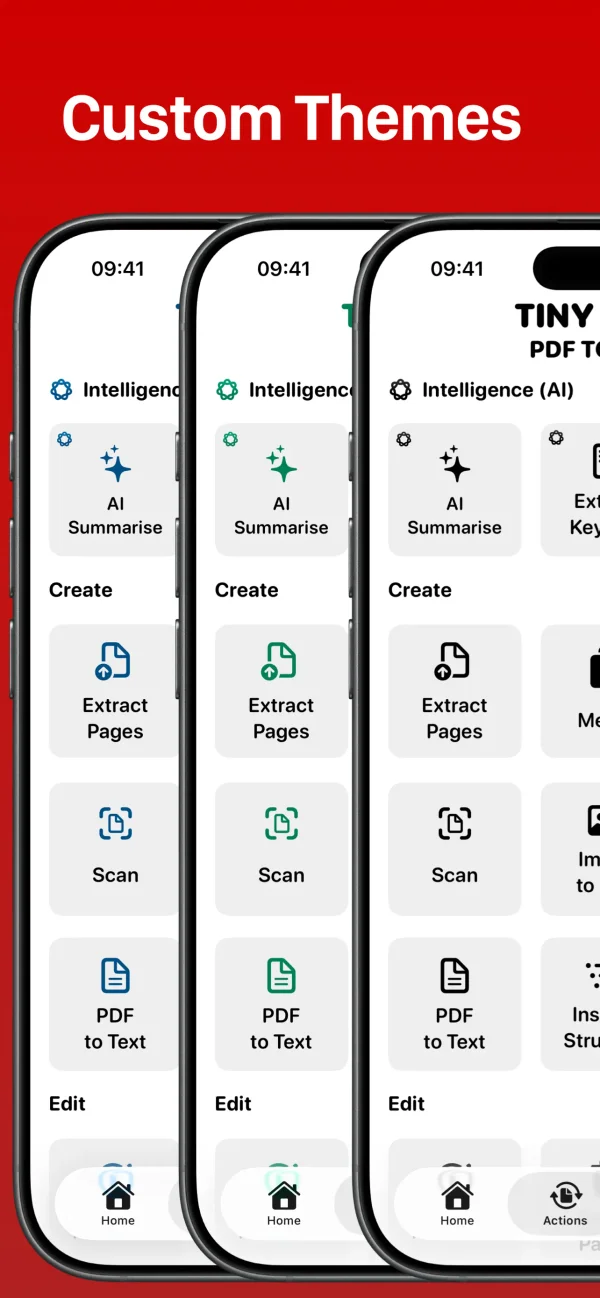
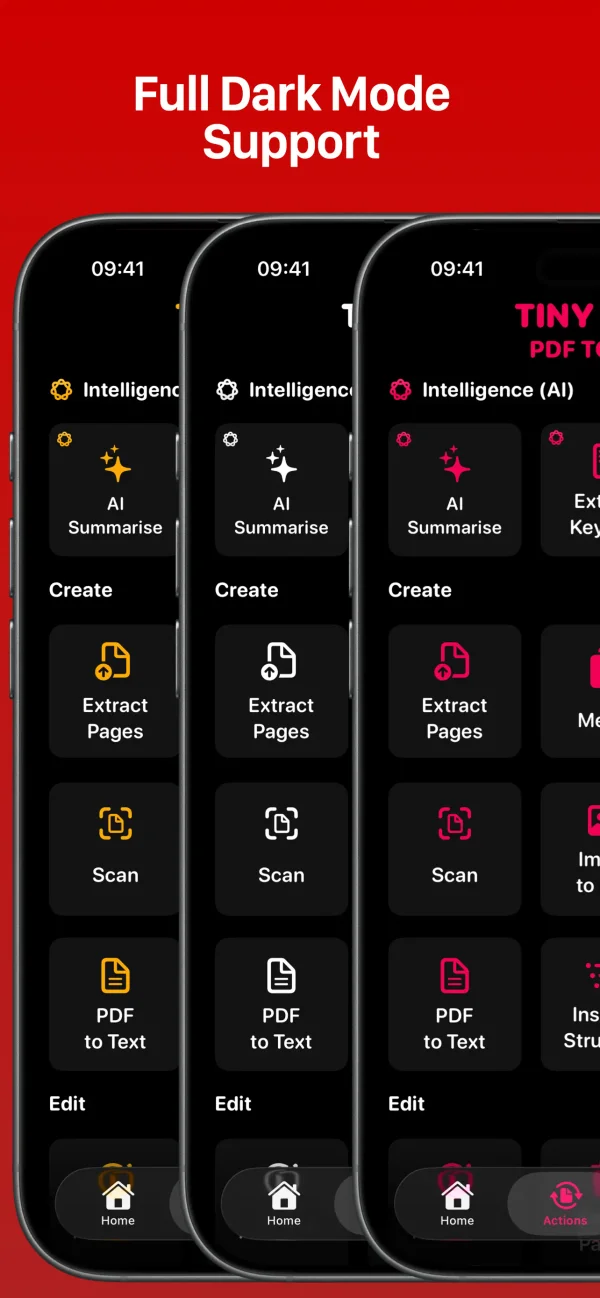
Tiny Docs also brings AI into your workflow when you need it. AI Summarise gives you an instant overview of any document. Ask Document lets you ask a question and get an answer pulled straight from the file, without scrolling through pages to find it. Extract Key Info automatically surfaces the names, dates, and numbers that matter most.
Whether you're reviewing contracts, marking up lecture notes, or clearing out a backlog of scanned paperwork, Tiny Docs keeps things simple and gets you through your documents faster.
Tiny Docs is the best PDF toolkit in your pocket.
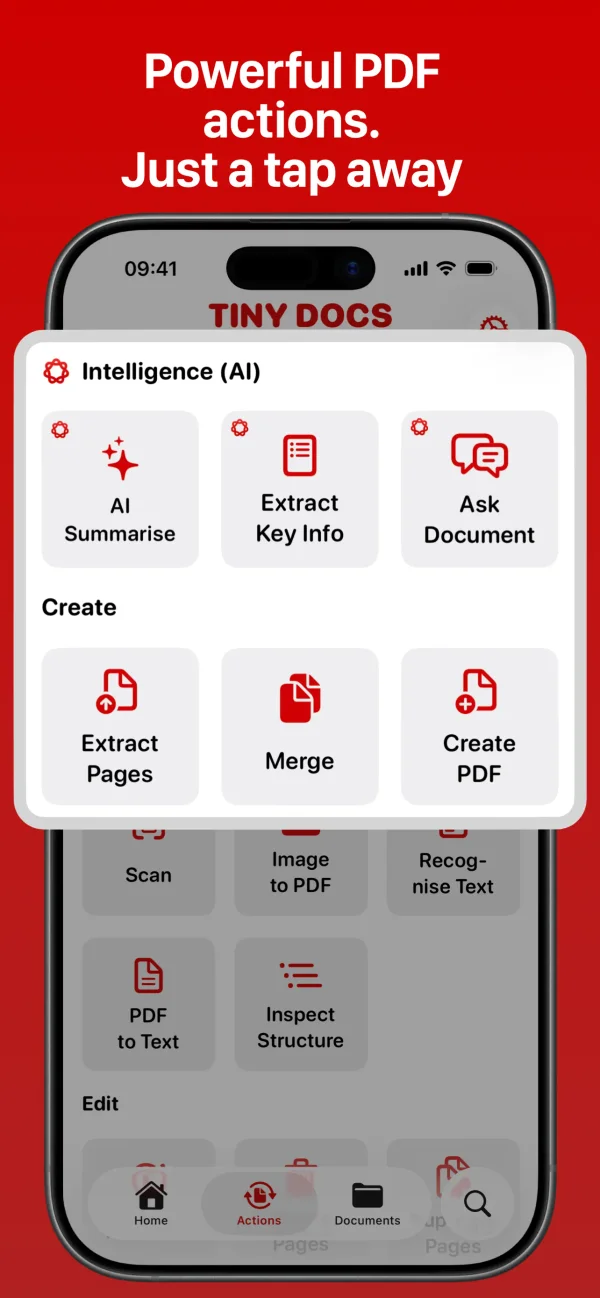
INTELLIGENCE (AI)
• Summarise — Summarise a PDF with AI
• Extract Key Info — Pull out dates, names, and key facts from a document using AI
• Ask Document — Ask questions about a PDF and get answers powered by AI
CREATE
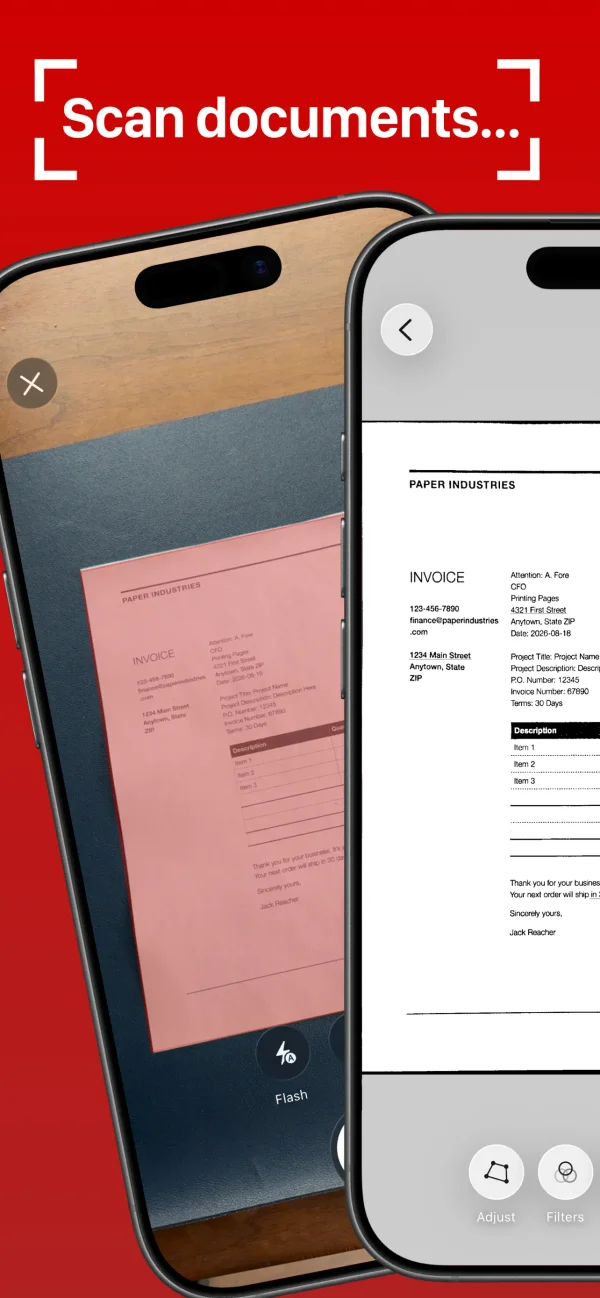
• Scan — Scan a document with your camera and save it as a PDF instantly.
• Recognise Text (OCR) — Extract searchable text from a scanned PDF using optical character recognition.
• Image to PDF — Convert one or more photos into a single PDF document.
• Create PDF — Build a PDF from scratch by adding blank pages. Plain | Lined | Isometric | Graph
• Merge — Combine multiple PDFs into one seamless document.
• Extract Pages — Pull specific pages out of a PDF and save them as a new file, or as individual files.
• PDF to Text — Export the text content of a PDF as a plain .txt file.
• Inspect Structure — View the raw PDF document structure tree.
EDIT
• Watermark — Add images or text as watermarks to your documents.
• Page Numbers — Add custom page numbers to a PDF.
• Delete Pages — Remove unwanted pages from a PDF.
• Duplicate Pages — Copy pages within a PDF.
• Rearrange Pages — Drag and drop to reorder the pages of a PDF.
• Rotate Pages — Rotate one or more pages to the correct orientation.
• Reverse Pages — Flip the entire page order of a PDF in one tap.
• Compress — Reduce the file size of a PDF while preserving quality.
• Flatten — Burn annotations and form fields permanently into the PDF.
• Edit Metadata — Edit the title, author, and subject of a PDF document.
• Add Blank Pages — Insert blank pages anywhere in a PDF.
• Resize Pages — Scale pages to a different standard paper size.
SECURITY
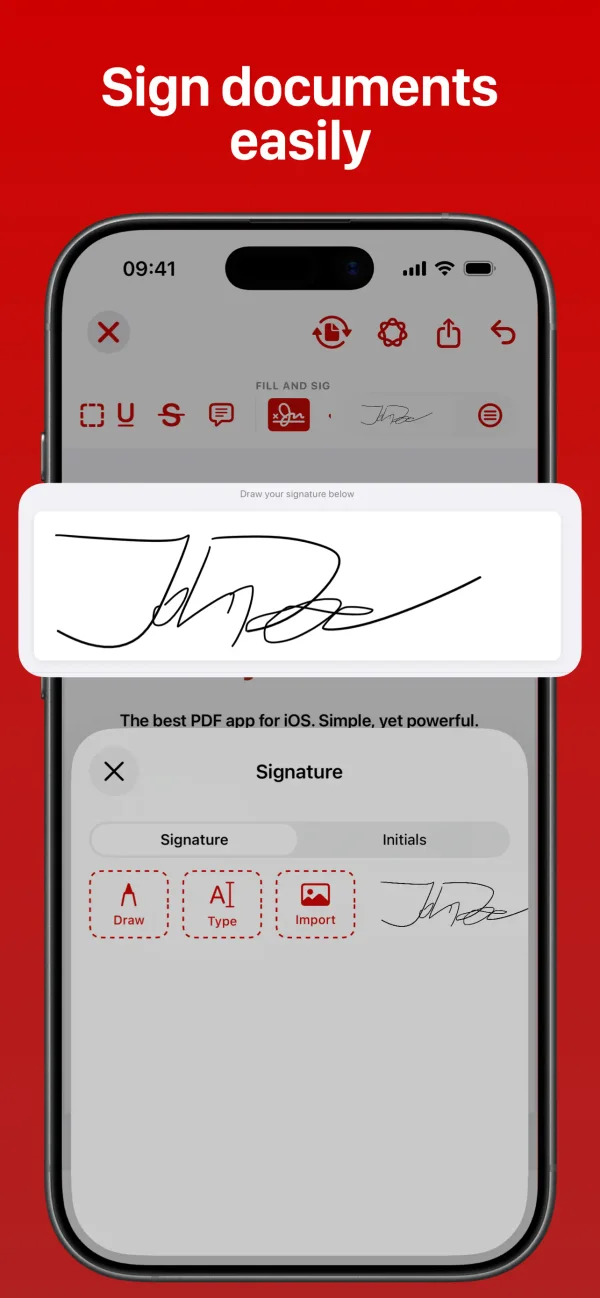
• Sign Document — Add your signature or initials to a PDF as a moveable annotation.
• Lock Document — Password-protect a PDF to restrict access.
• Remove Password — Remove an existing password from a PDF.
IMAGE
• PDF to Image — Export PDF pages as high-quality image files. (JPG, PNG)
EULA: https://www.apple.com/legal/internet-services/itunes/dev/stdeula/
Có gì mới
Phiên bản 2.2 · 29/09/2026
What's new in Tiny Docs 2.2
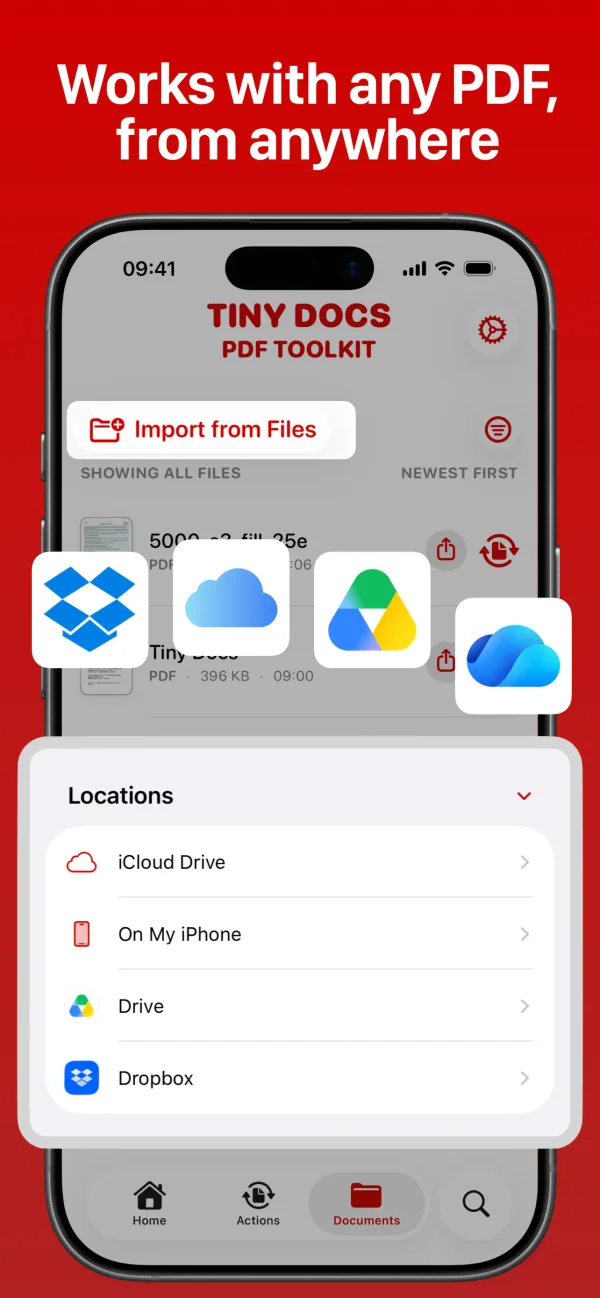
• Open in Tiny Docs — Open PDFs straight from the Files app and other apps using Open In.
• Reduce Motion support — Tiny Docs now respects the Reduce Motion accessibility setting, with calmer, simpler animations.
• Sharper annotations — Fixed an issue where annotations could look blurry on iOS 27.
• Widget fixes — Widgets now display correctly on iOS 27.
Thanks for using Tiny Docs! We'd love to hear your feedback.
Quyền riêng tư của ứng dụng
Những gì James Dassoulas khai báo trên App Store về cách ứng dụng này xử lý dữ liệu.
-
Dữ liệu không được thu thập
Nhà phát triển không thu thập bất kỳ dữ liệu nào từ ứng dụng này.
Phương thức đảm bảo quyền riêng tư có thể khác nhau, chẳng hạn như tuỳ theo các tính năng bạn sử dụng hoặc độ tuổi của bạn.
Thông tin
- Người bán
- James Dassoulas
- Danh mục
- Hiệu Suất
- Phiên bản
- 2.2
- Cập nhật
- 29/09/2026
- Phát hành
- 11/04/2026
- Kích thước
- 59,4 MB
- Yêu cầu
- iOS 26.0 trở lên
- Độ tuổi
- 4+
- Giá
- Miễn phí
- Mua hàng trong ứng dụng
- Có
- Ngôn ngữ
- Tiếng Anh, Tiếng Pháp, Tiếng Đức, Tiếng Bồ Đào Nha, Tiếng Tây Ban Nha
- Bản quyền
- © 2026 James Dassoulas
Có thể bạn cũng thích
-
 FleetMaxHiệu Suất
-
 PDF Editor, Scanner & CV MakerHiệu Suất
-
 PDF Editor: Sửa Văn Bản PDFĐiền Biểu Mẫu, Ký & Chú Thích
-
 Mp3 Editor - Music EditorHiệu Suất
-
 GESCORP MobileHiệu Suất
-
 PDF Editor & Converter - PDNobHiệu Suất
-
 Chuyển Đổi & Máy Quét PDFQuét · Chuyển đổi · Ký
-
 Multi Browser: 4 Màn Hình4 trang cùng lúc
-
 Trình Chỉnh Sửa PDF +Chỉnh Sửa Tệp PDF
-
 Scanner PDF : Enjoy your ScansHiệu Suất