
- 対象年齢17+
- カテゴリユーティリティ
- 開発元璐静 王
- 言語英語ほか1言語
- サイズ96.3 MB
App Storeの公式ページにリンクしています
Download.orgはTV AC Remoteのファイルを一切ホストしていません。ボタンを押すと、璐静 王が公開しているApp Storeのアプリページが開きます。ページの最終確認:2026/11/23。
スクリーンショット


概要
開発元はこのテキストをお使いの言語で提供していません。
Can’t find the remote? Are the remote buttons not working? Too many devices at home, and the remotes all look alike?
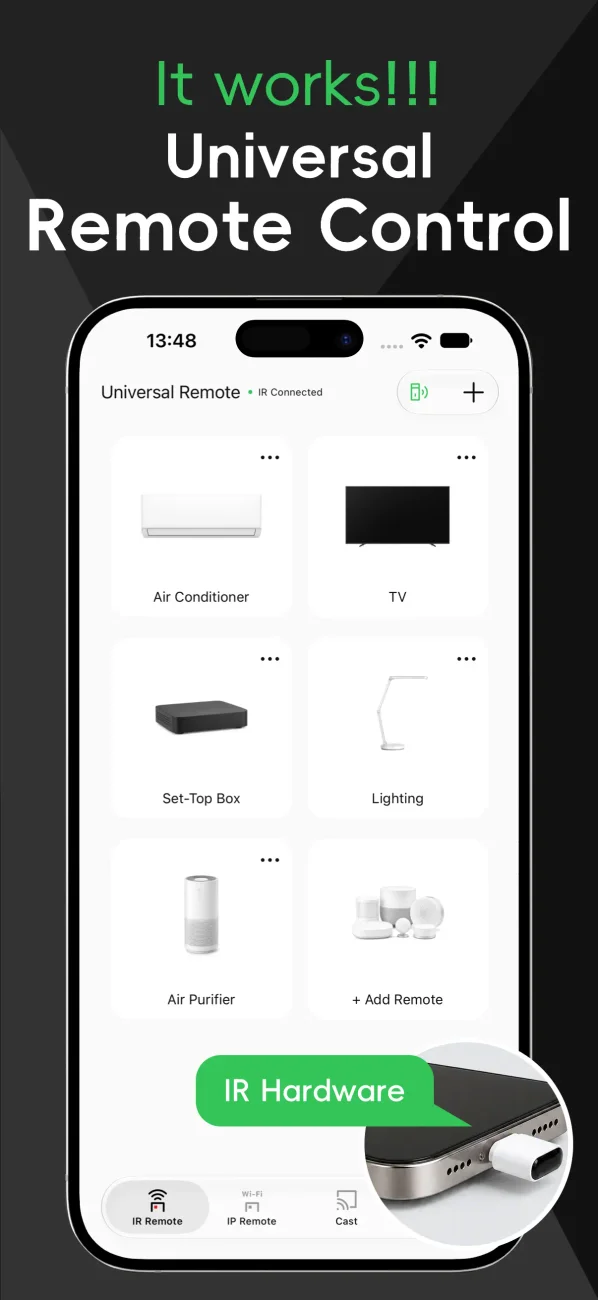
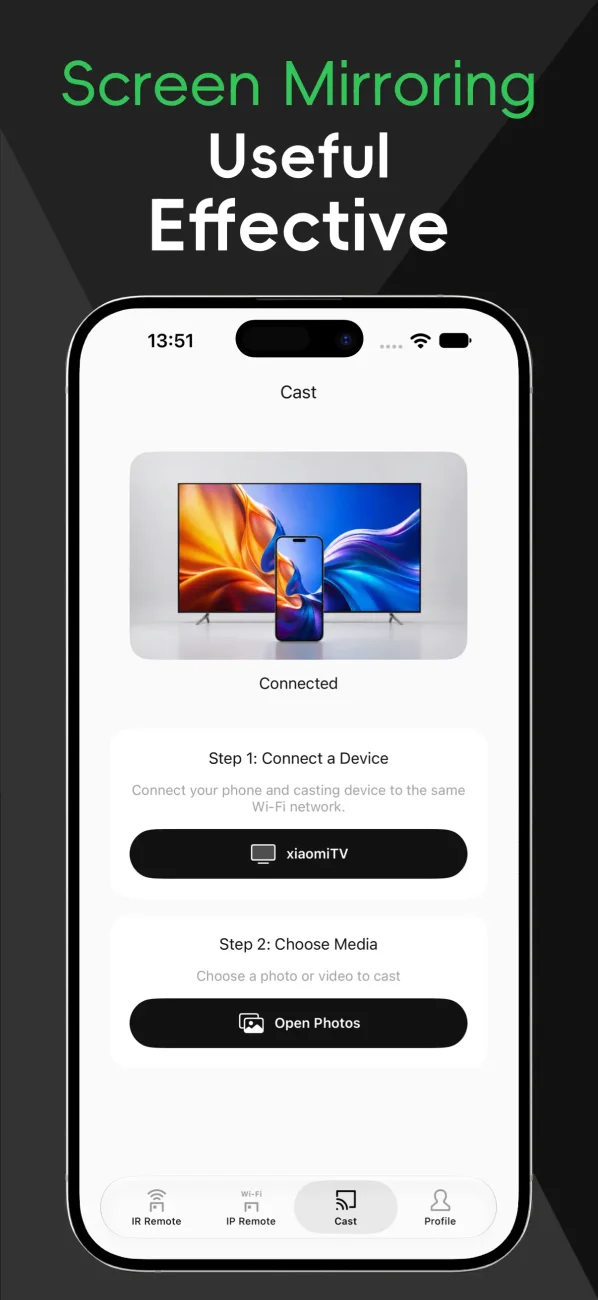
TV AC Remote helps you quickly discover and manage TVs, air conditioners, set-top boxes, projectors, fans, audio systems, and more. With your phone in hand, you can easily control devices throughout your home.
Traditional remotes are easy to lose, easy to mix up, and can leave you scrambling when the battery dies. TV AC Remote · Sense Edition uses dual-mode IR and Bluetooth sensing to help you discover nearby devices, complete pairing quickly, and manage common IR devices such as TVs, air conditioners, set-top boxes, projectors, audio systems, fans, and air purifiers from your phone. IR is used to control traditional home appliances, while Bluetooth is used for near-field discovery, pairing assistance, and expanded connectivity. Actual supported features depend on your phone hardware and device type.
Core Features
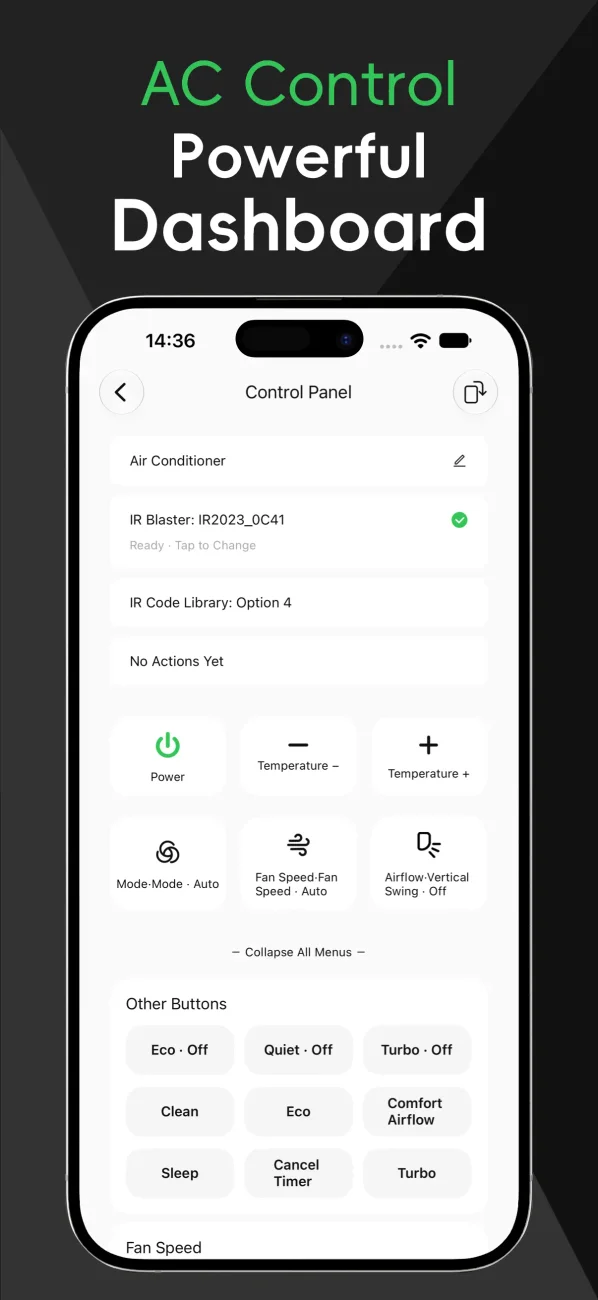
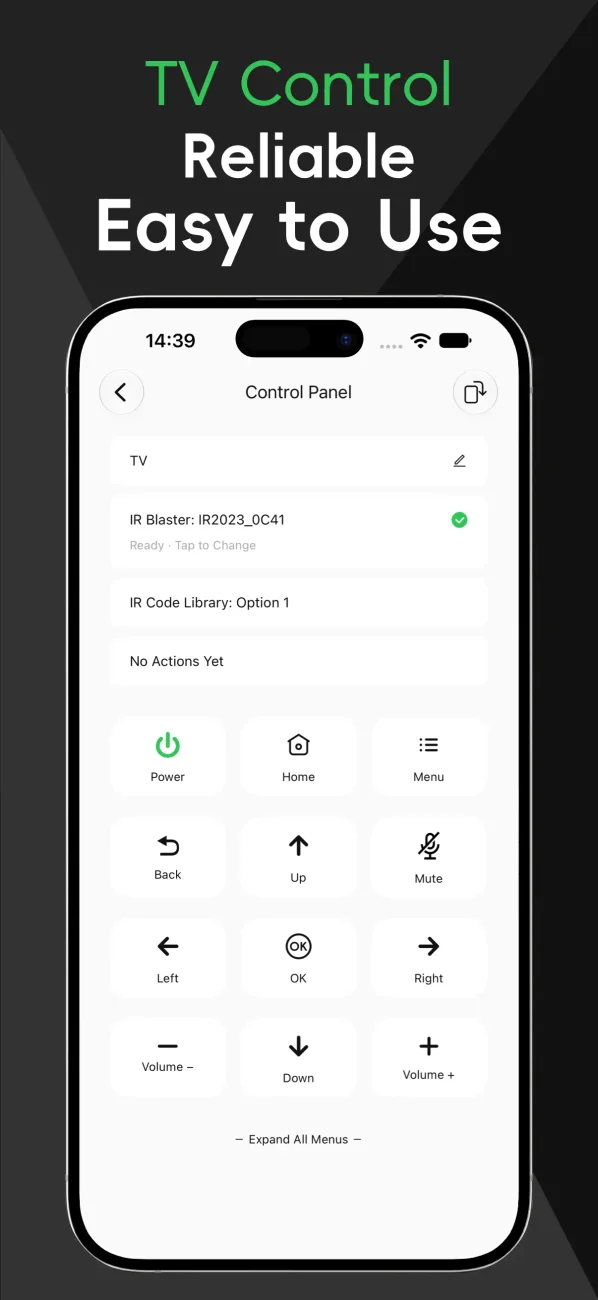
[Multi-device support] Manage common home appliances in one place, including TVs, air conditioners, projectors, TV boxes, remote-controllable fans, and remote-controllable desk lamps.
[Multi-brand compatibility] Uses an international standard IR code library and has been rigorously tested, with approximately 92% compatibility across various domestic and international brands.
[Dual-mode connection] Supports both IR and Bluetooth modes. IR mode requires an IR accessory; Bluetooth mode requires the target device to support Bluetooth control.
[Easy operation] Customized device panels highlight core buttons. Once configured, no need to set up again next time.
[Accurate identification] Each device has a unique identifier. When operating multiple devices, you can distinguish them by room and name to avoid confusion.
[Multiple device profiles] Save multiple device configurations and remember frequently used devices and buttons, reducing repeated setup.
[Subscription]
Subscription price and period
Weekly, Monthly, and Annual memberships are available.
Subscription content
Subscribers can access premium features during the subscription period.
Auto-renewal
App Store subscriptions are auto-renewing. Payment is charged to your iTunes Account upon confirmation. Users must manually manage auto-renewal in iTunes/Apple ID settings. The subscription period will automatically renew.
How to cancel
To cancel a subscription on your iOS device, go to Settings -> iTunes Store & App Store -> tap your Apple ID -> select View Apple ID -> Account Settings -> Subscriptions -> Manage -> select the subscription -> cancel.
**Privacy Policy:** https://docs.qq.com/doc/DV1hqdFJGSnJObmFJ
**Terms of Service:** https://docs.qq.com/doc/DV0xwRE9QcXVXaU5V
新機能
バージョン 3.0 · 2026/11/18
- TV Assistant
- UI Improvement
- Tab Bar Adjustment
- BUG Fix
アプリのプライバシー
このアプリのデータの取り扱いについて、璐静 王がApp Storeで申告している内容です。
-
ユーザーのトラッキングに使用されるデータ
他社のアプリやウェブサイトを横断してユーザーをトラッキングする目的で使用される場合があります。
- 使用状況データ
-
ユーザーに関連付けられたデータ
収集され、ユーザーの識別情報に関連付けられる場合があります。
- 使用状況データ
プライバシーの取り扱いは、ご利用の機能やお客様の年齢などに応じて異なる場合があります。
情報
- 販売元
- 璐静 王
- カテゴリ
- ユーティリティ
- バージョン
- 3.0
- 更新日
- 2026/11/18
- リリース
- 2026/11/4
- サイズ
- 96.3 MB
- 必要条件
- iOS 16.0以降
- 対象年齢
- 17+
- 価格
- 無料
- アプリ内課金
- あり
- 言語
- 英語, 簡体字中国語
- 著作権
- © @wanglj
こちらもおすすめ
-
 テレビリモコン - 汎用 TV リモコンアプリ汎用家電リモコン
-
 万能遥控器-手机智能遥控家电 多家电可用ユーティリティ
-
 Smart TV Remote - Remote TVユーティリティ
-
 テレビリモコン - スマートTVを操作写真・動画をキャスト、タッチパッドとキーボード
-
 贞云智控 - 电视空调万能遥控器ユーティリティ
-
 Sharp TV Remote - TV&Projectorユーティリティ
-
 乐视电视遥控器 - 万能遥控器ユーティリティ
-
 Smart TV Remote &ユーティリティ
-
 万能空调遥控器 - 智能遥控器ユーティリティ
-
 Universal TV Remote - All TVsユーティリティ