- 対象年齢4+
- カテゴリユーティリティ
- 開発元慧慧 高
- 言語英語ほか1言語
- サイズ5.0 MB
App Storeの公式ページにリンクしています
Download.orgはTypelet: Template Keyboardのファイルを一切ホストしていません。ボタンを押すと、慧慧 高が公開しているApp Storeのアプリページが開きます。ページの最終確認:2026/11/12。
スクリーンショット


概要
開発元はこのテキストをお使いの言語で提供していません。
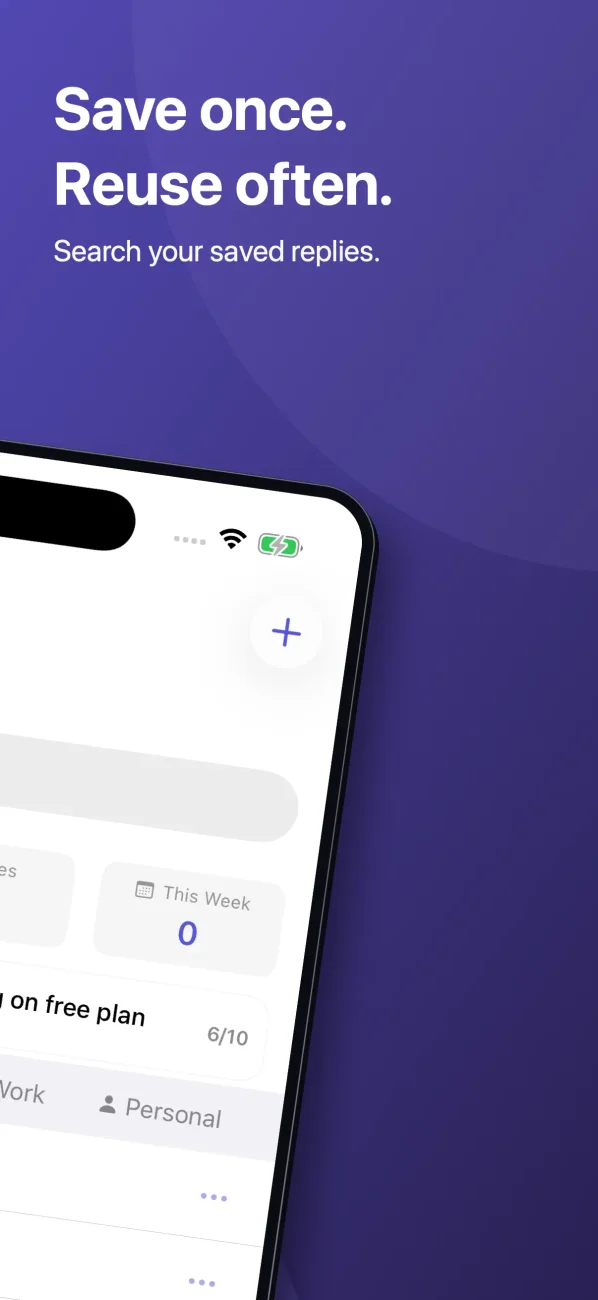
Stop retyping the same messages. Typelet puts saved replies, signatures, addresses, prompts, and other reusable text directly inside a custom keyboard, ready to insert in any app with one tap.
Save it once. Organize it your way. Use it wherever you type, without switching apps or searching through Notes.
SAVE REUSABLE TEXT
- Create quick replies, canned responses, email templates, signatures, addresses, links, prompts, and frequently used phrases
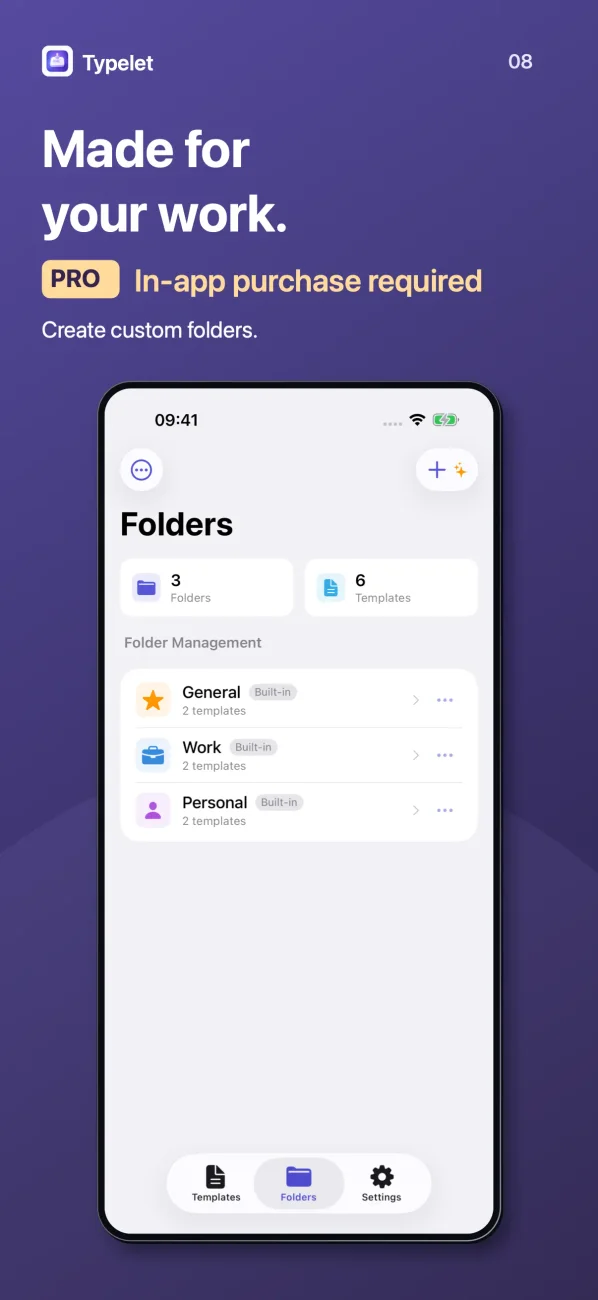
- Organize templates into folders with custom icons and colors
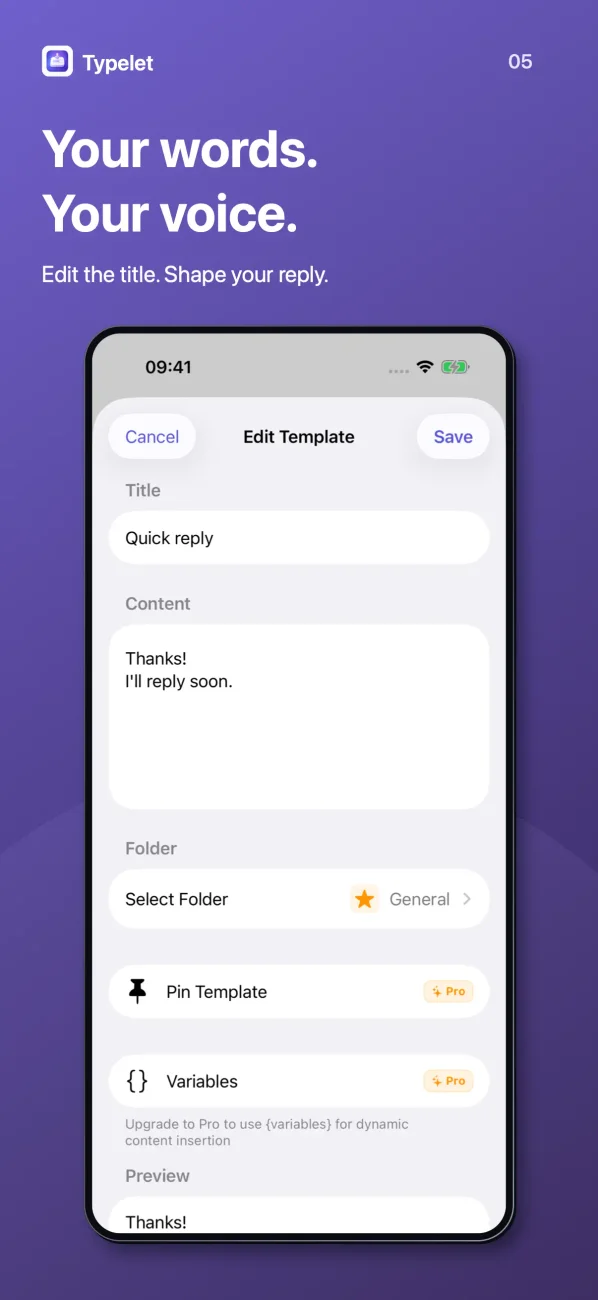
- Search, edit, pin, and manually arrange templates in the main app
- Select multiple templates to move or delete them together
INSERT FROM THE TYPELET KEYBOARD
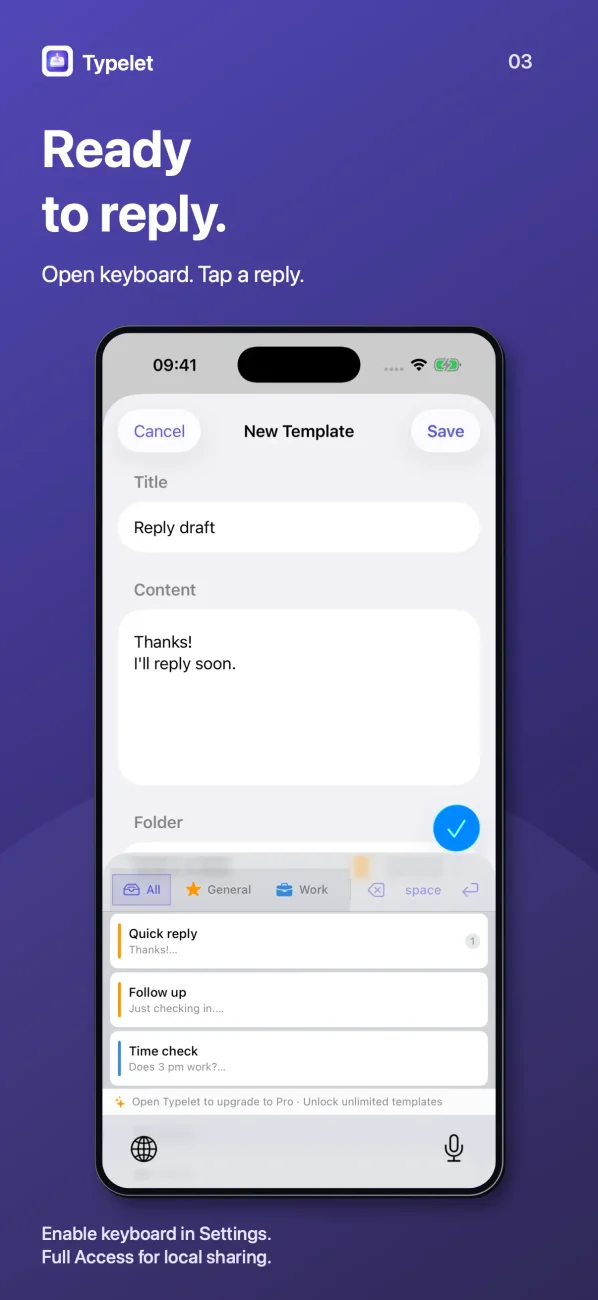
- Open Typelet from any text field that supports third-party keyboards
- Browse templates by folder and tap once to insert
- Keep pinned templates at the top and use the same custom order in the app and keyboard
- Choose a keyboard theme that fits your style
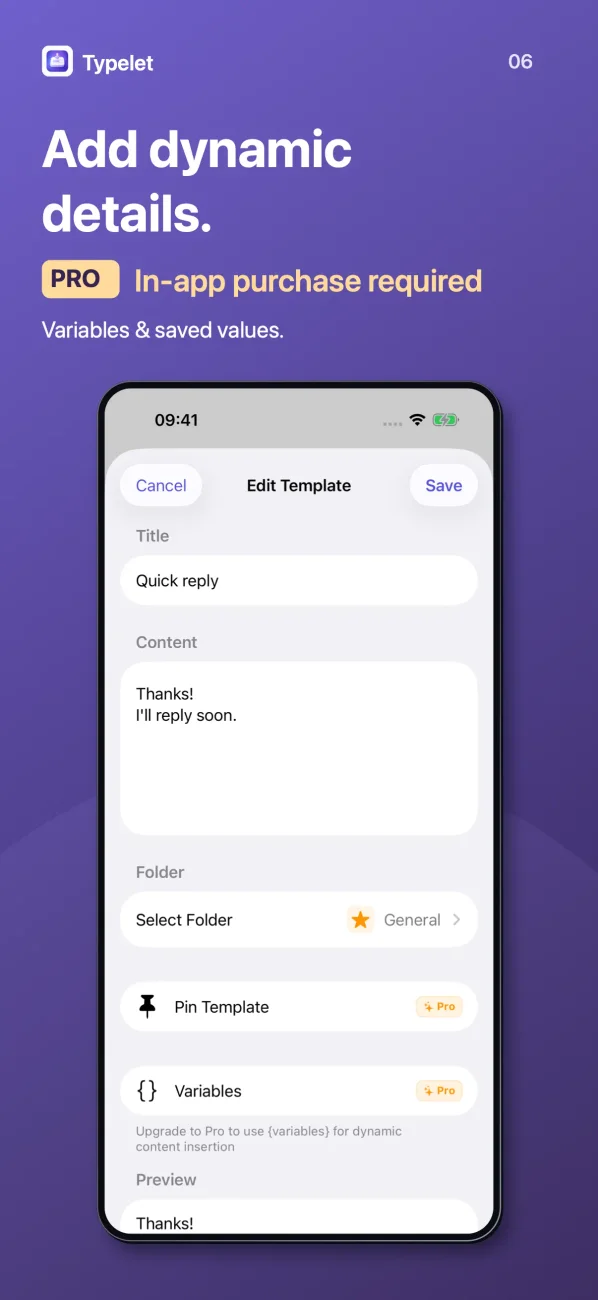
DYNAMIC VARIABLES
- Automatically insert the current date, time, long date, ISO date, tomorrow, or next week
- Add weekday names and time-aware greetings in English, French, or Dutch
- Create saved values for reusable details such as your name, email, company, or signature
- Add custom variables with default values for templates that need changing details
WIDGETS AND USAGE
- View frequently used templates from small and medium Home Screen widgets
- Tap a widget template to copy it for quick use
- See total uses and weekly activity in the main app
BACKUP AND RESTORE
- Export your folders and templates as a JSON backup
- Preview imports before changing your data
- Merge adds missing records and updates matching records; Replace All replaces the active template and folder collection
- Replace All first creates a local JSON safety copy; exports omit detailed insertion history and most preferences
PRIVATE BY DESIGN
- No account or cloud service is required
- Templates are stored locally on your device
- No third-party analytics or advertising SDKs
- The Typelet keyboard uses Allow Full Access only to share your locally stored templates and usage records with the main app through Apple's App Group container
- The keyboard makes no network requests, does not read the clipboard, and never records or uploads what you type
HOW TO ENABLE THE KEYBOARD
1. Open Settings, then General, Keyboard, and Keyboards
2. Tap Add New Keyboard
3. Select Typelet
4. Tap Typelet and enable Allow Full Access for on-device template and usage synchronization
5. In any text field, long press the globe key and select Typelet
FREE AND PRO
The free version includes up to 10 templates and three starter folders, plus editing, deletion, manual ordering and batch management of existing templates. Typelet Pro unlocks:
- Unlimited templates
- Unlimited custom folders with icons and colors
- Dynamic and saved variables
- Template pinning
- Keyboard themes
- Import and export
Choose a yearly auto-renewing subscription or a one-time Lifetime purchase. The app checks Apple's introductory-offer eligibility before displaying an available trial. The trial duration, subsequent price and billing period are shown before purchase. Existing monthly subscriptions remain supported, including renewals and Restore Purchases.
Subscriptions renew automatically unless canceled at least 24 hours before the end of the current period. You can manage or cancel a subscription in your App Store account settings. Pro access remains available until the end of the paid subscription period.
Contact: captainlongevity@gmail.com
Privacy Policy: https://app-legal-pages.vercel.app/typelet/privacy
Terms of Service: https://app-legal-pages.vercel.app/typelet/terms
新機能
バージョン 1.3 · 2026/10/21
• Better keyboard completion and focus handling in template, folder and variable editors
• Failed saves keep the editor open so you can retry
• Shorter keyboard setup, easier sharing and support access
アプリのプライバシー
このアプリのデータの取り扱いについて、慧慧 高がApp Storeで申告している内容です。
-
データの収集なし
開発元はこのアプリからデータを収集しません。
プライバシーの取り扱いは、ご利用の機能やお客様の年齢などに応じて異なる場合があります。
情報
- 販売元
- 慧慧 高
- カテゴリ
- ユーティリティ
- バージョン
- 1.3
- 更新日
- 2026/10/21
- リリース
- 2026/4/9
- サイズ
- 5.0 MB
- 必要条件
- iOS 17.0以降
- 対象年齢
- 4+
- 価格
- 無料
- アプリ内課金
- あり
- 言語
- 英語, 簡体字中国語
- 著作権
- © 2026 Huihui Gao
こちらもおすすめ
-
 照度計 - 明るさ測定光强仪 &光量測定
-
 タイヤ計算機四輪・LT・二輪とバネ下重量
-
 DocWeave: PDF 変換・スキャンOCRオフライン文字起こし・数式と表をMarkdown化
-
 PicEasy - Private Photo Toolユーティリティ
-
 TicketMe - Walletパス作成チケット・ポイントカードをスキャン
-
 Cakes:誕生日リマインダー連絡先のカレンダーとウィジェット
-
 多能记-一目了然 记的多ユーティリティ
-
 Photo2Calendar: 撮るだけ予定登録チラシやプリントをカレンダーへ
-
 Postage Stamp Camera: StampOutユーティリティ
-
 VaultQR: Hybrid Securityユーティリティ