Typelet: Template Keyboard
Quick Replies & Text Snippets
iPhone, iPad için tasarlandı
Ücretsiz · Uygulama içi satın alma
- Yaş sınırı4+
- KategoriYardımcılar
- Geliştirici慧慧 高
- Dillerİngilizce+ 1 dil daha
- Boyut5,0 MB
Resmi App Store sayfasına bağlanır
Download.org, Typelet: Template Keyboard için hiçbir dosya barındırmaz. Düğme, uygulamanın App Store üzerindeki sayfasını açar; uygulamayı orada 慧慧 高 yayınlar. Sayfanın son kontrolü: 12.11.2026.
Ekran görüntüleri


Hakkında
Geliştirici bu metni dilinizde sunmamış.
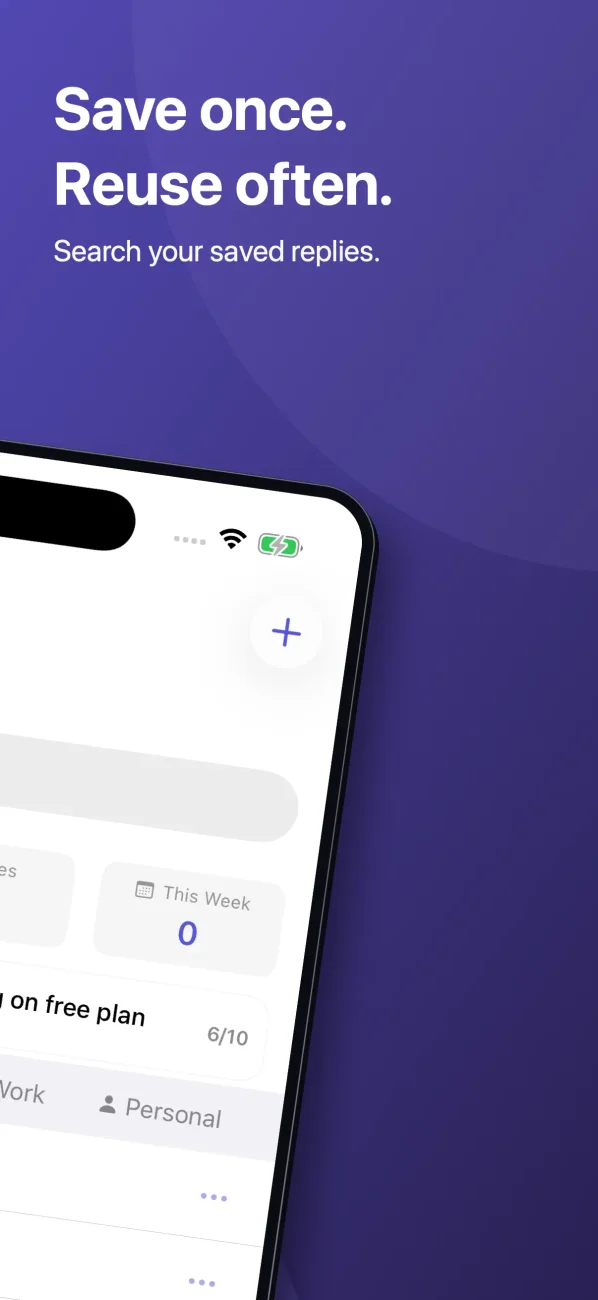
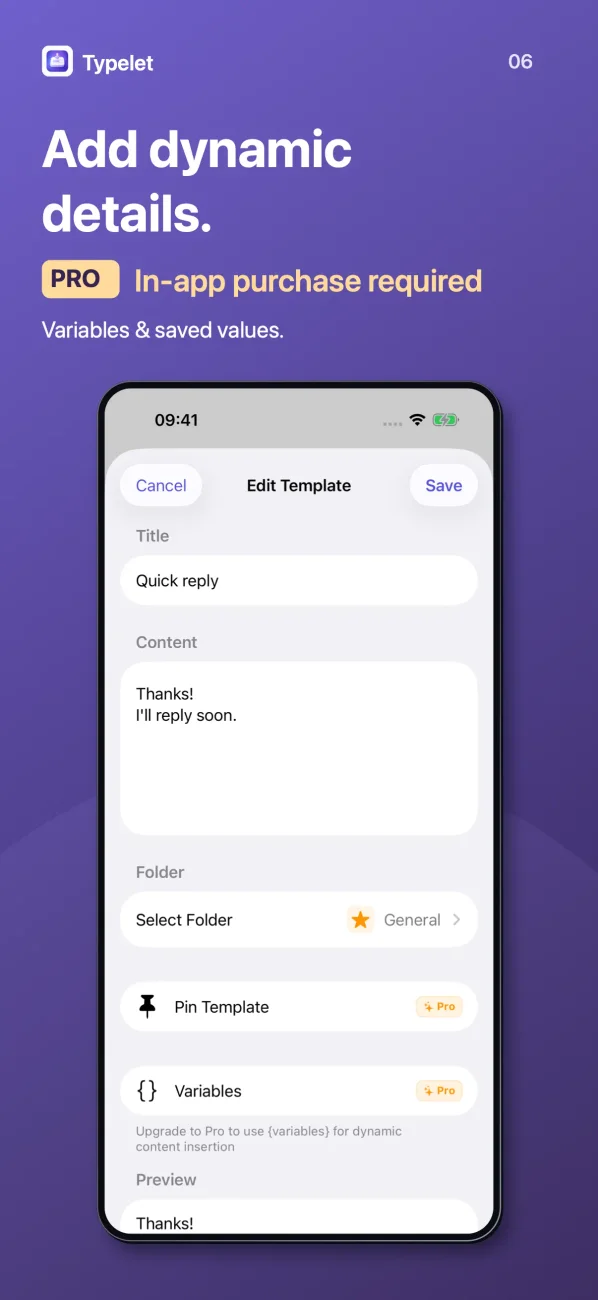
Stop retyping the same messages. Typelet puts saved replies, signatures, addresses, prompts, and other reusable text directly inside a custom keyboard, ready to insert in any app with one tap.
Save it once. Organize it your way. Use it wherever you type, without switching apps or searching through Notes.
SAVE REUSABLE TEXT
- Create quick replies, canned responses, email templates, signatures, addresses, links, prompts, and frequently used phrases
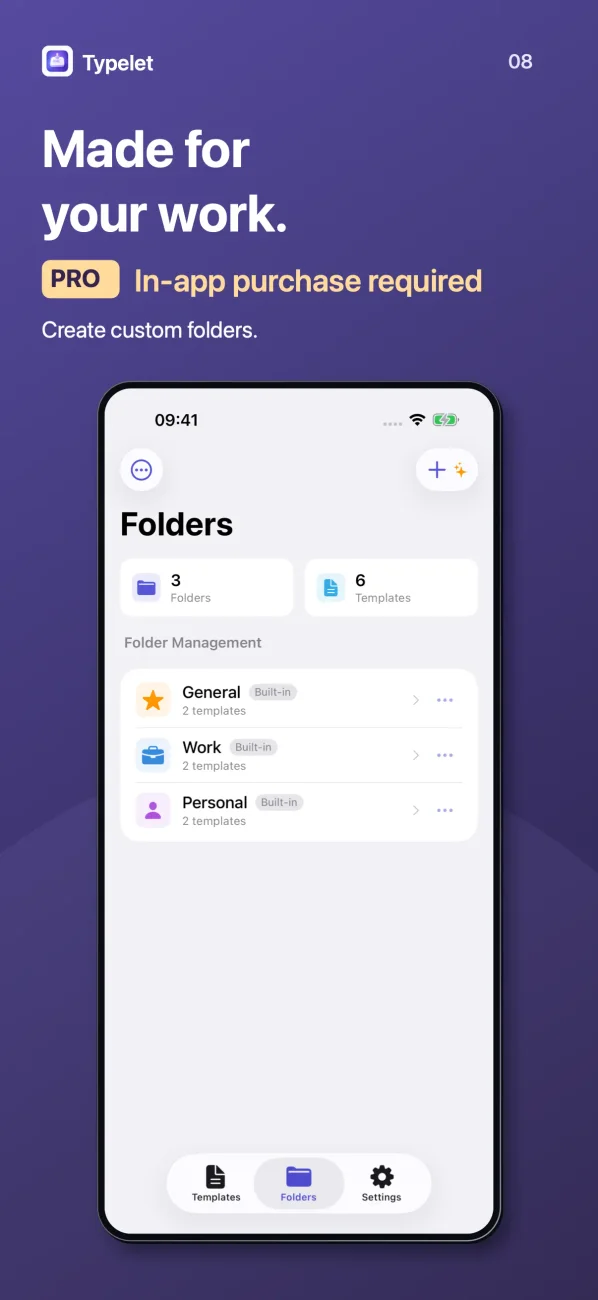
- Organize templates into folders with custom icons and colors
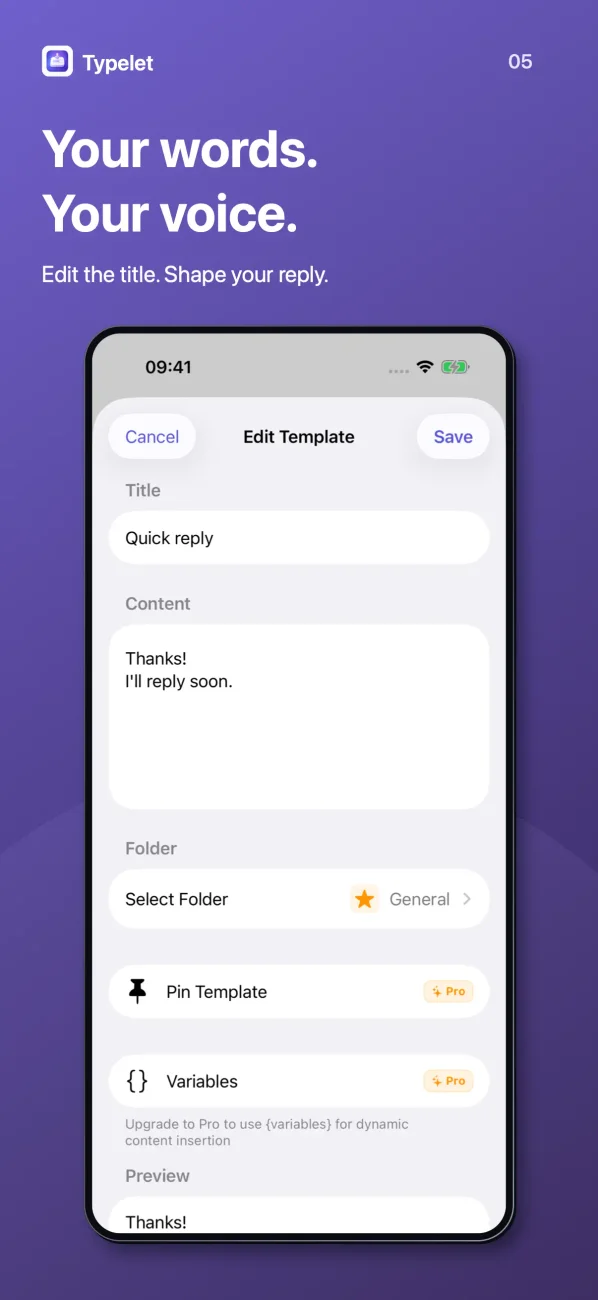
- Search, edit, pin, and manually arrange templates in the main app
- Select multiple templates to move or delete them together
INSERT FROM THE TYPELET KEYBOARD
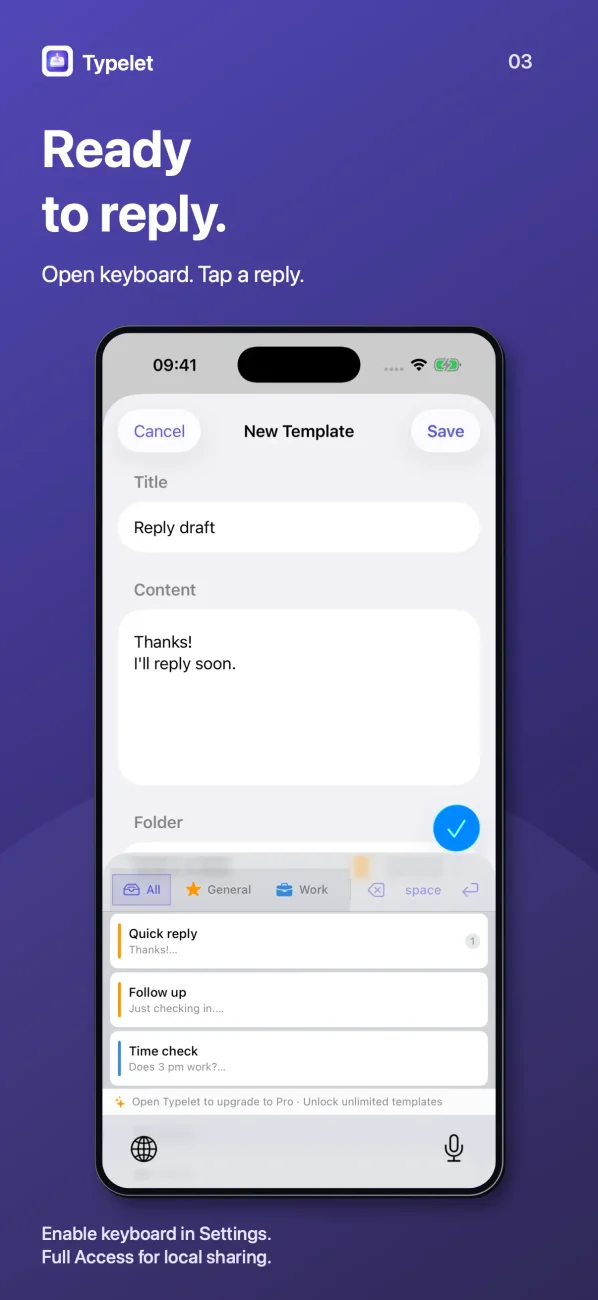
- Open Typelet from any text field that supports third-party keyboards
- Browse templates by folder and tap once to insert
- Keep pinned templates at the top and use the same custom order in the app and keyboard
- Choose a keyboard theme that fits your style
DYNAMIC VARIABLES
- Automatically insert the current date, time, long date, ISO date, tomorrow, or next week
- Add weekday names and time-aware greetings in English, French, or Dutch
- Create saved values for reusable details such as your name, email, company, or signature
- Add custom variables with default values for templates that need changing details
WIDGETS AND USAGE
- View frequently used templates from small and medium Home Screen widgets
- Tap a widget template to copy it for quick use
- See total uses and weekly activity in the main app
BACKUP AND RESTORE
- Export your folders and templates as a JSON backup
- Preview imports before changing your data
- Merge adds missing records and updates matching records; Replace All replaces the active template and folder collection
- Replace All first creates a local JSON safety copy; exports omit detailed insertion history and most preferences
PRIVATE BY DESIGN
- No account or cloud service is required
- Templates are stored locally on your device
- No third-party analytics or advertising SDKs
- The Typelet keyboard uses Allow Full Access only to share your locally stored templates and usage records with the main app through Apple's App Group container
- The keyboard makes no network requests, does not read the clipboard, and never records or uploads what you type
HOW TO ENABLE THE KEYBOARD
1. Open Settings, then General, Keyboard, and Keyboards
2. Tap Add New Keyboard
3. Select Typelet
4. Tap Typelet and enable Allow Full Access for on-device template and usage synchronization
5. In any text field, long press the globe key and select Typelet
FREE AND PRO
The free version includes up to 10 templates and three starter folders, plus editing, deletion, manual ordering and batch management of existing templates. Typelet Pro unlocks:
- Unlimited templates
- Unlimited custom folders with icons and colors
- Dynamic and saved variables
- Template pinning
- Keyboard themes
- Import and export
Choose a yearly auto-renewing subscription or a one-time Lifetime purchase. The app checks Apple's introductory-offer eligibility before displaying an available trial. The trial duration, subsequent price and billing period are shown before purchase. Existing monthly subscriptions remain supported, including renewals and Restore Purchases.
Subscriptions renew automatically unless canceled at least 24 hours before the end of the current period. You can manage or cancel a subscription in your App Store account settings. Pro access remains available until the end of the paid subscription period.
Contact: captainlongevity@gmail.com
Privacy Policy: https://app-legal-pages.vercel.app/typelet/privacy
Terms of Service: https://app-legal-pages.vercel.app/typelet/terms
Yenilikler
Sürüm 1.3 · 21.10.2026
• Better keyboard completion and focus handling in template, folder and variable editors
• Failed saves keep the editor open so you can retry
• Shorter keyboard setup, easier sharing and support access
Uygulama gizliliği
Bu uygulamanın verileri nasıl işlediği hakkında 慧慧 高 tarafından App Store üzerinde yapılan beyan.
-
Veri toplanmıyor
Geliştirici bu uygulamadan hiçbir veri toplamıyor.
Gizlilik uygulamaları, örneğin kullandığınız özelliklere veya yaşınıza göre değişiklik gösterebilir.
Bilgiler
- Satıcı
- 慧慧 高
- Kategori
- Yardımcılar
- Sürüm
- 1.3
- Güncellendi
- 21.10.2026
- Yayın tarihi
- 09.04.2026
- Boyut
- 5,0 MB
- Gereksinim
- iOS 17.0 veya sonrası
- Yaş sınırı
- 4+
- Fiyat
- Ücretsiz
- Uygulama içi satın alma
- Evet
- Diller
- İngilizce, Basitleştirilmiş Çince
- Telif hakkı
- © 2026 Huihui Gao
Bunları da beğenebilirsiniz
-
 Lux Light Meter: IlluminanceYardımcılar
-
 Lastik Ebadı HesaplayıcıOto, LT, motosiklet ve ağırlık
-
 DocWeave: PDF Converter & OCRYardımcılar
-
 PicEasy - Private Photo ToolYardımcılar
-
 TicketMe - Wallet Pass MakerYardımcılar
-
 Cakes: Birthday CalendarYardımcılar
-
 多能记-一目了然 记的多Yardımcılar
-
 Photo2Calendar: Calendar ScanYardımcılar
-
 Postage Stamp Camera: StampOutYardımcılar
-
 VaultQR: Hybrid SecurityYardımcılar