- 対象年齢4+
- カテゴリライフスタイル
- 開発元FlashSoft OU
- 言語フランス語ほか9言語
- サイズ29.7 MB
App Storeの公式ページにリンクしています
Download.orgはUNLOOP - Screen Time Blockerのファイルを一切ホストしていません。ボタンを押すと、FlashSoft OUが公開しているApp Storeのアプリページが開きます。ページの最終確認:2026/11/14。
スクリーンショット
概要
開発元はこのテキストをお使いの言語で提供していません。
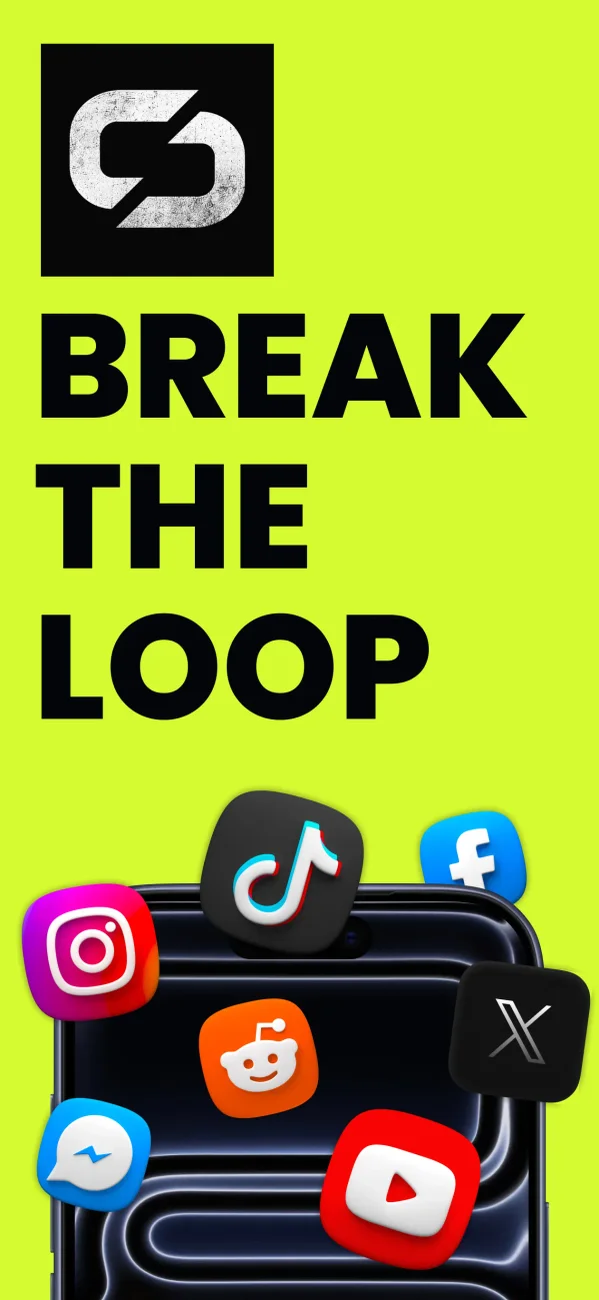
Your phone isn't the problem. The loop is.
You open an app for one thing and surface forty minutes later. Unloop puts a wall in that loop — a real one, built on Apple's Screen Time — and makes getting past it cost exactly enough to make you stop and think.
BLOCK WHAT EATS YOUR DAY
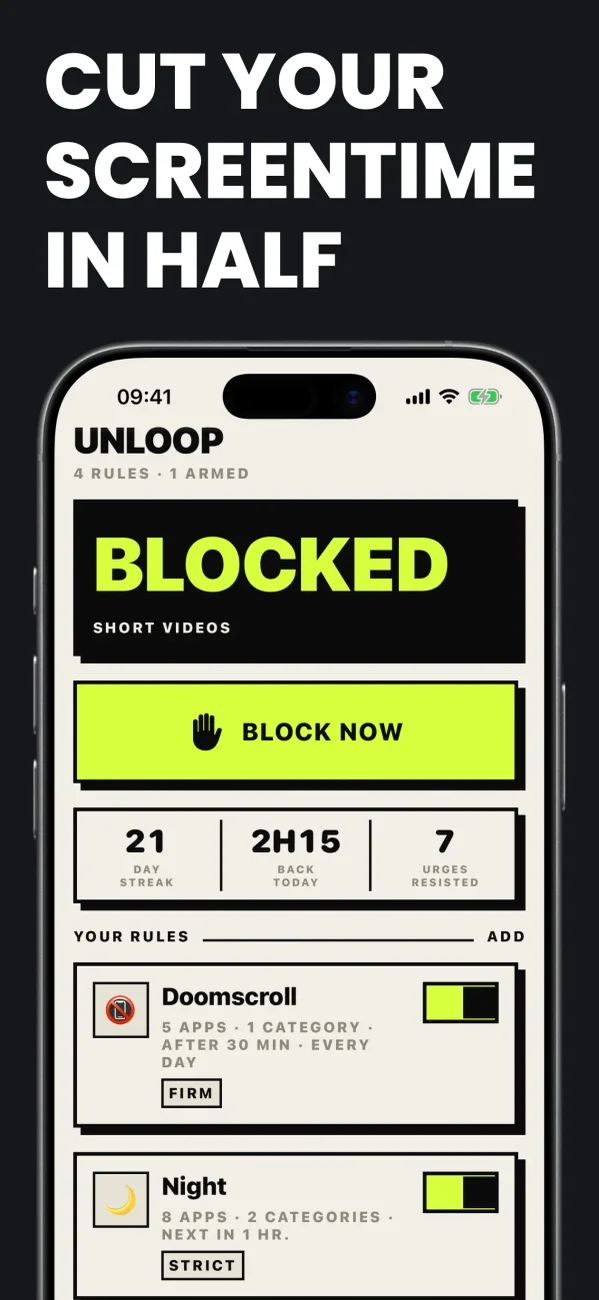
• Pick the apps, categories and websites that pull you in.
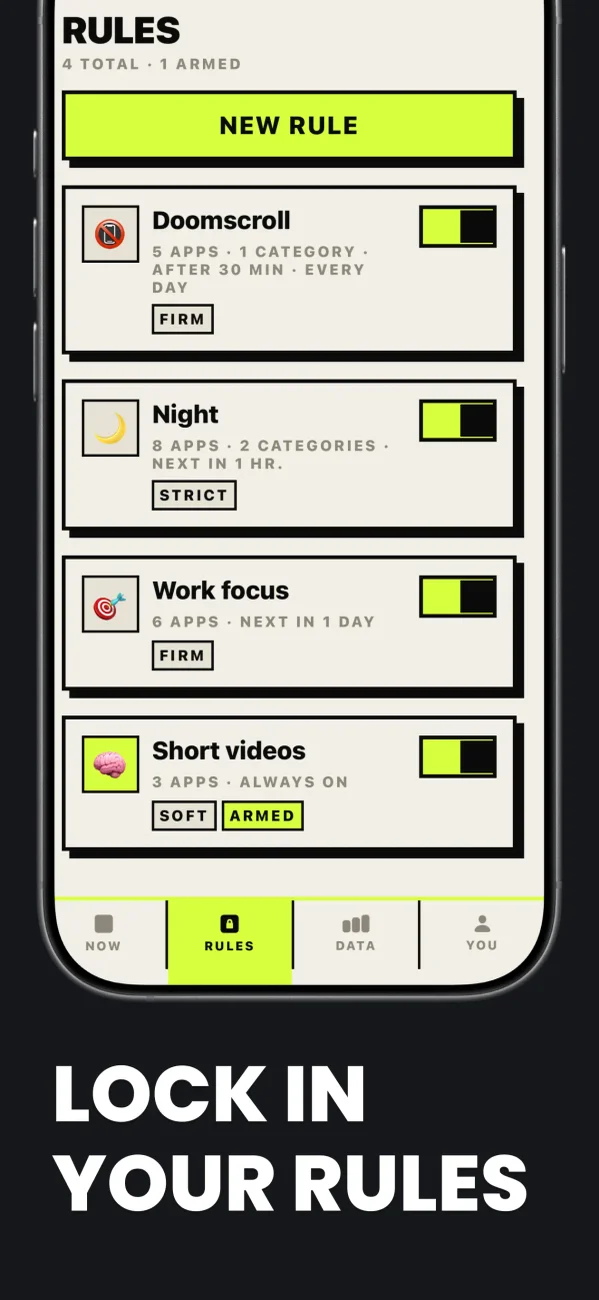
• Block them on a schedule — evenings, mornings, work hours — or all the time.
• Set a daily usage limit: when an app has had its minutes, the shield comes up for the rest of the day.
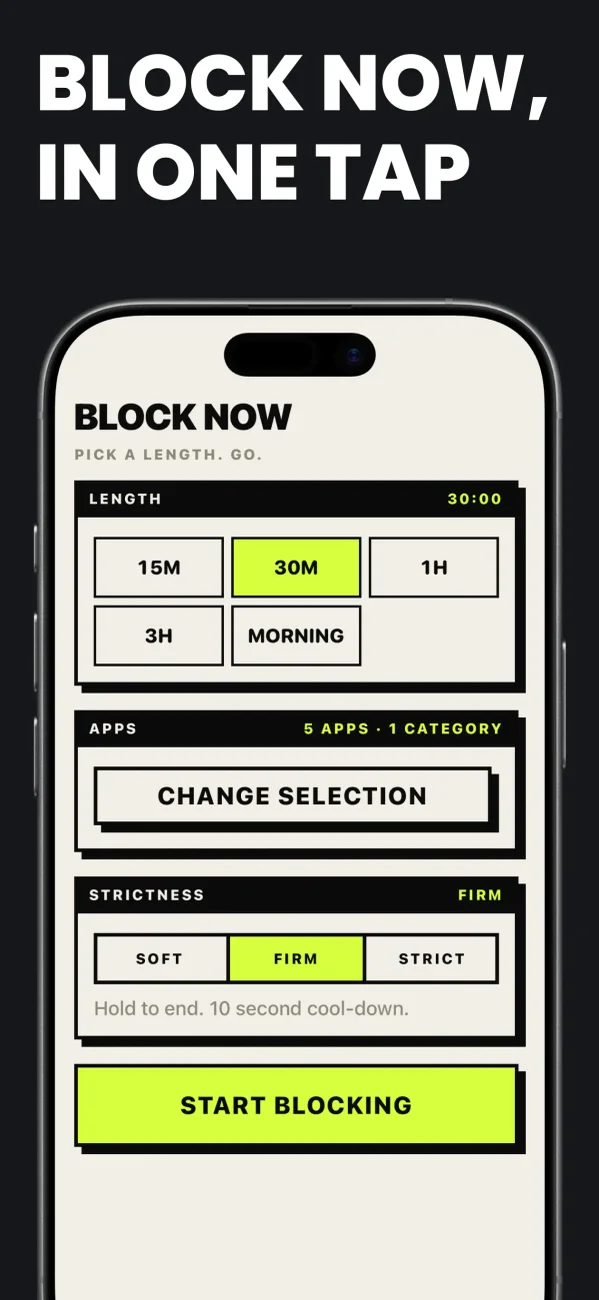
• Need a clean hour right now? Block Now starts a timed block in one tap, with a countdown on your Lock Screen.
UNLOCKING COSTS SOMETHING
Most blockers have an off switch one tap away. Unloop doesn't.
• Choose how firm each rule is: Soft asks once, Firm makes you hold, Strict makes you earn it.
• Earn a few minutes, not an off switch: unlock for 5, 10 or 15 minutes, and the shield comes back on its own.
• Every unlock today costs double the one before, and each rule has a daily limit. "Just once more" gets expensive fast.
UNLOCK RITUALS
Strict rules ask for a ritual before they open:
• Hold — keep your thumb down, no shortcuts.
• Transcribe — retype a phrase exactly. One typo and you start over.
• Breathe — a minute of paced breathing, then decide again.
• Walk — steps buy minutes. 20 steps for every minute you want.
• Intention — say why you're opening it, then look at the answer.
• Wait — a minute of nothing. Most urges don't last that long.
EVERY "GO BACK" COUNTS
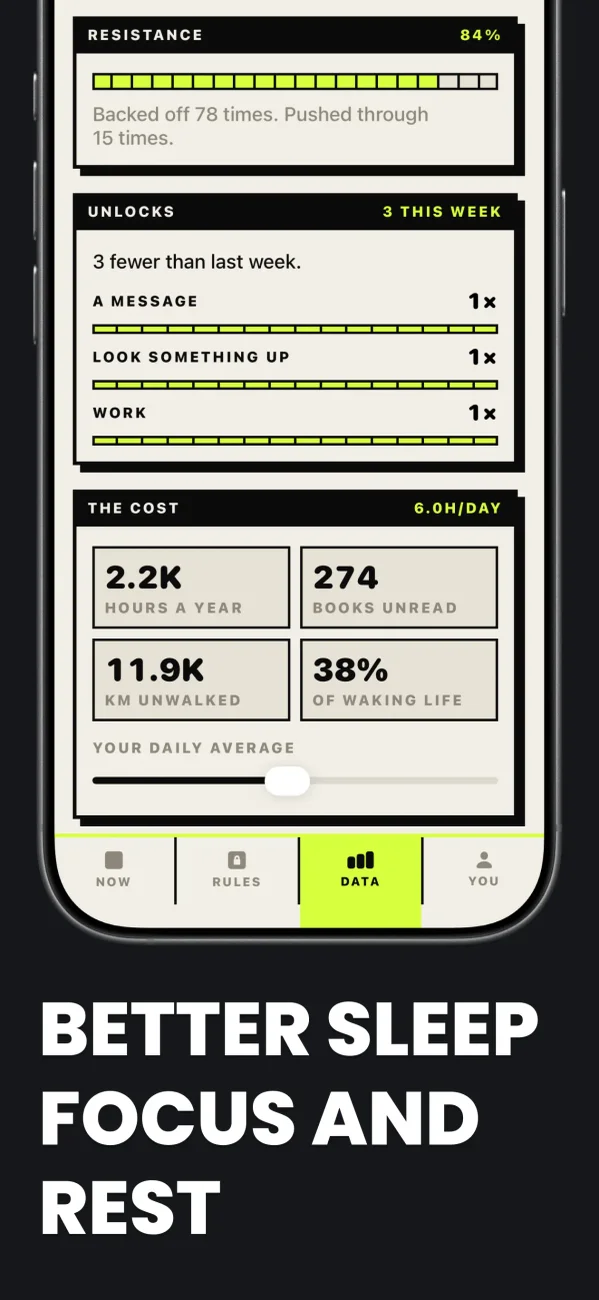
The shield keeps score. "You've backed off 3 times today. Make it 4." Walking away from an unlock counts as a win and earns stamps — because resisting is the point, not a failure.
SEE THE PATTERN
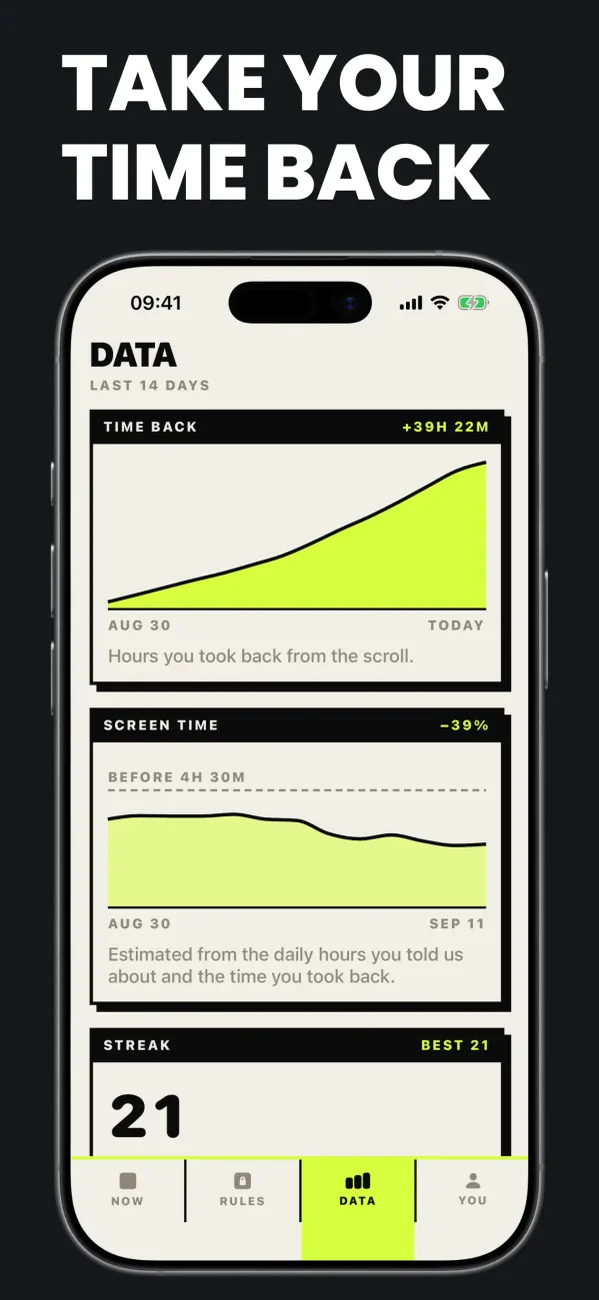
• Time you took back, estimated screen time, streaks and your resistance rate over the last two weeks.
• Why you unlock, week over week — "bored" looks different on a chart.
• How your mood tracks your focused days.
• What the scrolling costs you in a year, in hours you could spend on something else.
• A weekly receipt of your week, ready to share.
REPLACE THE SCROLL
Log what you did instead — walked, read, cooked, called someone — and rate the day with one tap in the evening. It all stays in a journal on your phone.
ALWAYS WITHIN REACH
• Home Screen and Lock Screen widgets for your status and streak.
• A Live Activity while a block runs.
• Siri and Shortcuts: "Block for a while."
• Notifications only about things you set up — a limit reached, a block ending, a strict rule about to start. No streak nagging. No "we miss you."
新機能
バージョン 1.0.1 · 2026/10/1
bug fixes
アプリのプライバシー
このアプリのデータの取り扱いについて、FlashSoft OUがApp Storeで申告している内容です。
-
ユーザーのトラッキングに使用されるデータ
他社のアプリやウェブサイトを横断してユーザーをトラッキングする目的で使用される場合があります。
- ID
-
ユーザーに関連付けられないデータ
収集される場合がありますが、ユーザーの識別情報には関連付けられません。
- ID
- 使用状況データ
- 診断
プライバシーの取り扱いは、ご利用の機能やお客様の年齢などに応じて異なる場合があります。
情報
- 販売元
- FlashSoft OU
- カテゴリ
- ライフスタイル
- バージョン
- 1.0.1
- 更新日
- 2026/10/1
- リリース
- 2026/9/18
- サイズ
- 29.7 MB
- 必要条件
- iOS 17.0以降
- 対象年齢
- 4+
- 価格
- 無料
- アプリ内課金
- あり
- 言語
- フランス語, ドイツ語, 英語, スペイン語, イタリア語, オランダ語, ポーランド語, ポルトガル語, ロシア語, ウクライナ語
- 著作権
- © FlashSoft OU