- 対象年齢17+
- カテゴリユーティリティ
- 開発元Xasanbek Abdullayev
- 言語英語ほか13言語
- サイズ14.5 MB
App Storeの公式ページにリンクしています
Download.orgはVaultic: 2FA Authenticatorのファイルを一切ホストしていません。ボタンを押すと、Xasanbek Abdullayevが公開しているApp Storeのアプリページが開きます。ページの最終確認:2026/11/20。
スクリーンショット
概要
開発元はこのテキストをお使いの言語で提供していません。
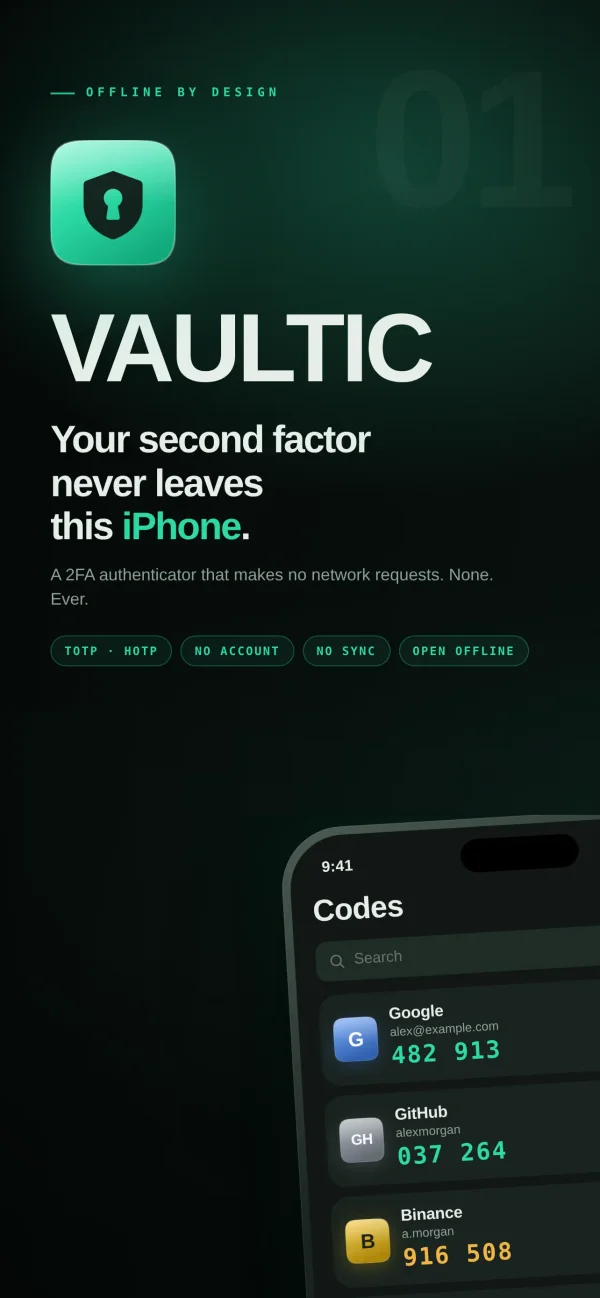
Vaultic keeps your two-factor codes, your passwords and your browsing on your iPhone — not in somebody else's cloud. No account to create, no sync to trust, and no secret that ever leaves the device.
WHY THIS MATTERS
Your 2FA secrets are the last thing standing between an attacker and your accounts. Vaultic stores them in the iOS Keychain under hardware encryption and never uploads them. There is no Vaultic account and no Vaultic server holding your data, so there is nothing to breach and nothing to leak.
CODES THAT JUST WORK
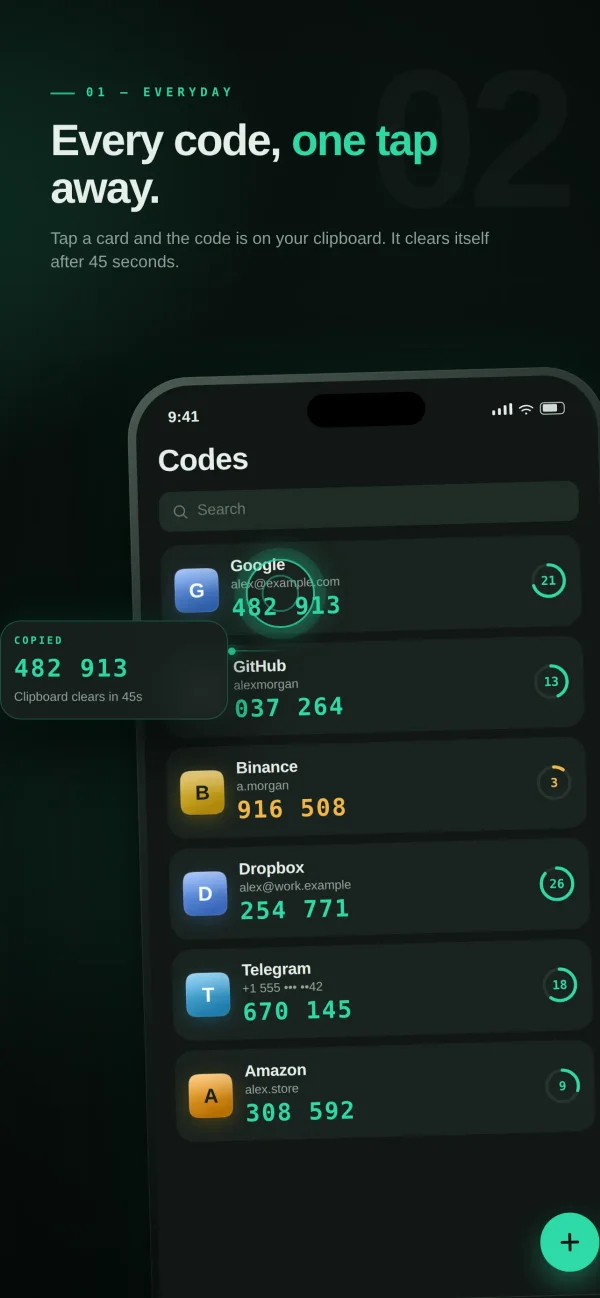
• Standard TOTP and HOTP — compatible with thousands of services that support authenticator apps
• A countdown ring on every card that turns amber before the code expires, so you never submit a code that is about to die
• Tap a code to copy it; the clipboard clears itself afterwards
• Search instantly by service name or login
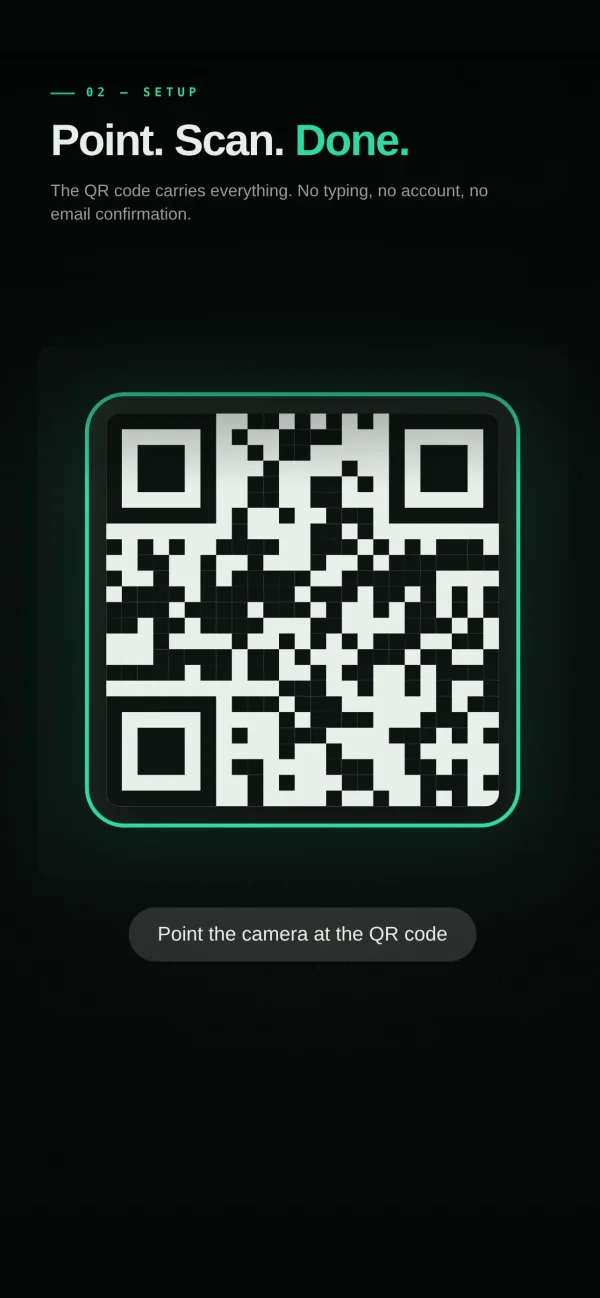
• Add accounts three ways: scan a QR code, pick the service from the built-in catalog, or type the setup key by hand
• Codes are generated from your device clock, so they work in airplane mode, abroad, and with no signal at all
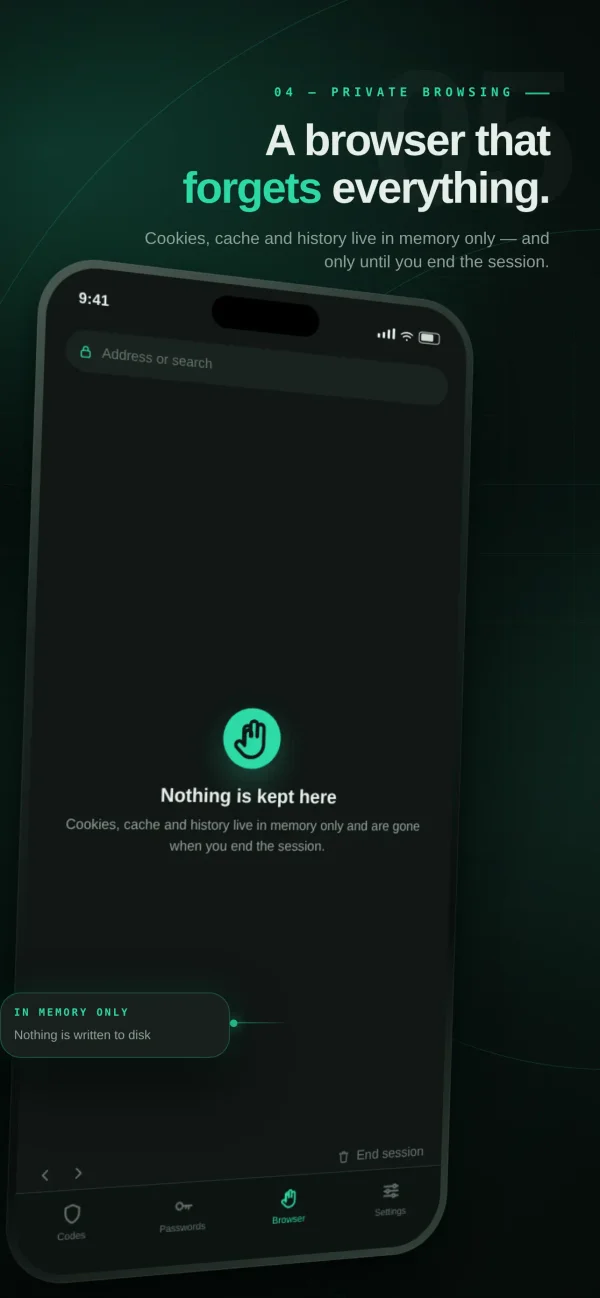
A BROWSER THAT FORGETS
Open a link or sign in to a service without leaving a trail. Cookies, cache and history are held in memory and never written to disk, so ending the session removes them for good. Searches go to DuckDuckGo rather than an advertising network, addresses are upgraded to HTTPS, and the browser sits behind the same Face ID lock as everything else. It is a private browser, not a VPN — the sites you visit still see your connection.
LOCKED DOWN BY DEFAULT
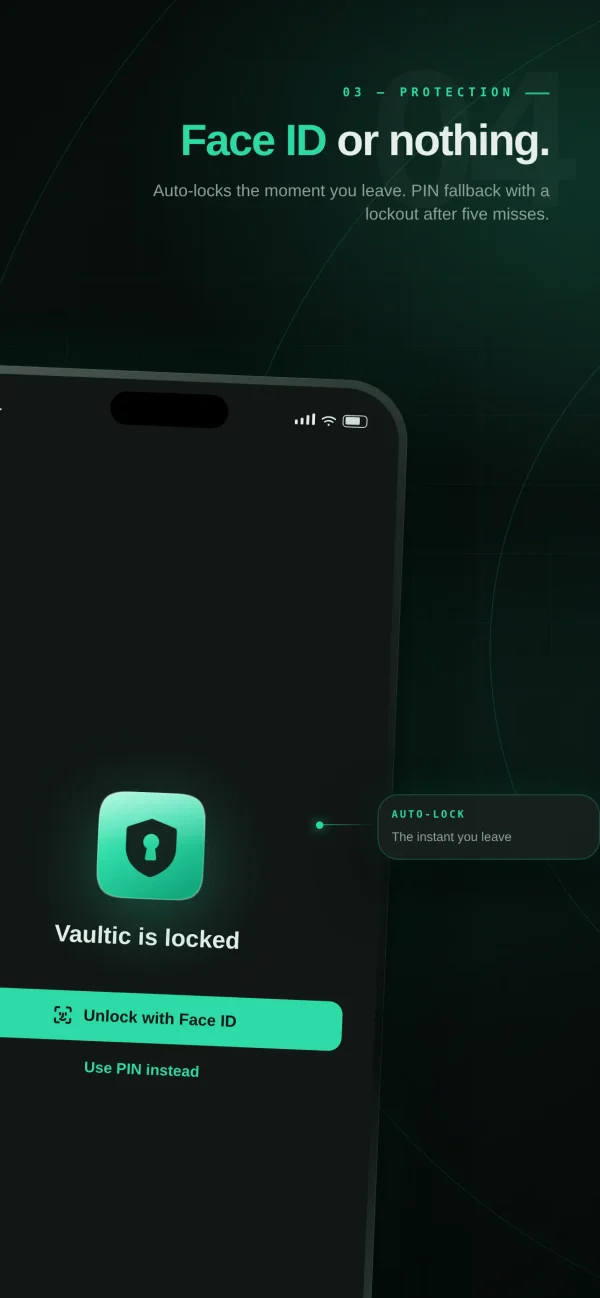
• Face ID or Touch ID, with a PIN as a fallback
• Auto-lock the moment you leave the app
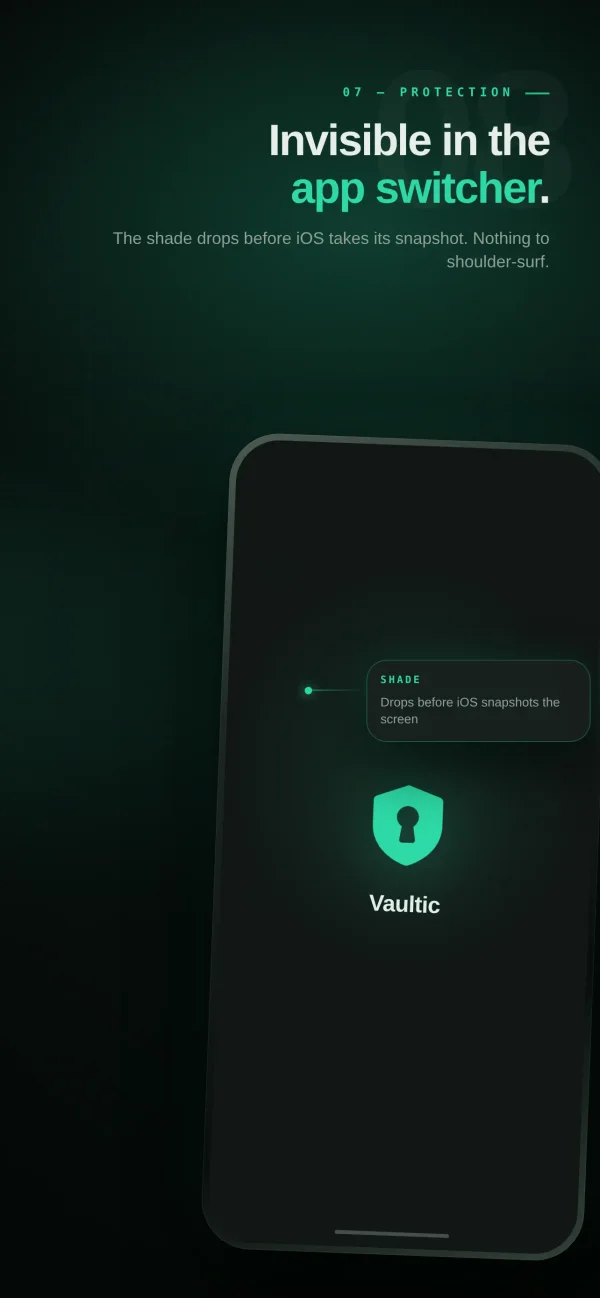
• A privacy shade hides your codes in the app switcher, whether or not you use a lock
• Content is covered while the screen is being recorded, mirrored or shared
• A warning when a screenshot is taken, because iOS lets no app prevent one
• Optionally keep every code hidden until you deliberately tap it
• Five wrong PIN attempts trigger a cooldown
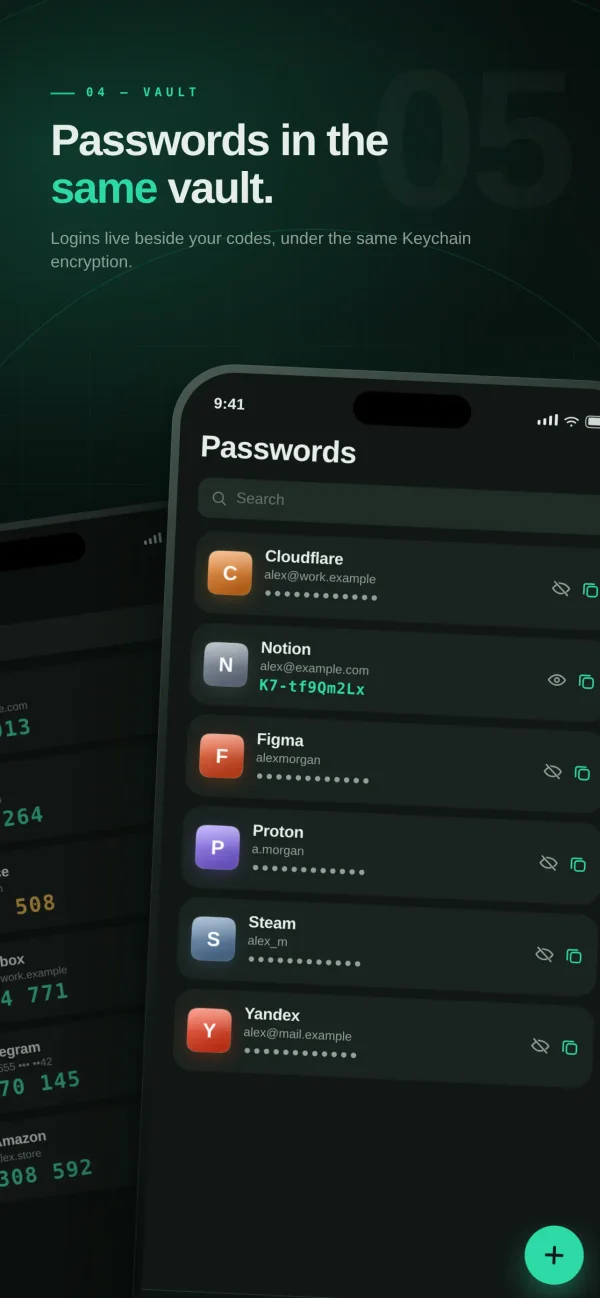
PASSWORDS IN THE SAME VAULT
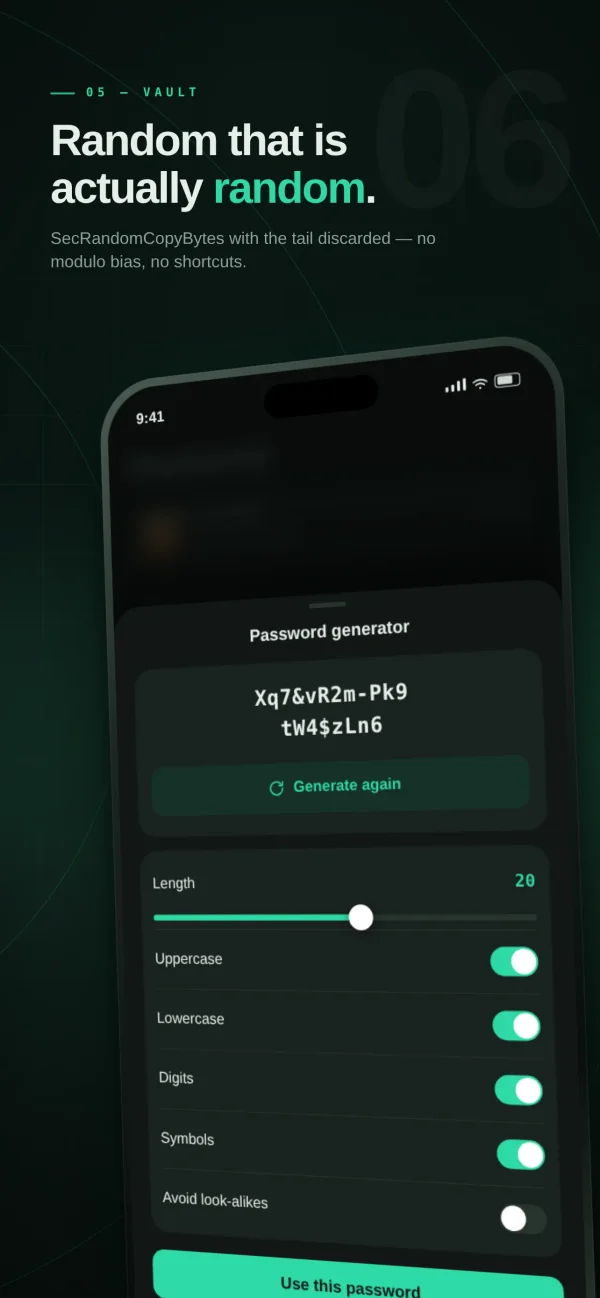
Keep logins next to your codes instead of scattering them across apps. Generate strong passwords from a real cryptographic random source, exclude look-alike characters when you will have to type the password by hand, and see how strong it is before you save.
BACKUPS YOU CONTROL
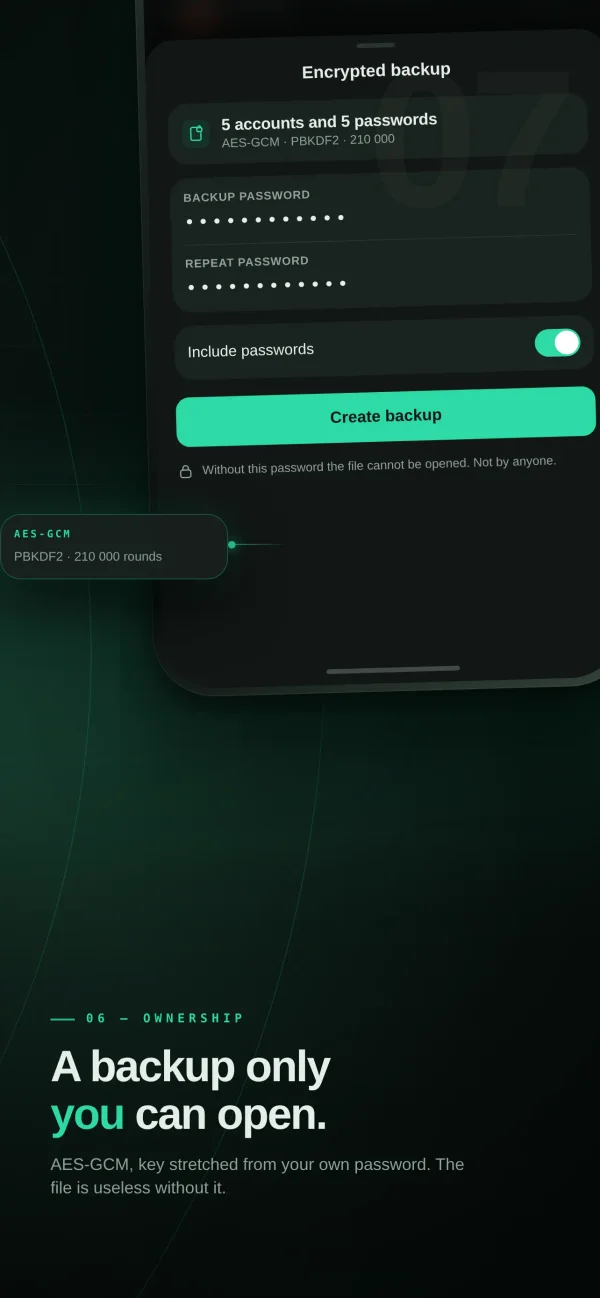
Export an encrypted backup locked with a password you choose. The file is protected with AES-GCM and a key derived through 210,000 rounds of PBKDF2, so a stolen backup is useless without your password. Restore it on a new iPhone in seconds, or open a backup file straight from the Files app.
IF YOU LOSE YOUR PHONE
Read this before you need it. Because Vaultic keeps nothing on a server, a backup you made earlier is the only way back — along with the recovery codes the services themselves gave you. Nobody, including us, can restore your codes without it. Make a backup today and store its password somewhere safe.
BUILT FOR IPHONE
A calm dark interface, full Dynamic Type support, and complete VoiceOver labelling — codes are read out digit by digit rather than as one large number. Available in English and Russian.
FREE AND PREMIUM
Vaultic is free for up to 3 accounts, with every security feature included. Premium removes the account limit and supports continued development. Restoring a backup is never limited: your own data always comes back, subscription or not.
Premium is an auto-renewable subscription. Payment is charged to your Apple ID at confirmation of purchase. It renews automatically unless cancelled at least 24 hours before the end of the current period, and you can manage or cancel it any time in App Store settings. If a free trial is offered, any unused portion is forfeited when you buy a subscription.
Terms of use: https://fronder.github.io/vaultic-app/terms/
Privacy policy: https://fronder.github.io/vaultic-app/privacy/
新機能
バージョン 1.0.2 · 2026/9/18
• Promo Code Redemption: Have a promo or giveaway code? You can now redeem it directly from the Paywall or in Settings to unlock Vaultic Pro.
• Smart Sorting: Easily find your most frequently used 2FA codes and passwords at the very top of your list (toggle in Settings > Data).
• Password Vault Limits & Enhancements: Added clear overview of saved passwords and smoother integration with Vaultic Pro for unlimited storage.
• Scanner Improvements: Faster manual entry fallback if camera permissions are restricted.
• Localization: Full native experience across 14 languages.
• Performance & Stability: Enhanced Face ID lock response and refined dark mode UI animations.
アプリのプライバシー
このアプリのデータの取り扱いについて、Xasanbek AbdullayevがApp Storeで申告している内容です。
-
ユーザーに関連付けられないデータ
収集される場合がありますが、ユーザーの識別情報には関連付けられません。
- 購入
- ID
プライバシーの取り扱いは、ご利用の機能やお客様の年齢などに応じて異なる場合があります。
情報
- 販売元
- Xasanbek Abdullayev
- カテゴリ
- ユーティリティ
- バージョン
- 1.0.2
- 更新日
- 2026/9/18
- リリース
- 2026/9/10
- サイズ
- 14.5 MB
- 必要条件
- iOS 16.0以降
- 対象年齢
- 17+
- 価格
- 無料
- アプリ内課金
- あり
- 言語
- 英語, アラビア語, オランダ語, フランス語, ドイツ語, イタリア語, 日本語, 韓国語, ポーランド語, ポルトガル語, ロシア語, 簡体字中国語 ほか2言語
- 著作権
- © 2026 Vaultic
こちらもおすすめ
-
 Auth Mate - 2FA AuthenticatorTOTPコード、同期とバックアップ
-
 Keylet: 2FA Authenticatorユーティリティ
-
 2FA iAtomos: 認証アプリ永久無料の2FAコード
-
 Opty - 2FA Authenticatorユーティリティ
-
 2FA Vault - TOTP Authenticatorユーティリティ
-
 Authenticator App 2FA Securedユーティリティ
-
 2FA4G:2FA AuthenticatorTOTP/HOTPコードを手元に
-
 TwoFac - Authenticatorユーティリティ
-
 Authenticator App - Official ™ユーティリティ
-
 Authenticator: 2FA & TOTPユーティリティ