- 対象年齢4+
- カテゴリユーティリティ
- 開発元Studio Fifteen
- 言語英語ほか12言語
- サイズ107.7 MB
App Storeの公式ページにリンクしています
Download.orgはKeylet: 2FA Authenticatorのファイルを一切ホストしていません。ボタンを押すと、Studio Fifteenが公開しているApp Storeのアプリページが開きます。ページの最終確認:2026/11/20。
スクリーンショット




概要
開発元はこのテキストをお使いの言語で提供していません。
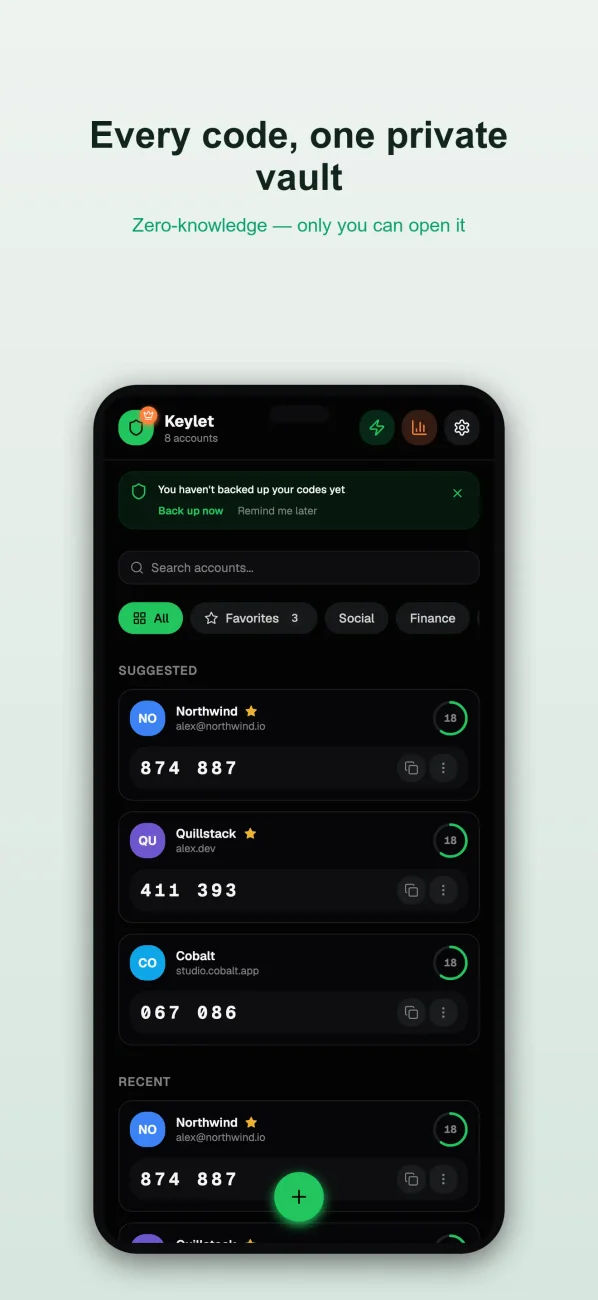
Keylet is the privacy-first authenticator that fills your 2FA codes right above the keyboard — without opening the app, and without ever showing a code on screen.
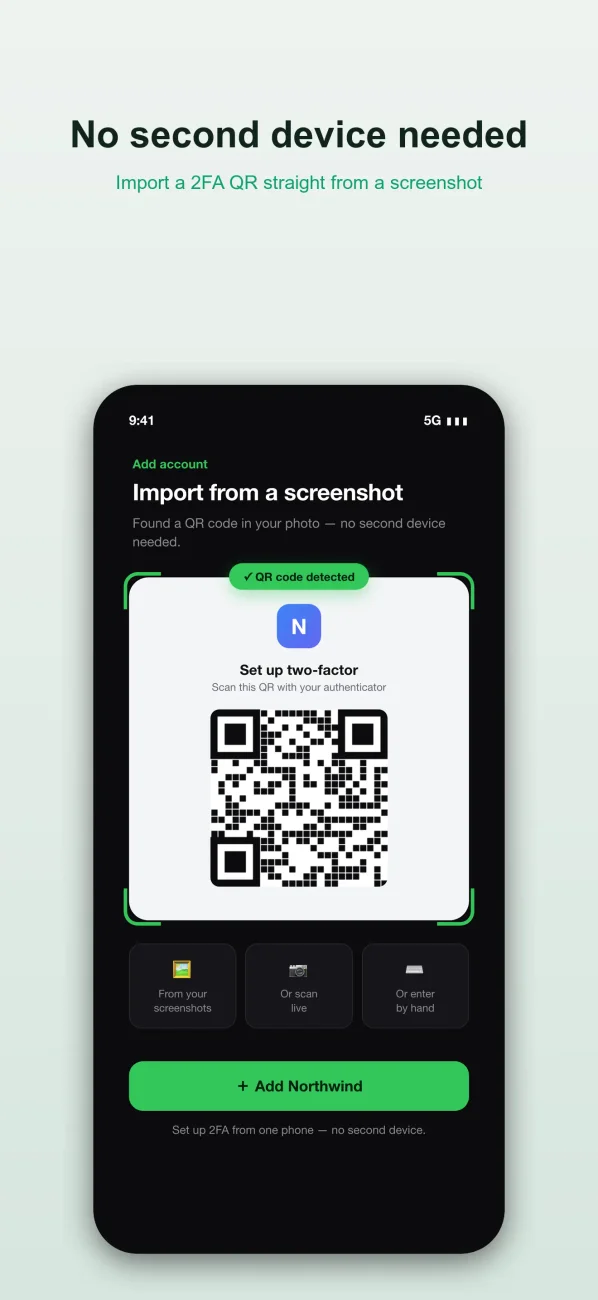
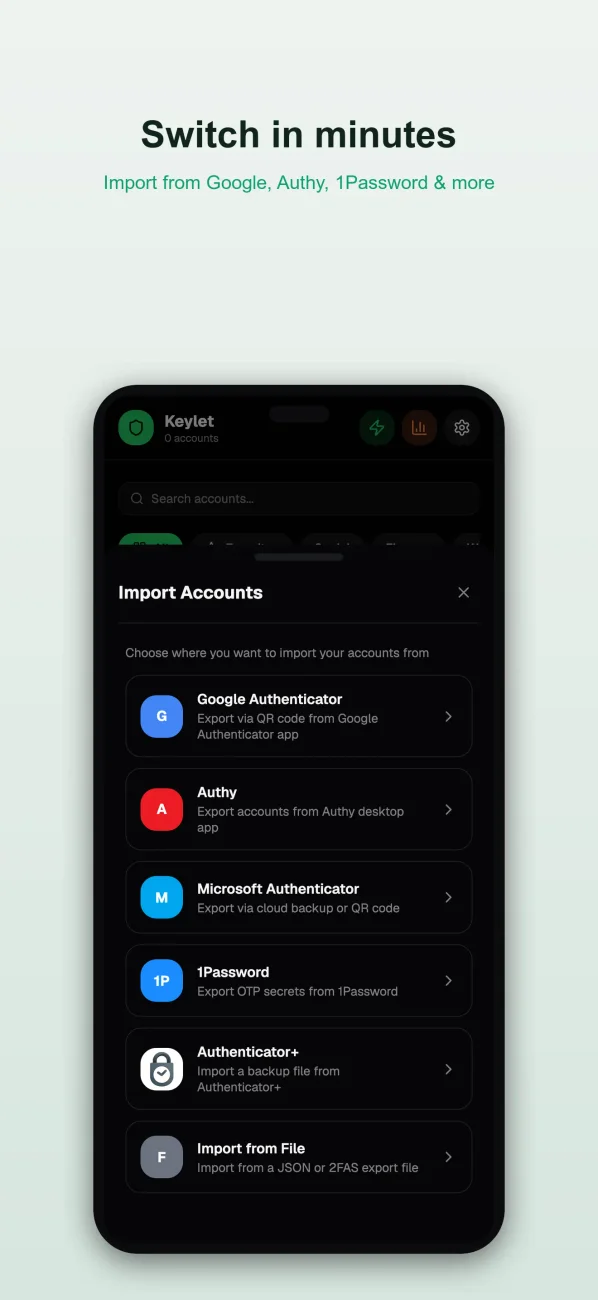
From the makers of Authenticator+ — and switching is effortless. Import your accounts in seconds, straight from Authenticator+, Google Authenticator, Authy, Microsoft, 1Password and more — or even from a single screenshot, with no second device needed.
Your secrets never leave your phone. Everything lives in an encrypted, zero-knowledge vault (AES-256-GCM) that only you can open. No account. No cloud. No tracking. No ads.
WHY KEYLET
• AutoFill, done right — tap a verification-code field and Keylet offers the right code. It fills it; it never displays it. Nothing to shoulder-surf.
• Import in seconds — from Authenticator+, Google Authenticator, Authy, Microsoft, 1Password, a backup file, or a screenshot. No second device required.
• Multiple vaults — keep work and personal completely separate, each encrypted on its own.
• Encrypted sharing — hand a code to someone you trust over end-to-end encryption, with a self-destructing expiry.
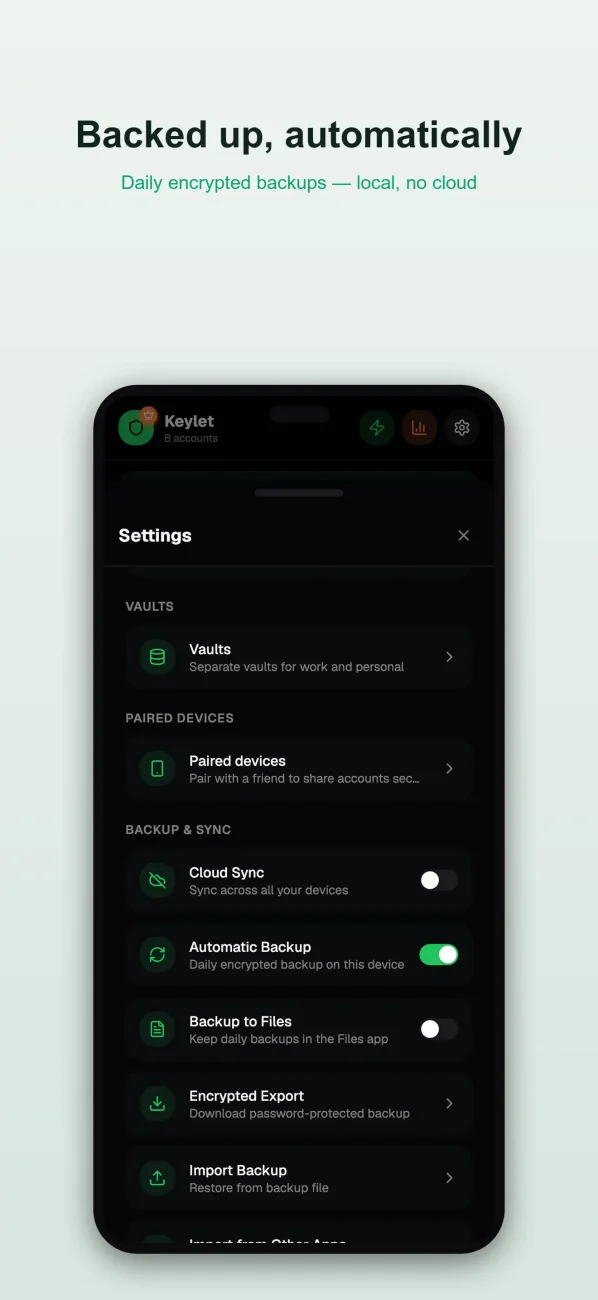
• Backed up, safely — automatic daily encrypted backups on your device, plus password-protected export. No cloud needed.
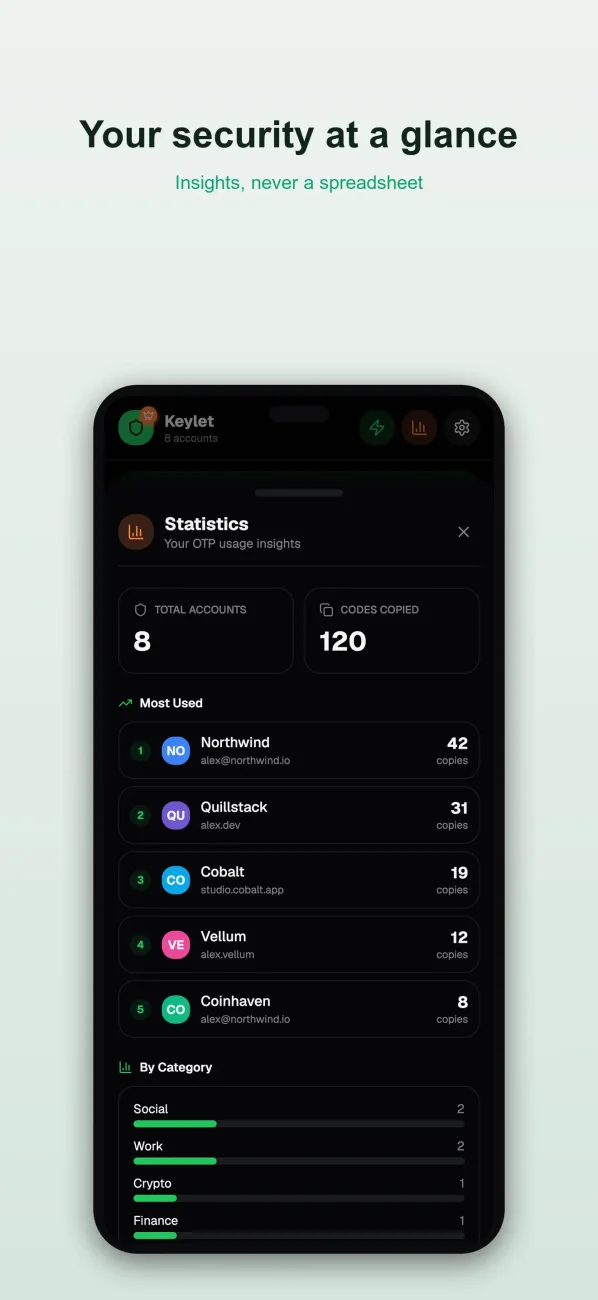
• Yours to organise — biometric lock per account, categories, recovery keys and home-screen widgets.
• No ads. Ever. Unlimited accounts, free.
Keylet keeps your second factor exactly where it belongs: in your hands, encrypted, and out of sight.
Terms of Use (EULA): https://www.apple.com/legal/internet-services/itunes/dev/stdeula/
Privacy Policy: https://studiofifteen.nl/app/keylet/privacy
新機能
バージョン 2026.7.20 · 2026/7/22
• Bigger code digits — pick from three sizes in Appearance.
• Prefer the account name first? Swap how issuer and label are shown.
• AutoFill now asks for Face ID/Touch ID before filling a code, and picks count toward Frequently Used.
• Expired shares you sent can now be cleaned up.
アプリのプライバシー
このアプリのデータの取り扱いについて、Studio FifteenがApp Storeで申告している内容です。
-
データの収集なし
開発元はこのアプリからデータを収集しません。
プライバシーの取り扱いは、ご利用の機能やお客様の年齢などに応じて異なる場合があります。
情報
- 販売元
- Studio Fifteen
- カテゴリ
- ユーティリティ
- バージョン
- 2026.7.20
- 更新日
- 2026/7/22
- リリース
- 2026/6/18
- サイズ
- 107.7 MB
- 必要条件
- iOS 16.4以降
- 対象年齢
- 4+
- 価格
- 無料
- アプリ内課金
- あり
- 言語
- 英語, オランダ語, フランス語, ドイツ語, イタリア語, 日本語, 韓国語, ポーランド語, ポルトガル語, ロシア語, 簡体字中国語, スペイン語 ほか1言語
- 著作権
- © 2026 Studio Fifteen
こちらもおすすめ
-
 Vaultic: 2FA Authenticatorユーティリティ
-
 Auth Mate - 2FA AuthenticatorTOTPコード、同期とバックアップ
-
 Opty - 2FA Authenticatorユーティリティ
-
 2FA iAtomos: 認証アプリ永久無料の2FAコード
-
 2FA Vault - TOTP Authenticatorユーティリティ
-
 Authenticator App 2FA Securedユーティリティ
-
 2FA4G:2FA AuthenticatorTOTP/HOTPコードを手元に
-
 Glass Authenticator 2FAユーティリティ
-
 TwoFac - Authenticatorユーティリティ
-
 Vaultyユーティリティ