
- 対象年齢4+
- カテゴリ写真/ビデオ
- 開発元AppHolic
- 言語英語
- サイズ20.5 MB
App Storeの公式ページにリンクしています
Download.orgはVideo Splitter - Split Catのファイルを一切ホストしていません。ボタンを押すと、AppHolicが公開しているApp Storeのアプリページが開きます。ページの最終確認:2026/11/18。
スクリーンショット
概要
開発元はこのテキストをお使いの言語で提供していません。
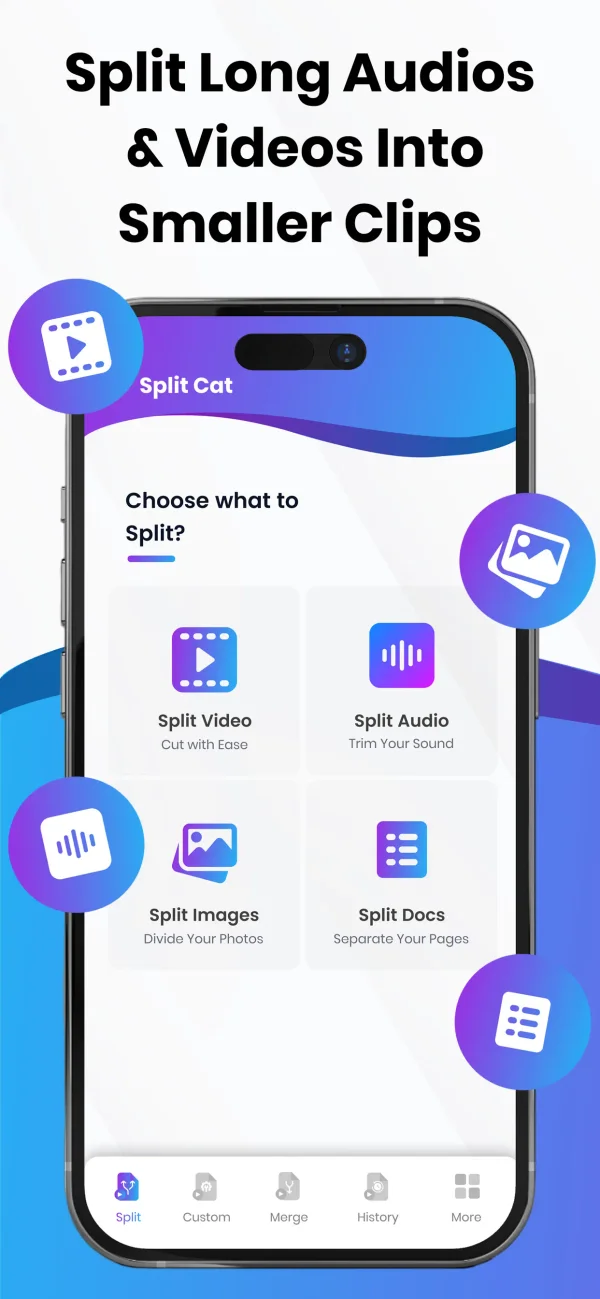
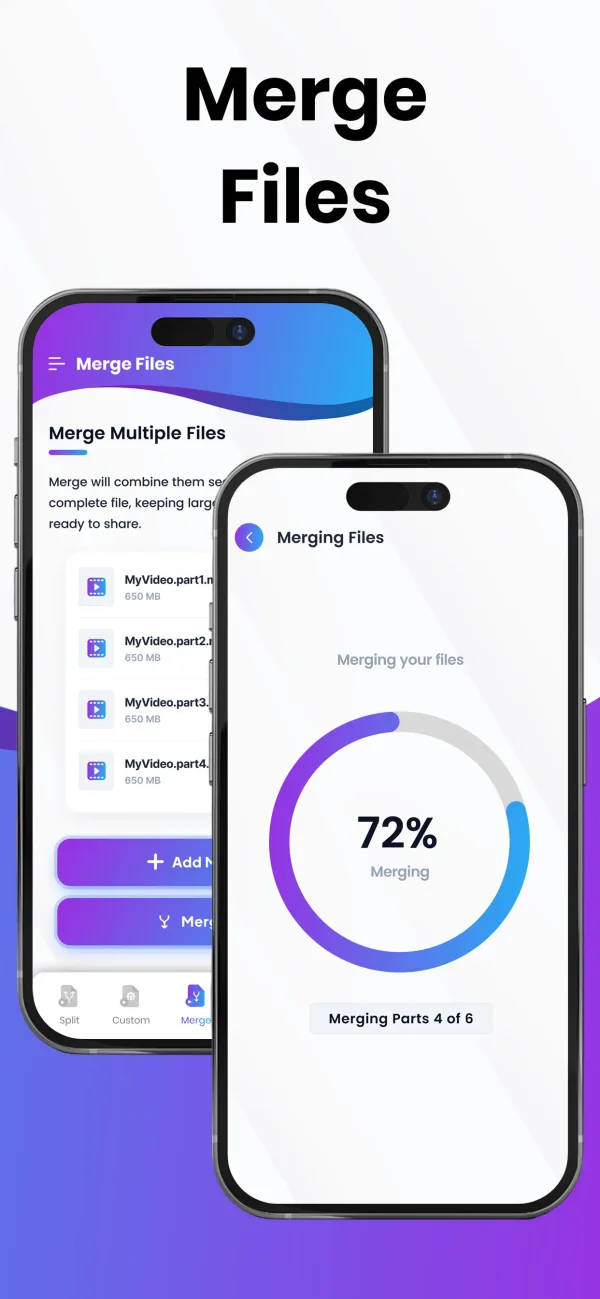
Make splitting and managing your files easier with Video Splitter - Split Cat. Split audio, video, images, and documents into smaller parts based on your needs, or merge multiple files together in one simple workflow.
FEATURES
• Split audio files into smaller parts
• Split videos into separate clips
• Split images and supported documents
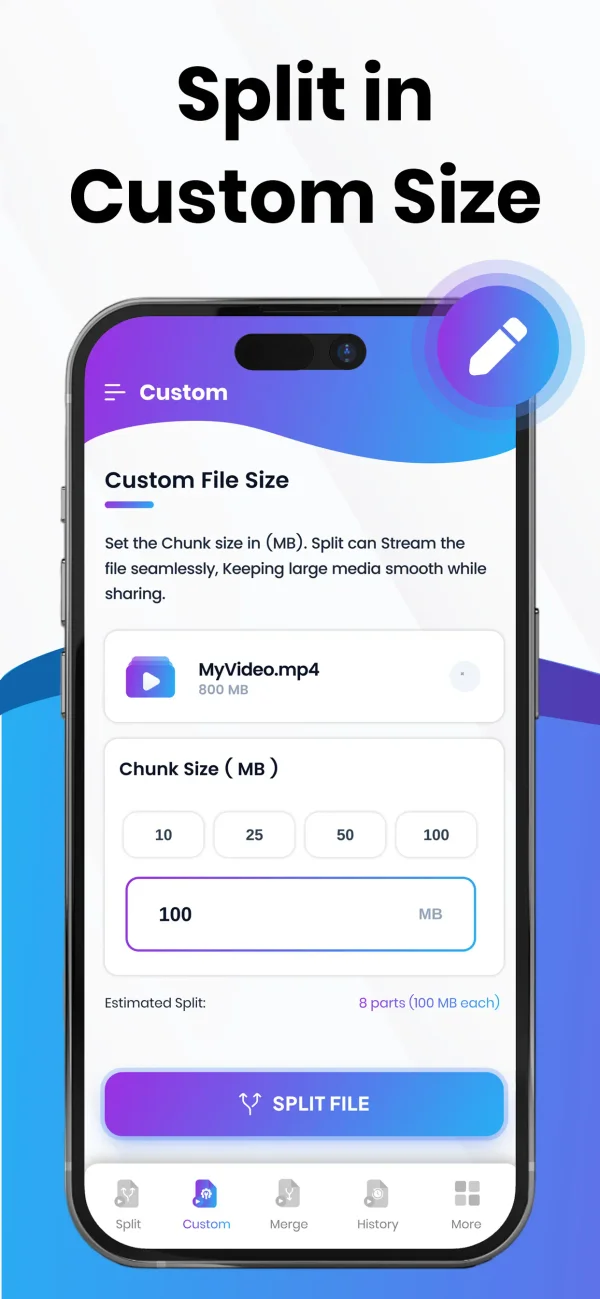
• Choose a custom file size with Custom Split
• Merge audio, video, images, and documents
• Preview your completed files
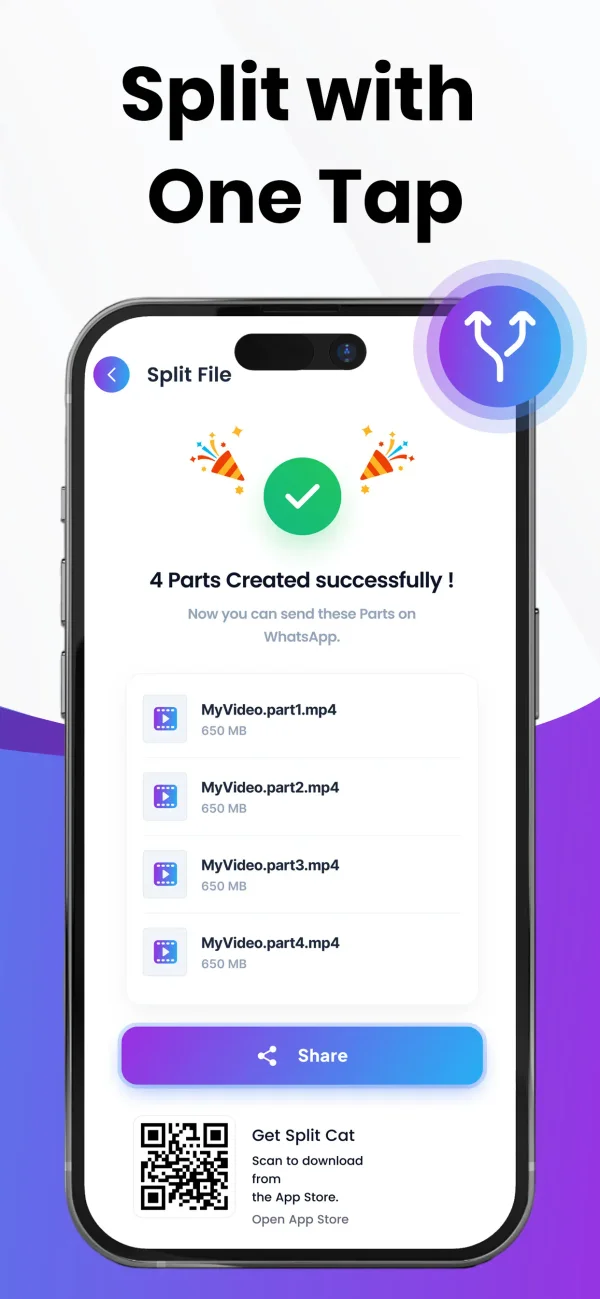
• Save and share split or merged files
• Keep track of your work with History
SPLIT AUDIO & VIDEO
Split your media quickly and easily. Use Split Audio to divide audio files into smaller parts, or use Split Video to separate longer videos into manageable clips based on your selected size requirements.
SPLIT IMAGES & DOCUMENTS
Easily divide your files into smaller parts. Split Images lets you split supported image files, while Split Documents helps separate supported documents and PDF files for easier management.
CUSTOM SPLIT
Get more control over how your files are divided. Select Audio, Video, Image, or Document, enter your preferred file size, and start splitting. Custom Split gives you a flexible way to create smaller files according to your needs.
MERGE AUDIO, VIDEO & FILES
Bring multiple files together with simple merge tools. Use Merge Audio to combine audio files, Merge Video to join video clips, Merge Images to combine images, or Merge Documents to combine supported documents and PDFs into one file.
PREVIEW & HISTORY
Keep your completed work organized in one place. Preview your split or merged files, check Split History and Merge History, and view file details such as name, type, date, and time. You can also share or delete files from your history.
SAVE & SHARE
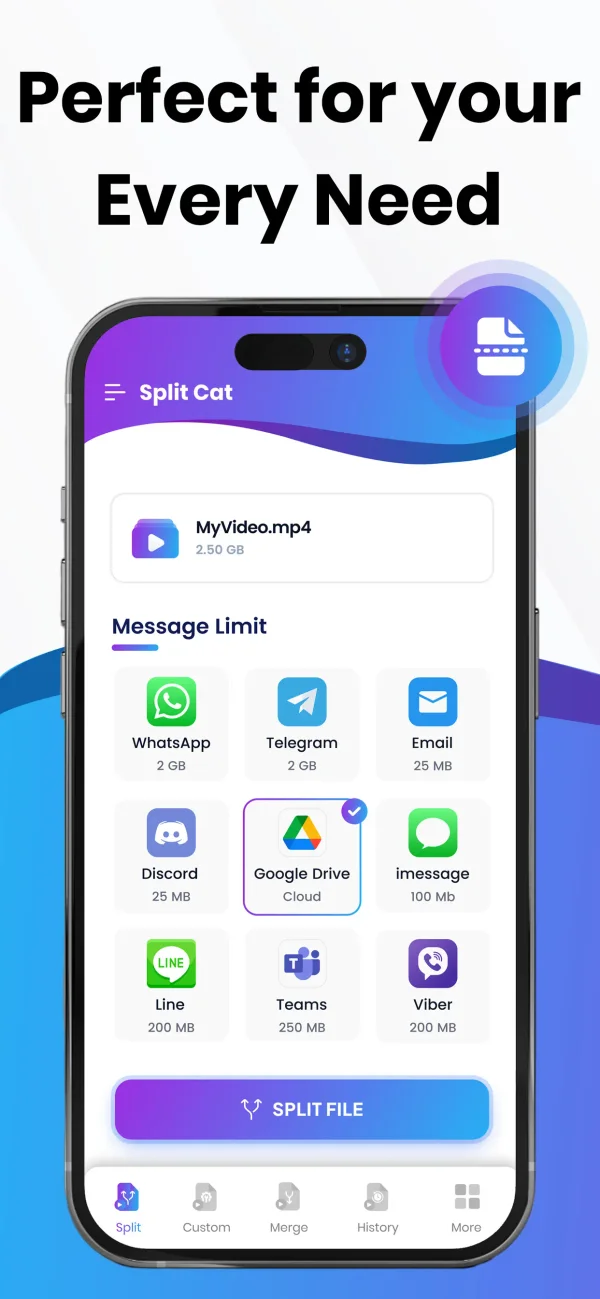
Save your completed files and share them whenever you need. Whether you split a large file into smaller parts or merge multiple files into one, everything stays easy to access and manage.
Split files easily and keep your audio, video, images, and documents organized with Video Splitter - Split Cat.
Disclaimer: Video Splitter - Split Cat is an independent application designed to provide file splitting and merging tools for audio, video, image, and document files. This app is not affiliated with, endorsed by, or associated with any third-party companies, applications, or services. All trademarks, product names, and brand names belong to their respective owners and are used only for descriptive and compatibility purposes.
By using this app, you agree to our:
Privacy Policy: https://sites.google.com/view/appholic/split-cat/privacy-policy
Terms of Use: https://sites.google.com/view/appholic/split-cat/terms-of-use
新機能
バージョン 1.0.2 · 2026/9/25
Bug Fixes & Improvements
アプリのプライバシー
このアプリのデータの取り扱いについて、AppHolicがApp Storeで申告している内容です。
-
ユーザーのトラッキングに使用されるデータ
他社のアプリやウェブサイトを横断してユーザーをトラッキングする目的で使用される場合があります。
- 使用状況データ
-
ユーザーに関連付けられないデータ
収集される場合がありますが、ユーザーの識別情報には関連付けられません。
- 使用状況データ
- 診断
プライバシーの取り扱いは、ご利用の機能やお客様の年齢などに応じて異なる場合があります。
情報
- 販売元
- Incube Technologies LLC
- カテゴリ
- 写真/ビデオ
- バージョン
- 1.0.2
- 更新日
- 2026/9/25
- リリース
- 2026/9/15
- サイズ
- 20.5 MB
- 必要条件
- iOS 16.6以降
- 対象年齢
- 4+
- 価格
- 無料
- アプリ内課金
- あり
- 言語
- 英語
- 著作権
- © 2026 AppHolic
こちらもおすすめ
-
 動画圧縮・トリミングサイズ変更・変換・速度調整
-
 Image and Video Compressor写真/ビデオ
-
 AI Anime Video Filters写真/ビデオ
-
 スクリーンレコーダー: ビデオと音声録画画面、アラビア語キャプション
-
 KakuCut:動画編集・自動字幕テロップを文字起こしで簡単作成
-
 Gif Wallet写真/ビデオ
-
 Voxcene:動画にAI字幕・テロップポッドキャスト収録・おしゃれな文字入れ
-
 ReelSwap: AI Photo & Video写真/ビデオ
-
 暗い動画を明るく&高画質化ぼやけた動画も端末内で補正
-
 Pixage – AI Image Generator写真/ビデオ