
Video Splitter - Split Cat
Split and Send Large Files
Designed for iPhone, iPad
Free · In-app purchases
- Age rating4+
- CategoryPhoto & Video
- DeveloperAppHolic
- LanguagesEnglish
- Size20.5 MB
Links to the official App Store page
Download.org hosts no file of Video Splitter - Split Cat. The button opens its official App Store page, published by AppHolic. Listing last checked on Nov 18, 2026.
Screenshots
About
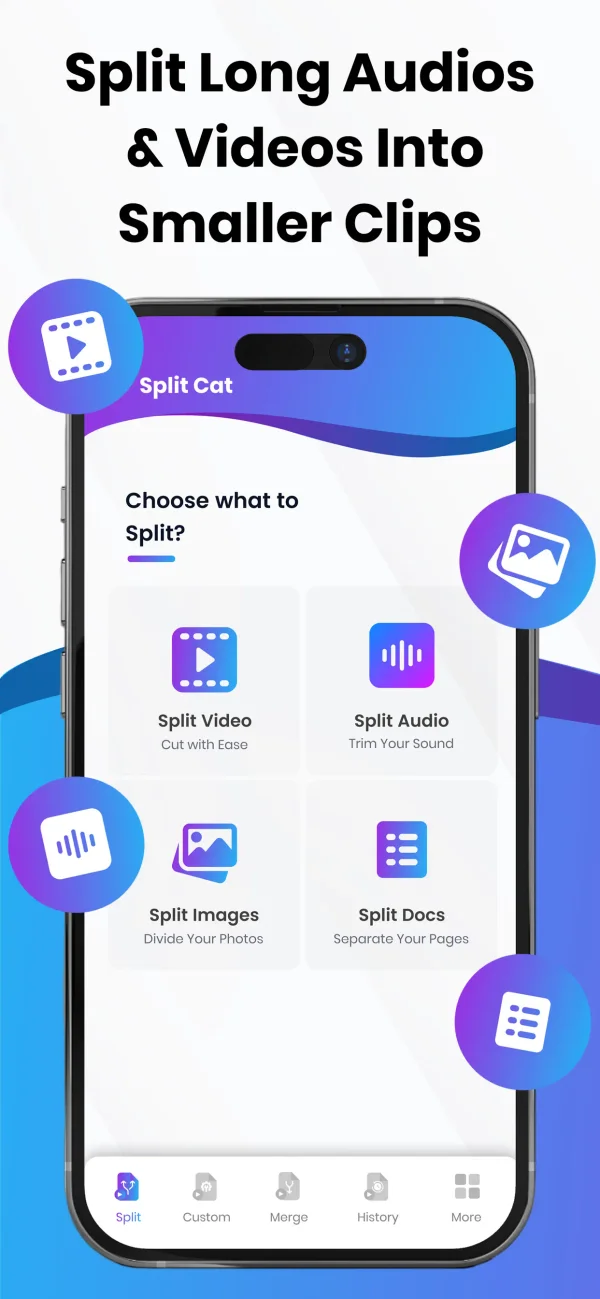
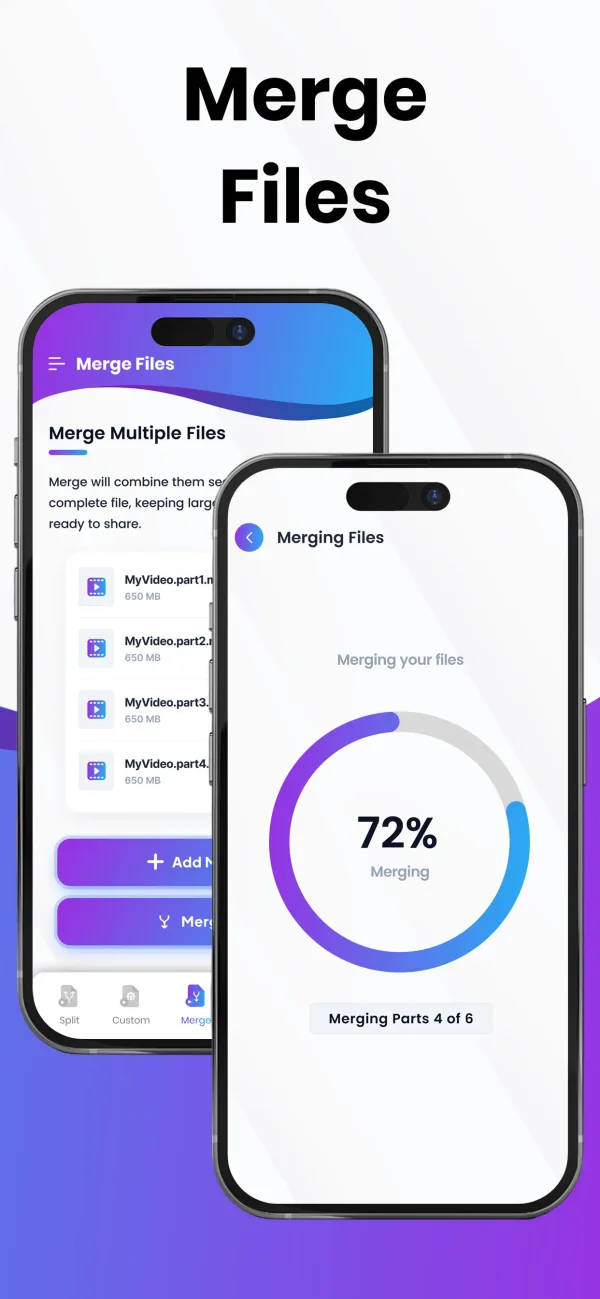
Make splitting and managing your files easier with Video Splitter - Split Cat. Split audio, video, images, and documents into smaller parts based on your needs, or merge multiple files together in one simple workflow.
FEATURES
• Split audio files into smaller parts
• Split videos into separate clips
• Split images and supported documents
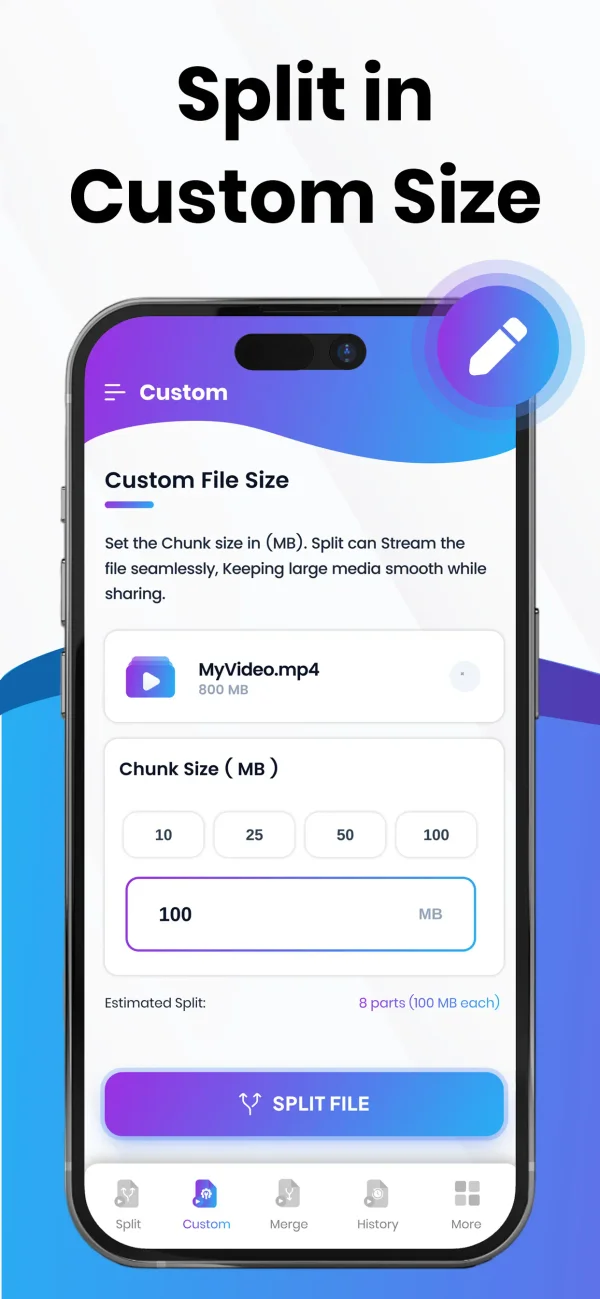
• Choose a custom file size with Custom Split
• Merge audio, video, images, and documents
• Preview your completed files
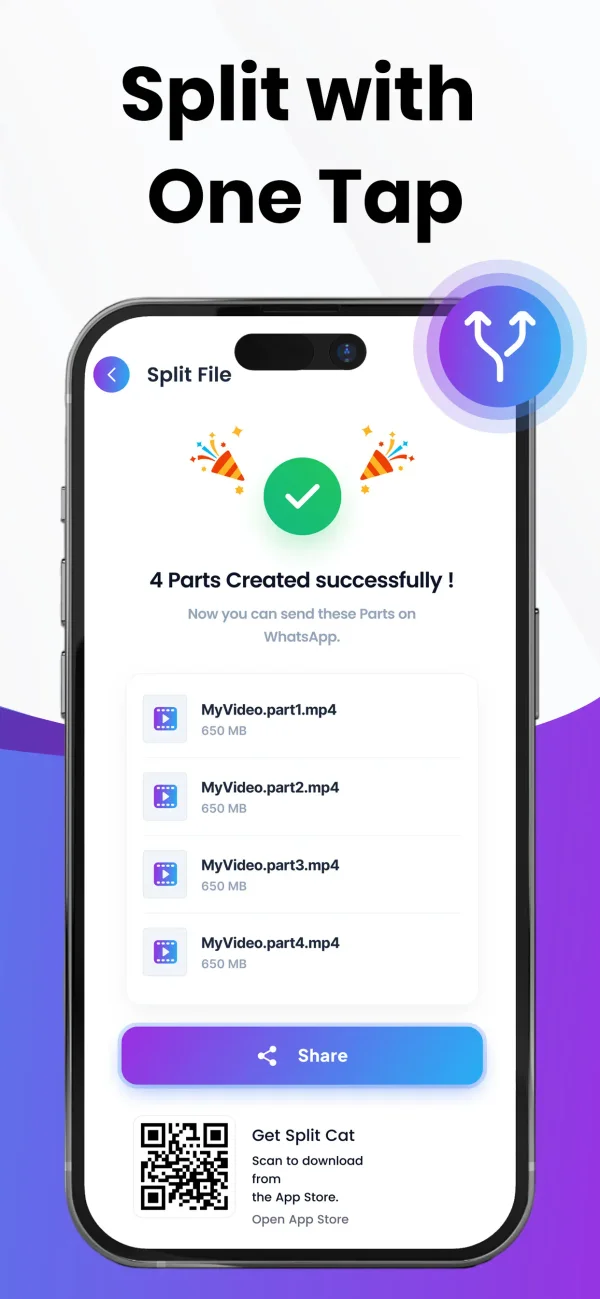
• Save and share split or merged files
• Keep track of your work with History
SPLIT AUDIO & VIDEO
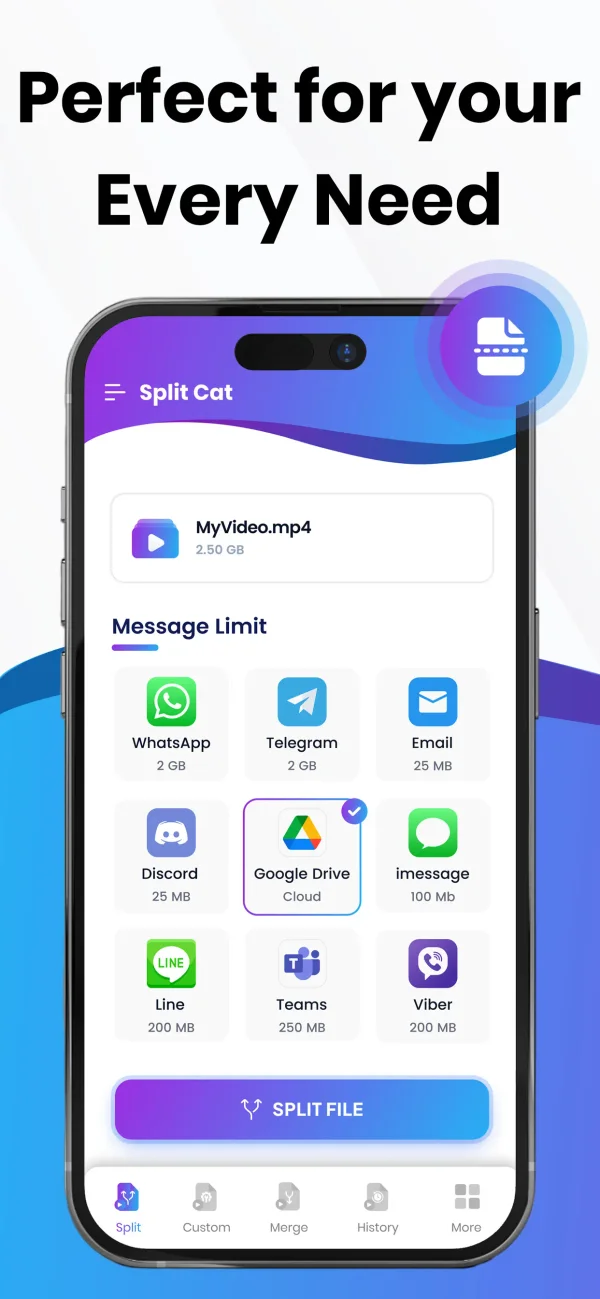
Split your media quickly and easily. Use Split Audio to divide audio files into smaller parts, or use Split Video to separate longer videos into manageable clips based on your selected size requirements.
SPLIT IMAGES & DOCUMENTS
Easily divide your files into smaller parts. Split Images lets you split supported image files, while Split Documents helps separate supported documents and PDF files for easier management.
CUSTOM SPLIT
Get more control over how your files are divided. Select Audio, Video, Image, or Document, enter your preferred file size, and start splitting. Custom Split gives you a flexible way to create smaller files according to your needs.
MERGE AUDIO, VIDEO & FILES
Bring multiple files together with simple merge tools. Use Merge Audio to combine audio files, Merge Video to join video clips, Merge Images to combine images, or Merge Documents to combine supported documents and PDFs into one file.
PREVIEW & HISTORY
Keep your completed work organized in one place. Preview your split or merged files, check Split History and Merge History, and view file details such as name, type, date, and time. You can also share or delete files from your history.
SAVE & SHARE
Save your completed files and share them whenever you need. Whether you split a large file into smaller parts or merge multiple files into one, everything stays easy to access and manage.
Split files easily and keep your audio, video, images, and documents organized with Video Splitter - Split Cat.
Disclaimer: Video Splitter - Split Cat is an independent application designed to provide file splitting and merging tools for audio, video, image, and document files. This app is not affiliated with, endorsed by, or associated with any third-party companies, applications, or services. All trademarks, product names, and brand names belong to their respective owners and are used only for descriptive and compatibility purposes.
By using this app, you agree to our:
Privacy Policy: https://sites.google.com/view/appholic/split-cat/privacy-policy
Terms of Use: https://sites.google.com/view/appholic/split-cat/terms-of-use
What’s new
Version 1.0.2 · Sep 25, 2026
Bug Fixes & Improvements
App privacy
What AppHolic declares on the App Store about how this app handles data.
-
Data used to track you
May be used to track you across apps and websites owned by other companies.
- Usage data
-
Data not linked to you
May be collected but is not linked to your identity.
- Usage data
- Diagnostics
Privacy practices may vary, for example with the features you use or your age.
Information
- Seller
- Incube Technologies LLC
- Category
- Photo & Video
- Version
- 1.0.2
- Updated
- Sep 25, 2026
- Released
- Sep 15, 2026
- Size
- 20.5 MB
- Requires
- iOS 16.6 or later
- Age rating
- 4+
- Price
- Free
- In-app purchases
- Yes
- Languages
- English
- Copyright
- © 2026 AppHolic
You might also like
-
 Video Compress: Video TrimVideo resize,converter & speed
-
 Image and Video CompressorAlways ad-free. Target MB size
-
 AI Anime Video FiltersRealtime Cartoon & Art Camera
-
 Screen Recorder: Video & VoiceRecord screen, Arabic captions
-
 KakuCut: Auto Captions EditorOffline Video & AI Subtitles
-
 Gif WalletPhoto & Video
-
 Voxcene: AI Captions for VideoRecord podcasts, style text
-
 ReelSwap: AI Photo & VideoViral Reels, video generator
-
 Brighten Dark Video & EnhanceSharpen blurry clips on device
-
 Pixage – AI Image GeneratorAI Art Maker & Editor