- 対象年齢4+
- カテゴリ仕事効率化
- 開発元Steven Ford
- 言語英語
- サイズ3.5 MB
Voice2Scriptは現在App Storeで入手できない可能性があります
前回の確認時、ストアのページにアクセスできませんでした。リンク先は引き続きApp Storeの公式ページです。
スクリーンショット
概要
開発元はこのテキストをお使いの言語で提供していません。
Voice2Script turns spoken conversations into organized transcribed text, ON DEVICE, no monthly or annual subscription!
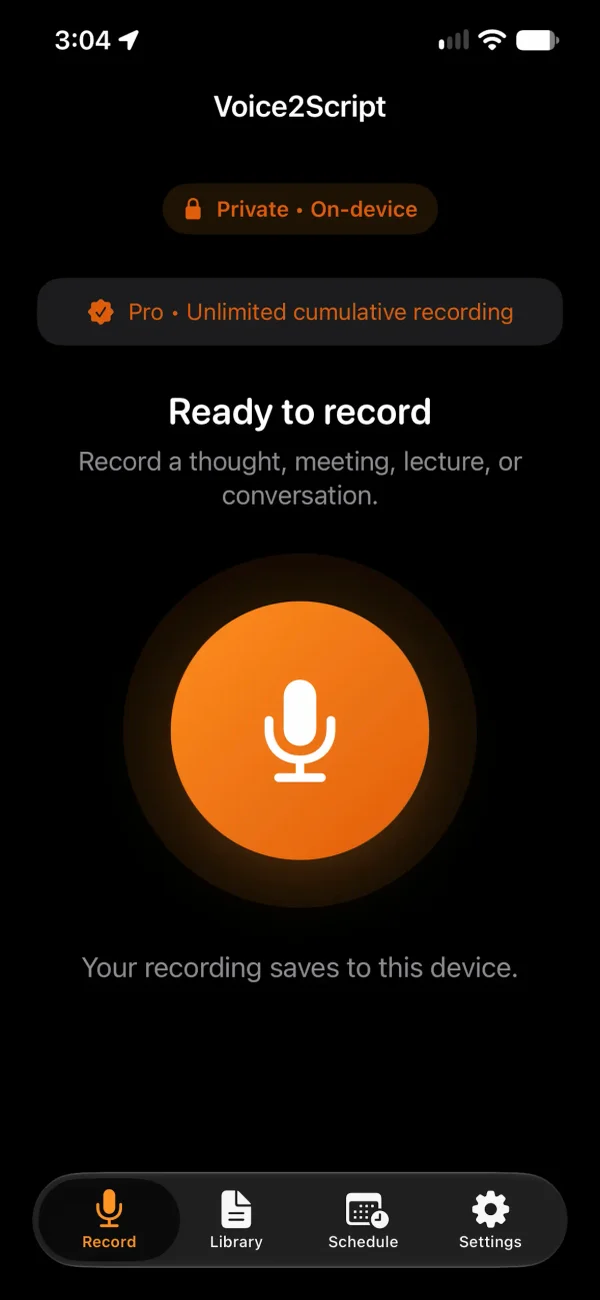
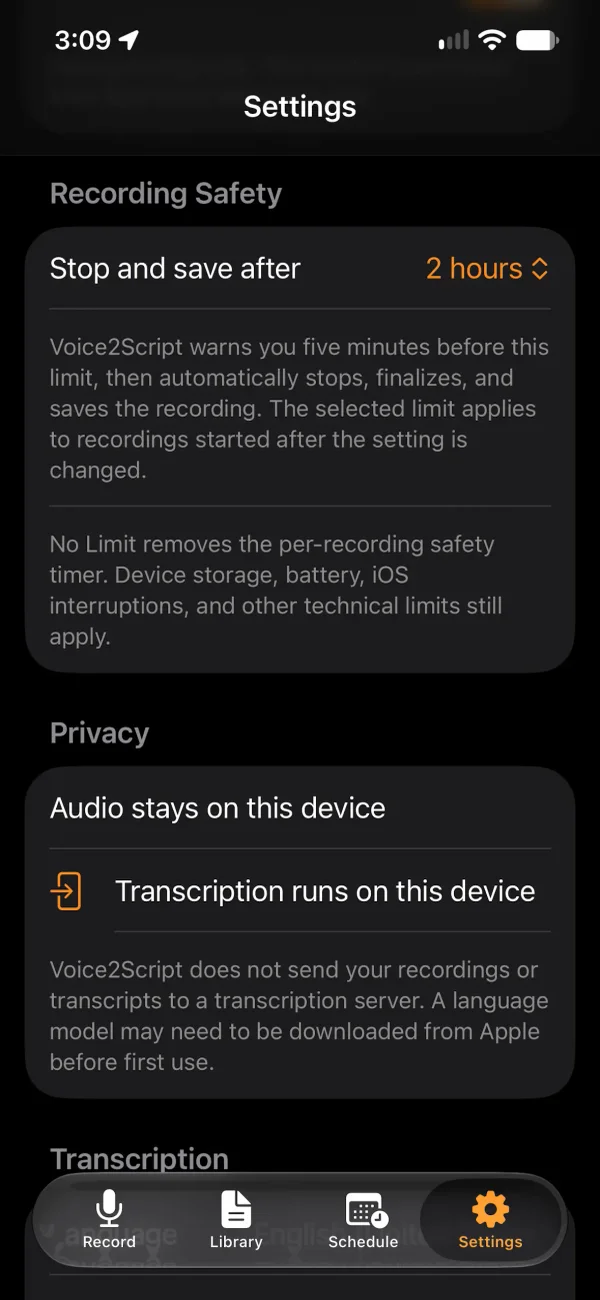
PRIVATE BY DESIGN: Recordings, transcripts, folders, schedules, and preferences stay in Voice2Script’s private local storage on your device. Yes, Voice2Script requires no account, includes no distracting advertising, and uses no third-party analytics. All on device recording & transcription. Nothing is shared unless you deliberately choose an export destination for your audio or transcription text.
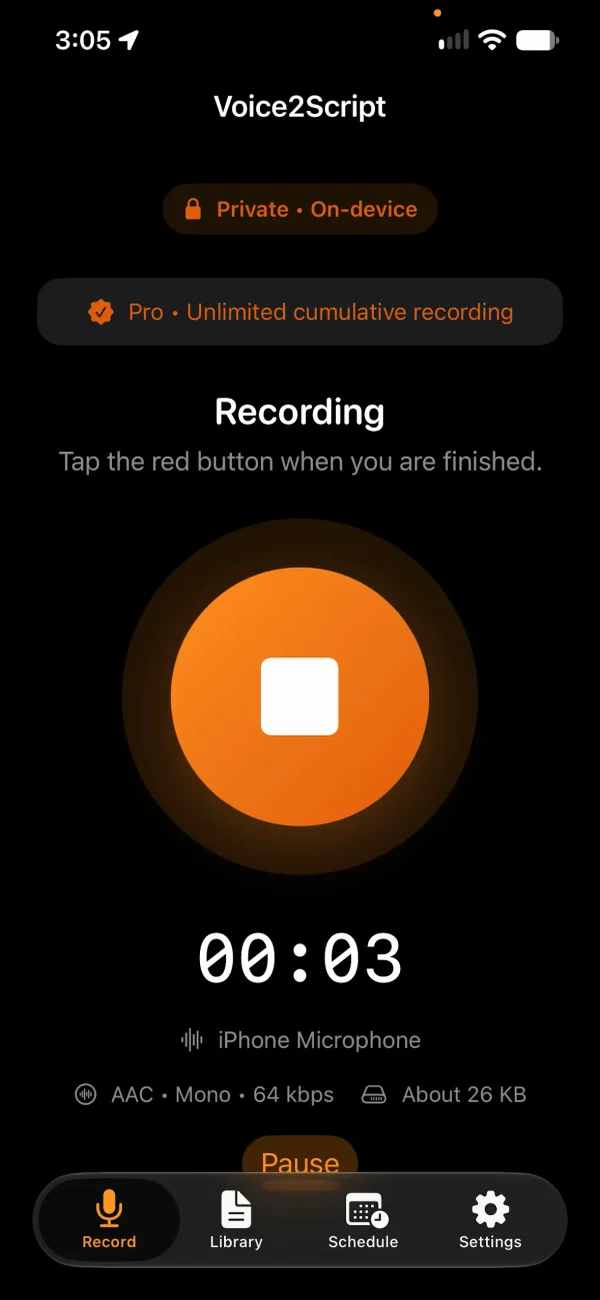
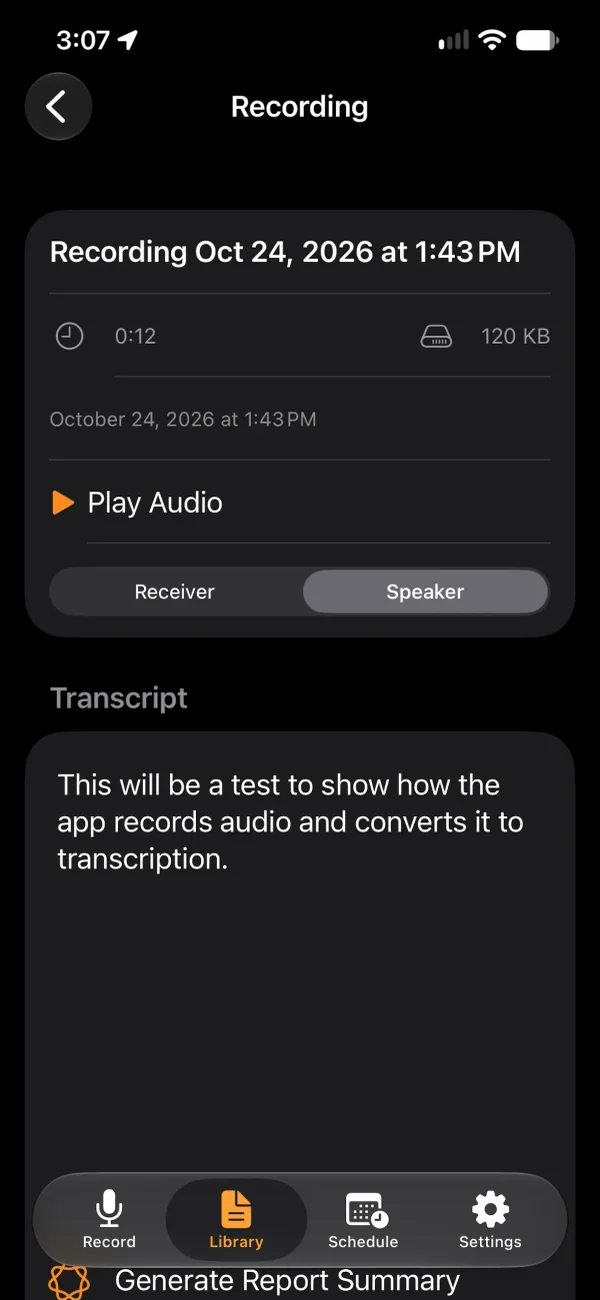
RECORD AND TRANSCRIBE: Record meetings, lectures, interviews, personal notes, and conversations in efficient compressed audio files. Pause and resume when needed, monitor elapsed time and estimated file size, and choose receiver or speaker playback. You can use the mic on your phone or an external mic that is connected to your phone. It all stays on your device, so your device must have available storage or memory space to keep the created audio files. After recording, Voice2Script uses Apple’s on-device technology (Available in iOS 26 and later) to create an editable English (United States) transcript. A required Apple language model may need to be downloaded before first use.
ORGANIZE YOUR LIBRARY
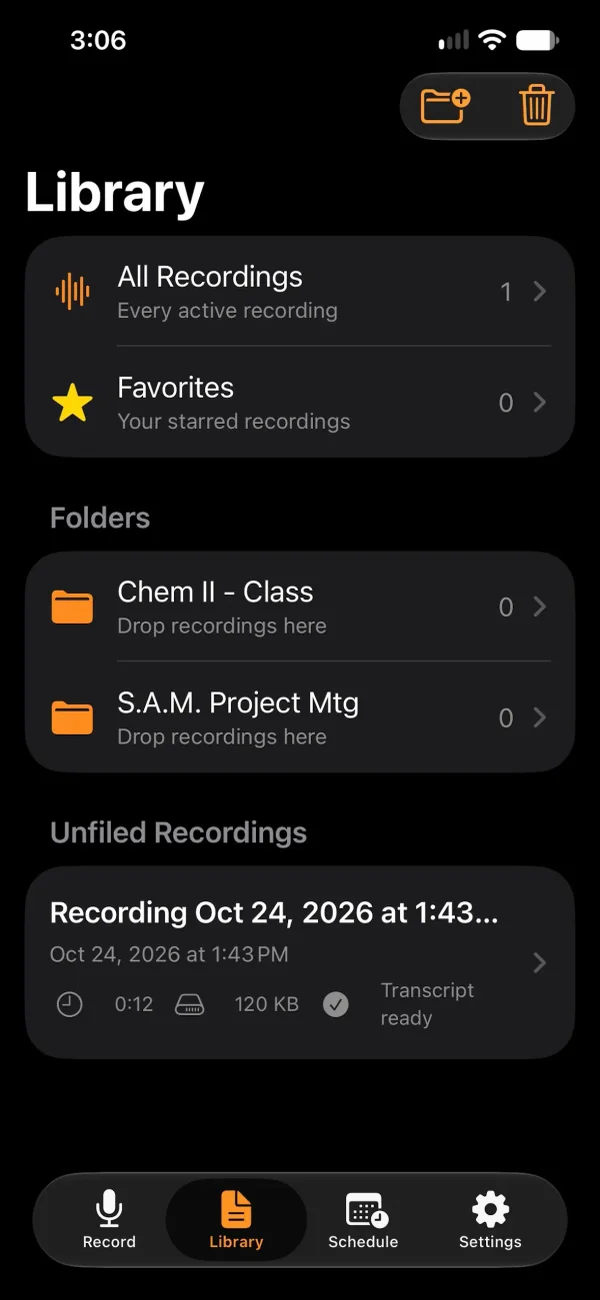
• Create folders for classes, projects, clients, or meetings
• Move recordings between folders
• Mark important recordings as favorites
• View duration, file size, recording date, and transcription status
• Automatically clear items from Deleted after 14 days
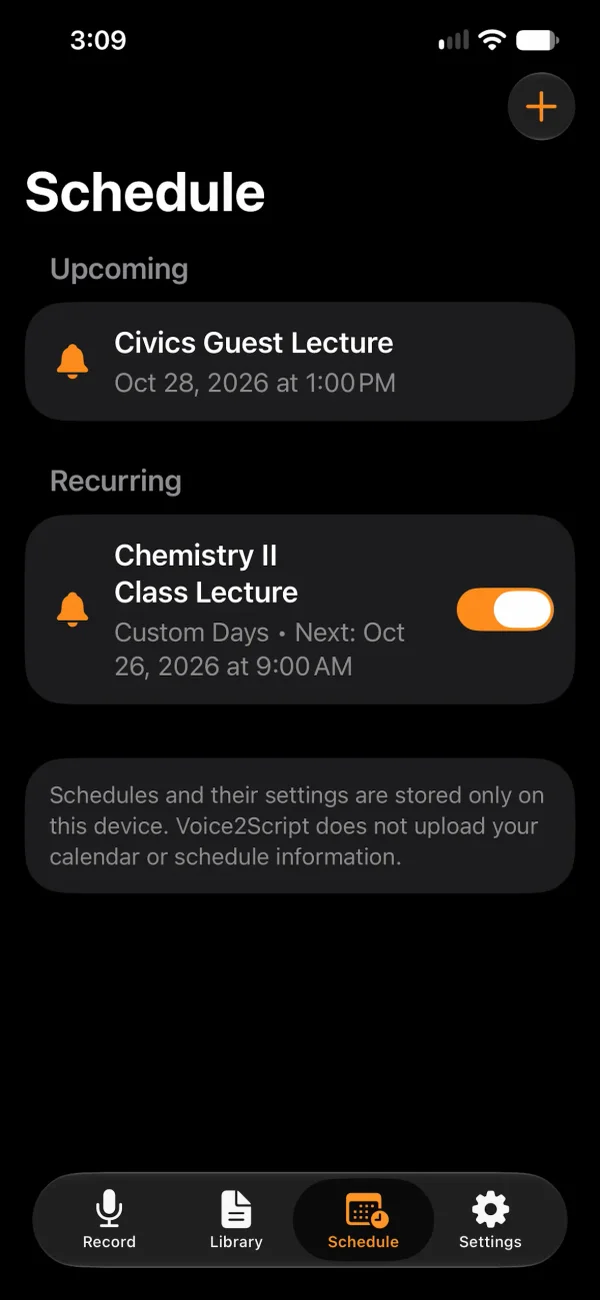
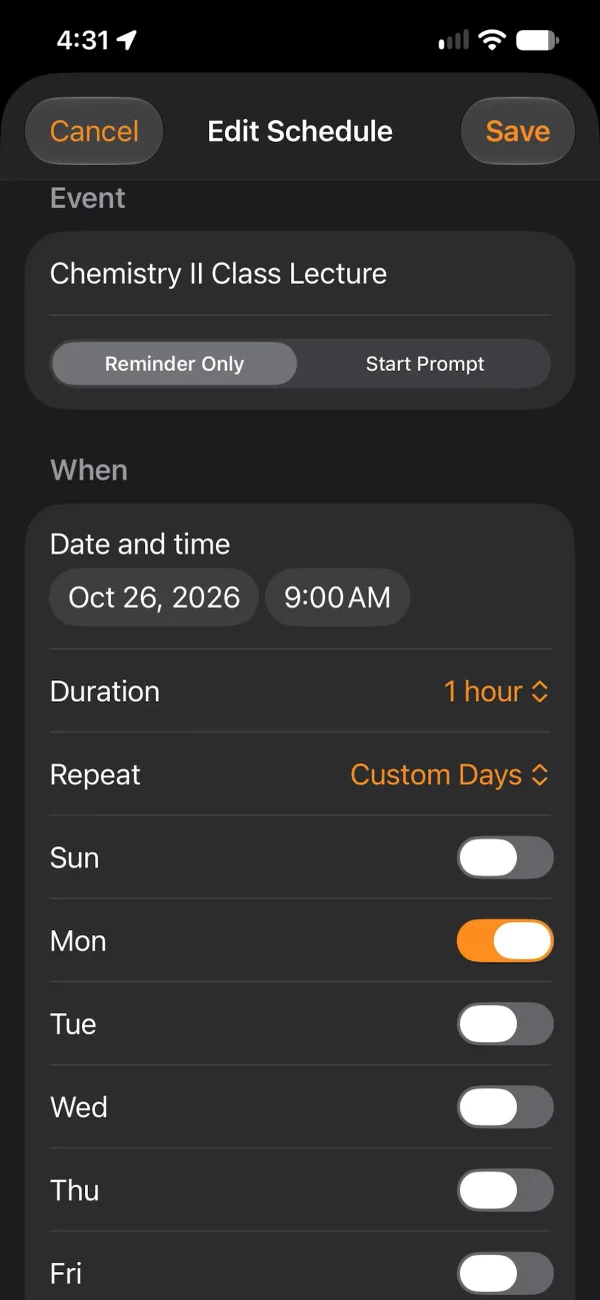
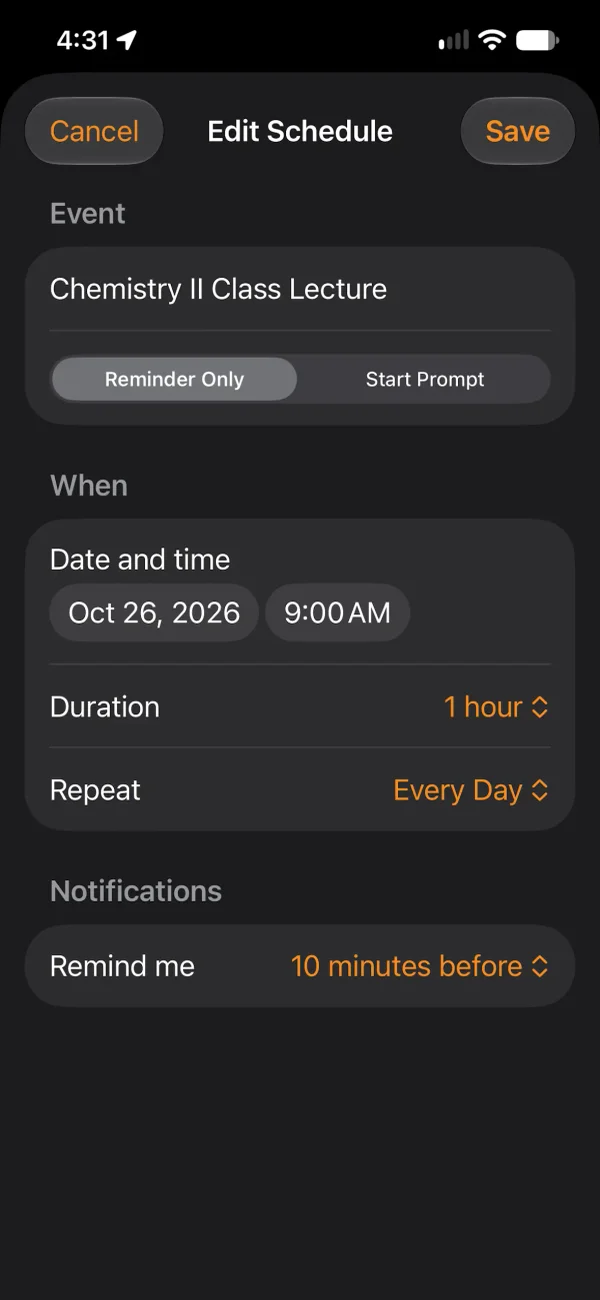
RECORDING DURATION SAFETY: Choose a per-recording duration safety limit. Voice2Script warns you five minutes before the limit and then stops, finalizes, and saves the recording. The Schedule tab supports local reminders, recurring events, and a timed Start Prompt. You can plan ahead for classes, meetings, or important scheduled interviews so your Voice2Script app is ready when you are to capture your audio. iOS always requires you to open the app and confirm to start microphone recording; scheduled recordings do not begin secretly or unattended.
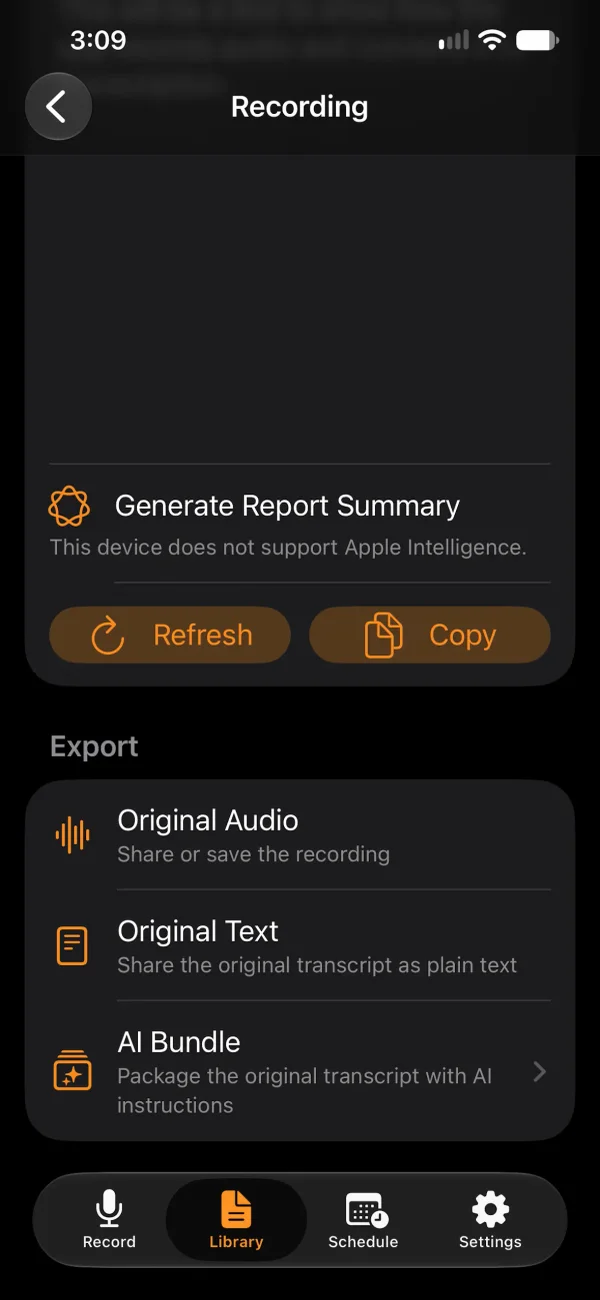
USE YOUR TRANSCRIPT: Edit the transcript, copy it to the clipboard, or refresh it from the saved audio. On supported Apple Intelligence devices, Generate Report Summary can create an on-device summary draft for your review before it replaces any editable text. Users have the option to export the original transcript as plain text or share the original audio using the native iOS Share Sheet. Depending on your device, you can export audio and transcript files to email, cloud drives, or personal LLM's, entirely user driven.
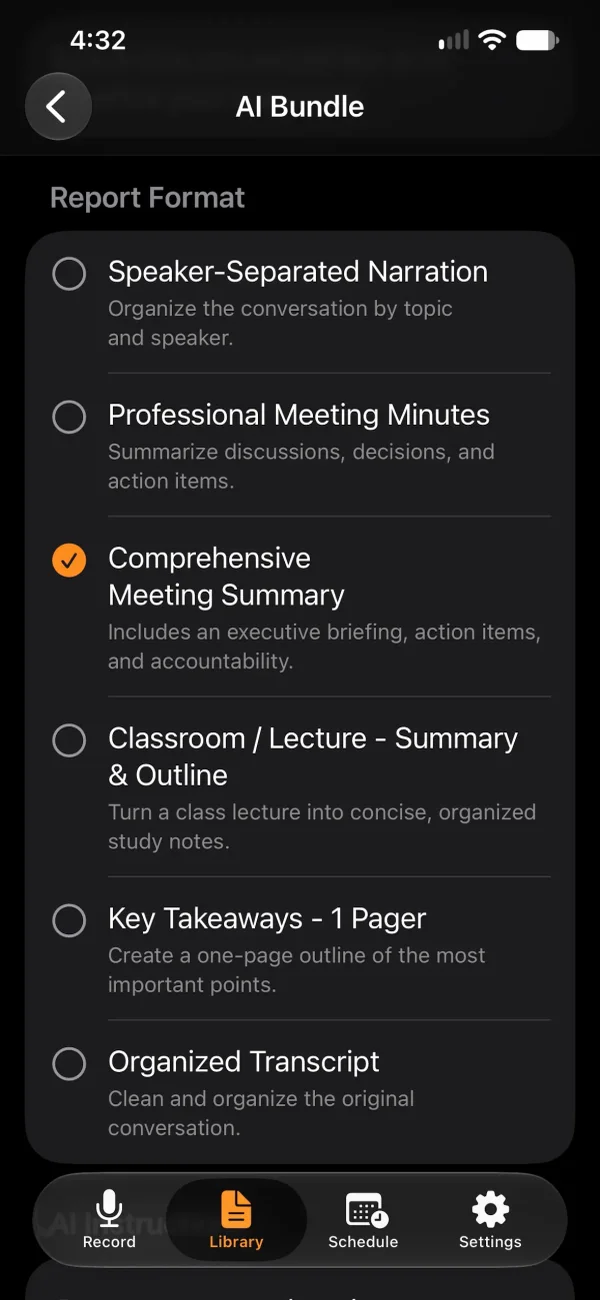
AI BUNDLE: This feature is termed the "AI Bundle", and it prepares an editable set of professional instructions together with the original transcript in a local text file. Templates include meeting minutes, a comprehensive meeting summary, lecture notes, a one-page key-takeaway outline, an organized transcript, and speaker-separated narration. You must decide if you want to export this local text file to your AI provider. Voice2Script does not send the AI Bundle to an AI provider. You review the instructions, confirm a privacy notice, and choose whether and where to share it.
BASIC AND PRO: Voice2Script Basic includes 120 cumulative recording minutes (2 hours) across any number of recordings. Existing recordings, transcripts, organization, playback, and export remain available after the recording allowance is used. You will have full functional use of the app to try and use fully within the 120 minute limit. We hope you like it.
Voice2Script Pro is a one-time in-app purchase that removes the cumulative recording allowance and provides expanded per-recording choices. There is no subscription.
Transcription accuracy can vary with audio quality, background noise, accents, specialized terminology, and overlapping speakers. Always review important transcripts and obtain any consent required before recording other people.
Requires iOS or iPadOS 26 or later.
アプリのプライバシー
このアプリのデータの取り扱いについて、Steven FordがApp Storeで申告している内容です。
-
データの収集なし
開発元はこのアプリからデータを収集しません。
プライバシーの取り扱いは、ご利用の機能やお客様の年齢などに応じて異なる場合があります。
情報
- 販売元
- Steven Ford
- カテゴリ
- 仕事効率化
- バージョン
- 1.0
- 更新日
- 2026/10/27
- リリース
- 2026/10/27
- サイズ
- 3.5 MB
- 必要条件
- iOS 26.0以降
- 対象年齢
- 4+
- アプリ内課金
- あり
- 言語
- 英語
- 著作権
- © 2026 Steven Ford