
- 対象年齢12+
- カテゴリ仕事効率化
- 開発元LSM Apps
- 言語英語
- サイズ23.9 MB
App Storeの公式ページにリンクしています
Download.orgはEasy Backup.のファイルを一切ホストしていません。ボタンを押すと、LSM Appsが公開しているApp Storeのアプリページが開きます。ページの最終確認:2026/11/24。
スクリーンショット

概要
開発元はこのテキストをお使いの言語で提供していません。
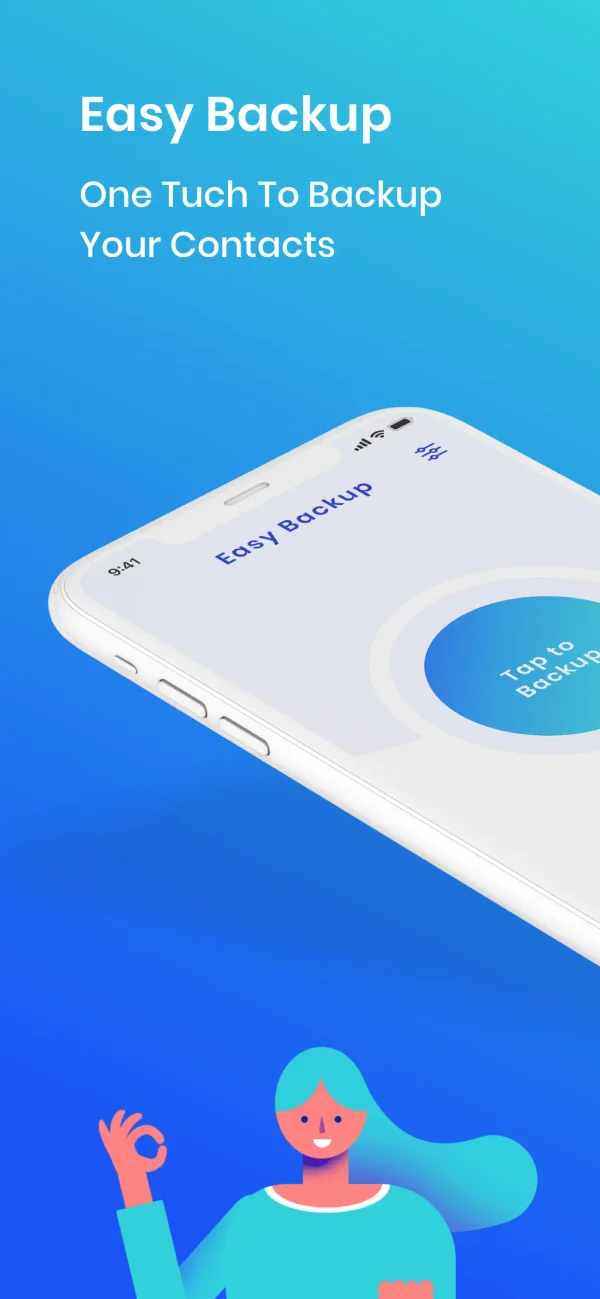
Easy Backup is the easiest and fastest way to backup, restore and transfer your contacts between mobile devices!
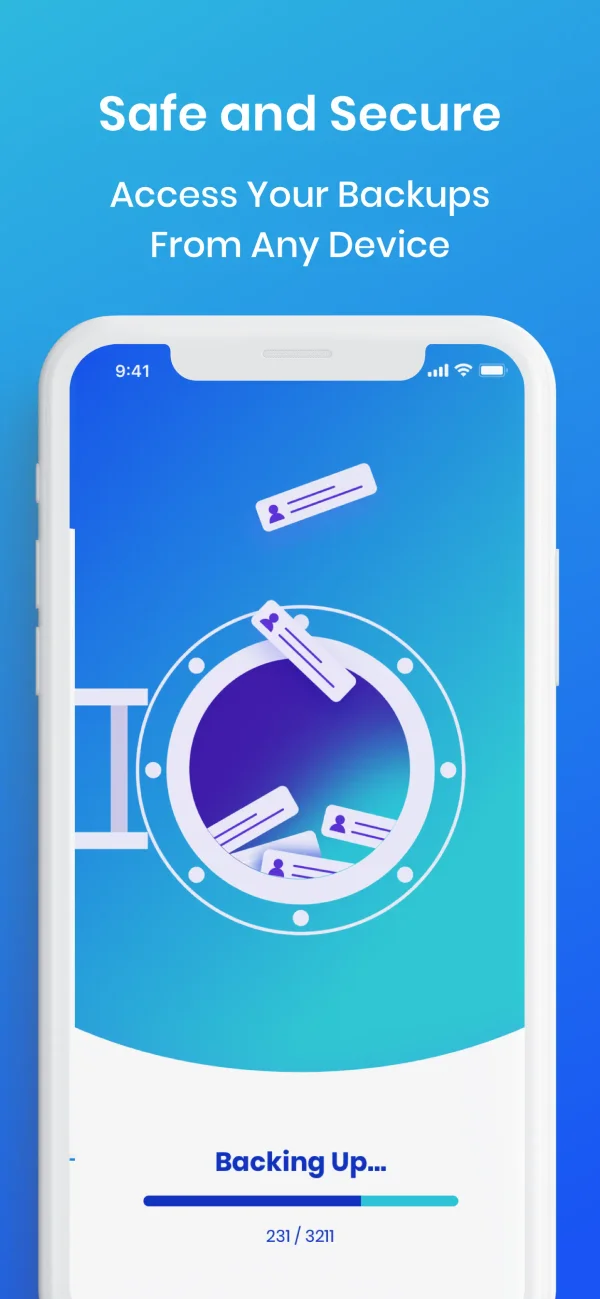
Easy Backup allows you to backup your phone’s entire contacts list with a single tap, by uploading your contacts to a secured cloud to keep them safe!
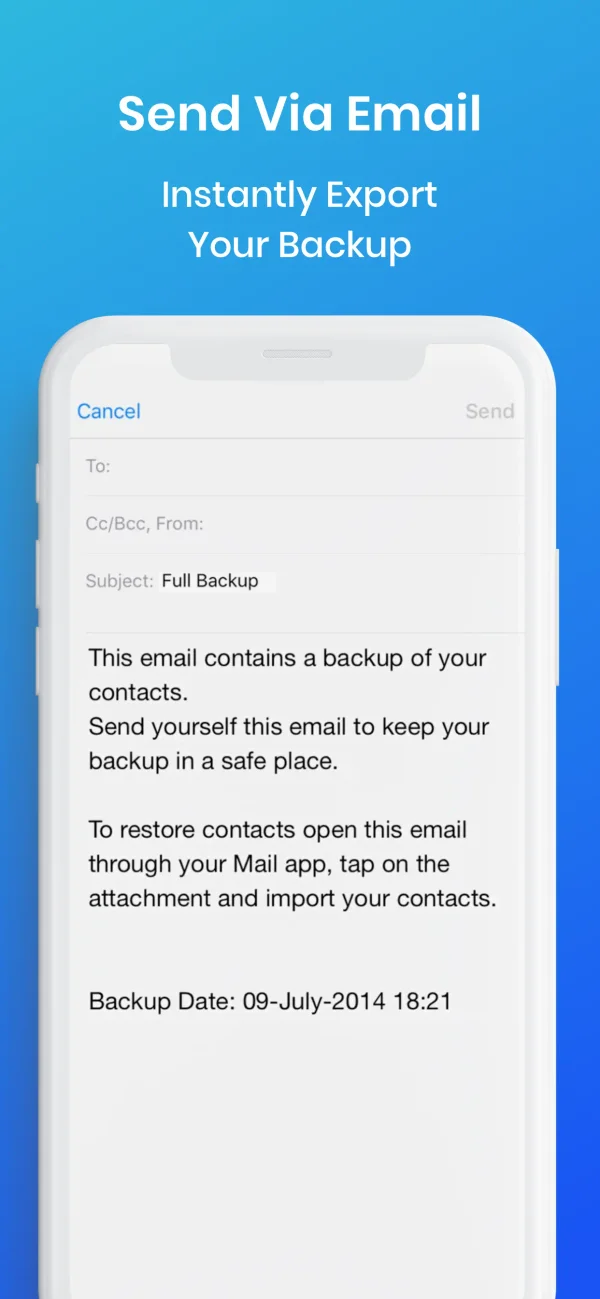
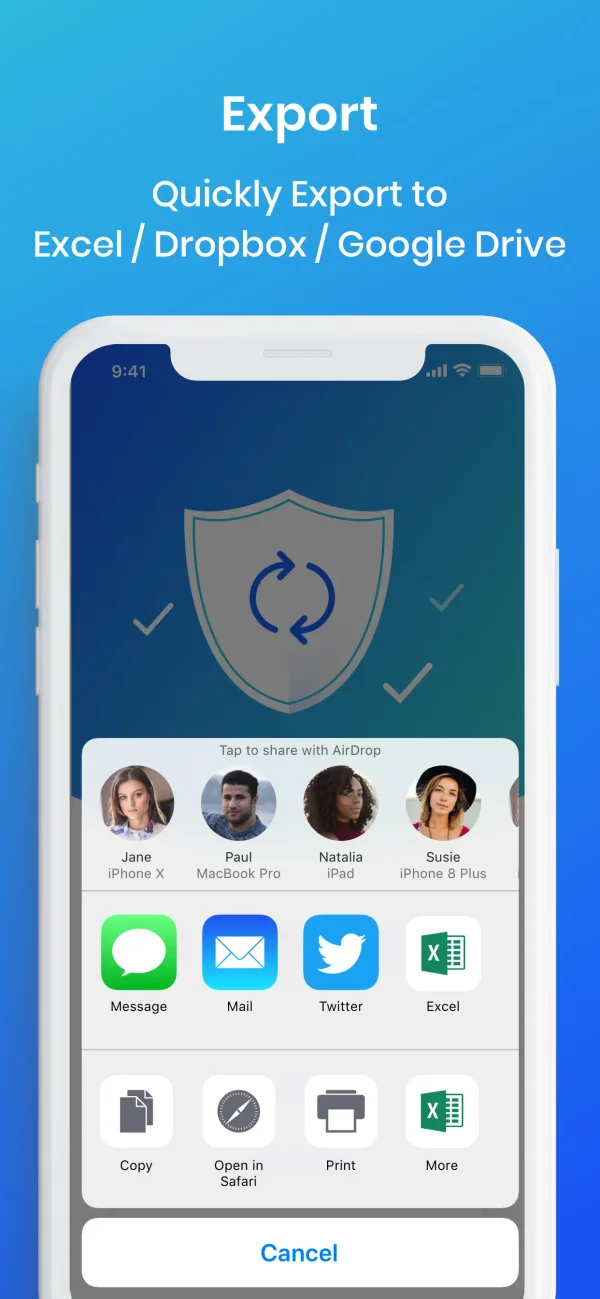
Export your contacts - you can easily send a backup .vcf file of your contacts book to any email address!
You can also send contacts via various share services to your choice!
Easy Backup is the easiest and the most efficient way to transfer and recover contact details of your friends and family if you lose your smartphone or switch to a new one!
How to backup your contacts:
1. Download Easy Backup to your phone
2. Allow Easy Backup to access your contacts.
3. Hit the big “Tap to backup” button
That’s it! Your contacts are safe on our cloud
How to transfer your contacts:
1. Sign in and backup your contacts on your old device
2. Download Easy Backup on your other device
3. Sign in with the same account you did the first time (step 1)
4. Hit “My Backup History” on the bottom part of your screen
Now you have access to all your cloud backups of your address book contacts!
How to restore your contacts:
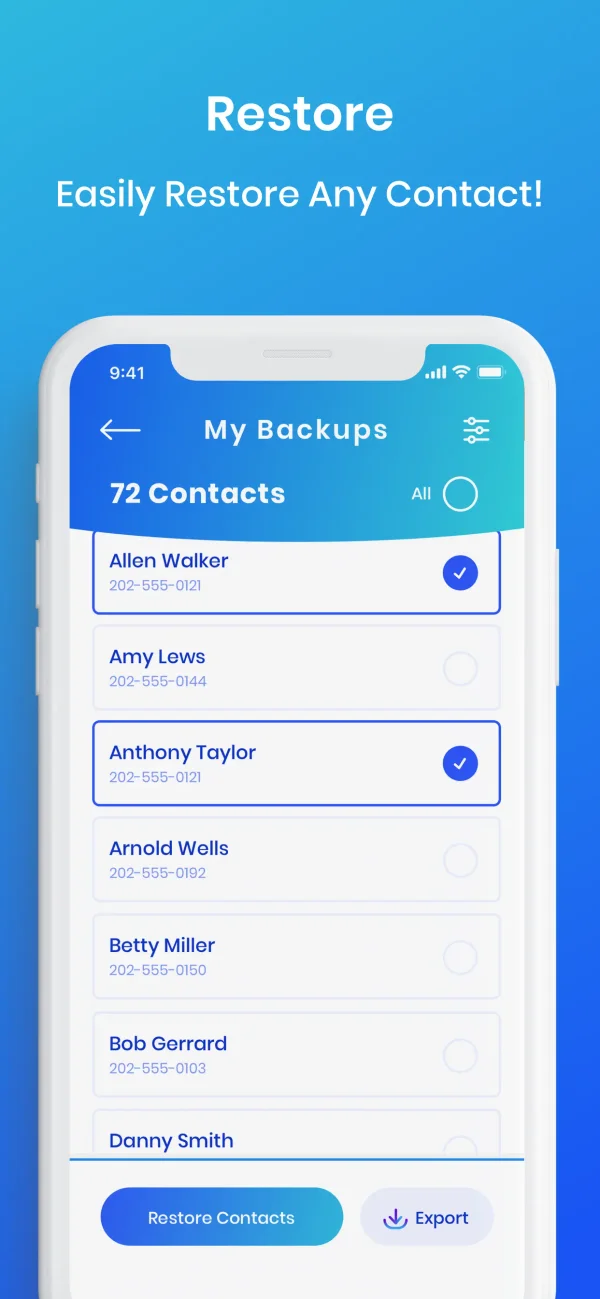
1. In “My Backup History” tap the backup file you would like to restore contacts from
2. Select all or any contacts from the list
3. Hit “Restore Contacts”
That’s it! Your contacts have been recovered!
How to export your contacts:
1. Tap “My Backup History”
2. Choose a backup to restore
3. Select all or any contacts from the list
4. Hit “Export” to send a .vcf file by email or “Export” to choose from the many services you can upload your backups to
Easy isn’t it?
MAIN FEATURES
○ One tap to backup your contacts!
○ Transfer your contacts address book between mobile devices with ease!
○ Offline Backup. No need to sync to any server. Just email yourself the backup file.
○ Save a copy of the backup file in your Computer.
○ Backup Contacts as VCF (VCard). Quickly export your backups to any service you want.
○ Never lose your contacts again
We would love to hear your feedback
Let us know what do you think about Easy Backup:
https://www.lsmapps.com/
新機能
バージョン 16.1.4 · 2025/11/18
Bug Fixes and Performance Improvements
アプリのプライバシー
このアプリのデータの取り扱いについて、LSM AppsがApp Storeで申告している内容です。
-
ユーザーに関連付けられたデータ
収集され、ユーザーの識別情報に関連付けられる場合があります。
- 連絡先
- ユーザーコンテンツ
- ID
-
ユーザーに関連付けられないデータ
収集される場合がありますが、ユーザーの識別情報には関連付けられません。
- 位置情報
- 使用状況データ
- 診断
プライバシーの取り扱いは、ご利用の機能やお客様の年齢などに応じて異なる場合があります。
情報
- 販売元
- L.S Mobile Apps Holdings LTD
- カテゴリ
- 仕事効率化
- バージョン
- 16.1.4
- 更新日
- 2025/11/18
- リリース
- 2012/8/9
- サイズ
- 23.9 MB
- 必要条件
- iOS 15.0以降
- 対象年齢
- 12+
- 価格
- 無料
- 言語
- 英語
- 著作権
- © L.S Mobile Apps Holdings LTD
こちらもおすすめ
-
 My Contacts Backup仕事効率化
-
 MCBackup - 連絡先管理アプリ同期・復元・バックアップで連絡先安心
-
 Contacts Pro - バックアップ連絡先連絡先を転送 & エクスポート
-
 Cleanup Duplicate Contacts!仕事効率化
-
 Contacts Mover仕事効率化
-
 Delete Contacts+仕事効率化
-
 IDrive Online Backup仕事効率化
-
 A2Z Groups仕事効率化
-
 Contacts+ | Address Book仕事効率化
-
 Cleaner: Merge Contact & PhotoSmart Delete Duplicates