
- 対象年齢4+
- カテゴリ写真/ビデオ
- 開発元Oleg Drobyshev
- 言語英語ほか4言語
- サイズ41.9 MB
App Storeの公式ページにリンクしています
Download.orgはWilling Webcamのファイルを一切ホストしていません。ボタンを押すと、Oleg Drobyshevが公開しているApp Storeのアプリページが開きます。ページの最終確認:2026/11/20。
スクリーンショット

概要
開発元はこのテキストをお使いの言語で提供していません。
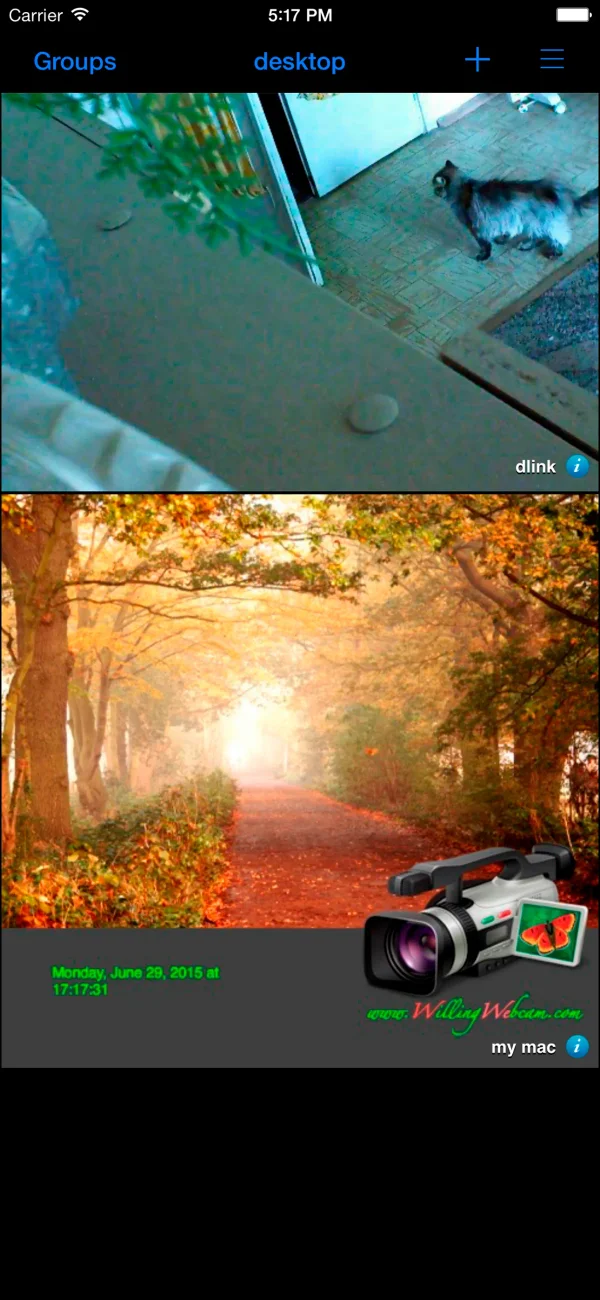
Willing Webcam is a software solution designed to capture video from built-in cameras and approximately 400 IP network cameras. For Mac users, Willing Webcam also captures video from compatible Apple devices, available for download in the App Store: https://apps.apple.com/us/app/willing-webcam-pro/id918928099
Key Features:
- Image Capture: Instantly save webcam images to your program albums or at scheduled intervals. Look for the "f" icon on the camera in the main interface.
- FTP and SFTP Upload: Quickly upload webcam images to your website either instantly or at set intervals. You can delete FTP images using their copies in the Album window, indicated by the "f" icon on the camera in the main interface.
- Time Lapse: Save webcam videos to your albums immediately or at predetermined intervals. The "f" icon on the camera will guide you.
- RTSP Server: Enjoy live video streaming with a minimal delay of just one second, as indicated by the "f" icon on the camera.
- V380 Server: Enjoy live video streaming, as indicated by the "f" icon on the camera.
- Watch Compatibility: View live webcam images on a paired watch (note that the Watch app updates approximately once per second). Check for the "f" icon on the camera in the main interface.
- Albums: Access saved images by opening Groups on the left panel and then the Album window. Tap on an image to view it in a dedicated Image or Video window.
Getting Started:
1. Create a group in the Groups section.
2. Tap the + icon to add a built-in, IP, or Wi-Fi V380 camera to your group.
For built-in cameras:
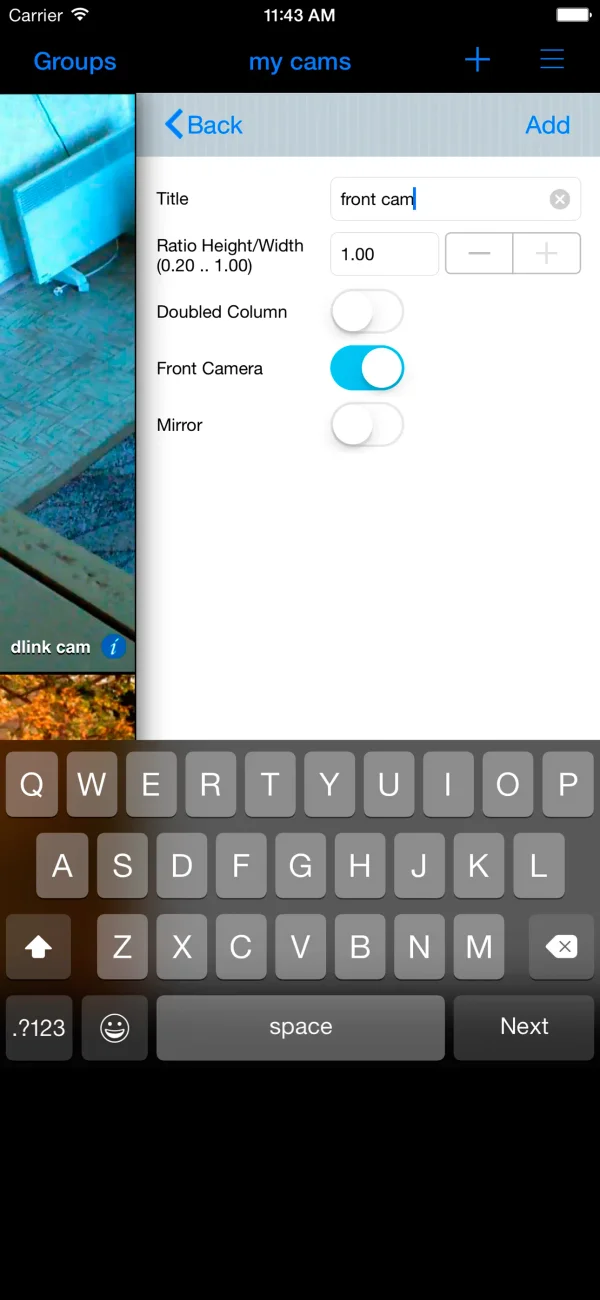
- Simply tap the Add button.
For IP cameras:
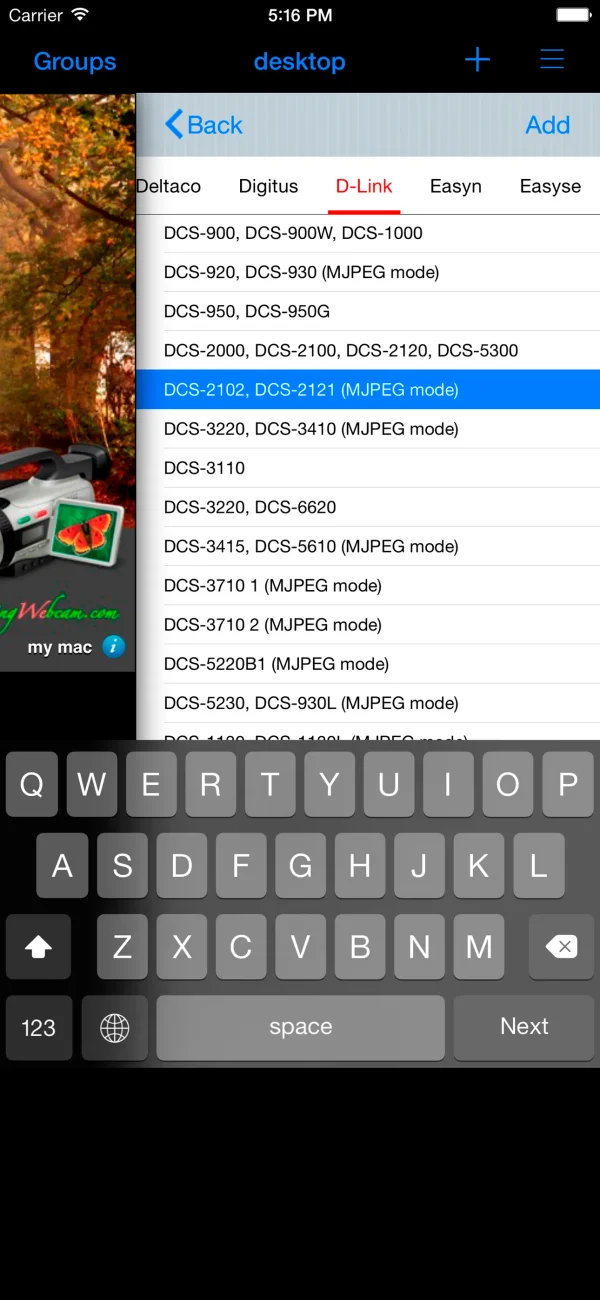
- Choose a manufacturer from the top horizontal list.
- Select your camera model from the table below.
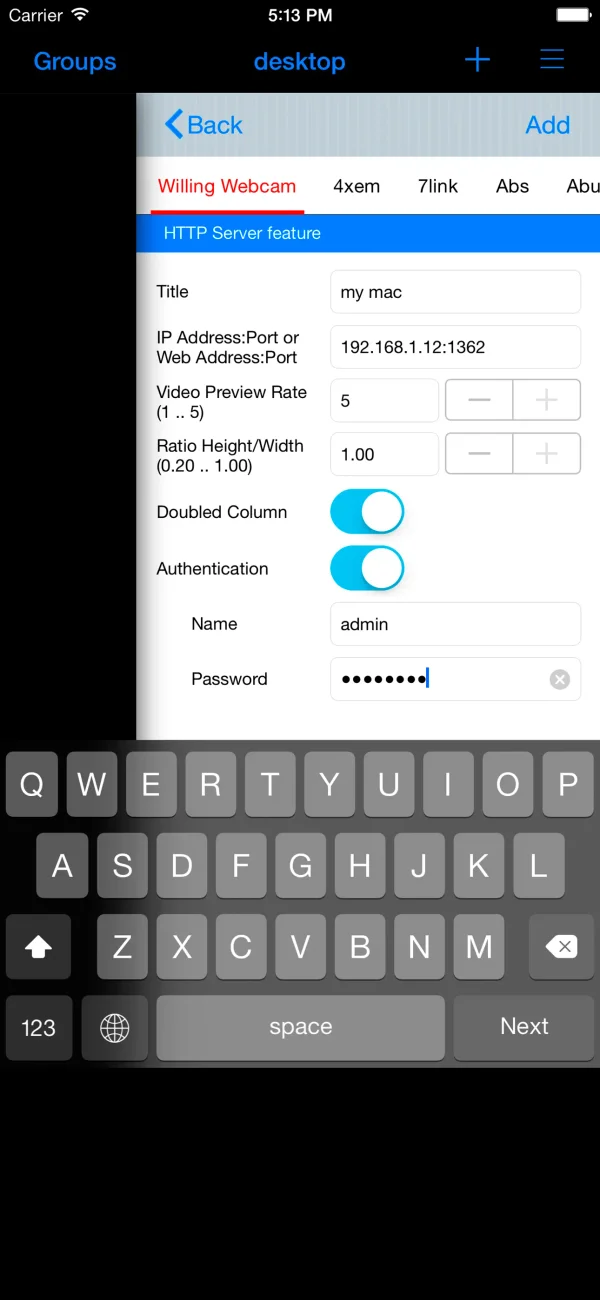
- Enter the IP address of your network camera. If the port is not 80, use the format: IP address:port. Otherwise, just use the IP address.
- If your camera requires protection, fill in the Authentication options.
- Tap the Add button.
- If you don’t see an image, access your IP camera’s web settings and switch the video format from MPEG-4 to JPEG or MJPEG. Experiment with all options for your model.
You can save images and video frames instantly for all camera features in the main window, ensuring that the involved features have their Enable switch set to true. Just tap on the camera. You can disable all features without editing them using the upper-right corner of the camera in the main window.
The program directly supports various network cameras. For more details, visit: https://csmapping.com/ww/index.html
新機能
バージョン 1.12.0 · 2024/10/6
This app has been updated by Apple to prepare for watchOS 27 compatibility. No new features are included.
Localizations
アプリのプライバシー
このアプリのデータの取り扱いについて、Oleg DrobyshevがApp Storeで申告している内容です。
-
データの収集なし
開発元はこのアプリからデータを収集しません。
プライバシーの取り扱いは、ご利用の機能やお客様の年齢などに応じて異なる場合があります。
情報
- 販売元
- Oleg Drobyshev
- カテゴリ
- 写真/ビデオ
- バージョン
- 1.12.0
- 更新日
- 2024/10/6
- リリース
- 2015/7/7
- サイズ
- 41.9 MB
- 必要条件
- iOS 13.0以降
- 対象年齢
- 4+
- 価格
- ¥150
- アプリ内課金
- あり
- 言語
- 英語, ドイツ語, ポルトガル語, ロシア語, スペイン語
- 著作権
- Copyright © 2015 - 2024 Willing Software
こちらもおすすめ
-
 Photo Playground NotAGame写真/ビデオ
-
 フォトアニメータスタジオメーカー写真&ロゴアニメーション作成者
-
 Comicscope: Comic Book Camera写真/ビデオ
-
 background img remove INGOAMPT写真/ビデオ
-
 Magic Webcam写真/ビデオ
-
 Oxcam写真/ビデオ
-
 Retro Camera 1999 - Filters写真/ビデオ
-
 Vlog Cam直接外付けデバイスへ保存できるVlog向けカメラ
-
 CameraFTP Time LapseCreate time lapse video
-
 エックスアルバム - 秘密のアルバムコレクションパスコードで守る、秘密の写真アルバム