
- 対象年齢4+
- カテゴリ仕事効率化
- 開発元Mehmet Sırın YILDIZ
- 言語英語ほか2言語
- サイズ109.4 MB
App Storeの公式ページにリンクしています
Download.orgはZihin Noteのファイルを一切ホストしていません。ボタンを押すと、Mehmet Sırın YILDIZが公開しているApp Storeのアプリページが開きます。ページの最終確認:2026/11/23。
スクリーンショット
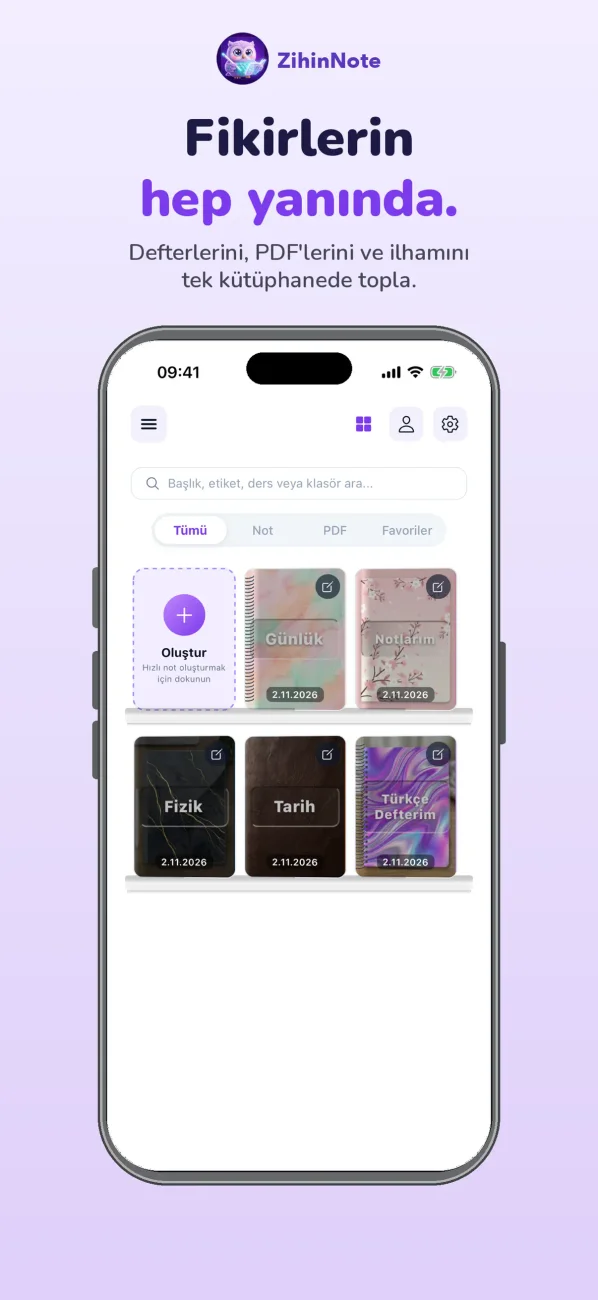
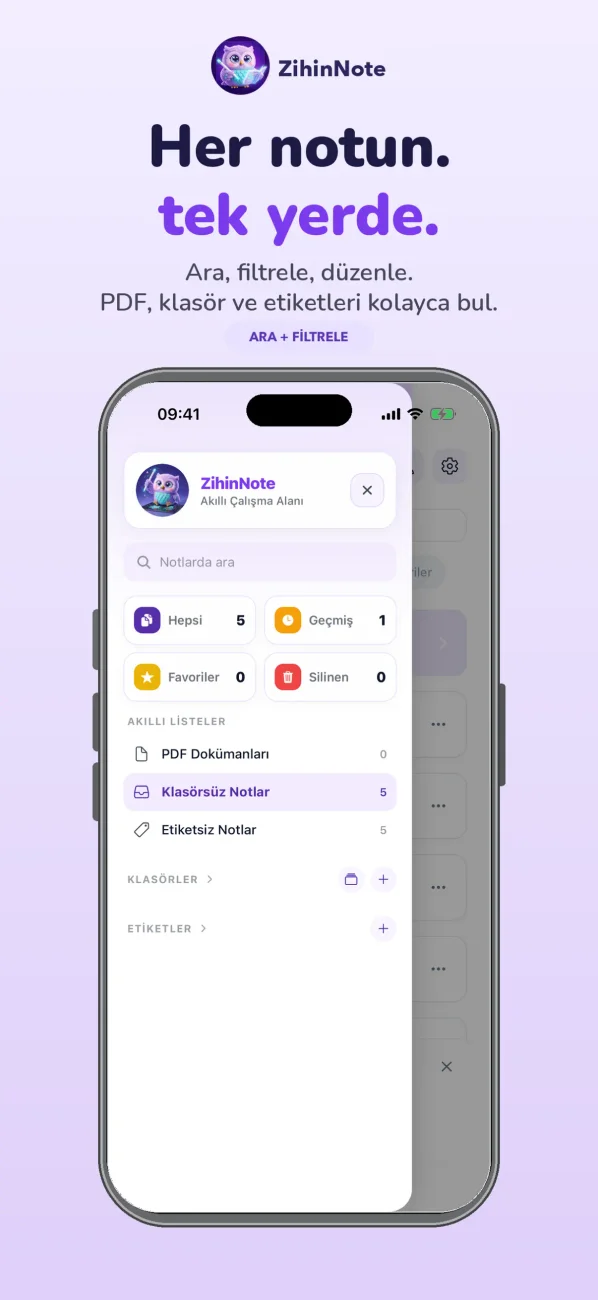
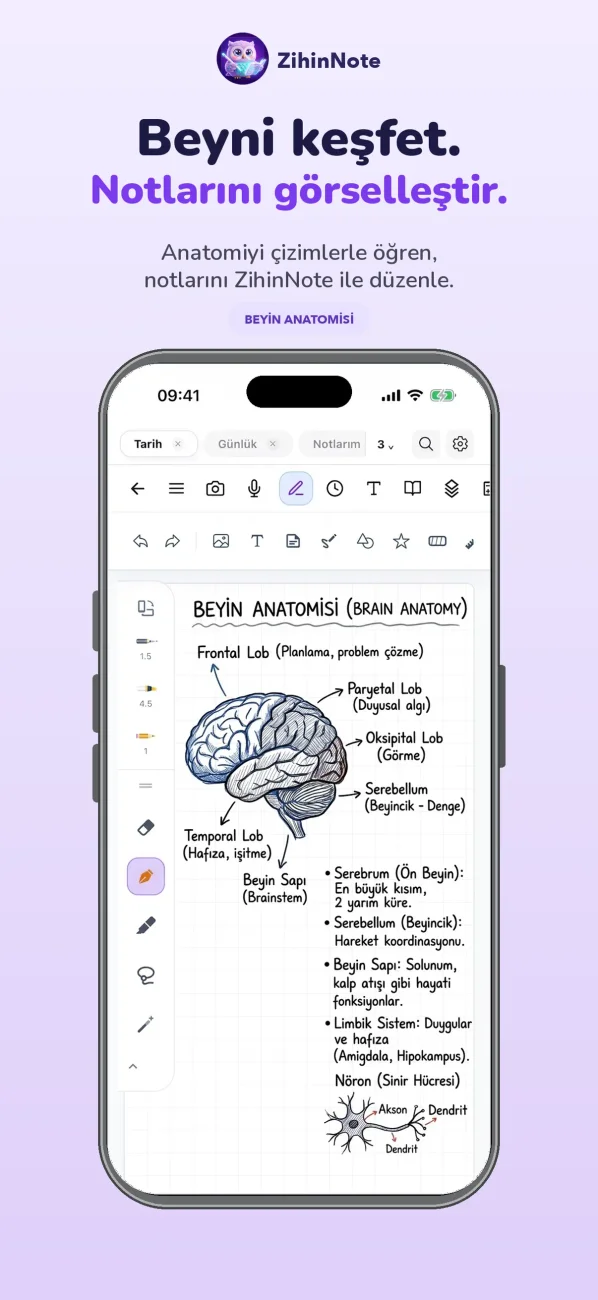
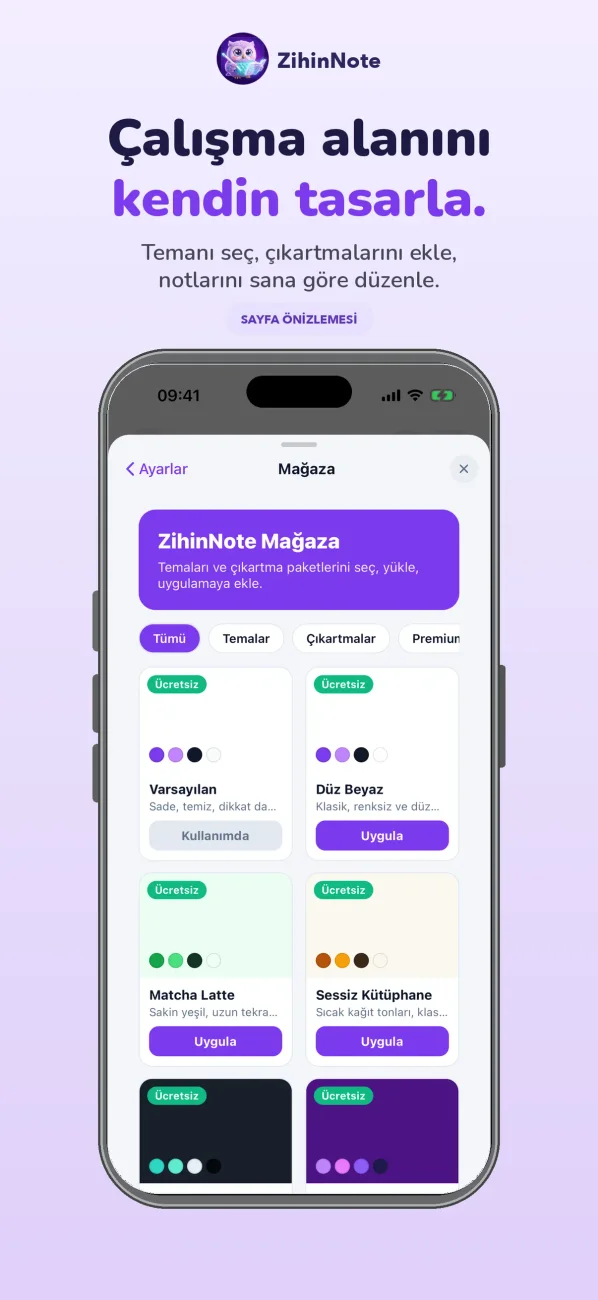
概要
開発元はこのテキストをお使いの言語で提供していません。
ZihinNote is a smart notebook for iPad and iPhone, made for students, academics and professionals. Write, draw and annotate with Apple Pencil, organize your PDFs, and keep your notes private.
KEY FEATURES
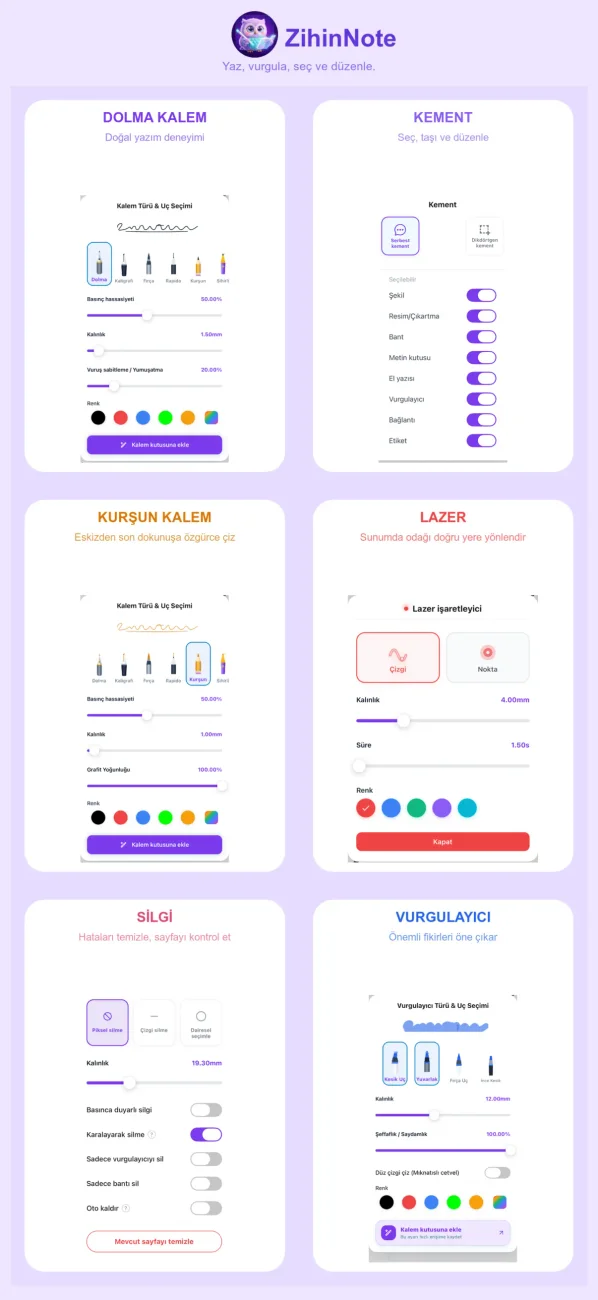
• Natural handwriting and drawing: smooth, low-latency strokes with Apple Pencil. Fountain pen, ballpoint, brush and highlighter tools.
• PDF reading and annotation: write on PDFs, navigate with the table of contents and bookmarks, copy or search selected text.
• Split screen: open two documents, or a note and a PDF, side by side.
• Smart shapes: arrows, axes and tables straighten automatically.
• Drawing replay: watch how your drawing was made, and save it as a video.
• Focus Studio: 25-minute deep work and break timers.
• Privacy first: lock notes with a passcode or Face ID.
No account is needed to take notes. An optional sign-in syncs your settings and Premium status. The free version includes up to 3 PDF documents. Premium (monthly or yearly) removes the limits and unlocks all themes. A 3-day free trial is available.
Privacy policy: https://zihinnote.vercel.app/gizlilik/
Terms of use: https://zihinnote.vercel.app/kosullar/
新機能
バージョン 2.4 · 2026/11/21
ZihinNote 2.4 brings:
Infinite Canvas
• Unlimited 2D workspace that expands dynamically as you draw, with 0.25×–5.0× zoom and quick re-center controls.
Live Handwritten Math & Offline Formulas
• Write equations by hand and get instant inline results to apply with one tap.
• Offline LaTeX formula rendering and faster vector handwriting analysis.
Take Notes While Watching Video
• Floating, resizable local video and YouTube player with PiP, speed control, and timestamped frame capture.
Smart Audio Notes, Flashcards & Quiz Mode
• Turn lecture recordings into summaries, action items, mind maps, and flashcard decks in one tap.
• Watch handwritten notes replay live in sync with audio, and tap strokes or text to jump right to that moment.
• Study PDF occlusion cards with cropped visual previews, surrounding page context, and a new 4-choice Quiz Mode.
Searchable PDF Export & Cross-Device Sync
• Exported PDFs and notebooks embed an invisible OCR text layer so your handwriting is searchable and selectable everywhere.
• Sync PDFs, images, and audio recordings seamlessly across your devices with your account.
Tools, Design & Polish
• New Line Pen (solid, dashed, wavy, zigzag, double) with horizontal lock, smart lasso selection, gap-tolerant fill bucket, and 200-step persistent undo.
• 24 new cover styles, refreshed frosted-glass toolbars, dynamic Quick Actions, and performance and security enhancements.
アプリのプライバシー
このアプリのデータの取り扱いについて、Mehmet Sırın YILDIZがApp Storeで申告している内容です。
-
ユーザーに関連付けられたデータ
収集され、ユーザーの識別情報に関連付けられる場合があります。
- 購入
- 連絡先情報
- ID
プライバシーの取り扱いは、ご利用の機能やお客様の年齢などに応じて異なる場合があります。
情報
- 販売元
- Mehmet Sırın YILDIZ
- カテゴリ
- 仕事効率化
- バージョン
- 2.4
- 更新日
- 2026/11/21
- リリース
- 2026/10/29
- サイズ
- 109.4 MB
- 必要条件
- iOS 16.4以降
- 対象年齢
- 4+
- 価格
- 無料
- アプリ内課金
- あり
- 言語
- 英語, ドイツ語, トルコ語
- 著作権
- © 2026 Şirin Yıldız
こちらもおすすめ
-
 Tek — Notes, Tasks & Calendar仕事効率化
-
 Fobble Notes仕事効率化
-
 Stacy: AI Notes & Whiteboard仕事効率化
-
 VelNotes:手書きノート・PDF音声録音・文字起こし・勉強
-
 Lemon Notes: Pdf, Docs, StudyRead PDFs, Take Notes & Study
-
 Mintofu: メモ・タスク・PDFAI カレンダー・手帳・マインドマップ
-
 Notepad Easy Notes - Nook仕事効率化
-
 Remove PDF Pages : PDF Tools仕事効率化
-
 Bilge: AI Chat & Video Maker仕事効率化
-
 ZenShift:シフトカレンダー勤務予定・労働時間・収入予測