
- Age rating4+
- CategoryProductivity
- DeveloperMehmet Sırın YILDIZ
- LanguagesEnglish+ 2 more
- Size109.4 MB
Links to the official App Store page
Download.org hosts no file of Zihin Note. The button opens its official App Store page, published by Mehmet Sırın YILDIZ. Listing last checked on Nov 23, 2026.
Screenshots
About
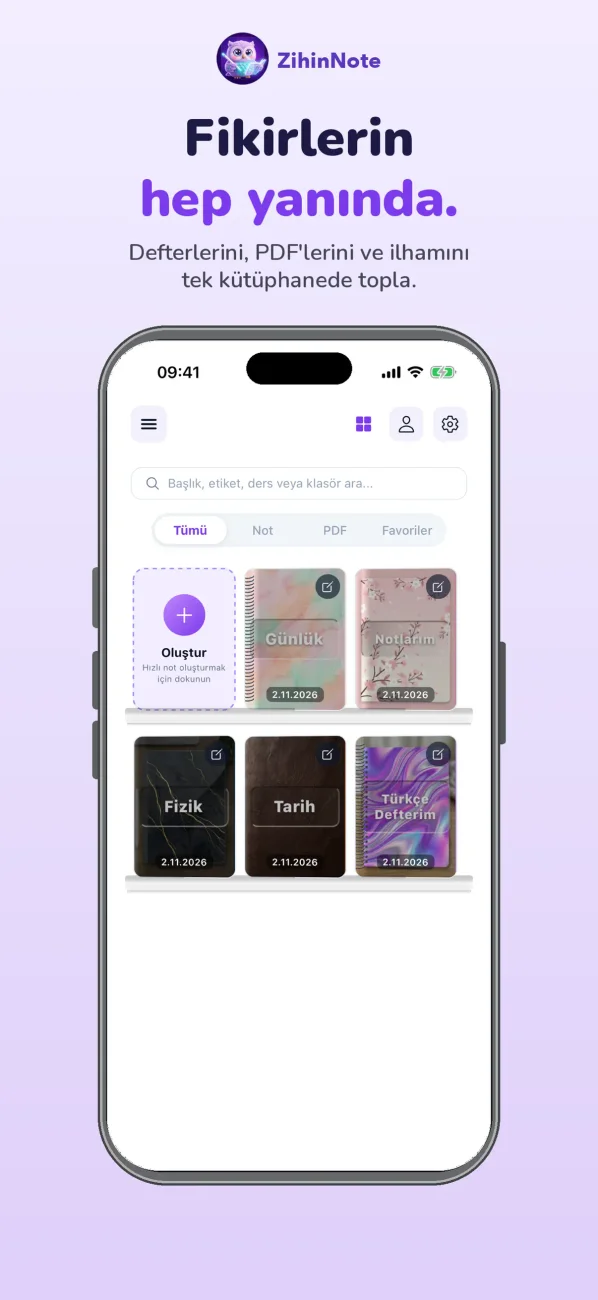
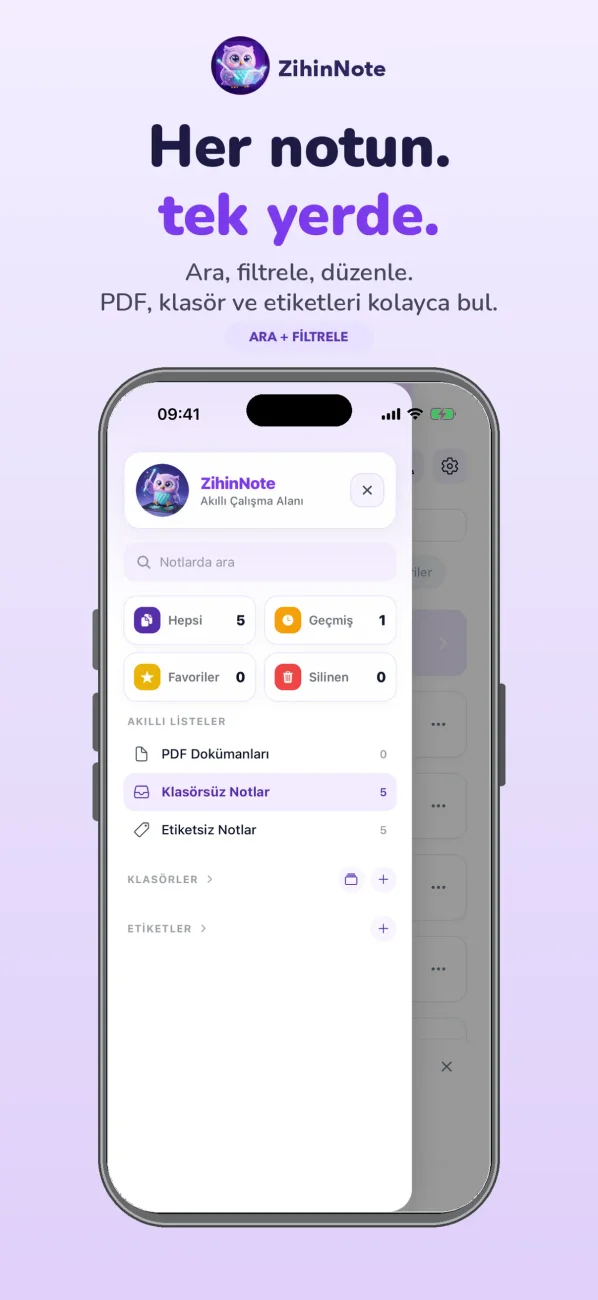
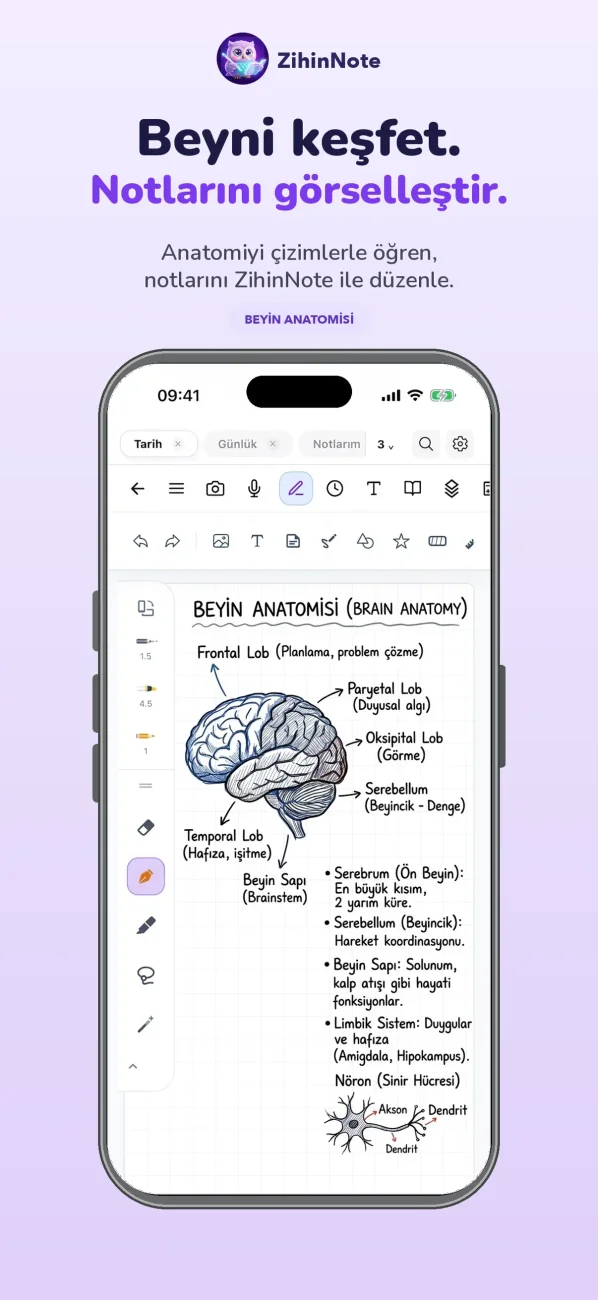
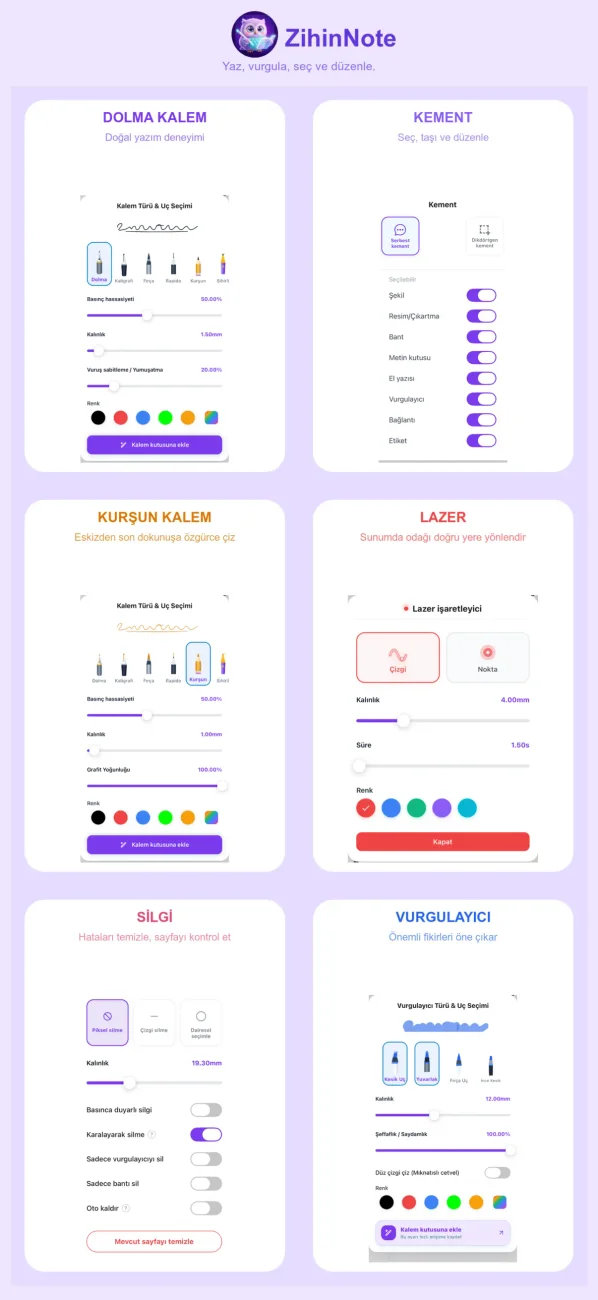
ZihinNote is a smart notebook for iPad and iPhone, made for students, academics and professionals. Write, draw and annotate with Apple Pencil, organize your PDFs, and keep your notes private.
KEY FEATURES
• Natural handwriting and drawing: smooth, low-latency strokes with Apple Pencil. Fountain pen, ballpoint, brush and highlighter tools.
• PDF reading and annotation: write on PDFs, navigate with the table of contents and bookmarks, copy or search selected text.
• Split screen: open two documents, or a note and a PDF, side by side.
• Smart shapes: arrows, axes and tables straighten automatically.
• Drawing replay: watch how your drawing was made, and save it as a video.
• Focus Studio: 25-minute deep work and break timers.
• Privacy first: lock notes with a passcode or Face ID.
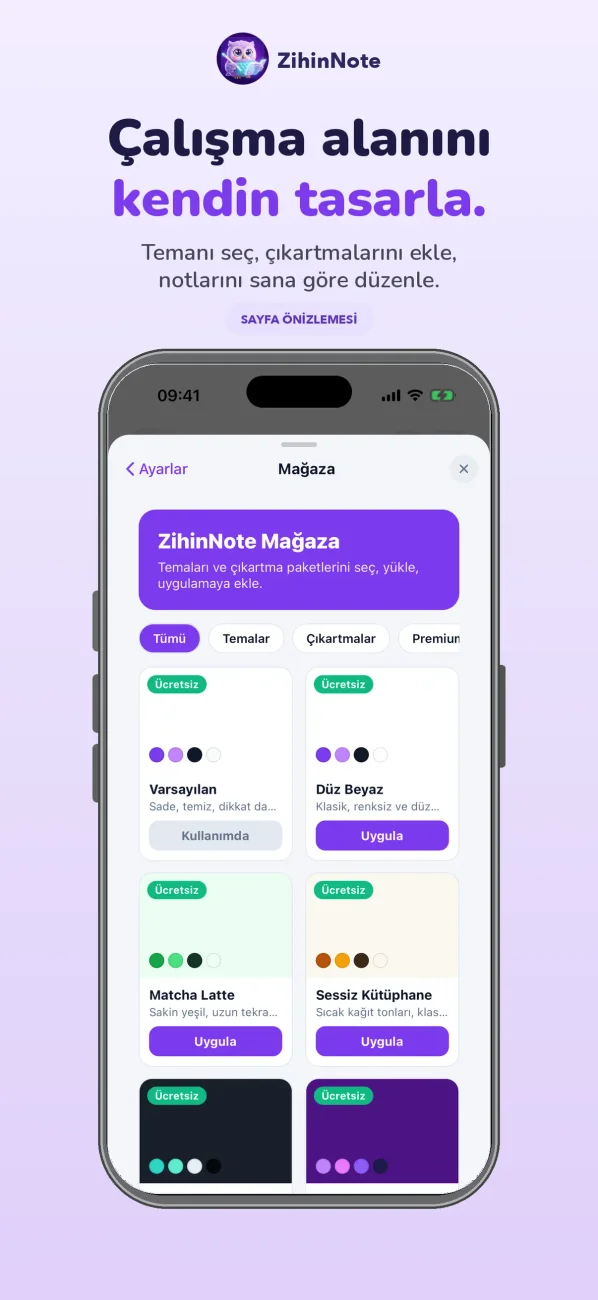
No account is needed to take notes. An optional sign-in syncs your settings and Premium status. The free version includes up to 3 PDF documents. Premium (monthly or yearly) removes the limits and unlocks all themes. A 3-day free trial is available.
Privacy policy: https://zihinnote.vercel.app/gizlilik/
Terms of use: https://zihinnote.vercel.app/kosullar/
What’s new
Version 2.4 · Nov 21, 2026
ZihinNote 2.4 brings:
Infinite Canvas
• Unlimited 2D workspace that expands dynamically as you draw, with 0.25×–5.0× zoom and quick re-center controls.
Live Handwritten Math & Offline Formulas
• Write equations by hand and get instant inline results to apply with one tap.
• Offline LaTeX formula rendering and faster vector handwriting analysis.
Take Notes While Watching Video
• Floating, resizable local video and YouTube player with PiP, speed control, and timestamped frame capture.
Smart Audio Notes, Flashcards & Quiz Mode
• Turn lecture recordings into summaries, action items, mind maps, and flashcard decks in one tap.
• Watch handwritten notes replay live in sync with audio, and tap strokes or text to jump right to that moment.
• Study PDF occlusion cards with cropped visual previews, surrounding page context, and a new 4-choice Quiz Mode.
Searchable PDF Export & Cross-Device Sync
• Exported PDFs and notebooks embed an invisible OCR text layer so your handwriting is searchable and selectable everywhere.
• Sync PDFs, images, and audio recordings seamlessly across your devices with your account.
Tools, Design & Polish
• New Line Pen (solid, dashed, wavy, zigzag, double) with horizontal lock, smart lasso selection, gap-tolerant fill bucket, and 200-step persistent undo.
• 24 new cover styles, refreshed frosted-glass toolbars, dynamic Quick Actions, and performance and security enhancements.
App privacy
What Mehmet Sırın YILDIZ declares on the App Store about how this app handles data.
-
Data linked to you
May be collected and linked to your identity.
- Purchases
- Contact info
- Identifiers
Privacy practices may vary, for example with the features you use or your age.
Information
- Seller
- Mehmet Sırın YILDIZ
- Category
- Productivity
- Version
- 2.4
- Updated
- Nov 21, 2026
- Released
- Oct 29, 2026
- Size
- 109.4 MB
- Requires
- iOS 16.4 or later
- Age rating
- 4+
- In-app purchases
- Yes
- Languages
- English, German, Turkish
- Copyright
- © 2026 Şirin Yıldız
You might also like
-
 Tek — Notes, Tasks & CalendarNotes, diary, tasks, scanner
-
 Fobble NotesNotes, lists and ideas
-
 Stacy: AI Notes & WhiteboardVoice memo, docs & to do list
-
 VelNotes: Handwriting NotesPDF, Voice & Study Notebook
-
 Lemon Notes: Pdf, Docs, StudyRead PDFs, Take Notes & Study
-
 Mintofu: Notes Tasks PDFAI Calendar, Planner, Mind Map
-
 Notepad Easy Notes - NookSimple, Sleek, Secure Notes
-
 Remove PDF Pages : PDF ToolsEasily delete pages from PDFs
-
 Bilge: AI Chat & Video MakerSmart AI Assistant
-
 ZenShift: Shift CalendarWork Schedule, Hours & Pay