- 対象年齢4+
- カテゴリ仕事効率化
- 開発元Gabriel Kaplan
- 言語英語
- サイズ9.9 MB
App Storeの公式ページにリンクしています
Download.orgはZremのファイルを一切ホストしていません。ボタンを押すと、Gabriel Kaplanが公開しているApp Storeのアプリページが開きます。ページの最終確認:2026/11/20。
スクリーンショット


概要
開発元はこのテキストをお使いの言語で提供していません。
Every AI app wants to be the only AI app you use.
GPT wants you to stay in GPT. Claude wants you to stay in Claude. Gemini wants you to stay in Gemini. Nobody built the natural layer — the thing that sits above all of them and makes sure your context travels with you when you switch.
Every time you switch between AI apps, you start from zero. Your context disappears. Your history is lost. You spend the first five minutes of every new conversation re-explaining who you are, what you're building, and where you left off.
Zrem fixes exactly that.
HOW IT WORKS:
Open any AI app — GPT, Claude, Gemini, or any other
Tap the share button inside any app — or highlight a specific response and share just that
Select Zrem from the share sheet
Zrem extracts what matters and saves it to your library
Open your next AI directly from Zrem with your context ready to paste
That's it. No copy-pasting. No re-explaining. No starting over.
WHAT ZREM DOES:
Save full conversations or specific snippets via the iOS share sheet
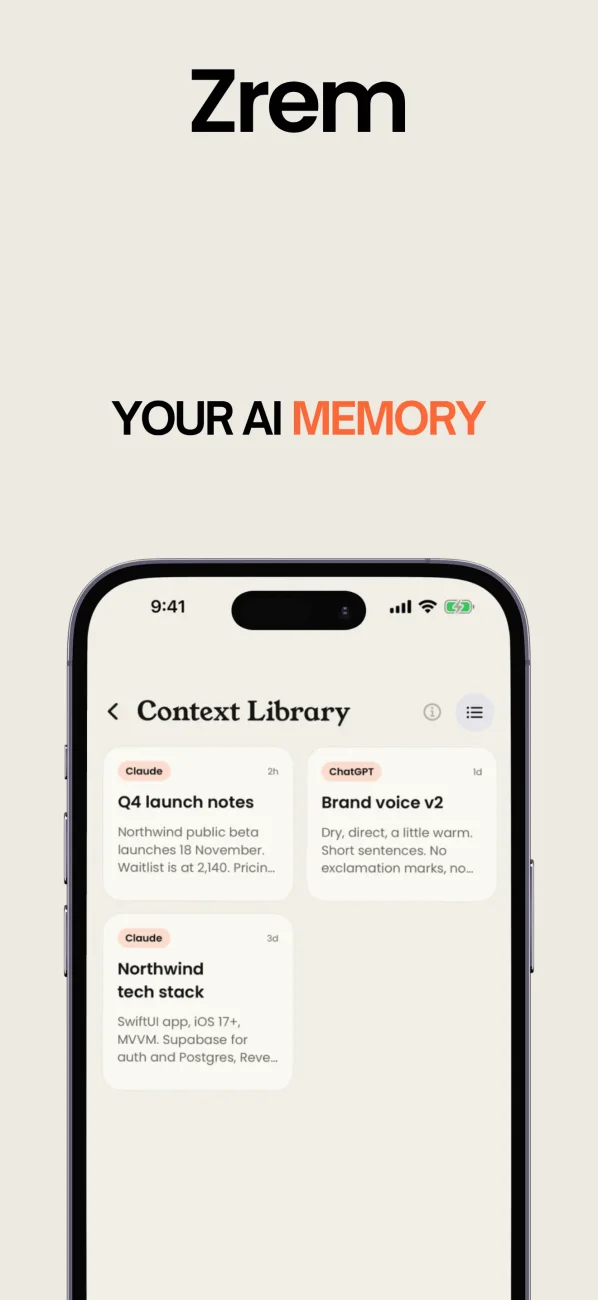
Auto-organise contexts into Smart Folders by topic
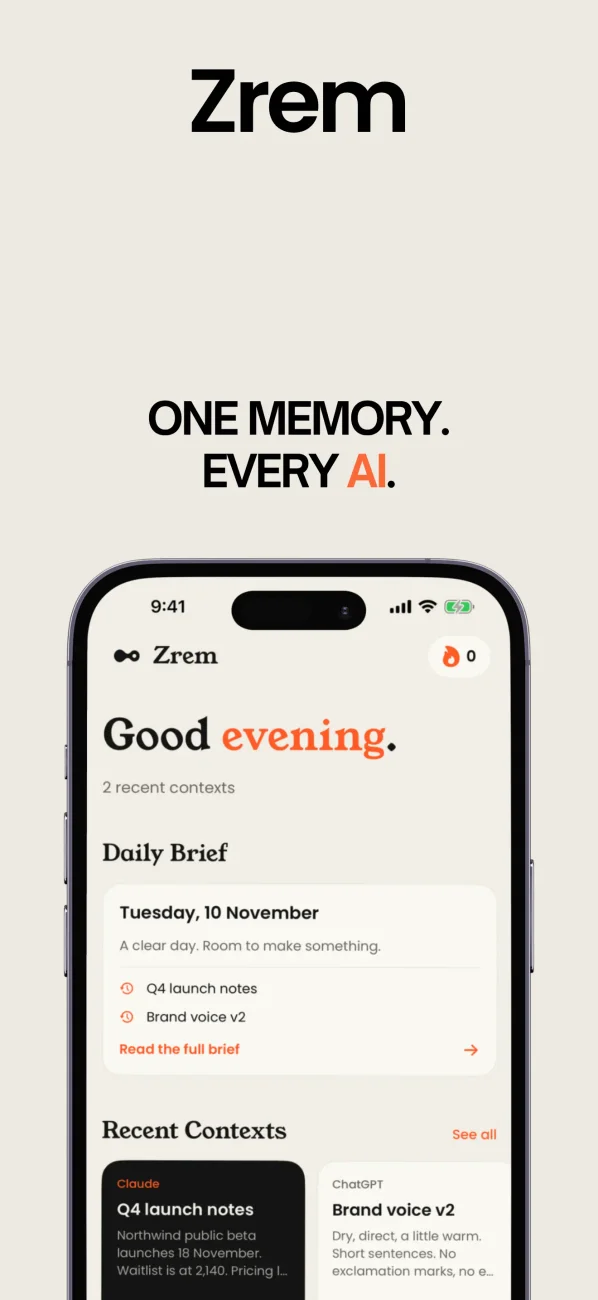
Get a personalised Morning Brief every day — your saved contexts, calendar, reminders, and Gmail (Coming Soon)
One tap opens Claude, ChatGPT, Gemini, or Perplexity with your context copied and ready
YOUR TOOLS:
Context Library — every saved context, tagged, searchable, and organised automatically into Smart Folders
Templates — pre-built context structures for developers, students, writers, and businesses
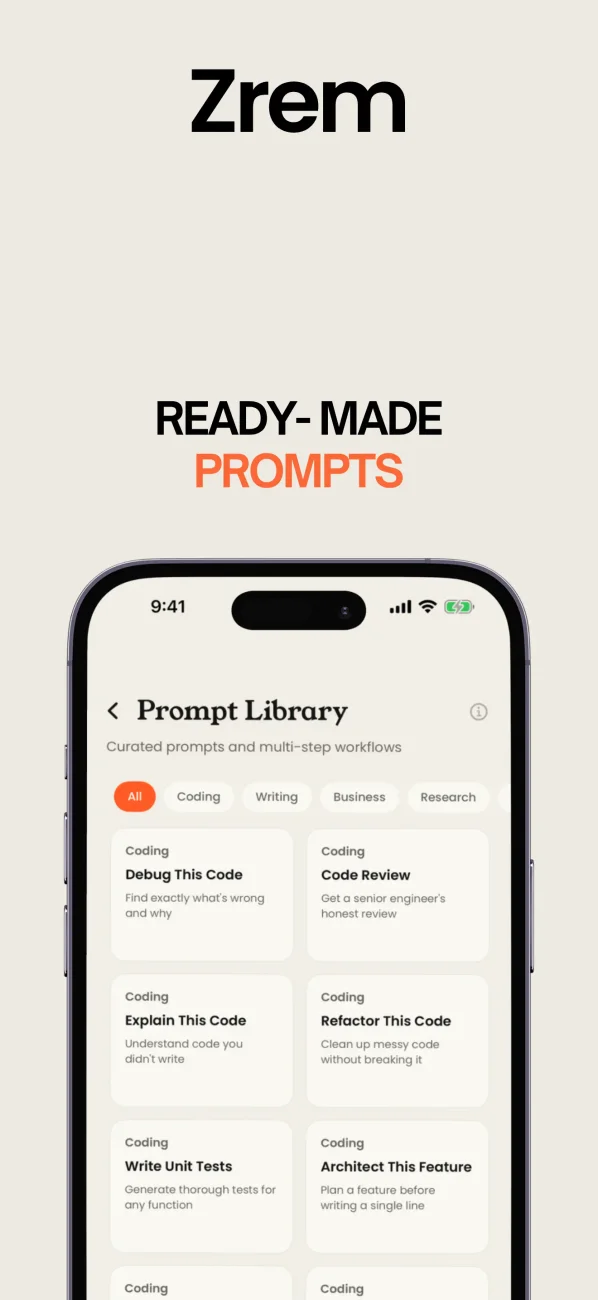
Prompt Library — curated prompts across coding, writing, research, business, study, creative, and productivity
Workflows — chain prompts into multi-step sequences and work through complex tasks one step at a time
Profiles — tell every AI who you are, how you work, and what you're building — once. Switch between profiles and export to any AI instantly
Morning Brief — your AI day summarised at 9am. Connect Gmail (Coming Soon), calendar, and reminders and load it all into your AI in one tap (Pro)
WORKS WITH:
GPT, Claude, Gemini, Perplexity, Copilot, Grok, Meta AI, and every AI app with a share button
Sign in with Apple — one tap, no forms, no password. Your data stays on your device.
Terms of Use (EULA): https://www.apple.com/legal/internet-services/itunes/dev/stdeula/
新機能
バージョン 2.2.1 · 2026/11/12
A whole new look. Zrem has a clean new home screen and a simpler way to get around, plus a round of bug fixes to make everything feel smoother.
アプリのプライバシー
このアプリのデータの取り扱いについて、Gabriel KaplanがApp Storeで申告している内容です。
-
ユーザーに関連付けられないデータ
収集される場合がありますが、ユーザーの識別情報には関連付けられません。
- ユーザーコンテンツ
プライバシーの取り扱いは、ご利用の機能やお客様の年齢などに応じて異なる場合があります。
情報
- 販売元
- Gabriel Kaplan
- カテゴリ
- 仕事効率化
- バージョン
- 2.2.1
- 更新日
- 2026/11/12
- リリース
- 2026/8/17
- サイズ
- 9.9 MB
- 必要条件
- iOS 17.0以降
- 対象年齢
- 4+
- 価格
- 無料
- アプリ内課金
- あり
- 言語
- 英語
- 著作権
- Copyright: © 2026 Dev To Defy