Apple Devices0 for macOS
Sync, back up, restore and update Apple devices from a Windows PC
Free
You are on Windows — this is the macOS version. See the Windows version
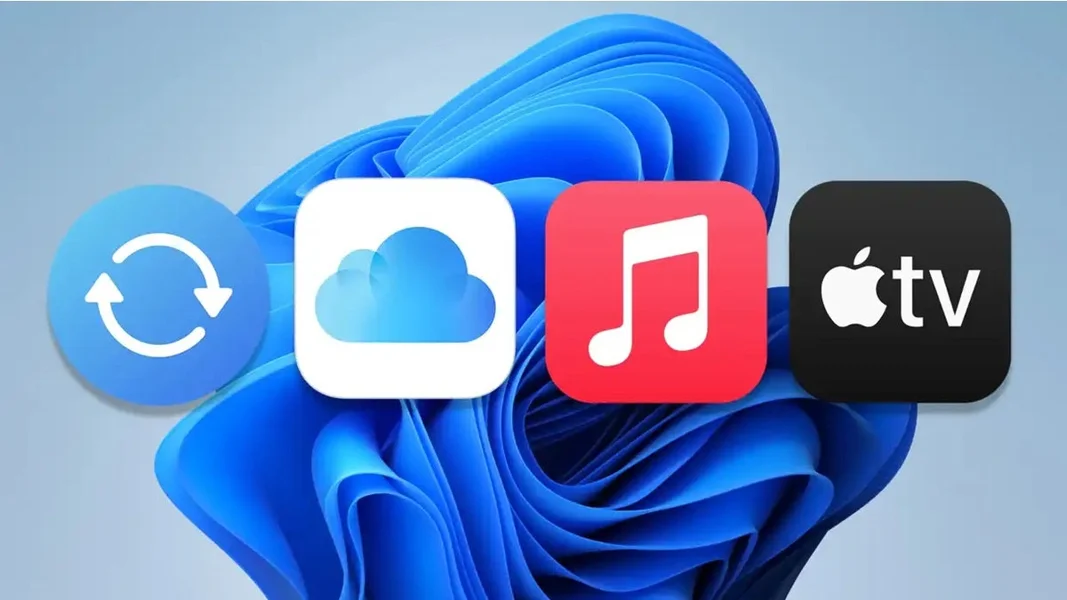
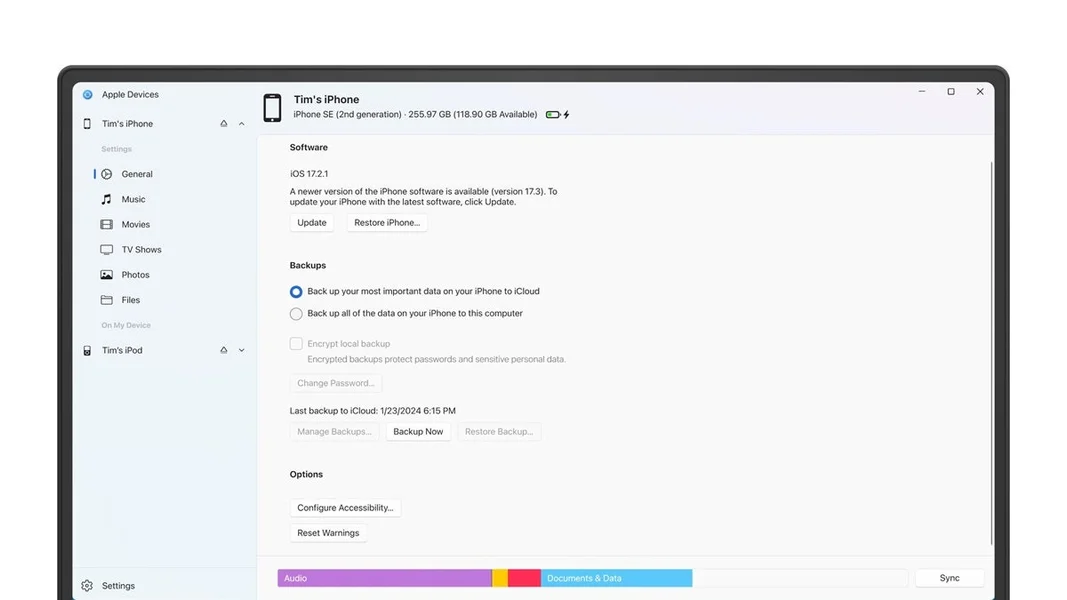
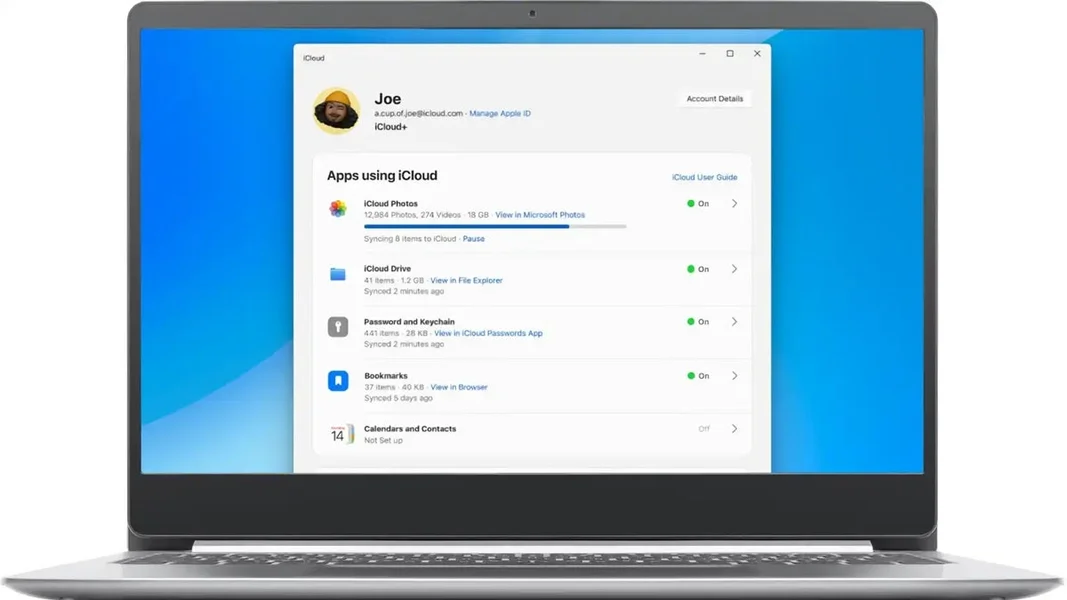
Apple Devices syncs content to a connected iPhone or iPad, backs it up, restores it, and installs software updates. It is an official utility made by Apple Inc. for managing supported Apple hardware on Windows PCs. The app replaces the older iTunes workflow for these jobs.
Once a device is connected, a structured sidebar shows the settings and the synced content, and you move between them from there. Backup and restore are where it does its best work. File sharing sits in the same interface, so you are not switching tools to move a document across. Wi-Fi syncing is available after setup, which means the cable is not needed every time.
The design stays on essential maintenance. It is not a deep file manager and not a full media suite, so anyone expecting broader desktop-style control may find it limited. Its focused design can feel plain to users who only need occasional syncing. It is most useful for people already invested in Apple's device ecosystem. The app is free.
[Release notes coming soon]
Verify the file
Compare the SHA-256 of the file you downloaded with the value below. Files exactly as the publisher released them.
-
Apple_Devices_Installer.exe
0 · EXE · Apple silicon · 559.9 KB · Online installer
SHA-256
9aa5f4dfc2fdff3171e3017839d66bfd8136ce38a988d04b728d55af2e9fbd49Check on VirusTotalSigned by Microsoft Corporation · valid until Feb 2, 2024
Get
Files exactly as the publisher released them.
Information
- Seller
- Apple Inc.
- Size
- 559.9 KB · Online installer
- Compatibility
macOS macOS 10.15 or later
- Languages
- Price
- Free
- Platform
- Also available on Windows