AutoSubs3.11.0 for macOS
Builds synchronized subtitle tracks inside your editing project
You are on Windows — this is the macOS version. See the Windows version
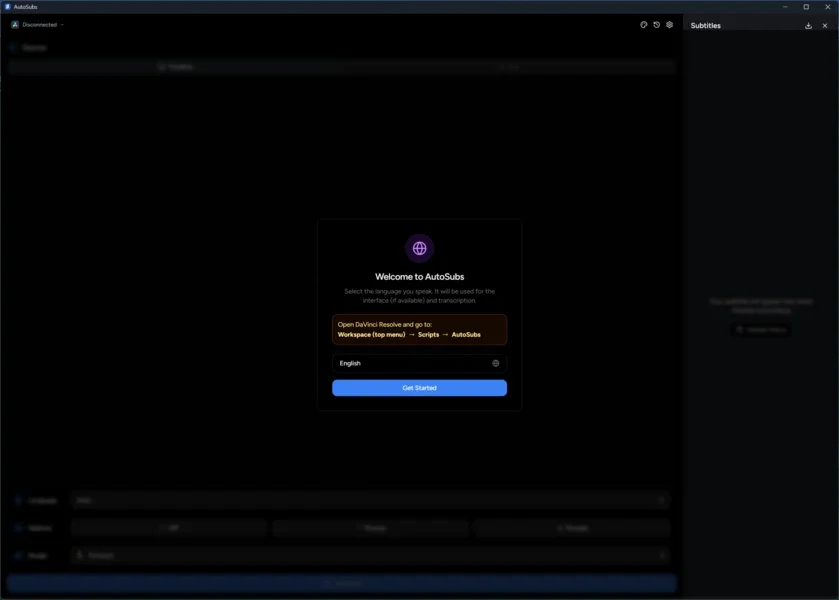
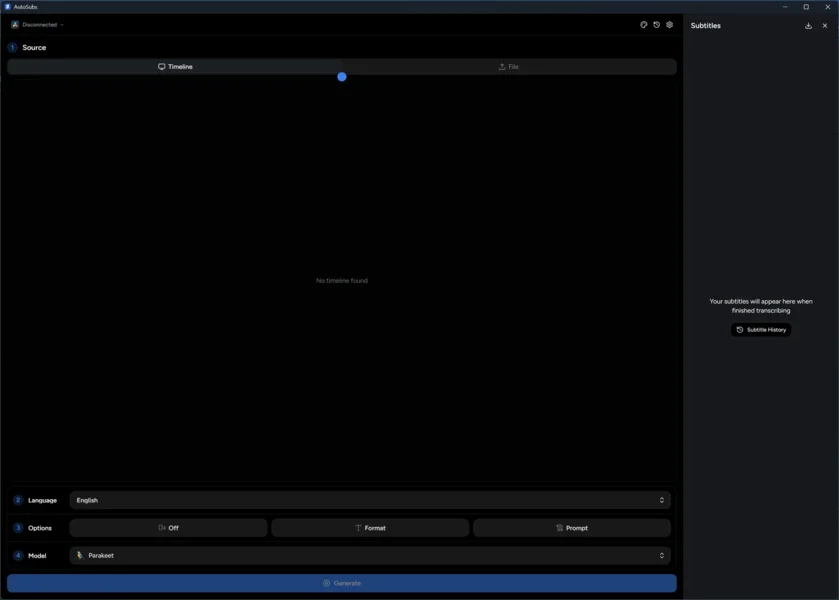
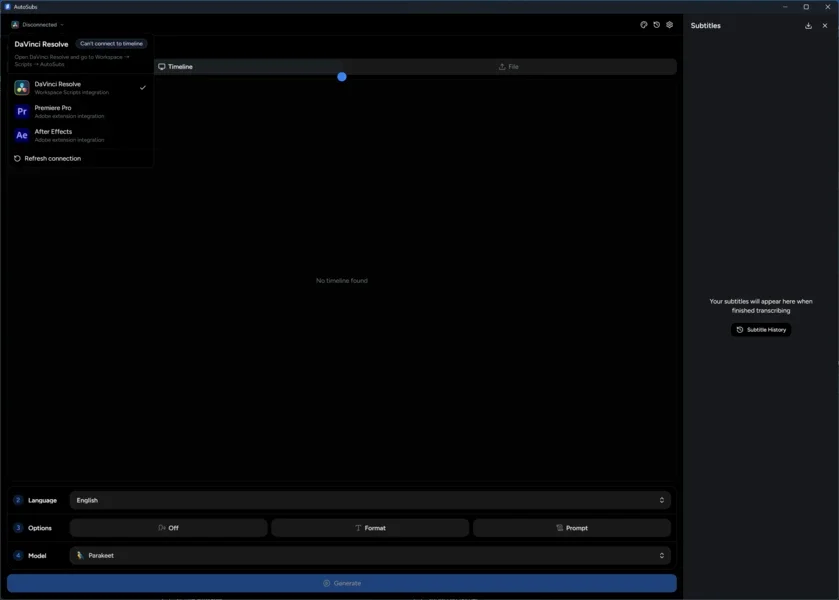
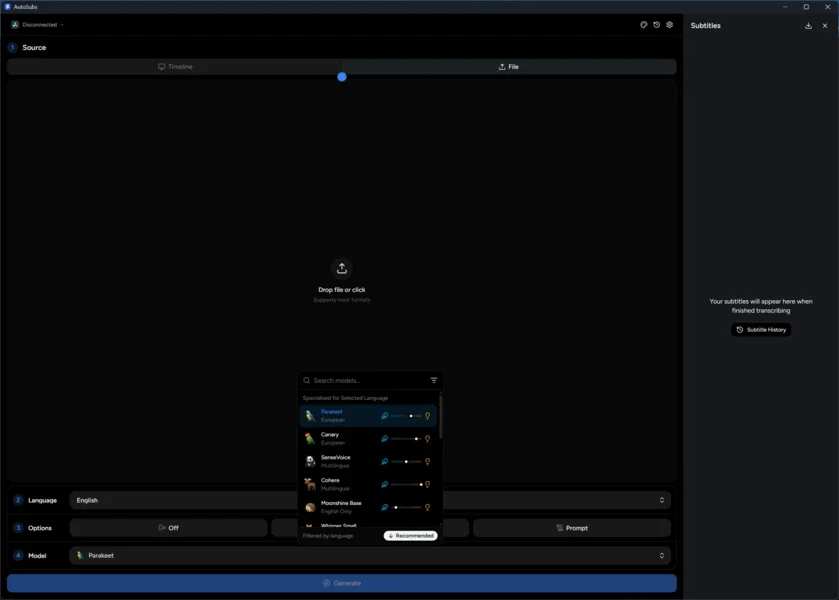
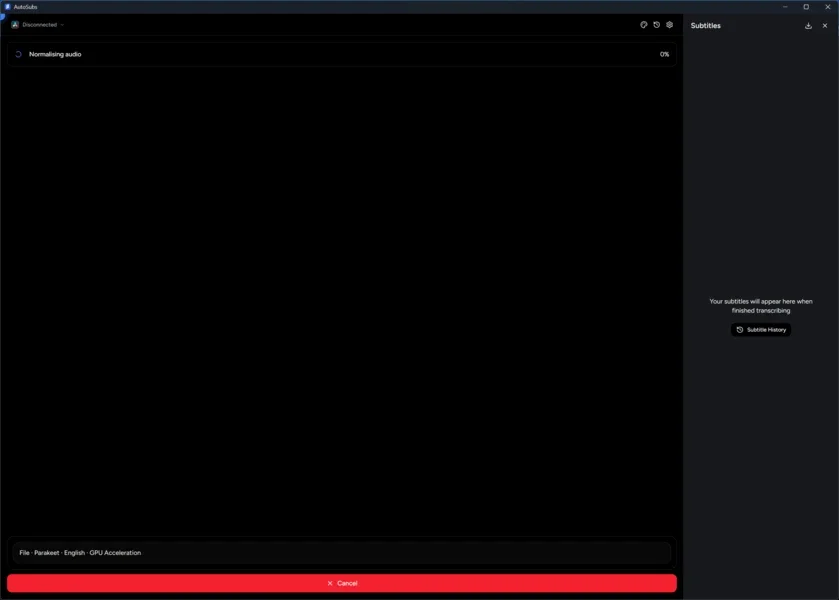
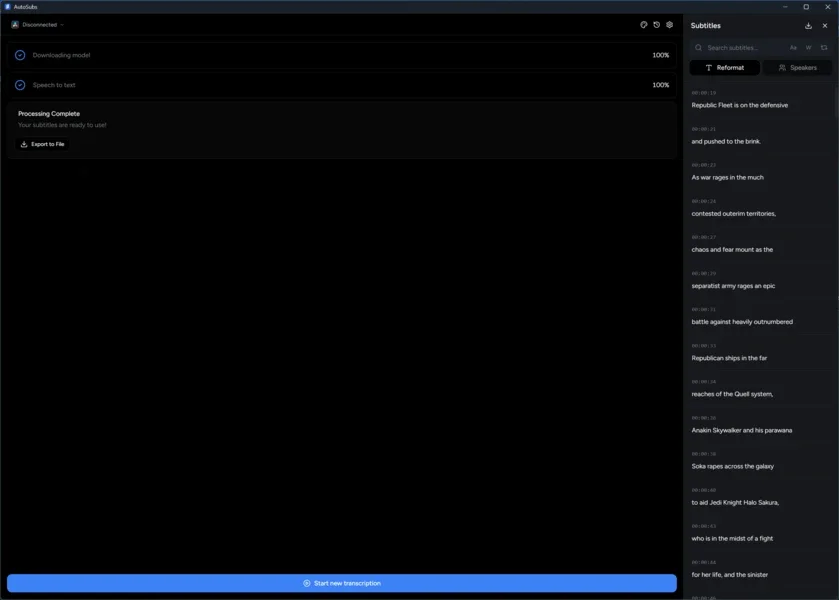
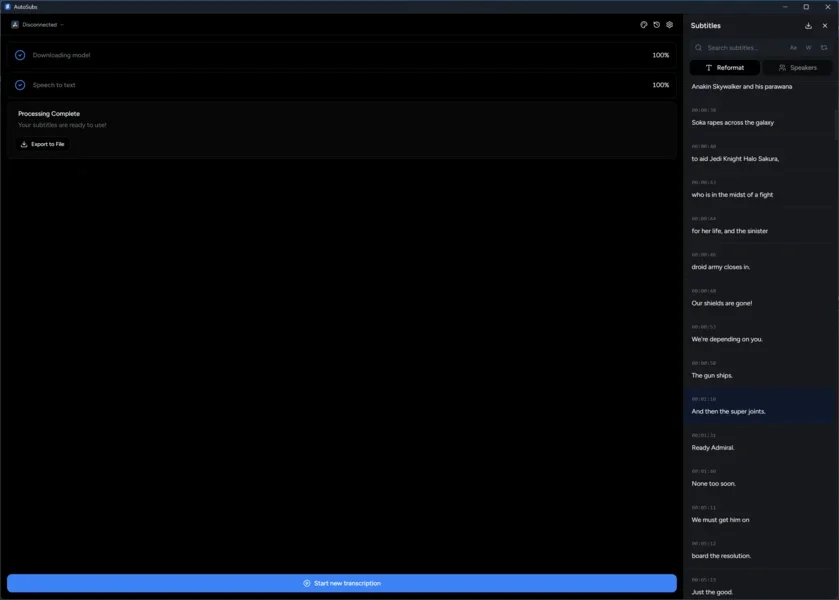
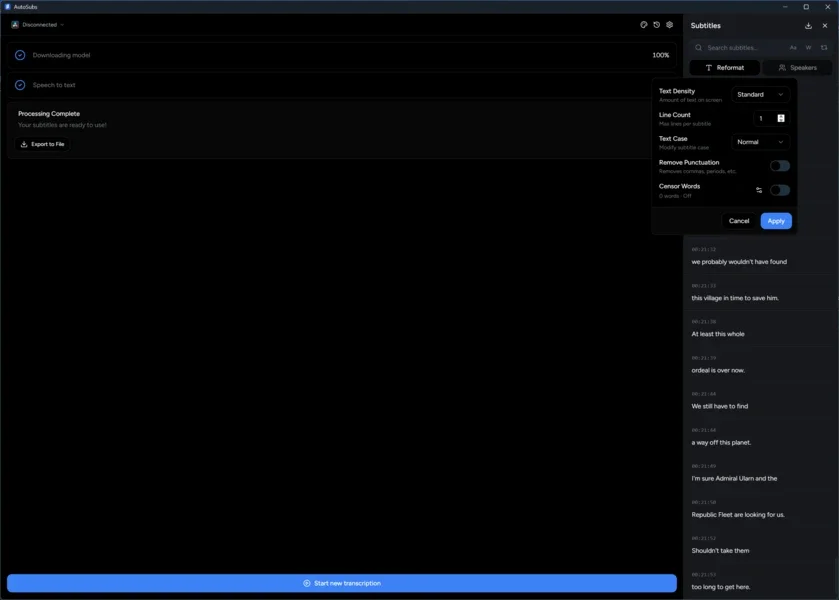
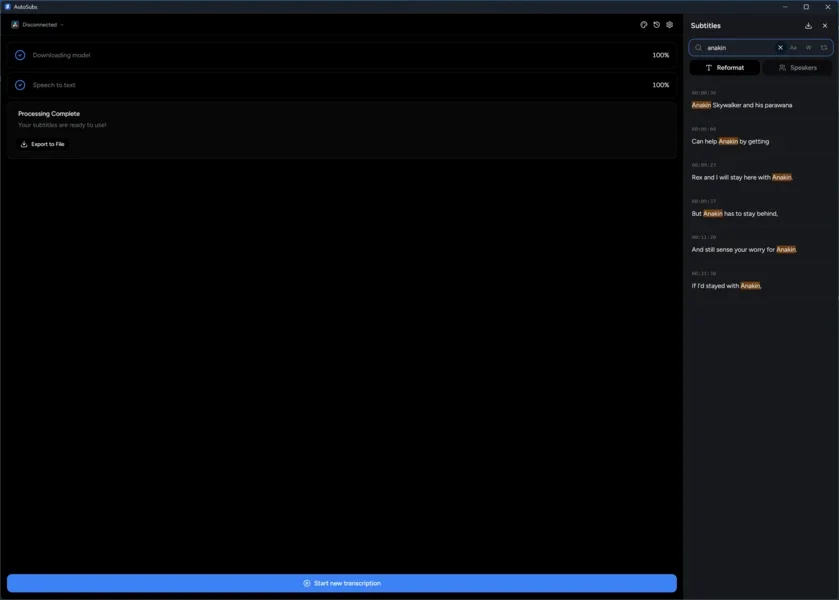
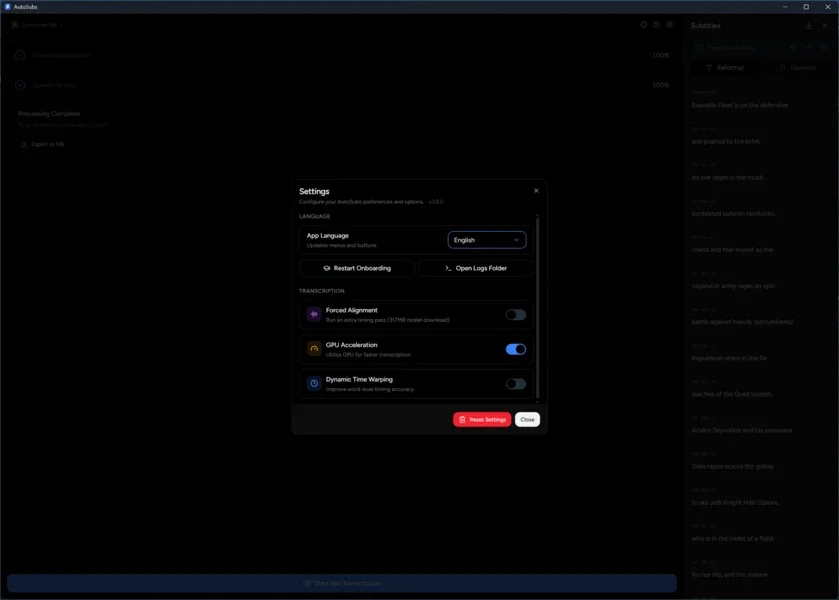
AutoSubs transcribes a spoken track and turns it into subtitles without manual typing. It works inside DaVinci Resolve, Premiere Pro, and After Effects, generating text clips on the editing program's dedicated track, and it handles other standard videos as well. Recognition covers dozens of languages in the same workspace, among them Spanish, English, French, and German. Accents and specific terminology come through without losing precision.
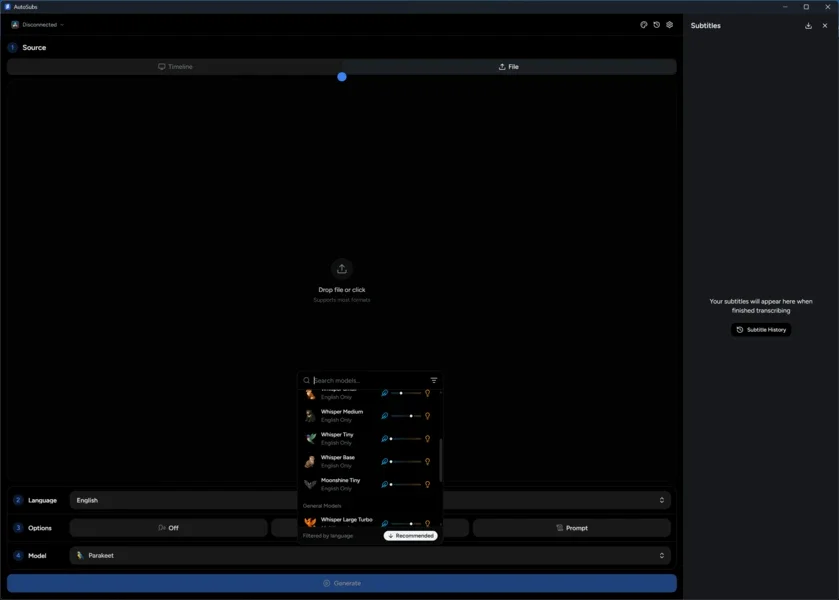
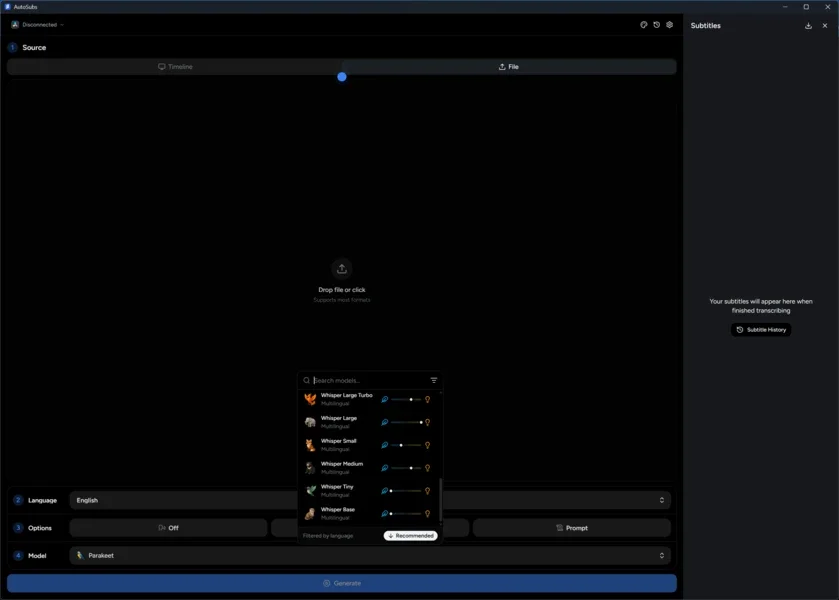
Text runs on AI models derived from Whisper, and each model size gives its own tradeoff between speed and accuracy, set by what the machine's graphics card or processor can handle. Speech analysis stays on the Mac; audio is never sent to external servers. In and out points land on each speaker's natural pauses. Segmentation settings control how many words or characters appear per caption, and minimum and maximum durations per segment keep single-word phrases or dense text blocks out. A word badly placed between lines can be shifted to the preceding or following sentence. Transcripts can be translated into English during analysis. Queues process several files one after another.
Typography, color, and background shadow are set by hand from the main menu, or you can apply a pre-made design template. There are dynamic word-by-word subtitles built for the vertical format of short videos. Text can be embedded into the finished video, or results exported as separate SRT or VTT files. Getting the AI engine set up at install time takes a few manual steps.
[Release notes coming soon]
Verify the file
Compare the SHA-256 of the file you downloaded with the value below. Files exactly as the publisher released them.
-
autosubs-3-11-0.pkg
3.11.0 · PKG · 63.9 MB
SHA-256
33722be115951d2247a09838db18bcc0751262de7adf4dc0682d84b74ff824e6Check on VirusTotal Get
Files exactly as the publisher released them.
Information
- Seller
- Tom Moroney
- Size
- 63.9 MB
- Category
- Design & editing
- Compatibility
macOS
- Languages
English
- Age rating
- All ages
- Platform
- Also available on Windows