Skip to content

Blockbench5.2.2 for macOS

3D modeling and animation for Minecraft and similar games

JannisX11

Free · Proprietary

Download 5.2.2 · 122.8 MB
  • Age rating
    0+
    All ages
  • Category
    Gaming Tools
  • Developer
    JannisX11
  • Languages
    1
    English
  • Size
    122.8
    MB

Mac

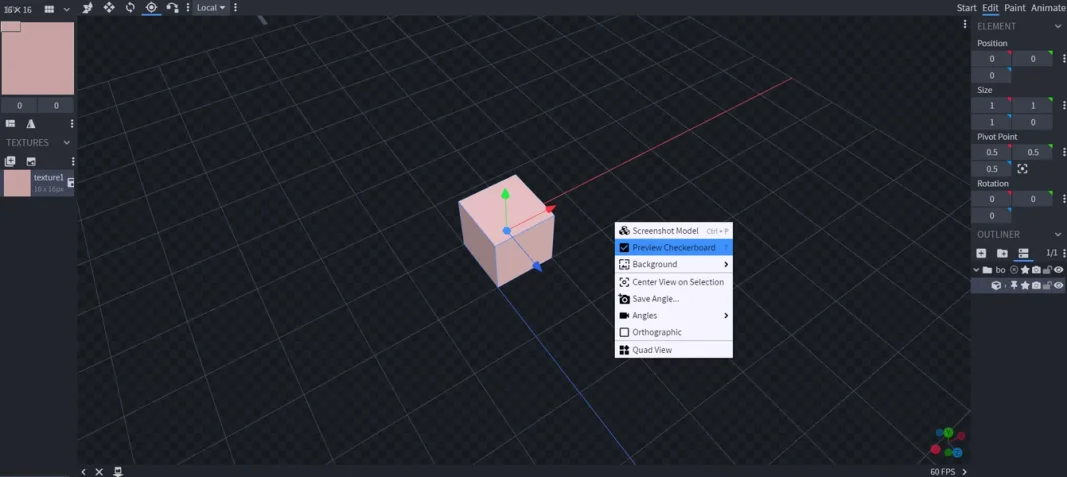
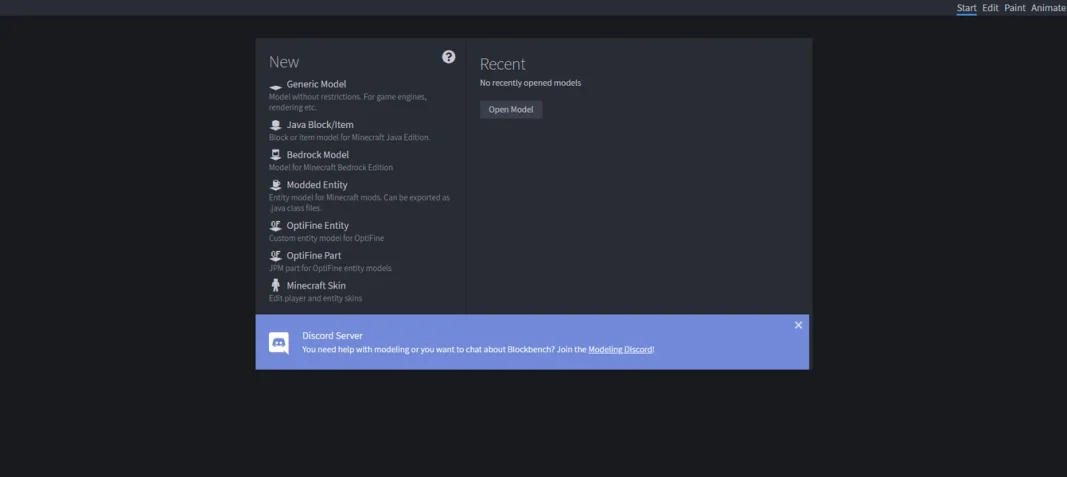
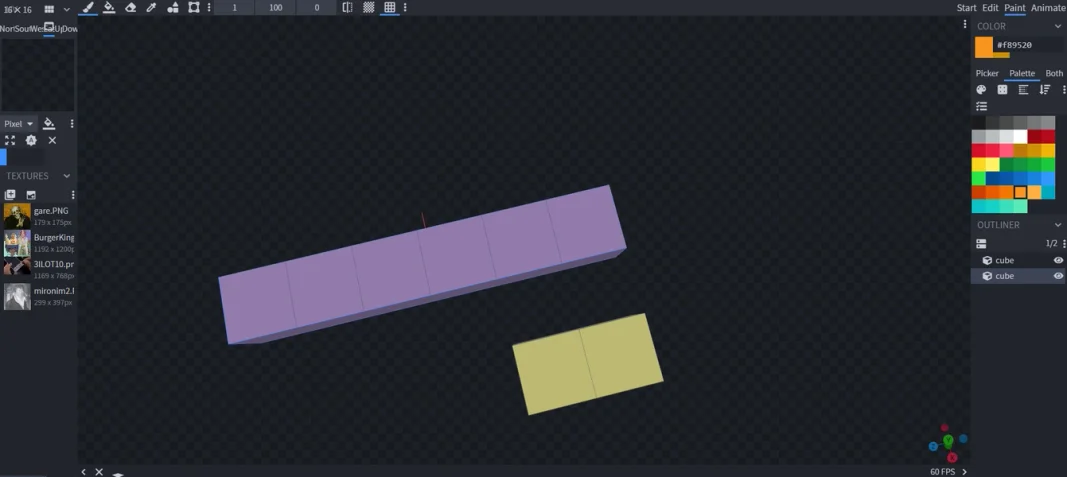
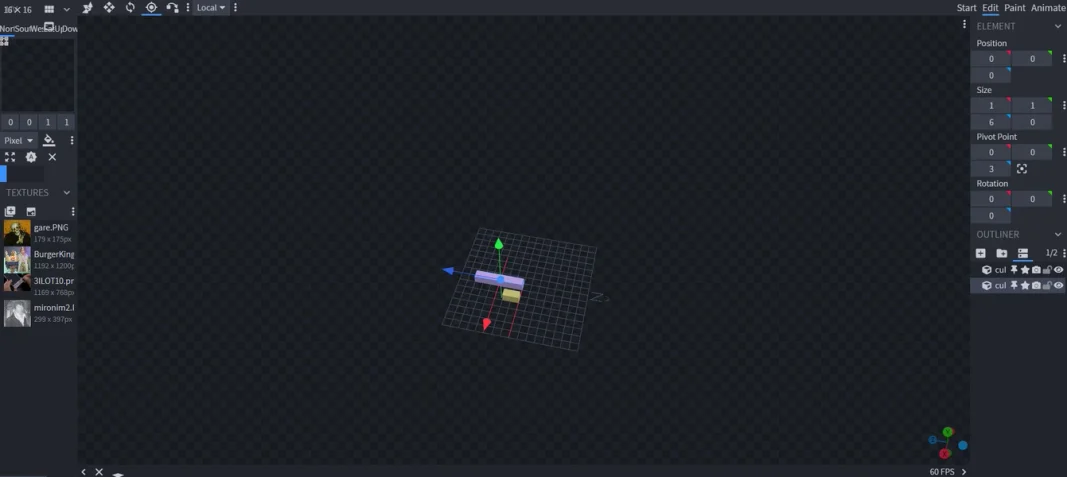
Blockbench builds and animates 3D models for Minecraft and similar games. It is a 3D animation and editing tool, and textures for Minecraft can be created and edited inside it.

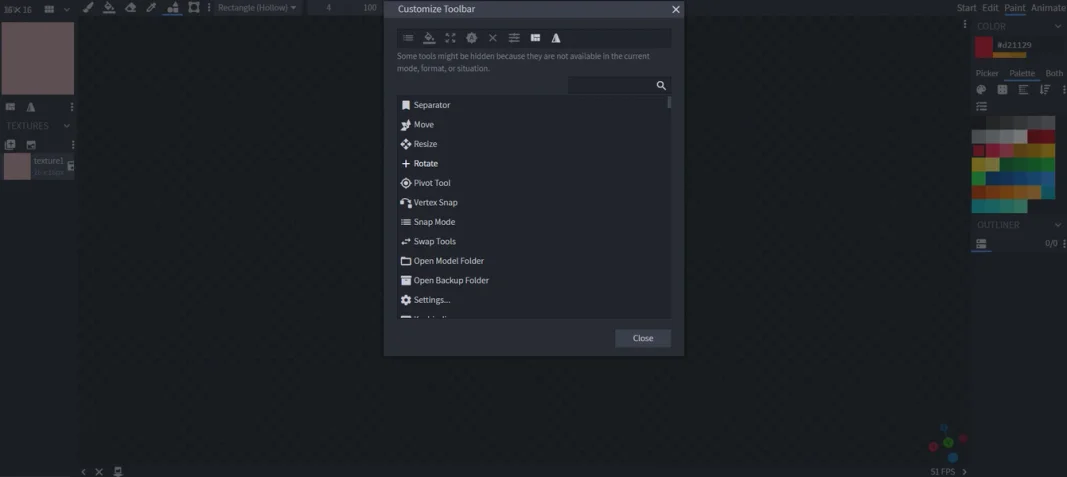
The interface is simple and fully customizable, and the settings menu lets you change its appearance. Projects can be exported from the program, including to Minecraft: Bedrock Edition, and models can be rendered in Blender or Maya. Online sessions let multiple users work on the same project in real time. New features can be added through the plugin store. You can also create your own plugins and upload them to the plugin store.

The program is free and runs on macOS.

[Release notes coming soon]

Version 5.2.2

Verify the file

Compare the SHA-256 of the file you downloaded with the value below. Files exactly as the publisher released them.

  • blockbench-5-2-2.dmg

    5.2.2 · DMG · 122.8 MB

    SHA-256

    0d072bf863ee3e0bcaecbd0de67a5ffd29dfbf6ee2e8fe5eeb872a14331c5c03 Check on VirusTotal Get

Files exactly as the publisher released them.

Information

Seller
JannisX11
Size
122.8 MB
Category
Gaming Tools
Compatibility
macOS
Languages
English
Age rating
All ages
License
Proprietary
Price
Free

Version history

  • [Release notes coming soon]

    5.2.2
  • [Release notes coming soon]

    5.2.1
  • [Release notes coming soon]

    5.2.1
  • [Release notes coming soon]

    5.2.0
  • [Release notes coming soon]

    5.1.6
  • [Release notes coming soon]

    5.1.5
  • [Release notes coming soon]

    5.1.4
  • [Release notes coming soon]

    5.1.3
  • [Release notes coming soon]

    5.1.2
  • [Release notes coming soon]

    5.1.1
  • [Release notes coming soon]

    5.1.0
  • [Release notes coming soon]

    5.0.7
  • [Release notes coming soon]

    5.0.6
  • [Release notes coming soon]

    5.0.5
  • [Release notes coming soon]

    5.0.4
  • [Release notes coming soon]

    5.0.3
  • [Release notes coming soon]

    5.0.2
  • [Release notes coming soon]

    5.0.1
  • [Release notes coming soon]

    4.12.5
  • [Release notes coming soon]

    4.12.4
  • [Release notes coming soon]

    4.12.3
  • [Release notes coming soon]

    4.12.2
  • [Release notes coming soon]

    4.12.0
  • [Release notes coming soon]

    4.11.2
  • [Release notes coming soon]

    4.11.1
  • [Release notes coming soon]

    4.11.0
  • [Release notes coming soon]

    4.10.4
  • [Release notes coming soon]

    4.10.3
  • [Release notes coming soon]

    4.10.2
  • [Release notes coming soon]

    4.10.1
  • [Release notes coming soon]

    4.10.0
  • [Release notes coming soon]

    4.9.3
  • [Release notes coming soon]

    4.9.2
  • [Release notes coming soon]

    4.9.1
  • [Release notes coming soon]

    4.8.3
  • [Release notes coming soon]

    4.8.2
  • [Release notes coming soon]

    4.8.1
  • [Release notes coming soon]

    4.7.4
  • [Release notes coming soon]

    4.7.2
  • [Release notes coming soon]

    4.7.1
  • [Release notes coming soon]

    4.6.5
  • [Release notes coming soon]

    4.6.4
  • [Release notes coming soon]

    4.6.3
  • [Release notes coming soon]

    4.6.1
  • [Release notes coming soon]

    4.5.2
  • [Release notes coming soon]

    4.4.2
  • [Release notes coming soon]

    4.4.0
  • [Release notes coming soon]

    4.1.5
  • [Release notes coming soon]

    3.9.2

All versions ›