Epic Games Launcher20.3.3 for macOS
Buy, launch and manage the games Epic offers on macOS
Free · Proprietary
You are on Windows — this is the macOS version. See the Windows version
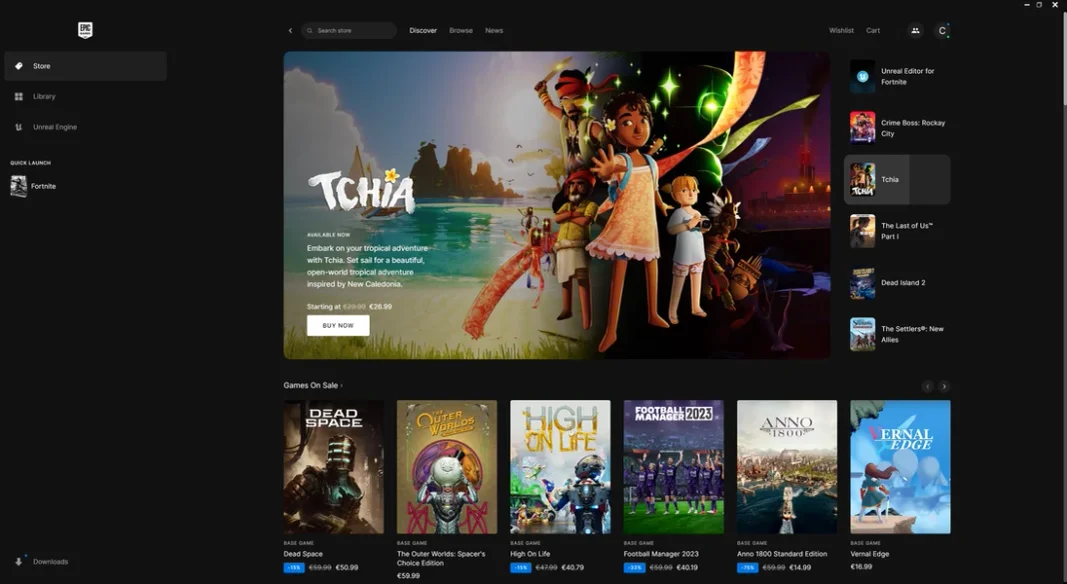
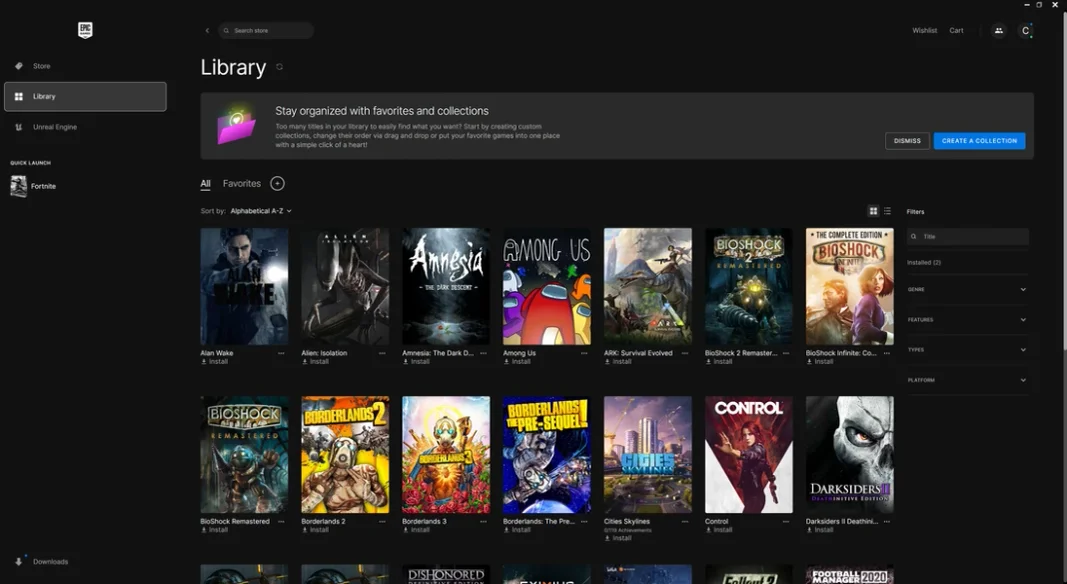

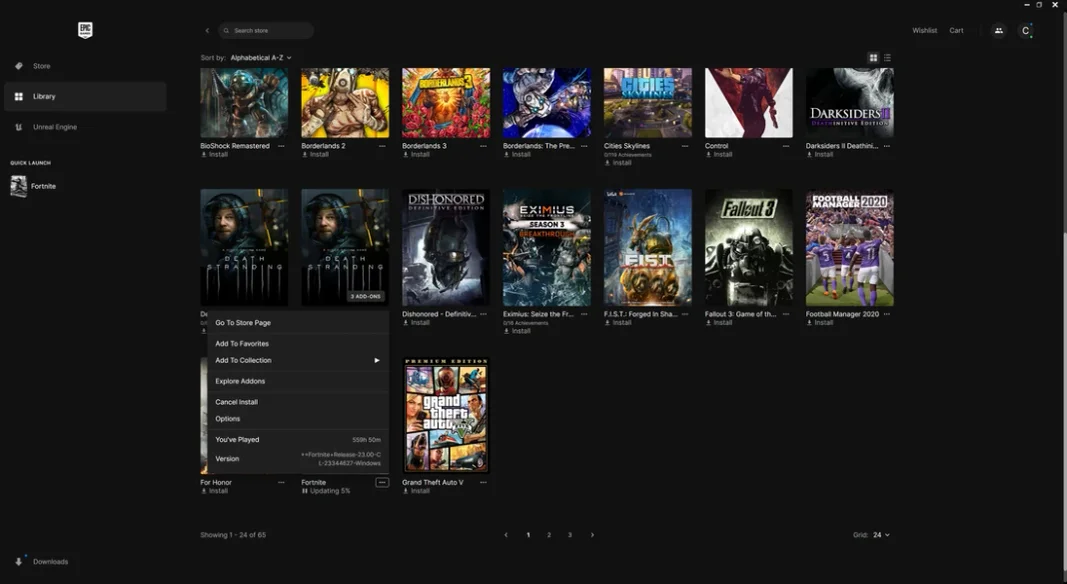
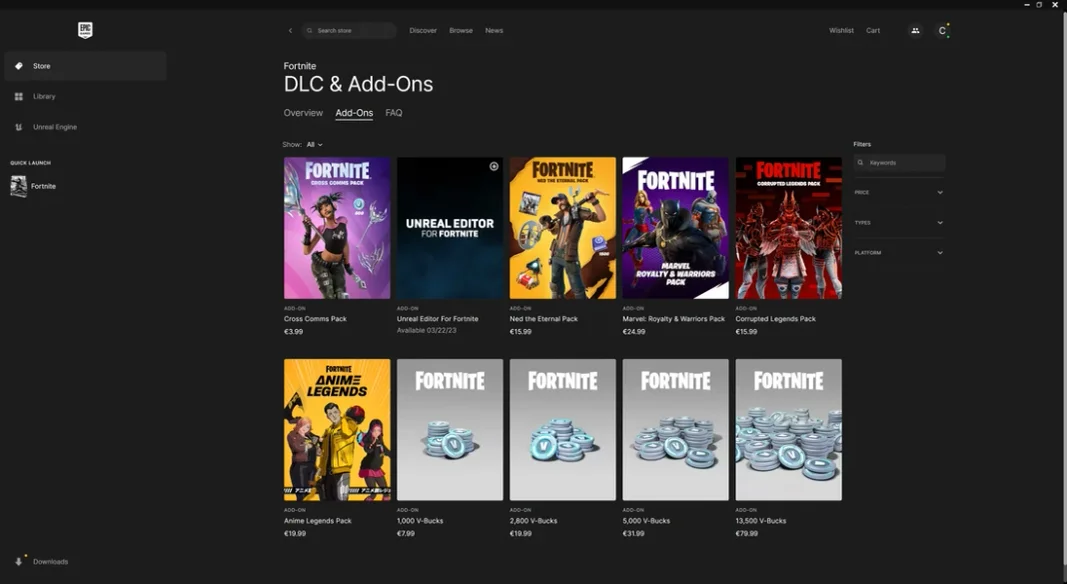
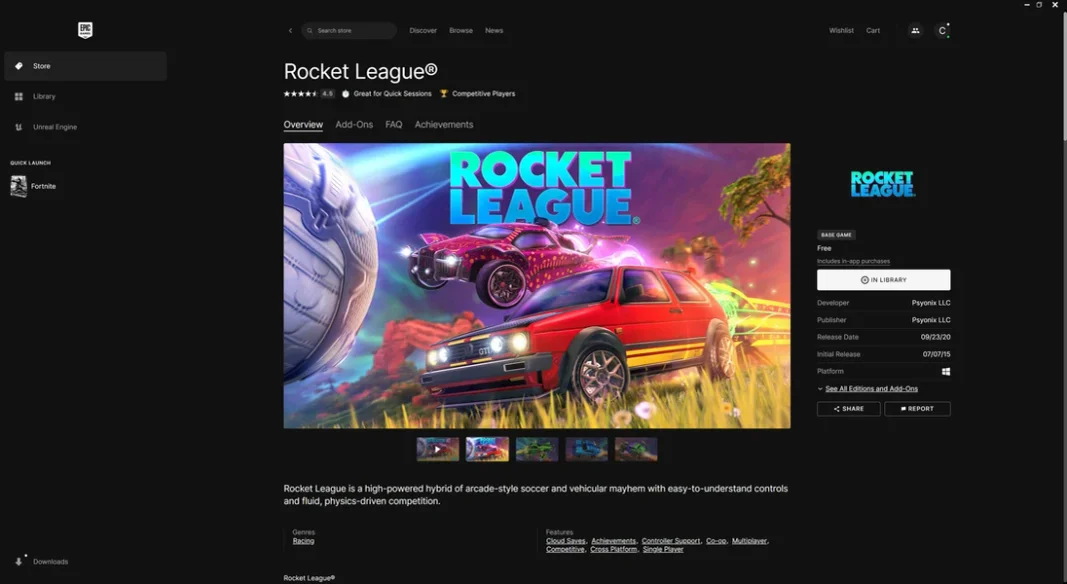
Epic Games Launcher is where you buy, launch and manage the Epic titles that run on macOS. It is the official Epic launcher app for the Mac, and it only acts as a launcher for the games available on that platform.
- Very few Windows games can be played on macOS, and not all PC games are available for the Mac.
- Many titles are temporarily free.
- Login options include Facebook, Google, Xbox Live, PlayStation Network, Steam and Apple.
- Signing in with another platform's account syncs your friends list.
Using the store on macOS means creating an Epic account or logging in through one of those platforms. From there it gives you access to the games playable on Apple's desktop operating system.
[Release notes coming soon]
Verify the file
Compare the SHA-256 of the file you downloaded with the value below. Files exactly as the publisher released them.
-
epic-games-launcher-20-3-3.dmg
20.3.3 · DMG · 109.9 MB
SHA-256
d25d7344f3759ef820c3b3f27eab10e86bfaba22788f88d5b917f4937a429076Check on VirusTotal Get
Files exactly as the publisher released them.
Information
- Seller
- Epic Games
- Size
- 109.9 MB
- Category
- Gaming Tools
- Compatibility
macOS macOS 10.15 or later
- Languages
Afrikaans and 47 more
- Afrikaans, Amharic, Arabic, Armenian, Belarusian, Bulgarian, Catalan, Chinese, Croatian, Czech, Danish, Dutch, English, Estonian, Farsi, Finnish, French, German, Greek, Hebrew, Hindi, Hungarian, Icelandic, Indonesian, Italian, Japanese, Kazakh, Korean, Latvian, Lithuanian, Malay, Norwegian, Polish, Portuguese, Romanian, Russian, Serbian, Slovak, Slovenian, Spanish, Swahili, Swedish, Tagalog, Thai, Turkish, Ukrainian, Vietnamese, Zulu
- Age rating
- All ages
- License
- Proprietary
- Price
- Free
- Platform
- Also available on Windows